
Hiring faster is only half the battle on a shift floor. You still need compliant onboarding, readable employee records, and a path for crew leads to grow — without losing them to the site down the road. Talent management software connects hiring, development, performance, and retention across the employee lifecycle. For deskless teams, that usually means mobile onboarding, cert and contract storage, and manager workflows that work between rushes — not a headquarters succession suite alone.
This 2026 guide to the best talent management software for shift-based teams compares eight hourly-focused tools (plus an enterprise callout) with pricing, screenshots, and practical selection criteria. We wrote it for multi-location operators in hospitality, retail, and healthcare — not another generic HR top-10 built for desk-based HCM. If your immediate pain is schedules and clock-ins, start with our workforce management software comparison; this guide focuses on hire-to-retain workflows.
What is talent management software?
Talent management software (often called a talent management system or TMS) helps organisations attract, onboard, develop, and retain people. Modules typically span applicant tracking, onboarding, performance management, learning, compensation, and sometimes succession planning — integrated so HR and managers see one employee story instead of scattered spreadsheets.
What is talent management software used for on shift floors? Operators use it to speed up hiring, store right-to-work and safety certs, run lightweight performance check-ins, and spot crew ready for supervisor roles. That is different from pure scheduling software (rotas or shift schedules only) or a full enterprise HCM rollout designed for desk-based headquarters.
A practical shift-floor talent stack often includes:
- Hiring / ATS — applicant flow, texting, and offers for high-volume hourly roles
- Onboarding — contracts, IDs, right-to-work evidence, and safety certifications
- Employee records — role history, site transfers, and audit-friendly document management
- Performance and development — check-ins, skills tracking, and paths to shift-lead roles
If you run hospitality, retail, or healthcare shifts, you typically need hiring plus compliant records before you worry about succession grids. Daily rota and hour capture often stays in workforce management software — but new hires should land in employee files without a manual re-export from your ATS. For a dedicated hiring-tool shortlist, see ATS software (applicant tracking systems). For Day-1 new hires after the offer, see onboarding software.
Talent management software at a glance (2026)
What is the best talent management software? There is no single winner. Enterprise HR may need Workday; an office SMB may pick BambooHR or Lattice; a 40-site restaurant group may prioritise hourly hiring velocity and document compliance. Use the comparison table below to build a shortlist, then pilot two talent management tools on one busy location.
| Software | Best for | Starting price | Shift-team fit | Free trial |
|---|---|---|---|---|
| Ordio | EU shift teams needing files + scheduling | from approx. €89/location/mo | Strong (partial TMS) | 7-day trial |
| TalentReef | High-volume hourly hiring | Custom quote | Strong | Demo-led |
| Connecteam | Frontline comms + HR hub | Free ≤10 users; paid from approx. $29/mo | Strong | Free tier |
| BambooHR | SMB office HRIS + performance | from approx. $10/employee/mo | Moderate | Demo-led |
| Lattice | Performance + engagement | Custom quote | Light (office-led) | Demo-led |
| PerformYard | Structured review cycles | from approx. $5/user/mo | Moderate | Demo-led |
| ClearCompany | Recruit-to-retain lifecycle | Custom quote | Moderate | Demo-led |
| Greenhouse | Collaborative hiring (ATS) | Custom quote | Moderate (hiring pillar) | Demo-led |
| Workday | Enterprise 500+ employees | Custom | Enterprise | Demo-led |
Prices approximate — as of July 2026. Confirm on vendor sites before purchase. Volume discounts and implementation bundles can shift totals materially for multi-brand groups.
Note: Enterprise TMS platforms (Workday, SAP SuccessFactors) target global HCM and succession programmes. For 10–200 shift workers per site, the SMB and hourly tools above are usually faster to roll out.
How we evaluated these tools
We scored each platform on criteria that matter when managers run talent processes between service peaks:
- Hourly hiring velocity — applicant flow, texting, and offer workflows for high-volume roles
- Onboarding and documents — contracts, IDs, food-safety or care certs stored with audit trails
- Performance for frontline roles — check-ins and goals managers will actually complete on mobile
- Employee records — single profile for role, site, and compliance history
- Mobile experience — crew and managers can complete tasks without a desktop HR portal
- Integration path — exports or connectors to payroll and time tracking
- Pricing transparency — clear per-seat vs per-location maths before you scale past site two
We excluded pure enterprise succession suites from the detailed shortlist unless noted as an enterprise callout. Many US listicles on talent management software rank office-first HRIS tools — this guide prioritises operators who live on shift floors.
When you evaluate vendors, ask each to show a full hire-to-first-shift journey on a phone — not a desktop admin demo. Shift managers approve swaps from the floor; crew complete onboarding between commutes. If a tool cannot demonstrate that path in thirty minutes, it will struggle in production.
Integration matters as much as modules. Payroll, time tracking, and learning systems should exchange employee IDs without weekly CSV exports. Map your critical systems before you score feature checklists.
The 8 best talent management software options for shift teams
Below are concise profiles with July 2026 homepage screenshots, strengths, limitations, and who should shortlist each tool.
Ordio
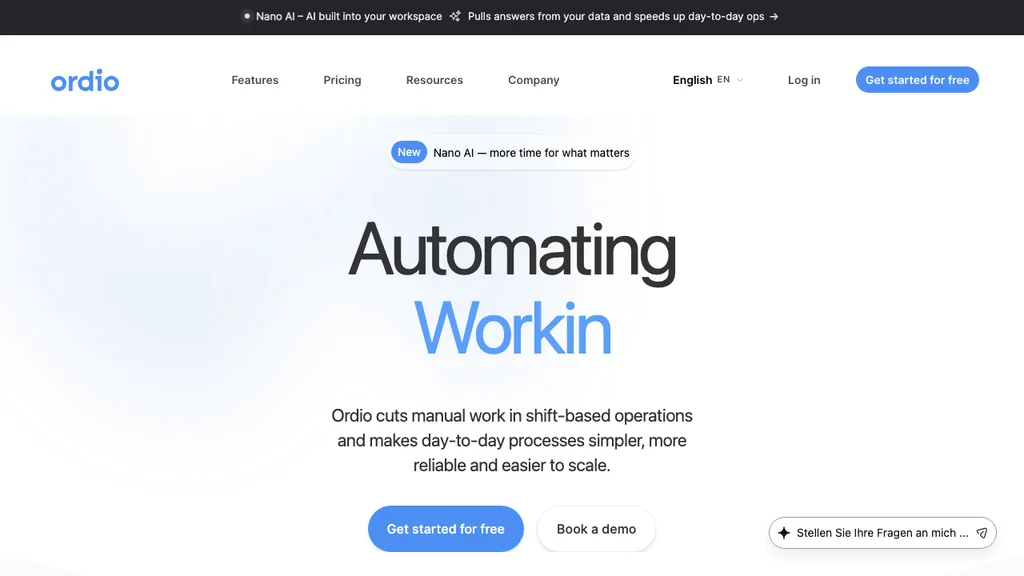
Best for: Multi-location hospitality, retail, and healthcare groups in the DACH/EU core expanding to the UK or Ireland — teams that need employee files, document management, and shift operations together.
Who it's for: Operators replacing folder-based onboarding or split HR/scheduling stacks; HR leads who need compliant records without a six-month HCM implementation.
Operators in the DACH core often centralise contracts, work permits, and training certificates in one employee file while keeping rota changes visible to the same managers who hired the person. That continuity reduces “HR in one system, operations in another” friction that slows promotions to shift lead.
Ordio covers digital employee records, document management, onboarding workflows, shift planning, time tracking, and absence management — so site managers are not chasing PDFs in email while rebuilding next week's rota.
Pros: Strong EU labour-compliance narrative, location-based pricing, industry workflows for shift sites. Cons: Not a full enterprise TMS — no native 9-box succession or global compensation calibration like Workday.
Verdict: A strong pick when shift operations and compliant employee records matter more than headquarters succession modelling.
Try employee records and shift operations in one place:
TalentReef
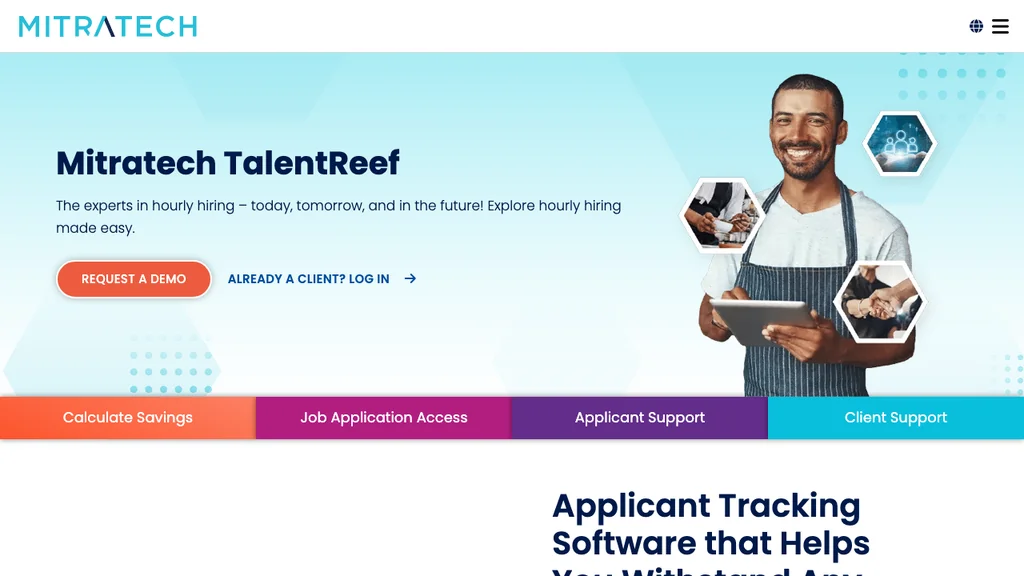
Best for: High-volume hourly hiring in restaurants, retail, and franchise networks that need applicant flow, texting, and onboarding tuned for frontline roles.
Who it's for: Talent acquisition leads optimising time-to-hire across dozens of locations — especially where turnover is structural, not exceptional.
Pros: Purpose-built hourly ecosystem; strong hiring funnel tooling. Cons: Less EU/DACH depth than Ordio for labour-rule documentation; pricing is quote-based.
Verdict: Shortlist TalentReef when hiring speed at scale is the bottleneck — validate document retention for your jurisdictions.
TalentReef’s texting-first applicant journeys suit franchise and QSR networks where managers hire from a phone between services. If you also operate EU sites, compare how offers, contracts, and cert renewals are stored — US hourly stacks sometimes need a regional document layer beside the hiring funnel.
Connecteam
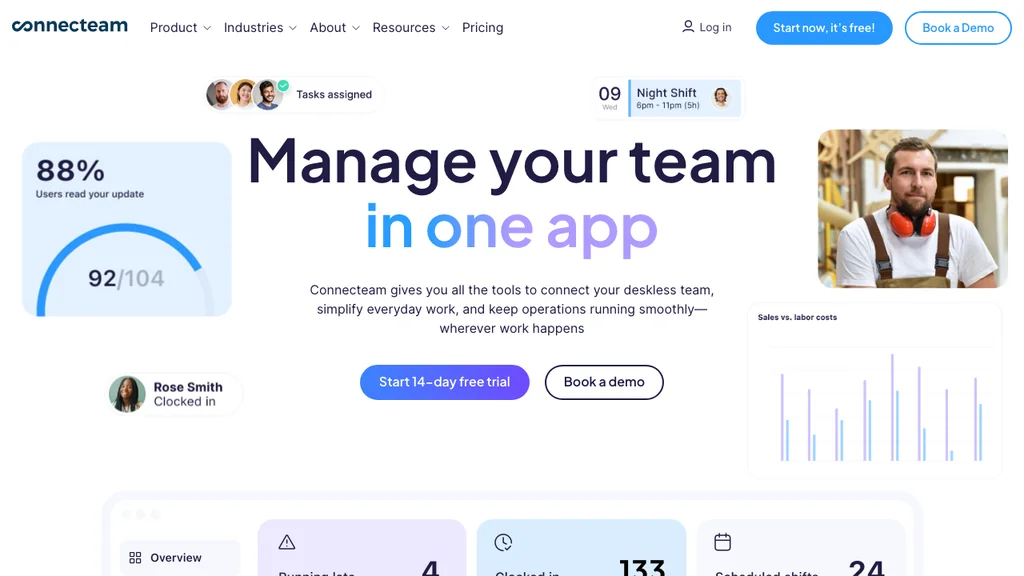
Best for: Deskless teams wanting onboarding checklists, chat, training, and HR forms beside daily operations.
Who it's for: Field supervisors and ops leads who already coordinate via mobile and want talent tasks in the same hub.
Pros: Generous free tier for small teams; strong frontline UX. Cons: Hub pricing grows with modules; lighter on EU-specific workforce compliance depth.
Verdict: Connecteam fits when comms + lightweight HR beat a pure TMS specialist.
Teams that already coordinate via chat and checklists often adopt Connecteam quickly because onboarding sits beside daily ops tools. If your buyer question is strictly compliance-grade employee records and labour-law audit trails, validate exports early — hub tools can be lighter on document retention than dedicated HRIS or EU-focused platforms.
BambooHR
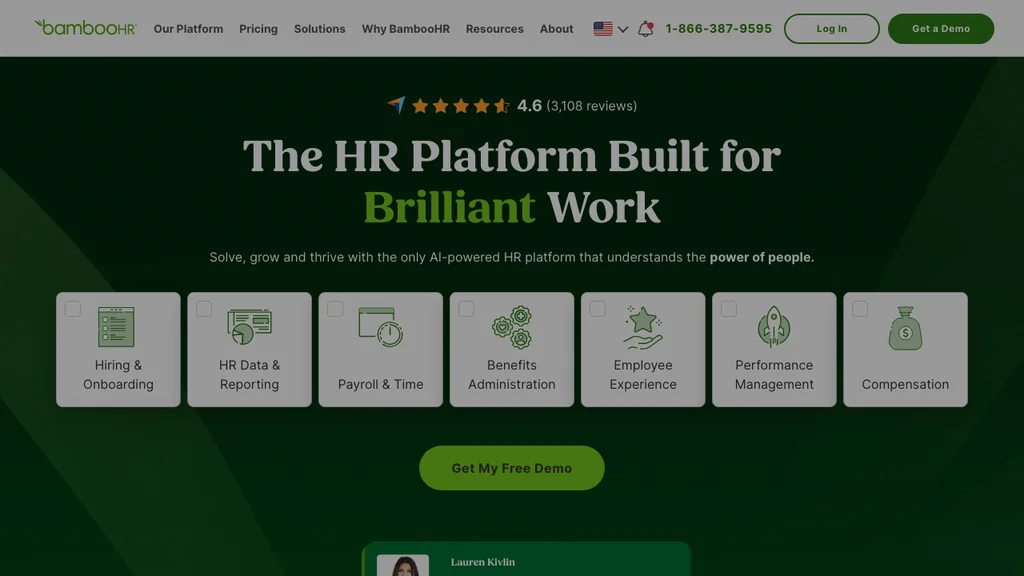
Best for: SMB teams with a mix of desk and frontline staff who want HRIS records, onboarding, and performance in one familiar US-market platform.
Who it's for: HR generalists at companies under ~200 employees who need a credible HRIS without enterprise implementation — especially when hourly staff are a minority of headcount.
Pros: Mature integrations, approachable UI, solid performance basics. Cons: Shift-floor workflows are not as specialised as TalentReef; EU compliance depth varies by module.
Verdict: BambooHR is the pragmatic SMB HRIS pick when your talent programme is office-led with some hourly staff.
Talent management software for small business often starts here when headcount is under 75 and hiring volume is moderate — you get employee records, onboarding checklists, and review basics without enterprise implementation overhead. Once hourly hiring spikes seasonally or you open a second country, re-check whether applicant texting and floor-friendly mobile workflows keep up.
Lattice
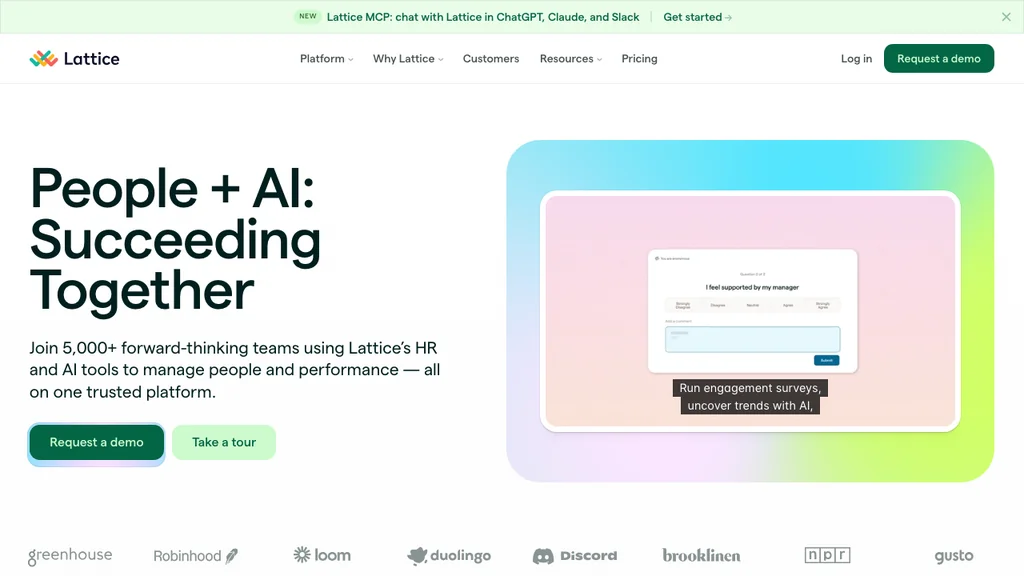
Best for: Culture-forward companies prioritising continuous feedback, goals, and engagement surveys for knowledge workers and managers.
Who it's for: People ops teams building manager feedback habits at tech, professional services, or hybrid companies — less often the sole system for 200+ hourly hires per quarter.
Pros: Strong performance and engagement UX; popular with mid-market tech and professional services. Cons: Limited native hourly hiring stack; managers on busy floors may not sustain weekly check-in cadences without simplification.
Verdict: Lattice shines for office-led performance programmes — less ideal as the only system for 200 hourly hires a quarter.
Use Lattice when your talent gap is manager feedback culture and goal alignment — not applicant volume. For shift supervisors, simplify review cadences to monthly or quarterly floor check-ins; otherwise completion rates collapse during peak trading weeks. When the question is workforce metrics and predictive attrition rather than reviews and goals, see our HR analytics software comparison.
PerformYard
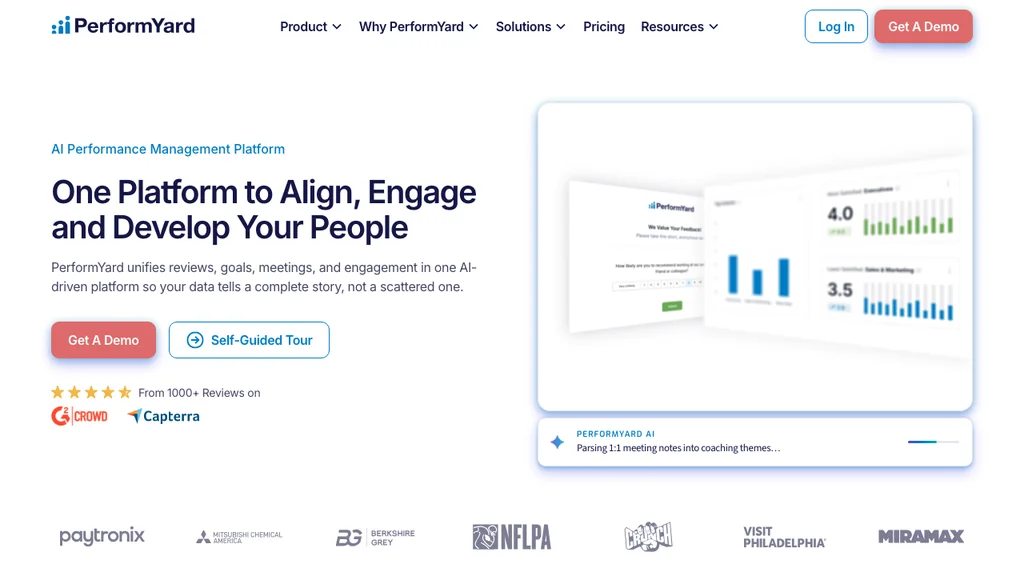
Best for: Mid-market organisations that want structured review cycles, goal tracking, and HRIS integrations without enterprise HCM cost.
Who it's for: HR teams that already have hiring covered but need consistent review templates across districts or brands.
Pros: Clear review workflows; connects performance data to development conversations. Cons: Hiring and onboarding are not core — pair with an ATS or hourly hiring tool.
Verdict: PerformYard works when performance maturity is the gap, not applicant volume.
PerformYard connects review cycles to HRIS data — useful when HR wants consistent templates across districts without buying Workday. Pair it with TalentReef or Greenhouse if hiring remains your primary bottleneck; PerformYard will not fix a broken applicant funnel on its own.
ClearCompany
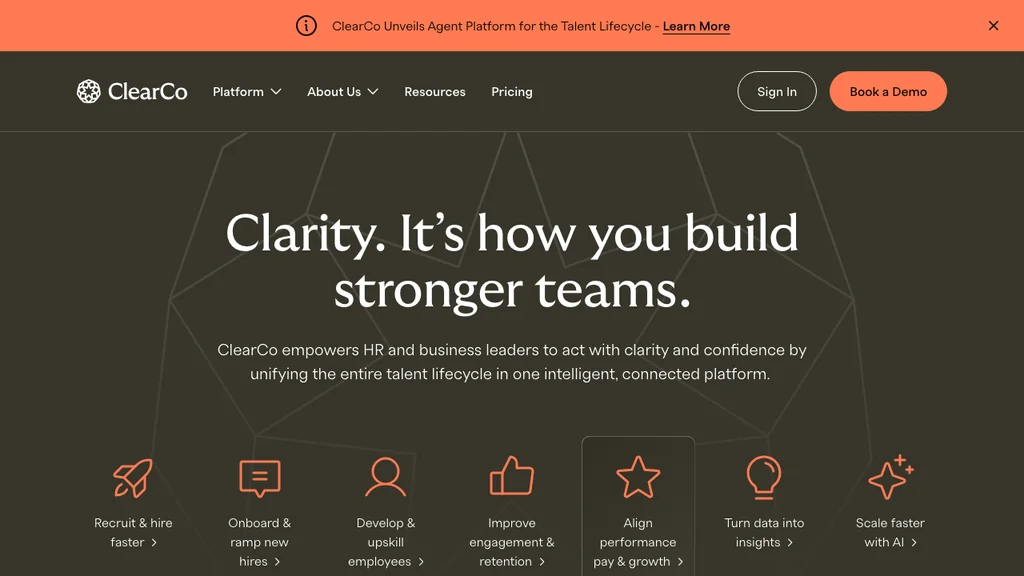
Best for: Teams wanting recruiting, onboarding, performance, and analytics in one US-focused talent lifecycle platform.
Who it's for: Mid-market HR departments ready to run a full lifecycle programme with dedicated people-ops capacity.
Pros: Broad module coverage; useful analytics for HR leaders. Cons: Implementation weight closer to mid-market HCM than a lightweight shift tool.
Verdict: ClearCompany suits HR departments ready to run a full lifecycle programme — not a single-site café buying its first digital rota.
ClearCompany’s analytics help HR leaders report on pipeline health and retention drivers — valuable when you already have dedicated people ops. Shift operators should still ask how store managers complete onboarding tasks on mobile and whether performance modules assume desk-based quarterly reviews.
Greenhouse
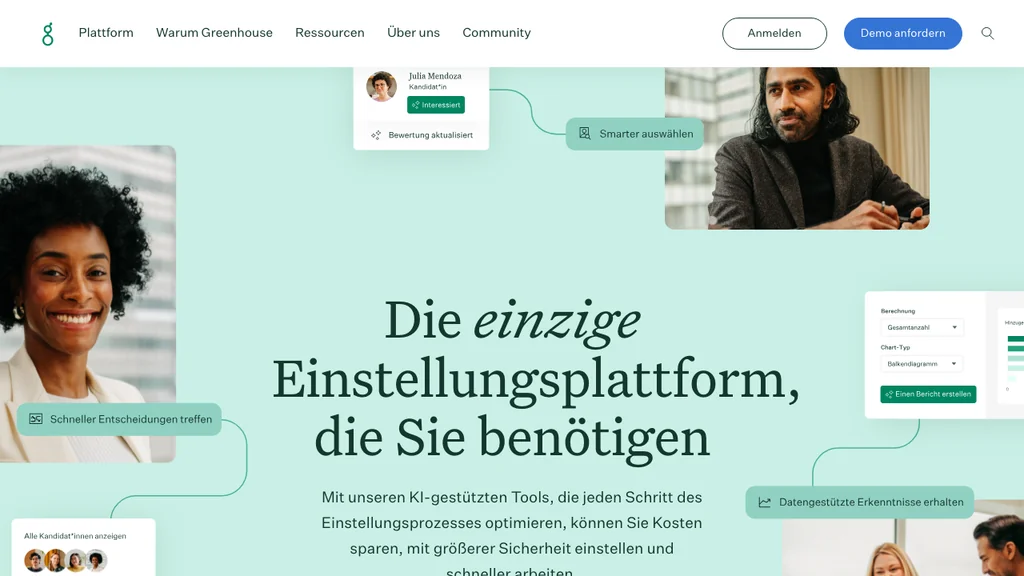
Best for: Organisations where collaborative hiring — structured interviews, scorecards, and recruiter workflows — is the talent priority.
Pros: Best-in-class ATS patterns; strong for role clarity and hiring-team alignment. Cons: Post-hire development is not the core story — plan separate performance tooling.
Verdict: Greenhouse belongs on the shortlist when talent management starts with hiring excellence, especially for hard-to-fill specialist roles.
Greenhouse scorecards and structured interviews reduce bias when hiring shift leads, trainers, or regional managers — roles where a bad hire is expensive even if hourly crew turnover is high. Budget separate onboarding and performance tooling if Greenhouse is your ATS anchor.
Workday (enterprise)
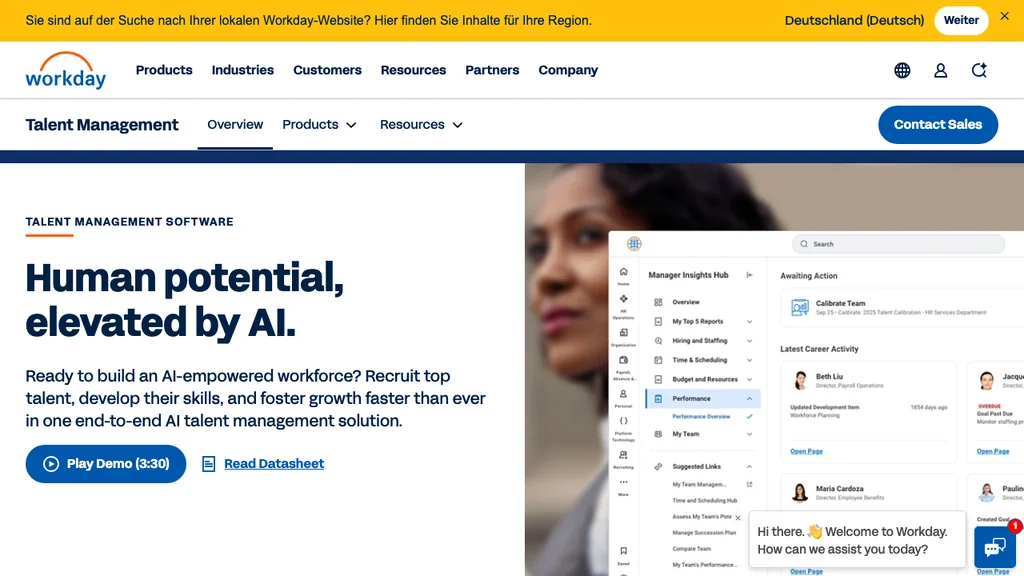
Best for: Large organisations (500+ employees) with global HCM, advanced analytics, and formal succession programmes.
Pros: Deep talent modules inside a unified HCM suite; strong for workforce planning at scale. Cons: Long implementations, enterprise pricing, and configuration overhead beyond typical shift-SMB needs.
Verdict: If you operate 50 café sites with hourly crews, Workday is rarely the first system you roll out — compare SMB tools above first.
Workday makes sense when HR already runs global HCM and talent modules must sit beside finance and workforce planning at headquarters scale. Shift-SMB operators should treat it as a future-state reference — not the tool you roll out to fix next month's hiring backlog.
Talent management vs workforce management vs HRIS
Search results mix four categories. Use this filter before you buy:
- Talent management software (TMS): Hiring, onboarding, development, performance, retention across the lifecycle
- Workforce management (WFM): Daily shift operations — rotas, clock-ins, absence, labour reporting (WFM guide)
- HRIS / HR software: Employee records, payroll admin, policies — may include light performance without frontline hiring depth (HR software guide)
- Employee engagement software: Pulse surveys, recognition, and manager action loops when morale — not hiring volume — is the constraint (engagement guide)
When TMS leads: You are fixing hiring funnel drop-off, inconsistent onboarding, or manager development programmes. When WFM leads: The pain is last-minute cover, break compliance, and plan-to-payroll hours — see our time tracking software guide for hour-capture shortlists. When HRIS alone is enough: Small desk teams with stable schedules and simple hiring. Many shift operators run WFM for the floor plus employee files (and light performance) in one stack — see pricing for how Ordio bundles modules.
A talent management system (TMS) and talent management software are often used interchangeably in US search — both refer to platforms that connect hiring through retention. The distinction that matters for buyers is coverage: full lifecycle suites versus hiring-only ATS tools versus partial-fit stacks that combine employee records with shift operations.
The 4 pillars of talent management (shift-based businesses)
What are the 4 pillars of talent management? Frameworks vary, but for frontline operators this practical version works:
- Attract — fast, compliant hiring for high-volume hourly roles
- Onboard — day-one docs, training tasks, and role-ready records
- Develop — skills, check-ins, and paths to lead/supervisor roles
- Retain — fair scheduling context, recognition, and growth visibility
Tools that only cover pillar 1 leave managers exporting new-hire PDFs manually — a common source of audit gaps and slow time-to-productivity.
In practice: hiring without onboarding (pillar 1 only) creates day-one chaos; onboarding without development (pillars 1–2) produces high early turnover; retention (pillar 4) fails when crew cannot see fair hours or promotion paths — and when listening gaps persist, see our employee engagement software guide for pulse and recognition tooling alongside TMS records.
Some HR frameworks also cite the 5 C’s of talent management — clarify, communicate, coach, cultivate, and connect. On shift floors, that translates to clear role standards, weekly manager communication, on-the-job coaching, skills cultivation, and visible paths to supervisor roles — not abstract succession grids alone.
Talent management software pricing (what shift teams pay)
SMB and hourly operators typically see three pricing models:
- Per employee / per user — common for BambooHR, PerformYard, Lattice (often $5–$15/user/mo at entry tiers)
- Per location — suits multi-site hospitality and retail when headcount swings seasonally (Ordio uses location-based packaging)
- Enterprise custom — Workday, ClearCompany, and TalentReef at scale; budget implementation services separately
A 35-person restaurant group at $8/user/month is roughly $280/month before add-ons — but a per-location model may be cheaper if you run 25–40 crew per site. Always model year-two cost with modules you will actually turn on (performance, learning, texting).
Plan tiers you will see in 2026 demos:
- Freemium / hub entry: Connecteam ≤10 users; limited HR modules until you upgrade
- SMB HRIS: employee records + onboarding + light performance (BambooHR, PerformYard entry)
- Hourly hiring ecosystem: applicant texting, offers, and onboarding tuned for frontline (TalentReef — quote-based)
- Location-based operations: per-site packaging when many part-time staff share one venue (Ordio)
- Enterprise HCM: global talent modules inside Workday or SAP — implementation budget separate from licence
Illustrative totals for a 30-person shift team (July 2026, verify with vendors): 30 × $10/user ≈ $300/month on BambooHR-style seat pricing; €89/site on Ordio when one venue runs the full crew; TalentReef and ClearCompany at scale typically need custom quotes. Hidden costs include texting bundles, implementation days, and manager time during rollout — compare totals on Ordio pricing before annual contracts.
Key features for hospitality, retail, and healthcare
Vertical requirements differ more than generic TMS feature matrices suggest. Use the checklists below during demos — not just the marketing homepage.
Hospitality: Restaurants, bars, and hotels need hiring and onboarding that survive Friday night service — not desktop HR portals managers never open.
- High-volume applicant texting and fast offer workflows for BOH and FOH roles
- Food-safety and alcohol-service cert tracking with renewal alerts
- Manager check-ins that fit between lunch and dinner rushes
- Hire-to-first-shift workflow tested in pilot week one on a phone
See Ordio for hospitality for industry-specific employee-file and shift patterns.
Retail: Multi-store chains need central hiring standards with local execution — especially for seasonal peaks and inter-store transfers.
- Seasonal applicant pipelines without breaking document consistency across stores
- Fast onboarding when staff transfer districts mid-quarter
- Pair TMS hiring with WFM labour reporting so managers see hours beside development notes
- District-manager visibility into time-to-productivity by store
See retail workforce patterns for multi-site scheduling context.
Healthcare: Care rosters must show qualifications on each shift — credentials belong in employee files, not a shared inbox.
- Role-specific licences and renewal dates with audit trails
- Onboarding tasks matched to care-team cadences, not desk-based quarterly reviews
- Right-to-work and DBS-style checks stored beside role history (UK)
- Ward- or clinic-level pilots before enterprise-wide talent rollouts
See healthcare scheduling and records for care-team requirements.
How to choose talent management software for hourly teams
Start with the bottleneck on your floor — not the longest feature matrix. Work through these five steps in order:
- Map your bottleneck — hiring speed, onboarding chaos, performance, or retention? Write down which pillar fails today, not which module sounds impressive in a deck.
- Count your sites and roles — per-seat vs per-location pricing changes the maths quickly. Model year-two headcount swings before you sign annual contracts.
- Run a live-site pilot — one busy week beats three polished demos. Test hire-to-first-shift on a phone, not only HR admin screens.
- Check document rules — food safety, care certs, right-to-work (UK), and contract retention. Ask for sample audit exports before go-live.
- Plan the WFM boundary — decide what stays in TMS/HRIS vs shift planning, time tracking, and absence.
During the pilot, track three metrics: days from offer accepted to first productive shift, percentage of onboarding tasks completed on mobile without HR chasing, and 90-day retention for the pilot cohort. If any metric fails in week two, switch candidates — do not wait for renewal season.
Involve a shift lead and one crew member in scoring — not only HR or IT. Their friction signals predict rollout success better than a headquarters demo.
Common mistakes when buying talent management software
Most failed talent rollouts are category or adoption mistakes — not missing a checkbox on a feature matrix. Avoid these five patterns we see in shift operations:
- Buying enterprise HCM for shift-SMB pain — six-month implementations when you needed faster hiring last quarter
- Ignoring document compliance — performance modules without cert and contract retention
- Splitting hiring and scheduling — new hires exist in ATS but never appear on rotas without manual re-entry
- Skipping the floor pilot — managers reject tools that need a desktop HR portal mid-service
- Confusing TMS with WFM — buying development software when the bottleneck is hours and cover (see WFM guide)
If two tools pass a two-week pilot, compare total cost — seats, sites, texting bundles, and manager time — before you default to the better-known brand.
US and UK compliance basics for talent management
United States: Hiring workflows should produce audit-friendly records — I-9 completion, offer letters, and policy acknowledgements stored with timestamps. Your TMS should not rely on managers saving PDFs to personal drives.
United Kingdom / Ireland: Onboarding should capture right-to-work evidence with retrievable history. Multi-store UK retail and Irish hospitality groups often validate document retention alongside applicant texting — especially before peak trading periods.
EU / DACH buyers: Work permits, training certificates, and contract variants may need jurisdiction-specific templates. Even when US vendors support UK checks, confirm how EU sites store labour-law documentation beside hiring funnels.
Before demos, list must-have integrations: payroll exports, HRIS employee IDs, and whether new hires sync to scheduling without manual re-entry. A tool that wins on applicant volume but cannot push a hire into operations recreates the spreadsheet problem you are trying to leave behind.
This article is operational guidance, not legal advice — validate rules with counsel for your sector and region.
Where Ordio fits (honest guide)
Ordio is a strong fit for many EU shift operations — but not every team reading this guide should default to it. Use the lists below to stay honest and avoid expensive category mistakes.
Ordio fits well when:
- Central employee files and document management with onboarding artefacts and role history
- Multi-site visibility for operators expanding in the EU and into the UK/Ireland
- Shift planning, time tracking, and HR records beside each other — fewer tools for site managers to learn
- You need EU/DACH labour-compliance depth without a six-month HCM programme
Ordio is not the best fit when:
- You need a US-native hourly hiring ecosystem like TalentReef at franchise scale on day one
- You are procuring global enterprise TMS (Workday, SAP SuccessFactors) with formal succession planning
- You only need collaborative ATS scorecards (Greenhouse) without shift operations
- Your immediate pain is rotas and hours only — start with our workforce management software comparison instead
That honesty keeps your shortlist credible. Compare TalentReef, Connecteam, or BambooHR against Ordio on the same week of real hires before you decide.
Related guides for shift-based teams
Deeper Ordio resources: employee files, document management, shift planning, time tracking, absence management, and pricing. Comparison guides: workforce management software, employee scheduling software, time tracking software, competency management software, and performance review software. Industry guides: hospitality, retail, and healthcare.
Conclusion: pick the right talent management software for your team
There is no universal winner. The right talent management software for your team depends on whether hiring speed, onboarding chaos, performance maturity, or retention is the constraint — not how many modules appear on an enterprise datasheet.
Shortlist two tools from the table, run a two-week pilot with real hires, and favour mobile onboarding plus audit-friendly records over succession features you will never configure. When you are ready, start a trial or book a no-obligation demo — then confirm document retention and scheduling hand-offs before you retire folder-based onboarding.