Guides
Best Competency Management Software for Shift Teams (2026)

Knowing who is qualified to open a kitchen station, run a till, or take a care shift looks tidy in a spreadsheet, until certificates expire mid-rota and nobody notices until the weekend rush. Competency management software (also called a competency management system) helps organisations define the skills and behaviours each role needs, assess people against those requirements, and keep proof of readiness when managers deploy a team.
For shift-based businesses in hospitality, retail, and healthcare, the useful version ties certificates and role status to the same people on the schedule, not a headquarters framework that never reaches the floor.
This 2026 guide to the best competency management software for shift teams compares eight practical platforms (plus an enterprise callout) with pricing, screenshots, and selection criteria. We focus on operational qualification, not Magnet nursing-excellence suites or succession libraries alone.
SHRM, PHR, and similar HR body certifications are a different track from station licenses and food-handler cards, use our HR certification guide when you hire credentialed HR generalists, not when you only need expiry alerts on the floor.
If you need the full hire-to-retain lifecycle, see our talent management software guide; for goals and PM suites, see performance management software; for manager-led reviews, see performance review software. Daily rota pain often starts with workforce management software, this guide sits beside that stack when “qualified to work” is the missing layer.
What is competency management software?
Competency management software, often called a competency management system (CMS), is a platform that defines role requirements, assesses capability, captures evidence of competence, flags development needs, and shows who is ready for which work. Unlike a skills spreadsheet, it connects frameworks, assessments, certificates, and reporting in one place managers can trust under pressure.
What is competency management software used for on shift floors? Operators use it to track food-safety or clinical certificates, map who can cover which stations, prove training before deployment, and avoid last-minute roster gaps when someone is not yet signed off. That is different from pure talent management (hire-to-retain lifecycle) or a learning management system (LMS) that only delivers courses.
A practical frontline competency stack often includes:
- Role requirements, skills, behaviours, and certifications mapped to stations or job profiles
- Assessment and evidence, manager sign-off, observation checklists, or document proof
- Certificates and renewals, expiry alerts tied to people who work shifts
- Deployment context, visibility for leads who build rotas and cover gaps
If you run multi-site shifts, you typically need cert storage and clear “qualified for this role” status before you invest in enterprise competency libraries or AI skills graphs. Daily scheduling often stays in shift planning, but readiness data should live with employee files so managers are not chasing PDFs in email. Pair that with reliable time tracking so training hours and worked hours do not live in separate worlds.
Competency management software at a glance (2026)
What is the best competency management software? There is no single winner. Regulated manufacturers may need AG5 or Kahuna; hospitals may need clinical-first tools; a 40-site restaurant group may prioritise certificate tracking and mobile sign-off over deep behavioural frameworks. Use the comparison table below to narrow options, then pilot two tools on one busy location.
| Software | Best for | Starting price | Shift-team fit | Free trial |
|---|---|---|---|---|
| Ordio | EU shift teams needing files + certs + scheduling | from approx. €89/location/mo | Strong (partial CMS) | 7-day trial |
| Kahuna | Frontline industrial / healthcare competency | Custom quote | Strong | Demo-led |
| Connecteam | Hourly training + cert tracking | Free ≤10 users; paid from approx. $29/mo | Strong | Free tier |
| AG5 | Skills matrices for manufacturing ops | Custom SaaS | Strong (ops) | Demo-led |
| BambooHR | SMB HRIS with goals/competencies | from approx. $10/employee/mo | Moderate | Demo-led |
| Lattice | Performance + competency modules | Custom quote | Light (office-led) | Demo-led |
| TalentGuard | Competency frameworks + career pathing | from approx. $3/user/mo (skills modules) | Moderate | Demo-led |
| Skills-Base | Lightweight skills heatmaps | Custom quote | Moderate | Demo-led |
| SAP SuccessFactors | Enterprise 500+ employees | Custom | Enterprise | Demo-led |
Prices approximate, as of July 2026. Confirm on vendor sites before purchase. Implementation and content libraries can shift totals materially for multi-site groups.
Note: Enterprise competency platforms (SAP SuccessFactors, large clinical Magnet suites) target deep frameworks and audit programmes. For 10–200 shift workers per site, the SMB and frontline tools above are usually faster to roll out.
How we evaluated these tools
We evaluated each platform against criteria that matter when managers prove qualification between service peaks:
- Framework depth, can you define role requirements without a six-month consulting project?
- Assessment and evidence, manager sign-off, observation, or document proof that will actually get used
- Cert and compliance docs, renewals, audit trails, and storage with employee records
- Shift deployment fit, visibility for “who can work this station” when building a rota
- LMS integration, learning completions can link to competencies without forcing a full LMS rip-and-replace
- Mobile experience, floor managers complete assessments without a desktop HR portal
- Pricing transparency, clear per-seat vs per-location maths before you scale past site two
We excluded pure clinical Magnet-only tools and LMS-only products from the detailed comparison unless noted in the healthcare vertical. Enterprise healthcare platforms dominate many buyer guides, this one prioritises operators who live on shift floors.
When you evaluate vendors, ask each to show a full “new hire to first qualified shift” journey on a phone, not a desktop framework designer demo. Shift managers approve coverage from the floor; crew upload certs between commutes. If a tool cannot demonstrate that path in thirty minutes, it will struggle in production.
Also ask how expired credentials affect scheduling. The best CMS for hourly teams either blocks unqualified assignments or surfaces a clear warning in the same workflow leads already use for employee scheduling.
The 8 best competency management software options for shift teams
Below are concise profiles with July 2026 homepage screenshots, strengths, limitations, and who each tool suits. Treat “partial CMS” tools as readiness-and-records layers, not as replacements for deep behavioural libraries.
If two tools look similar on paper, prefer the one your floor supervisors can complete a sign-off on in under two minutes. Screenshots show marketing homepages, confirm assessment and expiry workflows in a live demo before you decide.
Ordio
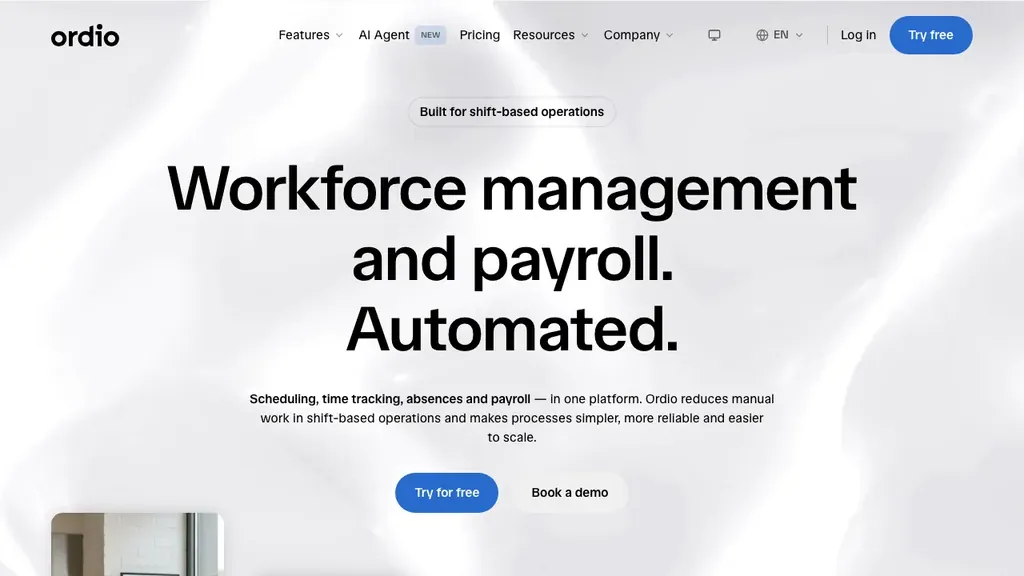
Best for: Multi-location hospitality, retail, and healthcare groups that need employee files, certificate storage, and shift operations together, without buying a full enterprise competency suite.
Who it's for: Operators replacing folder-based training records or split HR/scheduling stacks; HR leads who need audit-friendly docs without a six-month HCM implementation.
Ordio covers digital employee records, document management, onboarding workflows, shift planning, time tracking, and absence management, so site managers are not chasing expired certs in email while rebuilding next week's rota. That continuity matters when the same lead who hires a runner also verifies food-safety evidence before Friday service.
Pros: Strong EU labour-compliance narrative, location-based pricing, industry workflows for shift sites. Cons: Not a full competency framework platform, no native multi-level behavioural libraries, Magnet accreditation workflows, or succession 9-box.
Verdict: A strong pick when cert readiness and compliant employee records matter more than enterprise competency modelling.
Try employee records and shift operations in one place:
Kahuna
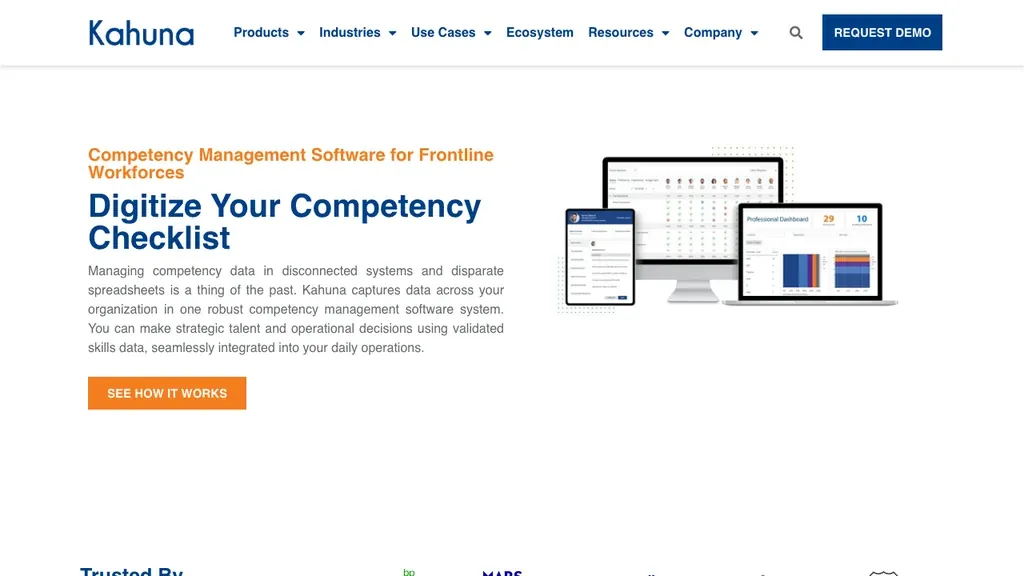
Best for: Large technical, industrial, and healthcare workforces that need operational readiness dashboards and role-to-skill alignment at scale.
Who it's for: L&D and operations leaders in energy, utilities, manufacturing, or clinical environments where demonstrated capability affects safety and compliance.
Kahuna is widely chosen for frontline competency programmes because it speaks the language of readiness, not only HR framework design. That is useful when supervisors must know who can enter a high-consequence role tonight, not next quarter’s succession review. Ask for a sample readiness dashboard filtered to one site and one high-risk role before you compare quotes.
Pros: Strong frontline positioning; readiness visibility for operational leaders. Cons: Implementation can be complex; pricing is enterprise-oriented; may be heavier than SMB restaurant or retail needs.
Verdict: Favour Kahuna when industrial or clinical readiness is the core problem, validate rollout effort carefully if you run smaller multi-site SMBs.
Connecteam
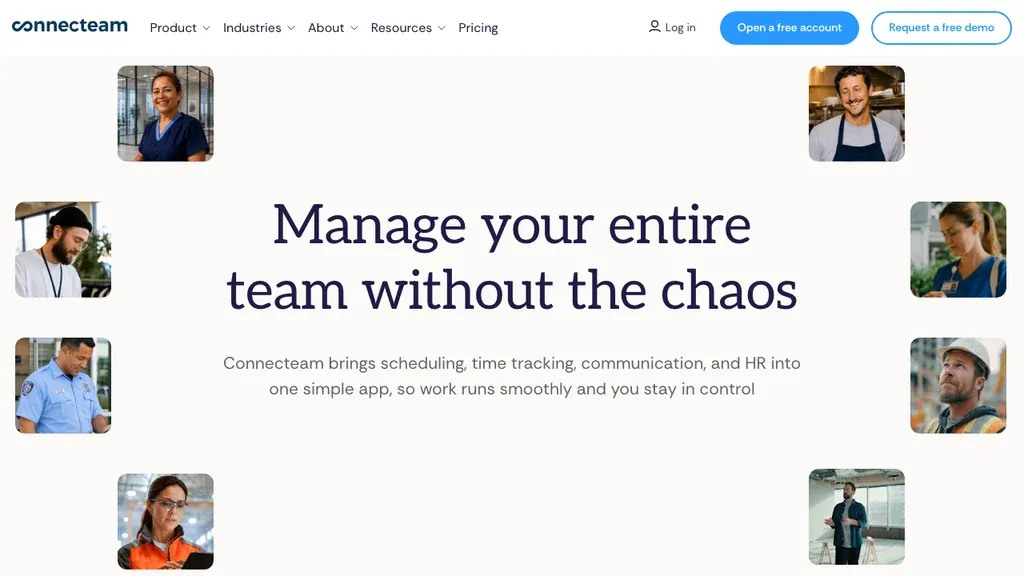
Best for: Deskless teams that want training courses, quizzes, and certificate tracking inside a frontline operations app.
Who it's for: Small and mid-size hospitality or retail operators who need lightweight competency proof without a dedicated CMS project.
Connecteam’s strength is adoption: training and cert tracking live next to chat, tasks, and shift tools crew already open on their phones. That beats a polished framework nobody completes between rushes, as long as your auditors accept course-plus-quiz evidence rather than multi-assessor observation workflows.
Pros: Mobile-first; free tier for tiny teams; training + ops in one app. Cons: Not a deep competency framework engine; limited for regulated audit programmes.
Verdict: Strong starter for hourly training and cert tracking, graduate to a deeper CMS if auditors demand granular evidence workflows.
AG5
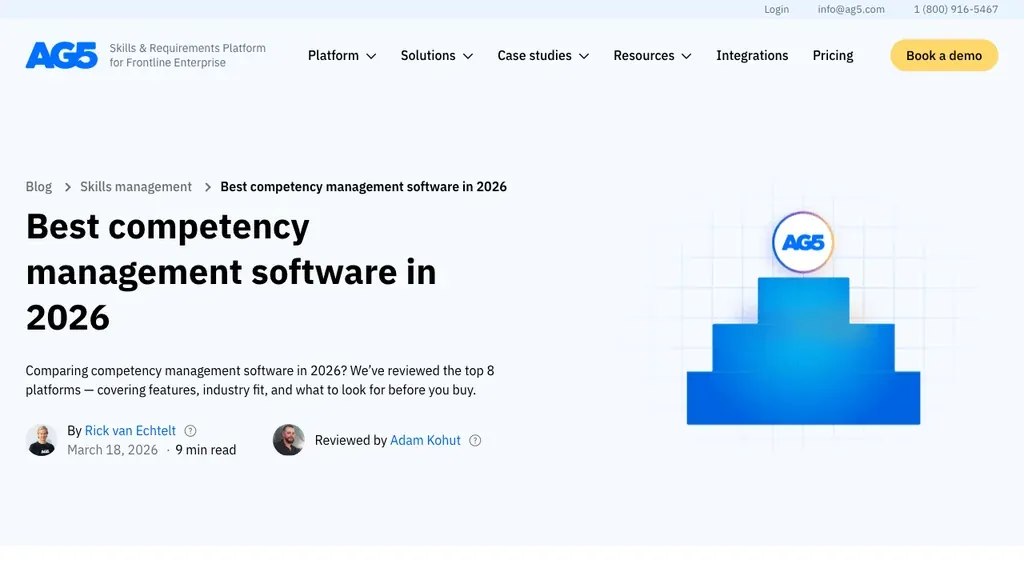
Best for: Manufacturing and technical operations that need real-time skills matrices across shifts, teams, and production lines.
Who it's for: Plant and ops managers who care more about “who can run this machine tonight” than behavioural competency libraries.
AG5 sits at the skills-management end of the market, heatmaps and matrices that make qualification gaps visible for shift planning. If you care most about skills matrix visibility rather than behavioural libraries, AG5 is often the practical pick. Confirm whether your auditors need observation evidence beyond skills inventories before you treat it as your only system.
Pros: Skills-first dashboards; strong ops planning angle; integrations with HR/ERP. Cons: Shallower behavioural indicators than competency-first platforms; less SMB hospitality packaging.
Verdict: Strong choice for skills-matrix and shift qualification visibility in industrial settings.
BambooHR
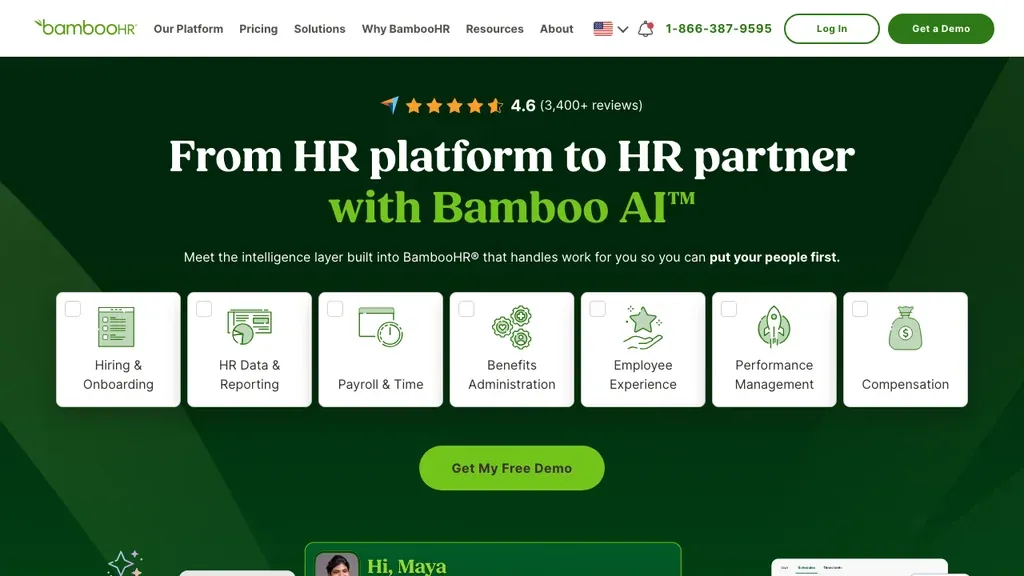
Best for: Growing SMBs that want competencies as part of a broader HRIS and performance stack rather than a standalone CMS.
Who it's for: Office-led HR teams with some hourly workers who need goals and competency language inside performance reviews.
BambooHR is a consolidation play: competencies appear inside familiar SMB HRIS workflows instead of a second admin system. That works when most of your workforce is desk-adjacent and “competency” means structured review language, less so when station qualification must drive tonight’s rota.
Use BambooHR when people ops already live there and you want light competency language in reviews. Keep expired food-safety or clinical certs in an ops-adjacent layer. employee files or a dedicated CMS, if managers build rotas outside BambooHR.
Pros: Familiar SMB HRIS; performance modules; relatively quick setup. Cons: Not built as a frontline competency assurance system; weaker shift-deployment context.
Verdict: Reasonable if HRIS consolidation is the priority, pair with ops tools for cert-driven scheduling.
Lattice
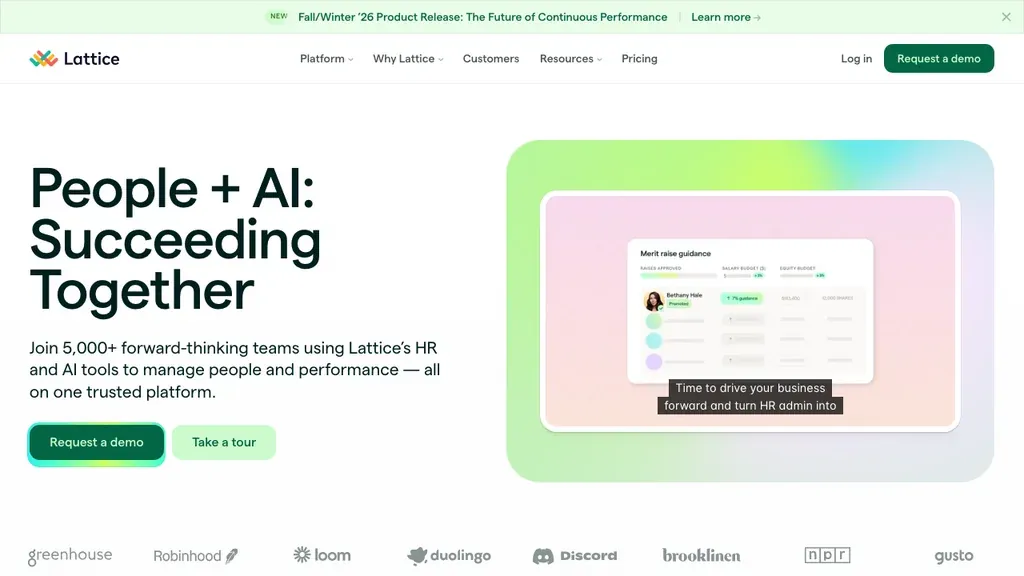
Best for: Knowledge-worker organisations that want competencies inside continuous performance and engagement programmes.
Who it's for: People teams rolling out frameworks for desk-based roles; less ideal as the sole CMS for multi-site hourly ops.
Lattice overlaps more with continuous performance programmes than with industrial readiness tooling. Use it when competency language should live in feedback cycles, and keep a separate ops layer for cert expiry and station cover. See also our performance review software guide for cycle design.
Do not expect Lattice alone to block an unqualified closer from Friday’s rota. Pair it with scheduling and document systems if hourly deployment risk is real.
Pros: Strong performance UX; competency language in reviews. Cons: Office-led; not a cert-assurance or skills-matrix ops tool.
Verdict: Best suited to HQ performance programmes, not a replacement for frontline qualification systems.
TalentGuard
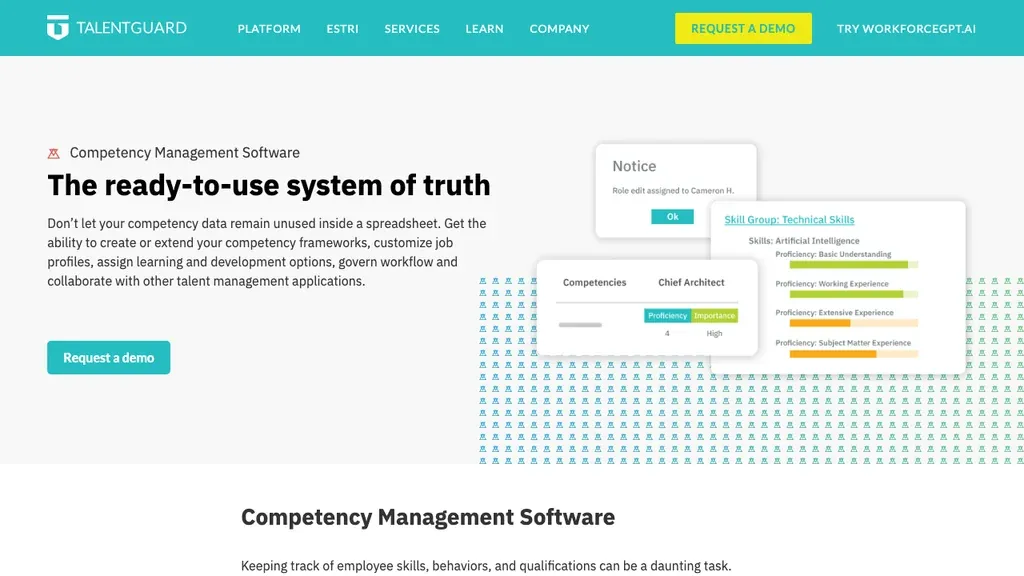
Best for: Mid-market and enterprise teams that want competency frameworks, job profiles, and career pathing in one skills intelligence hub.
Who it's for: HR and L&D leaders building structured competency content, not just a training tracker.
TalentGuard is a framework-first option where Kahuna often leads with operational readiness messaging. Consider it when you need libraries, job profiles, and career pathways, then test whether floor supervisors will actually use the assessment flows on a phone between peaks.
Ask vendors to map one kitchen or ward role end-to-end: required competencies, evidence type, renewal, and how status appears to the person building next week’s cover.
Pros: Competency-first positioning; libraries and career mapping. Cons: Broader talent suite complexity; may overshoot simple cert-tracking needs for small shift sites.
Verdict: Worth a serious look when framework design and career pathways are requirements, validate frontline mobile adoption separately.
Skills-Base
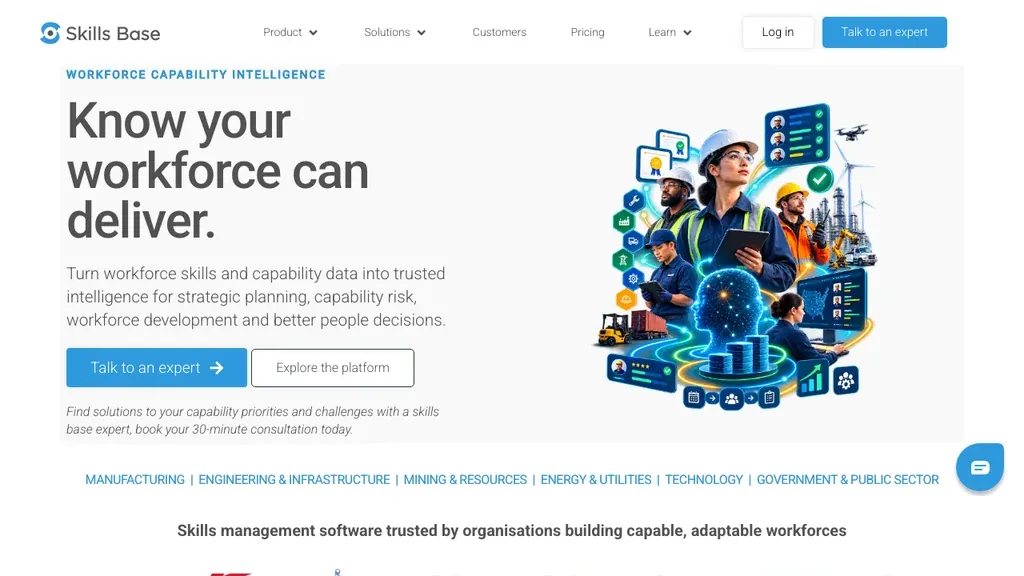
Best for: Organisations that want flexible skills hierarchies and heatmaps without buying a full enterprise competency suite.
Who it's for: Teams replacing spreadsheets for skills visibility; lighter needs than Kahuna or TalentGuard.
Skills-Base sits near the skills-dashboard end of the market: flexible hierarchies and heatmaps without a heavyweight enterprise suite. It is a sensible step up from Excel when you need visibility, confirm whether your audit standard needs richer evidence trails than skills inventories provide.
Pros: Straightforward skills tracking; visual heatmaps; clear reporting. Cons: Less depth on behavioural indicators and regulated evidence trails.
Verdict: Useful lightweight option for skills dashboards, confirm audit requirements before relying on it as your only CMS.
Enterprise callout. SAP SuccessFactors: Global HCM with competency and learning modules for large enterprises. Expect long implementations and custom pricing. Most shift SMBs should start with the eight tools above, then revisit SAP only when corporate HCM standardisation is non-negotiable.
Competency management vs talent management vs performance review vs skills tracking vs LMS
These terms overlap in vendor marketing. For buyers, keep the jobs separate:
- Competency management, define role requirements, assess readiness, capture evidence, track certs
- Talent management, hire-to-retain lifecycle (ATS, onboarding, development, retention), see talent management software
- Performance review, manager-led evaluation cycles and goals, see performance review software
- Skills tracking / skills matrix, inventory of skills and heatmaps (often shallower than full competency evidence)
- LMS, deliver and track learning content; does not by itself prove demonstrated competence
When each leads:
- Competency management system / software, expired credentials or unqualified station cover create real operational risk
- Talent management, hiring velocity or retention is the bottleneck
- Performance review software, appraisal cycles and goals are broken
- Skills matrices, you mainly need visibility of “who can do what”
- LMS, content delivery is the gap; link completions into competency status instead of treating course ticks as competence
Multi-rater feedback tools (see 360 feedback tools) can feed assessments but are not a CMS. People analytics platforms (see HR analytics software) report on skills data, they rarely own frameworks and evidence. Umbrella HR software may include light competency features without replacing a dedicated readiness system.
Competency management software pricing (what shift teams pay)
Competency management software pricing usually falls into per-user, per-location, or custom enterprise quotes, and implementation often costs more than the subscription. Models typically look like this:
- Per employee / user / month, common for TalentGuard-style skills modules and BambooHR add-ons
- Per location / site, common for shift ops platforms like Ordio
- Enterprise quote. Kahuna, SAP, and many industrial CMS vendors
Budget for implementation and content work. A cheap subscription with no framework design still fails if nobody maps roles to stations. For a 60-person restaurant group, compare all-in cost of a lightweight training/cert tool versus a mid-market CMS with professional services, the cheaper seat price can lose when you add content build and change management.
Illustrative monthly cost (not a quote): 30 employees × $8/user ≈ $240 · or 3 locations × €89 ≈ €267
Per-location plans are often cheaper once seasonal hires inflate headcount. Enterprise industrial quotes can jump by five figures once readiness dashboards, content libraries, and integrations are bundled, so model year-one total cost, not list price alone.
Ask vendors for: year-one total cost, admin seats vs employee seats, charge for expired-cert alerts, and connectors to payroll or scheduling. Confirm whether learning modules are included or sold as an LMS add-on. Check Ordio pricing when location-based plans fit your footprint better than per-seat maths.
Key features for hospitality, retail, and healthcare
Feature checklists differ by industry risk. Use the lists below as pilot criteria during demos, not as a claim that every vendor covers every bullet. Vertical requirements change more than generic CMS matrices suggest, especially once auditors or franchise standards enter the picture.
Hospitality
Food-safety and allergen training, station qualification (bar, pass, floor), and seasonal hire ramp-ups dominate. Managers need mobile sign-off and expiry alerts before Friday service, not a desktop framework designer they never open between rushes.
- Food handler / allergen evidence with renewal dates
- Station or role tags that supervisors understand (not HQ jargon)
- Fast onboarding paths for seasonal staff
- Link to hospitality scheduling so unqualified staff are not rostered to critical stations
See our hospitality page for how employee files and shift patterns usually sit beside qualification status. Pilot on your busiest front-of-house or back-of-house site first, quiet midweek locations hide adoption problems.
Retail
Product knowledge, till permissions, age-restricted sales training, and multi-brand franchise consistency matter more than deep behavioural models. District managers need the same readiness labels across stores when staff transfer mid-season.
- Short quizzes with completion certificates
- Site-level reporting for franchise or multi-brand groups
- Permission-linked readiness (who can open, close, or sell restricted goods)
- Coverage of peak trading hours via retail shift planning
Pair competency status with retail labour reporting so managers see hours and qualifications together, not in two dashboards they never reconcile.
Healthcare
Clinical competency, mandatory training, and audit evidence matter more than in most industries. Dedicated clinical platforms (Dossier, StaffGarden, Kahuna) may be required for Magnet or regulated pathways, generic SMB tools rarely satisfy those assessors alone.
- Assessor workflows and evidence packs for clinical roles
- Mandatory training matrices with audit export
- Clear split between clinical and non-clinical support staff needs
- Ops alignment with healthcare scheduling and staffing rules
For non-clinical support staff, employee files plus cert tracking may be enough. Always validate clinical accreditation requirements with your compliance lead before choosing a generic SMB tool, then run a ward- or clinic-level pilot before enterprise rollout.
How to choose competency management software for hourly teams
Start with the risk on your floor, not the longest competency library. Work through these five steps in order before you compare brand awareness or enterprise case studies.
- List the roles that create risk when under-qualified, stations, machines, clinical tasks, till permissions. Write the failure mode for each (fine, safety incident, service collapse).
- Decide evidence standards, document only, manager observation, quiz, or formal assessment. Match evidence depth to risk, not to vendor marketing.
- Map systems. HRIS, scheduling, LMS, and document storage; prefer connectors over CSV rituals. Decide what stays in shift planning vs the CMS.
- Pilot on one site, measure time-to-first-qualified-shift, expired-cert incidents, and manager completion rates on a busy week.
- Scale with ownership, name who updates frameworks when menus, products, or protocols change, and how often renewals are reviewed.
Pilot metrics that matter: percentage of shifts staffed only with qualified people; average days from hire to first signed-off station; number of expired credentials discovered at roster build; manager completion rate for assessments within seven days. If those numbers do not move in four weeks, the tool is not operational, regardless of framework elegance.
Involve floor supervisors and one crew member in scoring, not only HR or IT. If they cannot complete a sign-off between rushes, adoption will stall. Ask vendors to run the demo on a phone with airplane-mode interruptions, that is closer to a Saturday night than a quiet boardroom laptop.
Common mistakes when buying competency management software
Most failed CMS rollouts are process failures dressed as software problems, not missing a checkbox on a feature matrix. Watch for these patterns before you sign an annual contract:
- Buying a framework library you will never maintain, unused competencies create noise, not readiness
- Treating LMS completions as competence, courses help; evidence of demonstrated skill still matters
- Ignoring expiry workflows, certs without renewal alerts recreate spreadsheet failure modes
- Separating readiness from scheduling, qualified status that managers never see at roster time fails in production
- Overbuying enterprise clinical tools for SMB retail, match depth to risk profile
Pilot with real expired-cert scenarios before you commit. Ask two managers to rebuild next week’s rota using only the new system’s readiness view, if they fall back to WhatsApp screenshots, the rollout is not ready.
If two tools pass a four-week pilot, compare year-one total cost, seats or sites, content build, and manager time, before you default to the better-known brand.
US and UK compliance basics for competency records
United States: Industry rules vary, food safety, healthcare licensing, and OSHA-related training often drive record-keeping. A CMS helps organise evidence; it does not replace legal advice. Keep clear ownership of who verifies training and how long records are retained. State and sector rules can differ, so standardise naming conventions before you expand to a second brand or state.
United Kingdom and Ireland: Right-to-work documentation sits beside competency evidence for many operators. Store certs and mandatory training with audit-friendly timestamps, and align retention with your privacy notices. Multi-site retail and hospitality groups should standardise naming so auditors can find the same evidence across locations without opening ten different folder structures.
EU / multi-country operators: Work permits, training certificates, and contract variants may need jurisdiction-specific templates even when your CMS is English-first. Confirm how sites store labour-law documentation beside competency evidence, especially before you expand from one market into another.
Before demos, list must-have integrations: HRIS employee IDs, document storage, and whether readiness status can surface in scheduling without manual re-entry. A tool that wins on frameworks but cannot prove who was qualified on a given shift recreates the folder problem you are trying to leave behind.
This section is general information, not legal advice. Confirm requirements with your counsel or compliance advisor.
Where Ordio fits (honest guide)
Ordio is a strong fit for many EU shift operations, but not every team reading this guide should default to it. Use the lists below to stay honest and avoid buying the wrong category.
Ordio fits well when:
- You need employee files, certificates, and shift operations in one place
- Managers must see who is document-ready before they deploy a rota
- You operate hospitality, retail, or healthcare sites with EU/UK documentation needs
- You want faster rollout than an enterprise competency framework programme
Ordio is not the best fit when:
- You need deep behavioural competency libraries and succession modelling
- You require Magnet clinical accreditation workflows
- Your primary need is an LMS content marketplace or AI skills graph
- You only need office performance competencies with no shift context
In short: Ordio is a strong partial competency answer for frontline readiness and records, not a replacement for enterprise CMS platforms built around frameworks alone. Check pricing for location-based plans, then decide whether you still need Kahuna, AG5, or TalentGuard beside ops.
That honesty keeps your comparison credible. Put Connecteam or BambooHR against Ordio on the same week of real renewals and rota builds before you decide.
Related guides for shift-based teams
Competency readiness sits next to other people systems. Continue with talent management software for hire-to-retain workflows, performance review software for manager-led cycles, and 360 feedback tools when multi-rater input matters.
Product deep-dives: employee files, document management, shift planning, time tracking, absence management, and pricing.
Comparisons and industries: HR analytics software, HR software, workforce management, employee scheduling software, plus hospitality, retail, and healthcare. Layer competency readiness once rotas and employee records are stable, not before you fix basic scheduling chaos.
Conclusion: pick the right competency management software for your team
The best competency management software, or competency management system, for shift teams is the one managers will use when certificates expire and stations need cover, not the longest framework library. Pick two tools from the table, run a one-site pilot with real renewal scenarios, and keep talent, performance, and LMS decisions in their own lanes.
If employee records and shift deployment are your bottleneck, start Ordio’s trial or book a demo. If you need industrial readiness at scale, compare Kahuna or AG5 next. If frameworks and career pathways are mandatory, test TalentGuard’s mobile adoption with floor supervisors before you commit. Revisit vendor pricing annually, plans change faster than competency frameworks.
Frequently asked questions about Best Competency
Is a competency management system the same as competency management software?
Yes, a competency management system (CMS) and competency management software are the same product category. Both help you define role requirements, assess people, capture evidence, and report who is ready for which work. Vendors use the labels interchangeably; pick based on features, not the word “system” versus “software.”
What problems does competency management software solve for shift teams?
For shift teams, competency management software solves expired certificates, unclear station qualifications, and missing proof when someone asks who is ready to work. You replace scattered spreadsheets with role requirements, assessments, and renewal alerts tied to the people on your rota, so managers are not chasing PDFs between rushes.
What is a competency assessment tool?
A competency assessment tool measures skills, behaviours, or knowledge against a defined standard, through self-review, manager sign-off, observation, quizzes, or document evidence. “Seven competencies” or “four competency models” are framework naming conventions, not separate software types. Full platforms usually combine assessment with frameworks, reporting, and renewals; a standalone assessment tool rarely covers your shift deployment on its own.
What is the best competency management software for small businesses?
The best competency management software for small businesses depends on your risk and industry. Hourly teams often compare Connecteam or Ordio for training, certificates, and employee files. Industrial SMBs may prefer AG5 for skills matrices. Avoid overbuying enterprise clinical suites unless auditors require that depth, pilot one busy site for four weeks and track expired-certificate incidents before you scale.
How is competency management different from skills tracking?
Skills tracking usually records whether someone has a skill or finished training. Competency management goes further: you define knowledge, skills, and behaviours for a role, measure demonstrated competence with assessments or evidence, and link results to development and who you can deploy. Skills matrices are useful visibility tools; they are not always enough for audit-grade readiness.
What is the difference between competency management and talent management?
Competency management proves role readiness (assessments, certificates, evidence). Talent management covers the hire-to-retain lifecycle, recruiting, onboarding, development, and retention. Choose a CMS when qualification risk is your bottleneck; choose a talent suite when hiring speed or retention is. See our talent management software guide for lifecycle tools.
Does competency management software replace an LMS?
No, a competency management system does not automatically replace a learning management system (LMS). An LMS delivers and tracks courses; a CMS measures whether people have demonstrated required capability. Many teams integrate both so course completions feed competency status, without treating training ticks alone as proof that your people are ready to work.
How much does competency management software cost?
Competency management software usually costs from freemium or low tens of dollars per month for lightweight frontline apps, about $5–$15 per user for mid-market modules, or a custom quote for industrial and clinical suites. A 30-person team at $8/user is about $240/month before add-ons, but implementation and framework design often dwarf seat price. Model your year-one total cost, not list price alone.
What is the best competency management software for healthcare and frontline teams?
Healthcare and frontline needs are not the same. Clinical Magnet (US nursing excellence) or other regulated pathways may need specialist tools such as Kahuna or Dossier. Non-clinical support staff and hospitality or retail frontline teams often succeed with certificate tracking plus employee files. Validate accreditation requirements with your compliance lead before you buy.
Can competency management software integrate with HRIS and scheduling?
Yes, most modern platforms connect to your HRIS and learning tools via API or file sync. For shift operators, the critical link is scheduling: qualified status should be visible when you build rotas. Prefer connectors that keep employee IDs aligned across HRIS, CMS, and shift planning so you are not re-entering names by hand.
How should UK teams handle competency and certification documentation?
UK and Irish operators should store mandatory training and certificates with audit-friendly timestamps alongside right-to-work and employment documents. Standardise naming across sites so auditors can find evidence quickly. This is operational guidance, not legal advice, confirm retention and privacy rules with your counsel.
Do you need a full CMS or is employee files plus certificate tracking enough?
Many shift SMBs start with employee files and certificate tracking when the main risk is expired documents and unclear station qualifications. Choose a full competency management system when you need multi-level frameworks, formal assessment workflows, or regulated evidence programmes. Ordio fits the first path as a partial solution, escalate to Kahuna, TalentGuard, or clinical specialists when frameworks become mandatory.