Guides
Best 360 Feedback Tools for Shift Teams (2026)

Multi-rater feedback looks tidy in a vendor demo, and falls apart when supervisors are covering a double on a Saturday night. A 360 feedback tool collects confidential input from managers, peers, direct reports, and the employee themselves, then turns that into reports and development plans. For shift-based teams in hospitality, retail, and healthcare, the useful version is mobile multi-source check-ins tied to probation and cert milestones, not a desk-only anonymous survey that stalls mid-service.
This 2026 guide compares eight 360 feedback tools (plus an enterprise callout) with pricing, screenshots, and selection criteria. We focus on multi-rater feedback, not the full hire-to-retain stack. For full PM platforms, see performance management software; for manager-led cycles, see performance review software; for pulses and recognition, see employee engagement software.
What is a 360 feedback tool?
A 360 feedback tool, also called 360 degree feedback software or a 360 feedback platform, digitizes how organizations collect multi-source input on an employee’s behaviors and competencies. Typical modules include rater nomination, anonymous or semi-anonymous surveys, automated reminders, self-vs-other reports, and links to development plans so insights do not die in a PDF.
On shift floors, teams use lighter versions for leadership development of site managers, peer input after promotions, and structured feedback around 30/60/90-day probation. That is different from a classic manager-only appraisal (see our performance review software guide) and from a pure engagement pulse tool. A practical frontline stack usually includes:
- Rater groups, self, manager, peers, and often direct reports; sometimes trainers or area leads
- Anonymity controls, minimum response thresholds before results open
- Competency frameworks, role behaviors that matter on the floor, not only office leadership models
- Records and follow-through, outcomes stored with the employee profile in employee files
If supervisors live on their phones during a rush, prioritize mobile completion and short forms over enterprise leadership libraries. Daily rotas and clock-ins still belong in workforce management software, feedback tools should pull from real attendance and role history, not try to replace operations systems.
360 feedback tools at a glance (2026)
There is no single best 360 feedback tool, the right pick depends on whether you need anonymous peer cycles for office managers or lightweight multi-source check-ins for hourly supervisors. An office SMB may shortlist Lattice, Culture Amp, or PerformYard; a 40-site restaurant group usually needs mobile completion plus reliable employee records. Use the table to cut to two options, then trial both on a high-traffic site.
| Tool | Best for | Starting price | Shift-team fit | Free trial |
|---|---|---|---|---|
| Ordio | EU shift teams tying feedback to files + ops | from approx. €89/location/mo | Strong (partial) | 7-day trial |
| Connecteam | Frontline mobile forms + HR hub | Free ≤10 users; paid from approx. $29/mo | Strong | Free tier |
| Lattice | Holistic development + formal 360 cycles | from approx. $4–$11/user/mo | Light (office-led) | Demo-led |
| Culture Amp | People science + coaching-oriented 360 | Custom quote | Light (office-led) | Demo-led |
| PerformYard | 360 inside structured review cycles | from approx. $5/user/mo | Moderate | Demo-led |
| Spidergap | Dedicated 360 reports + questionnaires | Free (1 user); paid custom | Moderate | Free forever (limited) |
| BambooHR | SMB HRIS + performance / multi-rater | from approx. $10–$12/employee/mo | Moderate | Demo-led |
| 15Five | Continuous check-ins + lighter multi-rater | from approx. $4–$7/user/mo | Light–moderate | Demo-led |
| Qualtrics / Workday | Enterprise 360 at scale | Custom | Enterprise | Demo-led |
Prices approximate, as of July 2026. Confirm on vendor sites before purchase. Seat-based plans add up quickly for high-turnover hourly headcount; model per-location vs per-user math before you scale past site two. Standalone survey projects can still land in the $100–$500 per employee range when you buy consulting-led 360 programs.
Note: Enterprise experience platforms (Qualtrics, Workday Marketplace apps) target global leadership development and complex anonymity rules. For 10–200 shift workers per site, the SMB and frontline tools above are usually faster to adopt, and more likely to get completed.
How we evaluated these tools
We scored each platform on what matters when managers collect multi-source feedback during a busy week, not on who has the longest leadership competency library in a sales deck.
- Anonymity and confidentiality, minimum response thresholds, comment aggregation, and clear visibility controls
- Rater groups, self, manager, peers, direct reports, and optional external reviewers without a six-week setup
- Mobile / shift-lead usability, can a supervisor request or complete input on a phone in under ten minutes?
- Development plans, does feedback connect to next steps, not only a static chart?
- Integrations. HRIS, Slack/Teams, and paths to time tracking or employee IDs
- Pricing transparency, clear per-seat vs per-location math for multi-site groups
We left pure DIY survey builders (SurveyMonkey as your only 360) out of the detailed shortlist, they appear in the free-options FAQ. Most US roundups favor office-first suites; this guide prioritizes operators who run hospitality, retail, and healthcare floors.
In demos, ask a floor supervisor to nominate raters and finish a short form on their phone, not only an HR admin configuring a yearly leadership assessment. If that workflow cannot shrink for hourly roles, completion will drop in peak weeks.
Separate must-haves from nice-to-haves early. Anonymity thresholds, mobile forms, and a stored development plan are year-one must-haves for most buyers. AI comment summaries and predictive flight-risk scores can wait until managers reliably finish a ten-question form.
The 8 best 360 feedback tools for shift teams
Below are concise profiles with July 2026 homepage screenshots, strengths, limitations, and fit notes. Ranking favors shift-team reality, mobile completion, probation milestones, and manager time during service, over the longest leadership library in a demo.
Skim “best for / who it’s for,” then use the comparison table to cut to three. If engagement pulses are the real gap, fix that with our employee engagement software guide before launching a heavy 360 program. If manager-led reviews are still broken, start with performance review software.
Ordio
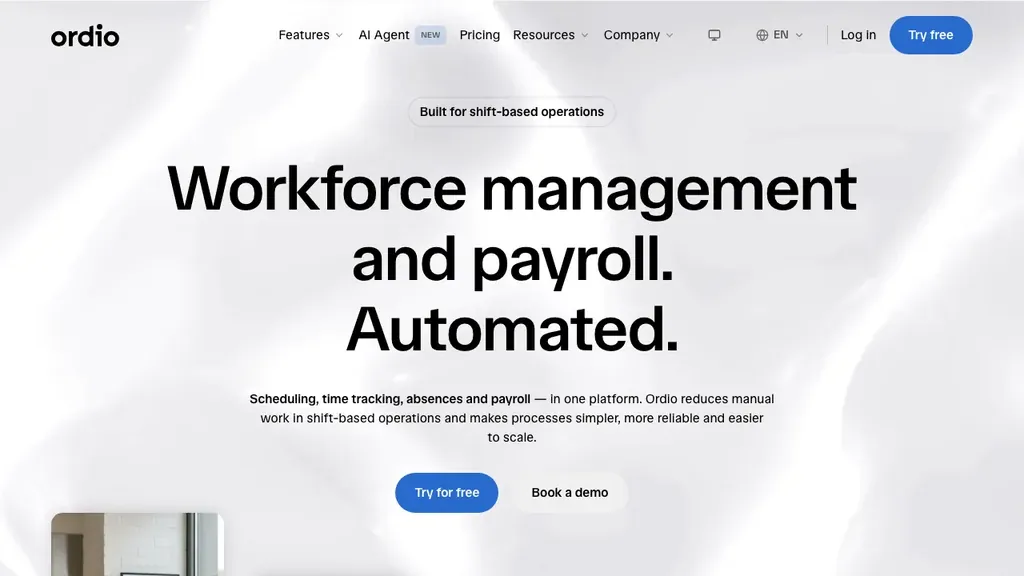
Best for: Multi-location hospitality, retail, and healthcare groups that need employee files, document management, and shift operations together, with light multi-source check-ins tied to real floor context.
Who it's for: Operators replacing folder-based feedback or split HR/scheduling stacks; HR leads who need compliant records without a six-month HCM implementation.
Ordio covers digital employee records, onboarding workflows, shift planning, time tracking, and absence management, so site managers are not chasing feedback PDFs in email while rebuilding next week’s rota.
Pros: Strong EU labor-compliance narrative, location-based pricing, industry workflows for shift sites. Cons: Not a dedicated anonymous peer-360 platform, no Lattice-class engagement surveys or enterprise leadership assessment libraries.
Verdict: A strong pick when shift operations and compliant employee records matter more than headquarters calibration modelling, pair with a specialist 360 tool only if you need formal anonymous peer cycles for desk managers.
Ordio’s wedge is operational truth: reviews and feedback only stick when they sit next to who worked which shifts, which certs expire next month, and which documents already live in the employee file. That is a different job than Culture Amp’s people-science 360, worth stating plainly so buyers comparing pure 360 suites set the right expectation.
Try employee records and shift operations in one place:
Connecteam
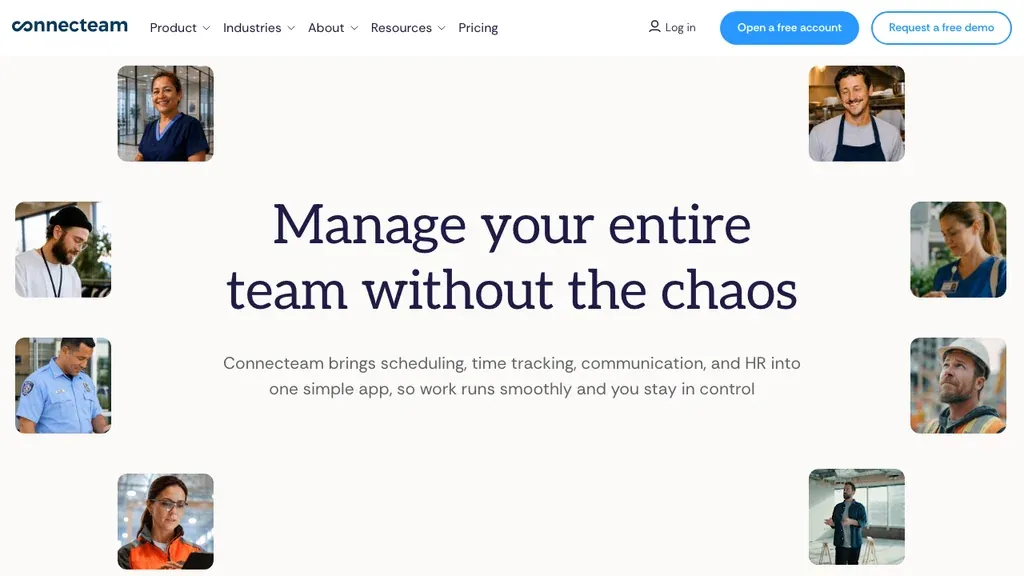
Best for: Deskless teams wanting mobile forms, checklists, chat, and lightweight multi-rater tasks beside daily operations.
Who it's for: Field supervisors and ops leads who already coordinate via mobile and want feedback tasks in the same hub.
Pros: Generous free tier for small teams; strong frontline UX. Cons: Hub pricing grows with modules; lighter on deep enterprise anonymity analytics than Culture Amp or Qualtrics.
Verdict: Connecteam fits when mobile completion beats a pure 360 specialist, validate how feedback history exports into your HRIS for audits.
Teams that already run chat, task lists, and training in Connecteam often adopt multi-source forms quickly because the habit already exists on the phone. If your buyer question is compliance-grade anonymous peer cycles across EU jurisdictions, confirm retention periods and export formats early.
Connecteam also helps when you need feedback beside daily ops, not as a separate annual event. That continuous cadence is closer to how hourly teams actually coach: short inputs after a tough weekend, not a forty-item leadership survey in January.
Lattice
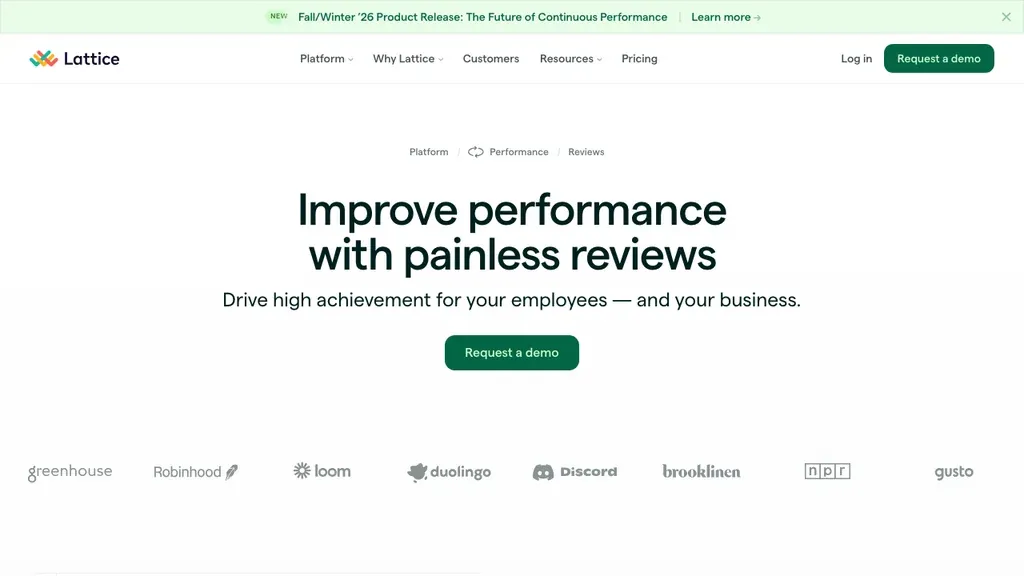
Best for: Mid-size office teams that want 360 feedback connected to goals, engagement, and individual development plans.
Who it's for: People teams building a continuous performance culture with formal multi-rater cycles, not primarily hourly floor supervisors.
Pros: Strong product depth; connects feedback to Grow / IDPs; widely cited in US 360 software comparisons. Cons: Office-led UX; per-seat pricing scales poorly for high-turnover hourly headcount; weak shift-ops context.
Verdict: Shortlist Lattice when desk managers need a true 360 program inside a broader talent stack, not when your bottleneck is mobile completion during peak service.
Lattice frequently appears in “best 360 feedback software” roundups for a reason: the product connects multi-rater input to goals and development tracks. If your HQ already runs Lattice for office teams, you can keep it for managers and use a frontline hub for hourly check-ins rather than forcing one tool to do both jobs poorly.
Culture Amp
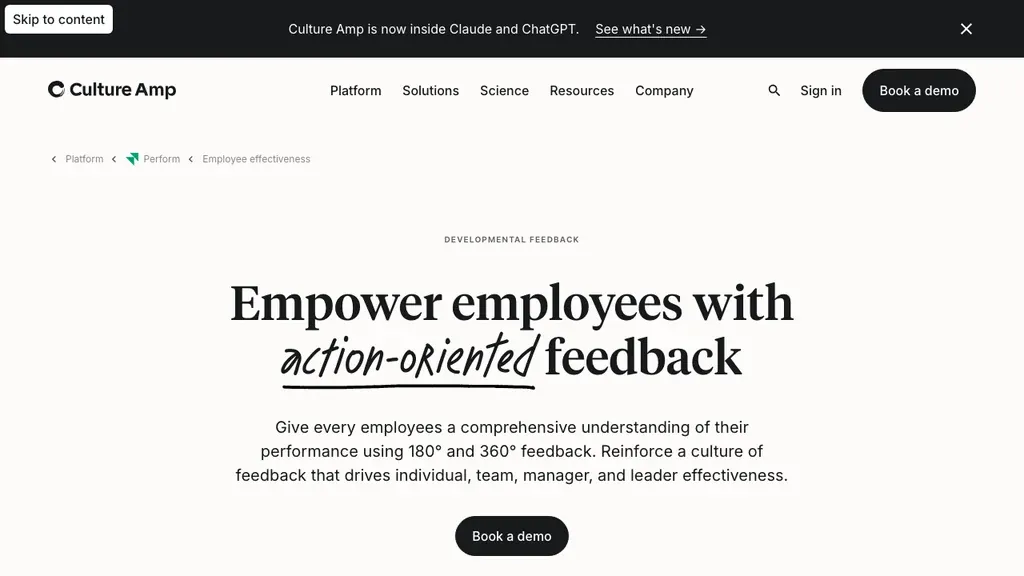
Best for: Organizations that treat 360 as leadership development with science-backed competencies and coaching follow-through.
Who it's for: People science teams and L&D leaders running manager development, typically office or hybrid knowledge workers.
Pros: Strong research brand; dedicated 360 product page; coaching-oriented outcomes. Cons: Custom pricing; limited frontline ops narrative; overkill for small hourly sites that only need probation check-ins.
Verdict: Culture Amp is a benchmark for development-first 360 programs, pair with a frontline ops system if your floor still runs on paper files.
Culture Amp’s strength is the science narrative and coaching follow-through. That matters when you are developing district managers or area coaches, roles where behaviors across peers and reports shape results. It is usually the wrong primary buy for a single café with twelve hourly staff.
If HQ already standardizes on Culture Amp for salaried managers, keep it there. Run lighter multi-source check-ins for hourly leads in the system supervisors already open during a shift, then share development themes upward without forcing every barista through a leadership library.
PerformYard
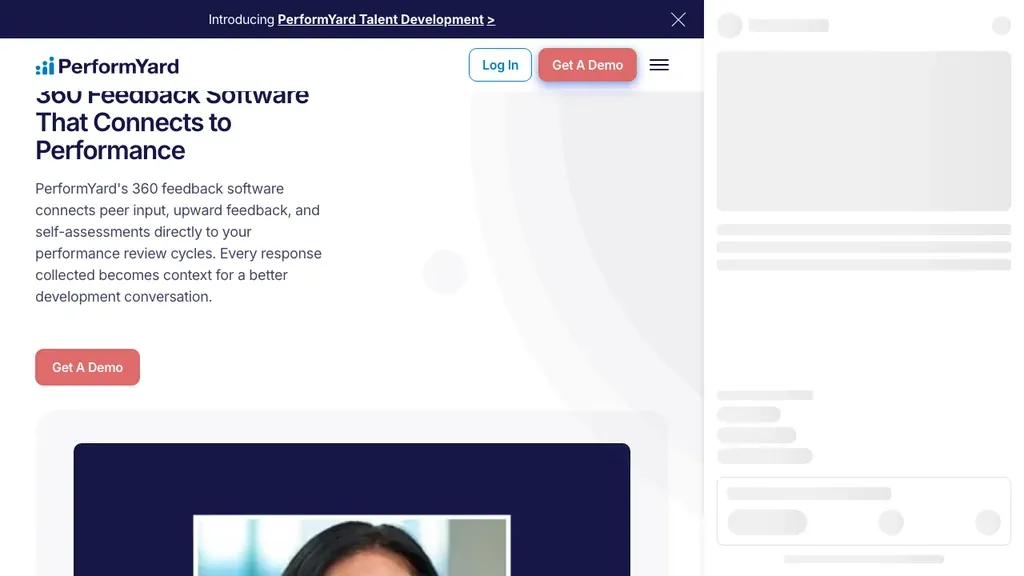
Best for: HR teams that want peer, upward, and self feedback to live inside the same review cycles as annual or quarterly appraisals.
Who it's for: Growing SMBs that outgrew spreadsheets but do not need a full experience platform.
Pros: Flexible stage workflows; anonymity controls; 360 connected to goals and check-ins. Cons: Demo-led sales motion; less of a frontline mobile hub than Connecteam.
Verdict: PerformYard is a strong “360 inside performance reviews” pick, confirm mobile UX with a floor supervisor before you commit multi-site seats.
PerformYard’s positioning matches a common buyer reality: you do not want a separate survey tool that HR has to chase while managers live in a review platform. If peer and upward feedback already belong inside your appraisal cycle, that integration reduces admin, and increases the chance managers actually open the report.
Spidergap
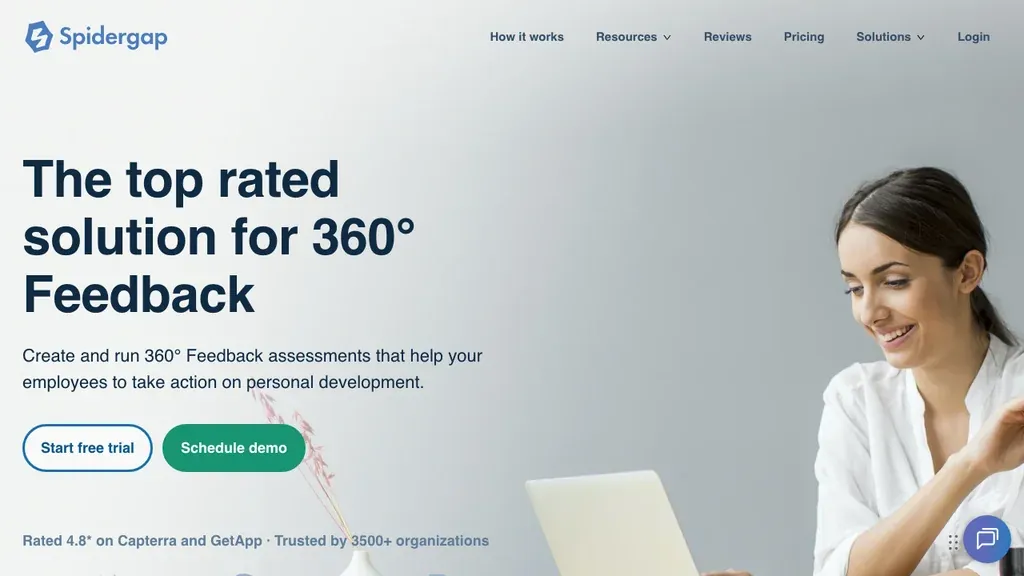
Best for: Teams that want a dedicated 360 product with customizable questionnaires and clear development-focused reports.
Who it's for: Small to mid-size organizations running structured 360 projects without buying a full HCM.
Pros: Free forever plan (1 user) for pilots; no-login feedback links; report customization called out in vendor comparisons. Cons: Custom paid pricing; fewer native HRIS integrations than BambooHR or Lattice.
Verdict: Spidergap is a practical specialist for “we need a real 360, not another survey form”, validate integration needs early if employee master data lives elsewhere.
Spidergap also shows up when teams want customizable reports without buying a full talent suite. The free forever plan is useful for a single-manager pilot; multi-site anonymity and SSO usually push you onto paid plans quickly.
Use Spidergap when the buying question is “can we run a clean multi-rater project this quarter?”, not “can we replace scheduling and employee files.” Export the report PDF into employee files so coaching notes do not live only in the survey tool.
BambooHR
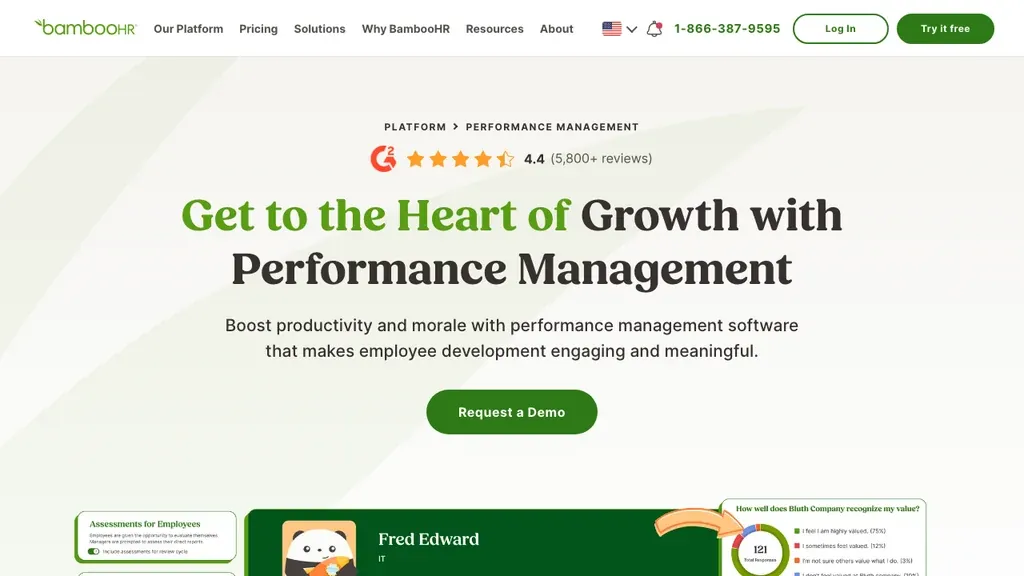
Best for: SMBs that already want an HRIS and light multi-rater performance workflows in one place.
Who it's for: Growing companies consolidating employee data, onboarding, and reviews, with some desk and some hourly mix.
Pros: Familiar SMB brand; performance module beside core HR; simpler than enterprise suites. Cons: Not a specialist 360 platform; shift-ops depth lags dedicated frontline hubs.
Verdict: BambooHR fits when HRIS consolidation is the priority and 360 is a supporting feature, not when anonymous peer cycles are the only buying reason.
Many SMB buyers start with BambooHR because employee data already lives there. Multi-rater features can be “good enough” for first programs, then you graduate to a specialist if leadership development demands deeper anonymity analytics.
For shift-heavy groups, pressure-test mobile completion with a closing supervisor before you commit. If forms feel desk-first, keep BambooHR for core HR and layer a specialist or frontline hub for multi-rater work rather than stretching one module past its comfort zone.
15Five
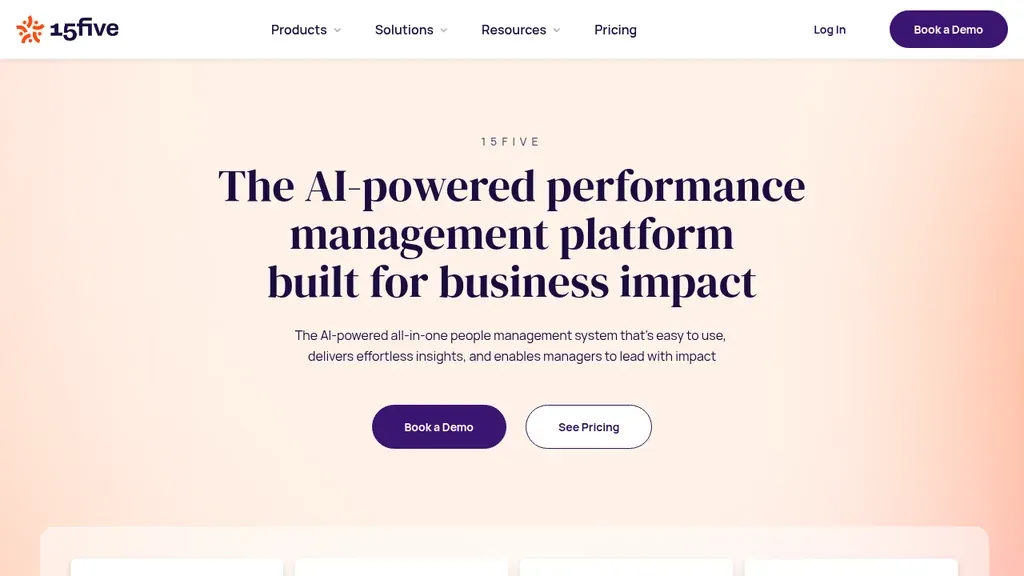
Best for: Teams that want continuous check-ins and lighter multi-rater feedback more than a once-a-year leadership 360 event.
Who it's for: People managers in office or hybrid environments building weekly feedback habits.
Pros: Strong continuous-feedback narrative; approachable pricing entry points. Cons: Less of a dedicated anonymous 360 specialist than Spidergap or Culture Amp; frontline mobile ops are secondary.
Verdict: 15Five is a solid continuous-feedback shortlist, if you need formal peer anonymity at scale, evaluate Spidergap, Lattice, or PerformYard alongside it.
Continuous check-ins reduce the “recency bias” problem that annual 360s create, people remember last week, not last March. For hourly teams, that cadence often matters more than a perfect once-a-year multi-rater event.
Shortlist 15Five when managers already struggle to hold weekly 1:1s and you need a habit layer before a heavy 360. Once check-ins stick, add a formal multi-rater cycle for rising leads, not the other way around.
360 feedback vs performance review vs employee engagement
Buyers often use these labels interchangeably, which is how teams end up evaluating the wrong shortlist.
- 360 feedback tools emphasize multi-rater input and development reports (this guide).
- Performance review software emphasizes manager-led cycles, appraisals, and documentation, see our performance review software guide.
- Employee engagement software emphasizes pulses, eNPS, and recognition, see employee engagement software.
- Talent management / HRIS cover hire-to-retain or core people data, see talent management software and HR software.
Buy 360 when blind spots across peers and reports block manager development. Buy performance review software when appraisals and probation paperwork are the fire. Buy engagement tools when listening and recognition are the gap, not when you only need one multi-rater cycle per year.
A simple routing rule helps stakeholders: if the question is “how do others experience this person?”, you are in 360 territory. If the question is “did we document this probation conversation?”, you are in performance-review territory. If the question is “how is morale this month?”, you are in engagement territory. Mixing all three into one RFP usually produces a bloated shortlist and a stalled project.
Put that routing rule on the RFP cover note. Vendors will still pitch an all-in-one suite, score each track separately so you do not pay for features you will not launch in year one.
Development vs performance: when 360 feedback still works
Is 360 degree feedback still used, or is it outdated? It is still used, and it is not outdated when it stays development-first. Treating 360 scores as the sole pay decision is where programs go toxic.
- Development use, leadership growth, promotion readiness, coaching plans; anonymity and psychological safety matter most
- Performance use, only when culture is mature and raters are trained; keep manager accountability clear
On shift floors, a full anonymous peer 360 for every hourly role is often the wrong instrument. A better pattern: formal 360 for site managers and rising leads; lighter multi-source check-ins (shift lead + peer + self) for probation and cert milestones. That still answers “how am I experienced by others?” without a forty-item leadership survey during a rush.
If your culture is not ready for anonymous peer input, start with named upward feedback for managers and transparent peer kudos for hourly staff. Forcing anonymity into a low-trust environment produces silence, or politics, not insight.
A practical rule for operators: use 360 to develop people who already influence others (leads, GMs, trainers). Use manager reviews and documented probation notes to decide pay, hours, and terminations. When those jobs blur, comments get cautious and completion collapses, which is why many teams wrongly conclude “360 is outdated” after one poorly scoped cycle.
How 360 feedback tools work
Running 360 degree feedback is a five-step loop: define competencies, nominate raters, collect responses, report gaps, then act on a stored development plan. Skip the last step and you only produced a PDF.
- Define competencies, behaviors that matter for the role (handovers, fairness under pressure, coaching).
- Nominate raters, self, manager, peers, and optionally direct reports or trainers.
- Collect responses, automated invites and reminders; anonymity thresholds before results open.
- Report, self-vs-other gaps, themes, and competency visuals.
- Act, development plans, coaching, and follow-up check-ins stored with the employee record.
For hourly teams, step 5 is where most programs fail. If reports never land in employee files or next-week coaching, the survey was theater.
A realistic floor example: an assistant manager after a rough Friday dinner service gets nominated by their GM, two peer leads, and one trainer. Raters complete a ten-item form on their phones within two weeks. The report highlights a self-vs-other gap on “clarity during handovers.” The coaching conversation and a short action plan are saved next to attendance and cert records, so the next GM can see progress without digging through email.
Keep the cycle calendar short. Four to six weeks from nomination to coaching is enough for most shift sites. Longer windows invite forgotten invites and stale comments about a peak that already passed.
Benefits of 360 feedback for hourly and shift-based teams
Done well, multi-rater input helps shift teams promote more fairly, coach with clearer evidence, and catch blind spots managers miss when they are stuck on the pass.
- Blind-spot visibility, peers see behaviors managers miss during busy peaks
- Fairer promotions, multi-source input reduces single-manager bias for lead roles
- Development clarity, concrete behaviors to coach, not vague “be more of a leader”
- Accountability both ways, upward feedback helps sites improve supervision quality
Enterprise vendors themselves note that frontline workers often receive less useful feedback than the global average. Qualtrics has cited roughly a seven-point gap versus other employee groups. That gap is the opportunity: shorter forms, mobile completion, and ops context beat a polished report nobody opens.
Benefits compound when feedback history sits beside scheduling and attendance. A coach who can see late clocks, missed handovers, and cert expiry dates gives better advice than one reading scores with no floor context.
Industry examples help set expectations:
- Hospitality, peer input on guest recovery and cross-station help during rushes
- Retail, fairness on breaks, floor coverage, and how leads handle last-minute call-outs
- Healthcare, handovers, documentation discipline, and calm under pressure (keep clinical judgment out of anonymous popularity scoring)
When benefits stay concrete, fewer surprise promotions, clearer coaching topics, fewer “he said / she said” disputes, managers stop treating 360 as optional HR theater.
Key features checklist for hourly teams
For hourly teams, the checklist is blunt: mobile forms, anonymity thresholds, short competency sets, probation hooks, integrations, completion analytics, and exportable history, in that order of urgency.
- Mobile-first forms, complete or request feedback on a phone during a lull
- Anonymity thresholds, minimum raters before results open; clear UK GDPR access rules
- Short competency sets. 8–12 behaviors, not 40 office leadership items
- Probation and cert hooks. 30/60/90 and safety-cert milestones
- Integrations. HRIS sync and employee IDs shared with scheduling / time tools
- Completion analytics, overdue cycles by site, not vanity dashboards
- Export and retention, audit-ready history for disputes and investigations
If a vendor cannot demo a supervisor finishing a short multi-rater form on a phone, keep shopping, no matter how polished the leadership library looks.
Score vendors with a simple 1–5 grid against this list during demos. A tool that scores five on AI summaries but two on mobile completion will fail when the floor is slammed. Write the grid before procurement starts so flashy add-ons do not rewrite your requirements mid-call.
Ask who owns template changes. If only a vendor consultant can edit competencies, your first cycle stalls when a site manager wants to drop two irrelevant office items. Self-serve template edits are a quiet must-have for multi-site groups.
Confirm notification channels too. Email-only reminders miss supervisors who live in WhatsApp or Teams during service, nudges inside apps people already open beat portals nobody revisits after onboarding week.
360 feedback tool pricing (what teams actually pay)
Expect three pricing shapes in 2026: about $4–$12 per user per month for SaaS modules, location-based ops pricing for high-turnover sites, or roughly $100–$500 per employee for consulting-led one-off assessments (confirm on vendor sites, ranges as of July 2026).
- Per-employee SaaS, commonly about $4–$12 per user per month for SMB performance / 360 modules (Lattice, PerformYard, 15Five ranges)
- Per-location ops pricing, useful for high-turnover hourly headcount (Ordio-style location math)
- Project / assessment fees, standalone 360 surveys often cited around $100–$500 per employee depending on coaching wraparound
Free tiers (Spidergap’s single-user plan, DIY surveys) are fine for pilots. They rarely cover multi-site anonymity, reminders, and HRIS sync. Always confirm whether pricing includes AI summaries, coaching modules, and external raters, those add-ons surprise buyers after the demo.
Budget for change management, not only licenses. Training raters and protecting time for coaching conversations often costs more than the software, and determines whether the program sticks past cycle one.
Worked example: a 40-person café with seasonal peaks. At $8/user/month, a full-seat plan is about $320/month before onboarding. If only eight leads and managers need formal 360 cycles, seat-based tools still tempt you to buy forty seats “for simplicity.” Model both: seats for the people who actually receive multi-rater feedback, plus a lighter check-in path for hourly staff, or a location-priced ops system that does not punish turnover.
Ask vendors how inactive users are billed. High churn sites that pay for ghost seats for ninety days after someone leaves will overpay quietly. Get the inactive-seat rule in writing before you sign.
How to choose a 360 feedback tool for shift teams
Choose in five moves: clarify the job (leadership development vs lighter multi-source check-ins), map who can actually observe the person at work, run a real-site pilot, check integrations, and model cost at peak headcount, not at quiet January staffing.
- Clarify the job, leadership development for site managers, or lighter multi-source check-ins for hourly roles?
- Map raters, who can actually observe the person on the floor?
- Run a real-site pilot, measure completion time and comment quality, not only vendor feature checklists
- Check integrations, employee master data, Slack/Teams, and export to employee files
- Model cost at peak headcount, seasonal seats kill per-user economics
Write a one-page success metric before demos: for example, “80% of rising leads complete a development conversation within 14 days of the report.” Vendors that cannot support that workflow will not fix culture with another survey.
Also decide whether external raters matter. Some leadership programs invite customers or franchise partners. Most hourly sites do not, and adding them early creates privacy and logistics headaches. Start internal; add external raters only when the process already works.
Use a two-track shortlist when HQ and floor needs diverge. Track A: a specialist 360 for district managers (Lattice, Culture Amp, PerformYard, Spidergap). Track B: a frontline hub for probation and cert check-ins (Connecteam, Ordio). Forcing one product to win both tracks is how RFPs stall for six months.
Bring one skeptical site manager to every demo. If they cannot finish the sample form on their own phone in under ten minutes, the tool is not ready for your operation, regardless of HQ enthusiasm.
How to implement 360 feedback without burning out managers
Burnout-safe implementation is narrow at first: leads only, trained raters, protected anonymity, off-peak timing, coaching after every report, then cut weak questions after cycle one.
- Start with managers and leads, do not launch full 360 for every hourly role on day one
- Train raters, observable behaviors, no personality attacks
- Protect anonymity, publish thresholds and who sees comments
- Time cycles around the calendar, avoid peak season for first runs
- Close the loop, every report needs a coaching conversation and a stored plan
- Review after one cycle, cut questions that produced vague answers
Implementation fails when HR treats 360 as a form project. Treat it as a coaching system, with shift planning and staffing reality in mind.
A practical first-cycle scope: rising leads and site managers only, ten competencies, four weeks of collection, and a mandatory coaching conversation within fourteen days of the report. Expand to more roles only after that loop works twice.
Document who owns the program. If “HR owns 360” but site managers own coaching time, cycles stall. Assign a named owner per site for completion nudges, usually an area coach or assistant manager, and keep HR focused on template quality and anonymity rules.
Protect manager time on purpose. Block a 20-minute coaching slot on the roster the week reports land, do not leave coaching as “when you have a minute.” If the schedule cannot absorb those slots, delay the cycle rather than collecting feedback you will never discuss.
Common mistakes when buying 360 feedback software
Most failed 360 buys share the same pattern: the wrong instrument for hourly roles, weak trust, or no plan after the report lands.
- Buying a leadership suite for hourly roles. 40-item office competencies will not get finished
- Ignoring psychological safety, anonymity without trust produces silence or politics
- Survey-tool-only shortlists. DIY forms lack HRIS sync and development follow-through
- Skipping the honesty conversation, if you need ops + records, do not pretend a 360 specialist will replace them
- No success metric, completion without coaching is vanity
- Launching every role at once, start with leads; expand after two clean cycles
- Mixing pay decisions into cycle one, development trust collapses if the first report feels like a raise vote
In demos, ask for last-quarter completion rates from a customer with similar shift density, not only a polished leadership sample report with AI summaries layered on empty forms.
Another quiet failure mode: HQ buys the tool, IT configures SSO, and nobody trains raters. Comments turn into personality judgments (“not a team player”) instead of observable behaviors (“left the expo station uncovered twice during Friday peaks”). Budget a thirty-minute rater briefing per site before invites go out.
Where Ordio fits (honest guide)
Ordio is a partial fit if you need a dedicated 360 platform, and that honesty matters more than a forced ranking.
Fits well when you need:
- Multi-location shift operations with employee records and documentation
- Light multi-source check-ins tied to probation, certs, and real floor context
- One system for scheduling, time, absence, and people files instead of feedback PDFs in email
Not the best fit when you need:
- Enterprise anonymous peer 360 with advanced rater analytics
- People-science leadership assessments (Culture Amp / Qualtrics class)
- Deep OKR and engagement suites as the primary product
If you specifically need a dedicated 360 platform, shortlist Lattice, Culture Amp, PerformYard, or Spidergap, and keep Ordio for the ops layer those tools do not cover. See pricing for current Ordio plans.
For UK and Ireland sites, bake GDPR into the RFP: lawful basis, retention schedule, who can export comments, and whether UK data residency is required. Anonymity thresholds help, they are not a substitute for a documented processing record.
US multi-state operators should also ask about retention and access for dispute scenarios, even without GDPR, feedback comments can surface in unemployment or harassment investigations. Store less free-text than you think you need, and keep a clear retention clock.
Bottom line: shortlist Ordio when feedback must sit next to real shift work and compliant records. Choose a specialist 360 when anonymous peer analytics are the primary buying reason, then bring the report back into your ops system of record.
Example 360 feedback questions for shift supervisors
Good 360 questions stick to observable behaviors, expectation-setting, fairness under pressure, coaching quality, and how decisions land with the team, not vague “are they a leader?” items.
Keep the set to 8–12 items so peer leads can finish during a lull. Sample prompts you can adapt:
- How clearly does this person explain priorities at the start of a shift?
- How fairly do they assign breaks and less popular tasks?
- How do they respond when the floor gets slammed, do they stay calm and reallocate help?
- How useful is their coaching after a mistake (specific, timely, respectful)?
- How reliably do they close the loop on handovers and safety checks?
- How open are they to upward feedback from the team?
Pair each item with a simple scale plus one optional comment. Free-text-only forms create privacy risk and review fatigue. Store the final coaching notes in employee files so the next cycle starts from evidence, not memory.
Rotate two items each cycle based on what produced vague answers last time. A living question bank beats a perfect spreadsheet that never changes.
Related guides for shift-based teams
360 feedback rarely lives alone. Most operators also need a manager-led review process, a listening tool for morale, and a workforce stack that keeps schedules honest.
Start with the sibling guide that matches this quarter’s biggest fire, then return to multi-rater tools when leadership development is the real bottleneck. Product pages for employee files and shift planning help when documentation and staffing context are missing from today’s feedback conversations.
- Performance review software, manager-led cycles and appraisals
- Employee engagement software, pulses and recognition
- Talent management software, hire-to-retain lifecycle
- Competency management software, role readiness and certificate evidence
- HR software. HRIS umbrella for shift SMBs
- Workforce management software, scheduling and labor ops
- Product: employee files, shift planning, time tracking, absence management
- Industries: hospitality, retail, healthcare
Conclusion: pick the right 360 feedback tool for your team
The best 360 feedback tool (and the depth of 360 degree feedback you actually need) for 2026 is the one your managers will finish, with anonymity that people trust and a coaching step after every report. Office teams should shortlist Lattice, Culture Amp, PerformYard, or Spidergap. Hourly multi-site operators should prioritize mobile completion and records. Connecteam and Ordio for ops-led multi-source feedback, with a specialist 360 layered on only when leadership development demands it.
Trial the workflow on a high-traffic site first, measure completion and coaching follow-through, then scale. Keep manager-led appraisals and engagement pulses on their own tracks, see our performance review software and employee engagement software guides when those are the real fires.
When you are ready to connect feedback to compliant employee records and shift operations, use the free trial or demo buttons in the Ordio section above.
Frequently asked questions about Best 360
What are 360 feedback tools?
360 feedback tools collect confidential multi-rater input, typically self, manager, peers, and direct reports, and turn it into reports and development plans. A useful 360 feedback tool for your shift team also works on mobile, ties to probation or cert milestones, and stores outcomes with employee records so coaching does not vanish after one cycle.
Is 360 feedback still used?
Yes. 360 feedback is still widely used when you keep it development-first. Organizations run a 360 feedback tool for leadership growth, promotion readiness, and probation check-ins. It struggles when scores drive pay alone or raters cannot finish surveys between shifts. Pair multi-source input with coaching and you still get clearer blind spots than a manager-only review.
How much does a 360 feedback tool cost?
Expect about $4–$12 per user per month for many SaaS 360 feedback tools, or roughly $100–$500 per employee per full evaluation cycle for managed surveys. Totals rise with rater volume, reporting packs, and HRIS sync. Shift teams often spend less per head than enterprise leadership suites if you limit cycles to leads and high-impact roles.
What is the difference between 360 feedback and a performance review?
A performance review is usually manager-led and looks backward at results. 360 feedback gathers multiple perspectives on behaviors so your employee sees blind spots peers notice on the floor. Use a 360 feedback tool for development; see our performance review software guide for manager-led cycles, never paste 360 scores into pay decisions.
Are there free 360 feedback tools?
Yes, limited free options exist, such as Spidergap’s free forever plan for one user, SelfStir for individual/coach use, or DIY surveys in SurveyMonkey or LimeSurvey. Free 360 feedback tools rarely cover multi-site anonymity thresholds, reminders, and HRIS sync. Pilot with your team, then budget for SaaS once coaching actually happens.
What are the four parts of 360-degree feedback?
The four core rater groups are self, manager, peers, and direct reports (subordinates). Some programs also invite customers or trainers as extras. Your 360 feedback tool should let you weight those groups and hide individual comments until a minimum response count protects anonymity, especially important for small shift crews.
How does anonymity work in 360 feedback (including UK GDPR)?
Most tools hide individual raters until a minimum response threshold is met, then show aggregated scores. Under UK GDPR, treat 360 responses as personal data: document lawful basis, minimize identifiable free text, and control who can export reports. For your UK sites, set thresholds high enough that a three-person night crew cannot reverse-engineer who said what.
How do you do 360 feedback?
Run 360 feedback as a short loop: define role behaviors, nominate raters, collect on mobile, share a clear report, then coach and store the plan in your employee files. Pick a 360 feedback tool that protects anonymity and works between shifts. Start with leads only, time surveys off-peak, and never skip coaching, otherwise you only produced a PDF.
Why is 360-degree feedback controversial?
It gets controversial when feedback turns into politics or overload, vague comments, popularity contests, or pay decisions based on anonymous scores. Your team resists when surveys are too long for busy shifts or when anonymity fails in tiny crews. Keep the 360 feedback tool development-first, short, and coached, and controversy drops fast.
Which 360 feedback tool is best for shift-based teams?
The best 360 feedback tool for your shift team prioritizes mobile completion and ops context over enterprise leadership suites. Compare anonymity thresholds, rater flexibility, pricing, and whether outcomes land next to certs and shift planning. Ordio fits partial multi-source check-ins tied to shifts; Lattice or Culture Amp fit desk-heavy peer 360 programs.