Trades & manufacturing
Trades & manufacturing scheduling Shift plans and mobile time tracking on site
Workforce software for workshop, site, and shift operations, planned and actual hours together.


















Hours and shifts for trades & manufacturing
Less paper on site
Clock-in and planning on mobile, even without a PC in the van or plant.
More time on the job
Fewer calls about hours and shifts; more focus on delivery.
Ready for payroll
Actual hours, breaks, and premiums documented, fewer correction runs.
Built for the workshop, the site, and shift work
Trades and manufacturing do not need office-only software, they need tools that work on site and on the shop floor.
Ordio combines shift plans, mobile time tracking, and a team app: you see who is where and which hours have accrued.
Planning stays manageable, even when projects and crews change week to week.

Mobile time tracking on site
Your team clocks in on the app, wherever they work: project time, breaks, and premiums in one system. Actual hours stay documented and easy to compare with the rota. Fewer questions about hours, a solid base for reporting and payroll prep, with no pen and paper.
Shift planning for trades & production
You plan shifts, locations, and projects to match availability and teams with their own templates. Ordio bundles workforce scheduling in one tool instead of separate lists per site. You spot gaps earlier and avoid rebuilding spreadsheets on every last-minute change.
Payroll prep without spreadsheet chaos
With Payroll Plus, planned and actual data flow together: overtime, premiums, and absences structured for payroll. You save the monthly reconciliation between operations leads, office, and payroll provider. Especially with changing locations and shift patterns in production, one system pays off.
HR for growing teams
Master data, contracts, and documents live centrally, even without a dedicated HR team. Operations leads and owners find paperwork faster; new hires get up to speed quicker. Workforce planning in your business covers shifts and hours as well as administration.
Tools for your operations team, in one place
From site to workshop: planning, hours, reporting, and checklists on one platform, even for small trade businesses.

Reporting and analytics
See hours, cost, and workload by project, location, or team and spot overtime or idle time earlier. Management and operations leads share one data source instead of parallel spreadsheets. That supports quotes, job costing, and workforce planning in trades and manufacturing.





Absence management
Holiday and sickness run digitally; the rota stays current when someone drops out on site. The team sees changes in the app without chasing the office. Less coordination load for shift leads and the office.

Nano – support on site
Nano helps in your workspace with staffing, open shifts, and next steps in deployment planning. You still decide on the ground; Nano speeds up routine. Practical with multiple projects and changing field teams.
Tasks and checklists
Safety and handover checklists on site live in the app, with proof for the team. Fewer missed steps during installation or commissioning, less paper in the van. Checklists complement time tracking and shift planning in daily operations.
Real success stories
See how other businesses use Ordio in practice
In our spotlight videos, hospitality, retail and service teams share how they optimize employee scheduling and shift planning, capture time and organize people with Ordio: first-hand stories from teams who use it every day.

“With Ordio we see all working hours at a glance, qualifications, perfect shift coverage, one tool for everything. That saves time and money.”
Marco Cohrt
Managing director

“With Ordio we manage studio staff nationwide efficiently and scale new locations much more easily.”
Maria Graffelder
YTTP

“We use Ordio at LANXESS arena for our entire workforce organisation.”
Stefan Löcher
Managing director, ARENA Management GmbH

“It's an absolute relief for our practice day-to-day. No more paperwork or Excel chaos.”
Dr. Verena-Vanessa Lehmann
Zahnarztpraxis Lehmann Lötzerich
“Ordio saves us 40% of the time we used to spend on workforce admin each week.”
Fabian
HR & procurement lead
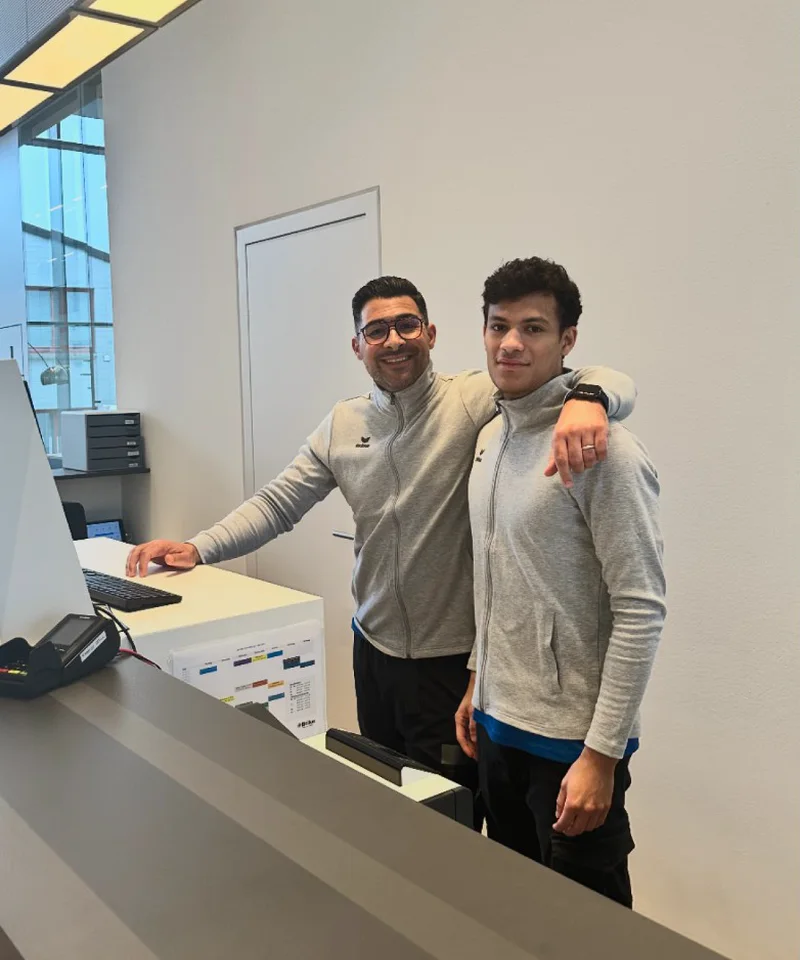
“Ordio makes shift planning easier for our diverse team of therapists and trainers, so we can focus on patient care.”
Bilal Al-Sarray
Praxis Bilal

“Ordio gives us efficient shift planning and better team communication, clear and easy to customise.”
Jenifer Patrix
Operations manager

“With Ordio I opened a second shop without losing oversight.”
Maren Ernst
ERNST Kaffeeröster

“Ordio makes our day-to-day easier, the team organises itself and admin work is much lighter.”
Meike Mirbach
Studio manager

“Ordio saves us hours of planning every week. That leaves more time for the craft.”
Grischa Herbig & Caspar Krings
Feinripp & Gold
“With Ordio we finally have software that meets the specific needs of our diverse services.”
Jörg Fischer
Head of social care
Connect your integrations

Frequently asked questions about crafts & industry with Ordio
What does Ordio do for trade and industry - and for whom is it worthwhile?
Ordio bundles staff deployment and times for companies with changing shifts: shift and deployment planning, working time tracking, team communication and, if required, absences - for trade, workshop, construction site, assembly or production. This makes sense if you run several teams, locations or projects in parallel and want to manage the schedule, actual times and substitutions from one system instead of using Excel, paper and chat.
What is the difference between shift planning, shift schedule and project plan?
Shift planning assigns people and capacities to orders, construction sites or machines. The shift plan determines who works when (early, late, night, rotation). Project planning focuses on milestones and tasks along an order. In practice, these terms often intertwine - Ordio helps you to map everything in one system so that plan and reality match.
How do you reliably plan personnel in the workshop, on construction sites and in production?
You define requirements per team, workshop or line, store availabilities and qualifications and allocate shifts and assignments to calendar weeks. You can balance out short-term changes (absence, additional order) via substitutions and clear communication - so it remains clear who is on duty where, without every change requiring a broadcast call.
Do employers have to document working hours in trade and industry - and how does Ordio help?
In Ordio's core DACH markets (Germany, Austria, Switzerland), employers must document working hours systematically and comprehensibly; details and exceptions continue to evolve with legislation and case law - including on construction sites and in production. With Ordio, you can record the start, end and breaks digitally and make them available for evaluations and payroll preparation. In-depth information (based on German rules): Guide: compulsory time tracking (German article).
How does time recording work in industry, on the construction site and in the field?
Employees record times where they work - in the hall, on the construction site or on the road. Planned shifts from the shift plan and stamped actual times from the time tracking are together so that you can see deviations early on and use reports for controlling or payroll without duplicate data maintenance.
Can employees record shifts and times on the move on the construction site or in assembly?
Yes. With the Ordio app, teams can see their assignments and shifts and record times on the move - on the construction site, in assembly or in the field. This takes the pressure off the office and workshop management, as there is less need to ask who is where and actual times do not have to be entered at the desk.
How does Ordio support shift work, rotating shifts and production?
You create shift templates and rules (early, late, night, weekend), see overlaps and can use recurring patterns. In production, this helps to link line or shift requirements with available staff - instead of having to jigsaw every week. This means that shift operations can be planned, even if incoming orders fluctuate.
Can I map several locations, teams and projects simultaneously in Ordio?
Yes. You create locations, teams or cost centres and manage resources centrally or separately, depending on your organisation. Construction sites, workshops and production lines remain traceable in one system so that assignments and shifts do not fall apart in separate spreadsheets.
How does shift planning differ in trade and industry - and what about manufacturing?
In the trade, construction sites, orders and changing teams often dominate; in industry and manufacturing, lines, shift models and fixed cycles tend to prevail. Ordio maps both: shift templates for early/late/night, assignments per project or line and mobile time tracking where work is carried out, without two separate planning tools.
Is Excel enough for shift planning - when is software like Ordio worthwhile?
Tables are often sufficient for a small team with just a few variables. As soon as several construction sites, shift models, part-time work or many simultaneous orders are added, the maintenance effort and error rate increase. Ordio centralizes schedules, availabilities and times - typically worth the change if coordination and traceability regularly cost time and nerves.
How are shift schedules and time recording in Ordio connected?
Where does Ordio stand between a pure time clock and a large HR suite?
Ordio focuses on operational personnel in the shift and deployment business: planning, recording, absences, app and extensions - without you needing a full enterprise HR suite. Simple time clocks often only cover recording; Ordio combines planning and times. You can supplement broader HR processes with specialist departments or suitable integrations.
How do you get a demo, advice or prices?
If you want to bundle deployment, shift and time processes in trade or industry, it is worth having a guided discussion about your everyday life: and discuss specific scenarios (construction site, production, field service). You can find packages and conditions under prices.
Get started for free & discover Ordio for crafts & manufacturing
Create your free Ordio account in minutes, no payment details and no contract. Explore scheduling, time tracking, and team workflows directly in the product.
Questions or prefer to start together? Our team helps with setup and rollout, optionally as a personal walkthrough.