More than scheduling alone
Digital time tracking efficient and accurate
Minute-accurate time tracking with Ordio's app for iOS and Android — on phone, tablet or terminal. No paper timesheets or spreadsheets: keep hours, breaks and overtime in one central view.
Your location
00:00
Hold to start a break
Digital time tracking, that gives you control and lifts the load
Clear times, fewer disputes
All hours are captured transparently and traceably. That builds fairness in the team and saves you follow-up questions.
Less day-to-day effort
No paper, no spreadsheets, no manual catch-up. Working time runs reliably in the background — clean and consistent.
Secure and compliant
Hours, breaks and overtime are documented cleanly and ready for payroll.
Timesheets, goodbye: time tracking in one tap
Paper timesheets, spreadsheets and manual catch-up waste time, create errors and keep sparking debates about hours worked.
With Ordio your team records time digitally in seconds — right in the workflow, cleanly documented and always traceable.
The outcome:
Clear times, fewer questions and a reliable basis for planning, payroll and reporting.



Clock in and out on the app or terminal
Your team can clock in and out easily from a smartphone or terminal.
- Capture working time in seconds
- Optional location-based check-in and check-out
- Confirm hours with a signature
- Fewer errors and less back-and-forth
Secure and compliant
Meet legal requirements for time recording without the hassle. Every hour is documented end-to-end and available whenever you need it.
- GDPR-aligned, privacy-first time tracking
- Clear controls for working time and breaks
- All data stored securely and traceably at all times
- Full transparency for everyone on the team
Hours and people always in view
Keep working time, overtime and absence management in view at all times.
- No manual busywork
- Reliable hour documentation
- Automatic calculation of hours worked and premiums
- Better decisions on staffing and cost
More than time tracking software

Time tracking made easy
No wrong times, no manual corrections. Your team can clock in and out on their own in the Ordio app or on hardware terminals. All hours, breaks and premiums are captured automatically, to the minute.


Tasks and checklists
Streamline operations with checklists and interactive task management. Create specific checklists, define clear tasks, assign owners and set due dates.



Absence management
Manage holidays, sick leave and other time off in one place. Employees request time off in the app and you always see availability and remaining holiday.
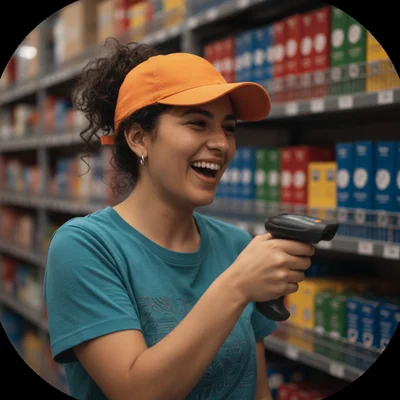
Reporting and analytics
Get detailed insight into labor costs, hours and productivity. Dashboards and reports help you stay in control and make data-driven decisions.

Gross pay & payroll export
Ordio calculates gross pay from scheduling and time tracking — ready for payroll export to common accounting formats. Optionally add Payroll Plus for net payroll inside Ordio.

HR data at a glance
Contracts, core HR data and documents — structured, central and easy to find for you and your team. No more clutter or loose paperwork.
Real success stories
See how other businesses use Ordio in practice
In our spotlight videos, hospitality, retail and service teams share how they optimize employee scheduling and shift planning, capture time and organize people with Ordio—first-hand stories from teams who use it every day.

“With Ordio we see all working hours at a glance — qualifications, perfect shift coverage, one tool for everything. That saves time and money.”
Marco Cohrt
Managing director

“With Ordio we manage studio staff nationwide efficiently and scale new locations much more easily.”
Maria Graffelder
YTTP

“We use Ordio at LANXESS arena for our entire workforce organisation.”
Stefan Löcher
Managing director, ARENA Management GmbH

“It's an absolute relief for our practice day-to-day. No more paperwork or Excel chaos.”
Dr. Verena-Vanessa Lehmann
Zahnarztpraxis Lehmann Lötzerich

“Ordio saves us 40% of the time we used to spend on workforce admin each week.”
Fabian
HR & procurement lead
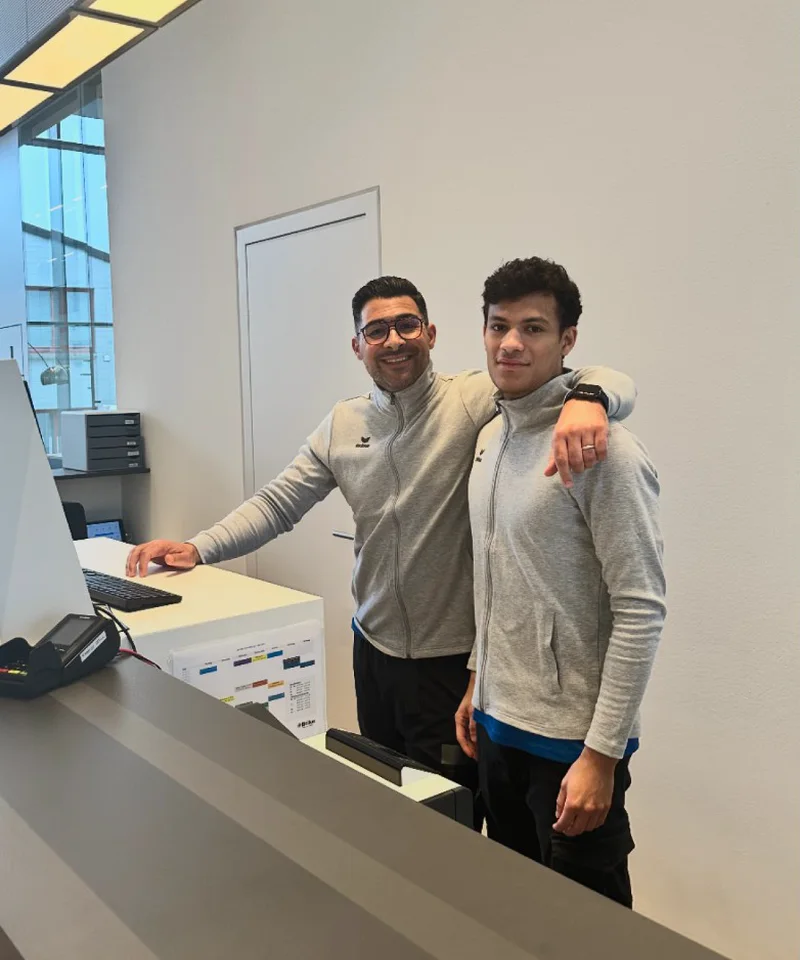
“Ordio makes shift planning easier for our diverse team of therapists and trainers — so we can focus on patient care.”
Bilal Al-Sarray
Praxis Bilal

“Ordio gives us efficient shift planning and better team communication — clear and easy to customise.”
Jenifer Patrix
Operations manager

“With Ordio I opened a second shop without losing oversight.”
Maren Ernst
ERNST Kaffeeröster

“Ordio makes our day-to-day easier — the team organises itself and admin work is much lighter.”
Meike Mirbach
Studio manager

“Ordio saves us hours of planning every week. That leaves more time for the craft.”
Grischa Herbig & Caspar Krings
Feinripp & Gold

“With Ordio we finally have software that meets the specific needs of our diverse services.”
Jörg Fischer
Head of social care
Connect all your integrations



Start yourself in 2 minutes & discover Ordio.
Create your free Ordio account in 2 minutes — no payment details. Nano sets up team and shifts while you explore scheduling and time tracking in the product.
Questions or prefer to start together? Our team helps with setup and rollout — optionally as a personal walkthrough.
Frequently asked questions about time tracking with Ordio
What is working time recording software - and what does Ordio do?
Work time recording software digitizes the start, end and breaks of your teams instead of slips of paper or separate Excel lists. With Ordio, employees record times to the minute via web, app or terminal; managers see the status centrally and prepare exports for payroll preparation. This makes documentation clearer and reduces transfer errors between shift work and the office.
How does time recording work in everyday life with Ordio?
On the fly, employees can start and end their own working time with a click in the app, in the browser or at the terminal - depending on what you introduce. Breaks can be clearly mapped and you can keep track of many parallel shifts. You can then check and approve times and prepare the export for accounting without having to type in the same data again in separate tools.
Which time tracking app does Ordio offer for Android and iOS?
Ordio is a time tracking app for iOS and Android — you can also use the web browser and optionally a terminal at the entrance. That covers the office, counter and field service, so you choose what fits each role. A tablet or smartphone is often enough; add hardware where a fixed clock-in point makes sense.
Can working hours be changed retrospectively?
Yes. If someone forgets to clock out or an entry is incorrect, your team submits a change request - with a brief explanation. You or the manager decides in the approval workflow and the history remains traceable. This protects against silent corrections in the spreadsheet and keeps audits clearer than loose email chains - comparable to classic change requests, only bundled centrally.
How do recorded hours reach payroll and accounting?
Recorded hours feed clear reports for payroll preparation and month-end. You export structured data to your payroll bureau or accountant (CSV, Excel and other common formats). You avoid retyping timesheets between operations and finance.
Is Ordio suitable for multiple locations or branches?
Yes. You can record and evaluate times on a site-specific basis so that central functions can maintain an overview and it remains clear on site who has worked where. This helps with chains, catering or craft businesses with workshops and construction sites. Reporting and analytics can be sorted along organizational units without having to maintain separate stand-alone solutions in parallel
What does "to the minute" working time recording actually mean?
Recording to the minute means that start and end times are not roughly rounded to the nearest quarter of an hour, but are recorded as they actually occur - including documented breaks. This gives you a reliable database for wages and overtime, instead of room for interpretation on paper. Time tracking remains traceable because all entries are centralized and consistent.
Is Ordio GDPR compliant and where is data processed?
Working-time data is processed under the UK GDPR / GDPR ; hosting is in data centres in Germany (EU) . Technical and organisational measures support access control and audit trails. Align roles and processing agreements with your DPO or adviser for UK, Ireland or EU operations.
What is the difference between shift planning and time recording?
Shift planning determines who should work when; time recording documents what has actually been done - including overtime or deviations. Both together give you reliable target/actual comparisons. The integration with employee scheduling is explained in more detail there; this is about the digital recording of actual times.
How does Ordio help with legal documentation requirements?
Hours must be recorded objectively, systematically and verifiably — core to the Working Time Regulations (UK) and EU working-time rules. Ordio structures capture and exports for your audits; case-by-case interpretation stays with your HR or legal adviser . German-market background (DE): time recording guide (DE) .
Does time tracking work for field service and mobile teams?
Yes, teams on the road use mobile apps for clocking in, optionally with a location reference if you have agreed this internally and legally secured it. This means that mobile time tracking can be recorded and used for billing even without a fixed office workstation. For logistics or service structures, this reduces queries because the data is stored centrally instead of in chat histories
Do I need additional hardware for time recording?
Not mandatory: many companies start with app and web. Wherever you want a fixed clocking point, add a terminal instead of classic clock-in solutions - the digital time clock replaces paper lists. The setup scales from small teams to branch chains without having to rewire every workplace. Ordio remains the central instance for data and evaluation.
What does Ordio cost - and how do you try it out?
Ordio charges transparently per location and month; current packages and add-ons are on the pricing page. In a demo you check whether app, terminal and export fit your processes. That is often the fastest way to settle open points with your team.
What support is available for questions about time recording?
Once you've started, you can access help with setup, roles and devices via documentation in the help section and support in accordance with your contract - including resources for onboarding. For complex payroll or rate issues, your tax consultant or payroll office remains the right point of contact. This means that the technical implementation remains with Ordio, while individual technical cases end up where the specialist expertise is located.