Guides
Best HR Software for Shift-Based Teams 2026

Employee spreadsheets, paper onboarding folders, and a separate scheduling app create errors before payroll even starts. HR software (often called an HRIS or human resource management system) centralises employee records, onboarding, time off, and, in modern platforms, scheduling and time tracking for the people who actually run your shifts.
This 2026 comparison of the best HR software for shift-based teams covers eight tools for restaurants, stores, and care sites, with pricing, screenshots, and an honest fit guide. It is not a generic top-10 for desk-only HR departments or enterprise HCM. You will find industry notes for hospitality, retail, and healthcare, plus links to our employee management software, workforce management, scheduling, time tracking, and employee engagement guides when you need rota-level depth or listening tooling. When job posts list SHRM or HRCI as preferred, see our HR certification guide for how employers should read those credentials.
HR software for employees should give frontline staff one place to see shifts and request leave. If only managers get value, adoption usually fails within the first month, so shortlist tools your team will actually open on a phone.
What is HR software?
HR software is a digital system for managing people data and HR processes: employee records, onboarding, policies, time off, and often payroll or benefits administration. Cloud HRIS platforms add employee self-service so staff can view rotas, request leave, and update details without emailing HR.
What is HR software used for? Day to day, it replaces scattered folders and inbox threads with one source of truth for who works for you, when they are scheduled, and which documents apply. For shift-based businesses, the best HR software also connects planned shifts to worked hours, otherwise payroll and compliance still depend on manual reconciliation.
Typical modules include:
- Employee records, contracts, roles, contact details, certifications
- Onboarding, offer letters, checklists, e-signatures
- Time and attendance, clock-ins, breaks, overtime
- Scheduling, rotas, availability, shift swaps
- Absence, holiday, sickness, cover requests (see our absence management software comparison when leave is the primary buy)
- Payroll hooks, exports or native pay runs
Desk-based companies may buy HRIS for hiring and performance alone. If your team works rotating shifts across sites, prioritise vendors that treat scheduling and time as core HR, not optional add-ons. Most buyers encounter three buckets: HRIS (records and lifecycle), workforce management (shifts and hours), and scheduling-only apps, we compare how they differ later in this guide.
Best HR software at a glance (2026)
Which software is best for HR? There is no universal winner, the right HR software depends on headcount, region, payroll setup, and whether your staff work desks or shop floors. If you need a fast answer: shift-heavy teams should shortlist tools with integrated scheduling and time; US payroll-first buyers often start with Gusto or Homebase; desk-centric SMBs lean toward BambooHR. The table compares eight options for shift-based SMBs; prices are starting points, confirm on each vendor site.
| Software | Core HR / ops | Scheduling & time | Pricing (from) | Best for |
|---|---|---|---|---|
| Ordio | Employee files, absence, HR workflows | Integrated shift planning & time | from approx. €89/location/mo | EU shift ops expanding UK/IE |
| Homebase | Team records, hiring basics | Scheduling & time (US) | Free basic; paid from approx. $24/location/mo | US hourly SMB |
| Deputy | Profiles, leave, compliance templates | Auto-scheduling & time | from approx. $5/user/mo | US/UK/AU multi-site hourly |
| Connecteam | Directory, forms, training | Scheduling & time clocks | Free ≤10 users; paid from approx. $29/mo | Deskless mobile hub |
| BambooHR | Full SMB HRIS, onboarding | Add-on time/off; light shifts | Custom quote (per employee) | Desk-light SMB HR admin |
| Gusto | HR + US payroll bundle | Basic scheduling/time | from approx. $40/mo + per person | US payroll-first SMB |
| Rippling | HRIS, IT, global payroll | Workforce modules available | Custom (scales mid-market) | 50–500+ with IT+HR bundle |
| When I Work | Light employee profiles | Scheduling & clock-in | from approx. $2.50/user/mo | Small hourly teams |
Prices approximate, as of July 2026. Source vendor pricing pages; verify before purchase.
Note: Enterprise HR suites (Workday, UKG, Oracle HCM) target global HCM programmes with hundreds or thousands of employees. For 10–200 shift workers, the SMB tools above are usually faster and more affordable, see our honesty section below.
How we evaluated these tools
We scored each platform on what shift operators actually need from HR software, not marketing feature counts on a corporate HRIS checklist:
- Employee data in one place, records tied to schedules and hours
- Scheduling and time integration, planned vs actual hours without spreadsheet exports
- Absence and self-service, leave, swaps, and mobile access for frontline staff
- Compliance support, breaks, rest periods, audit-friendly records (US FLSA overtime / UK Working Time / EU rules)
- Multi-site control, central policies with local execution
- Payroll path, native pay or clean exports when you need HR software without payroll
- Rollout speed, live in weeks, not a six-month integration programme
We excluded pure enterprise HCM evaluations built for 5,000-seat headquarters and contact-centre forecasting tools. Many US roundups on best HR software rank Rippling and Workday for IT-led procurement, our shortlist focuses on teams where the GM or ops lead buys HR software to fix rotas, clock-ins, and employee files together.
How we tested: We reviewed public pricing pages (July 2026), captured homepage screenshots, and compared module lists against shift-operator checklists, we did not run paid mystery-shopping or access every sandbox. Confirm quotes and compliance claims with each vendor before you sign.
The 8 best HR software options
Below are concise profiles with July 2026 homepage screenshots, strengths, limitations, and who should shortlist each tool.
Ordio
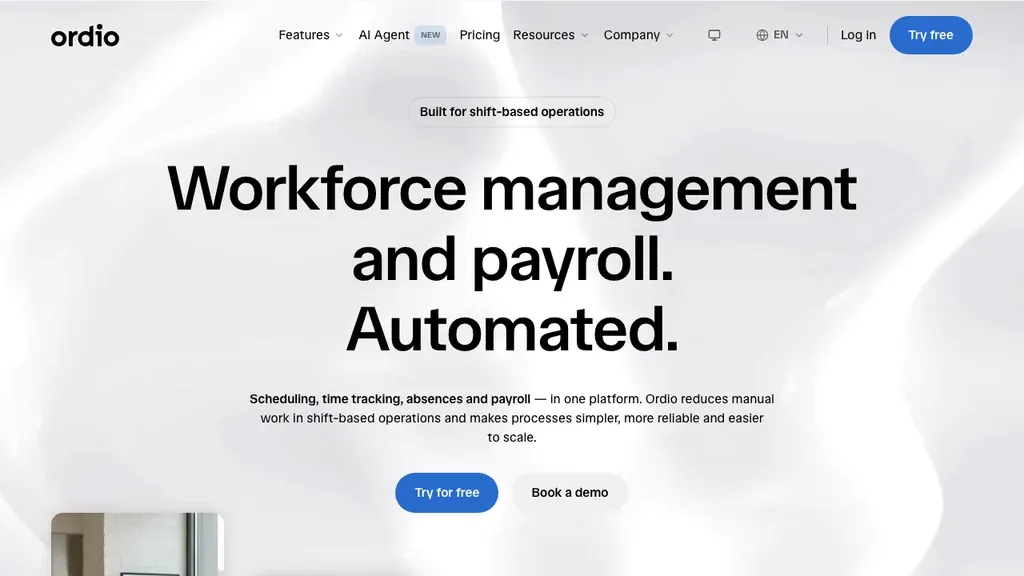
Best for: Multi-location hospitality, retail, and healthcare teams (often 10–200 shift workers) that want employee records, scheduling, time tracking, and absence in one EU-friendly stack.
Who it's for: Operators replacing Excel rotas plus a separate HR folder; groups with EU sites that may add UK or Ireland locations and need one employee record tied to each shift.
Ordio combines shift planning, time tracking, absence management, and employee files so managers are not juggling a rota app, a clock-in tool, and a separate HR spreadsheet. Groups expanding from DACH into the UK or Ireland can standardise templates while teams approve swaps on the employee app.
Pros: Strong shift-ops depth, location-based pricing, industry workflows, Nano AI for natural-language HR tasks. Cons: Not a US-native payroll engine like Gusto; not a full enterprise talent suite like Workday.
Operators with mixed salaried and hourly staff should confirm how each module prices different contract types. Ordio’s location model can simplify sites where headcount swings seasonally but the physical location count stays stable.
Verdict: A strong pick when shift operations and HR data must live together, not when you only need desk-based performance reviews at a 2,000-person HQ.
Try HR workflows with shift planning and time tracking in one place:
Homebase
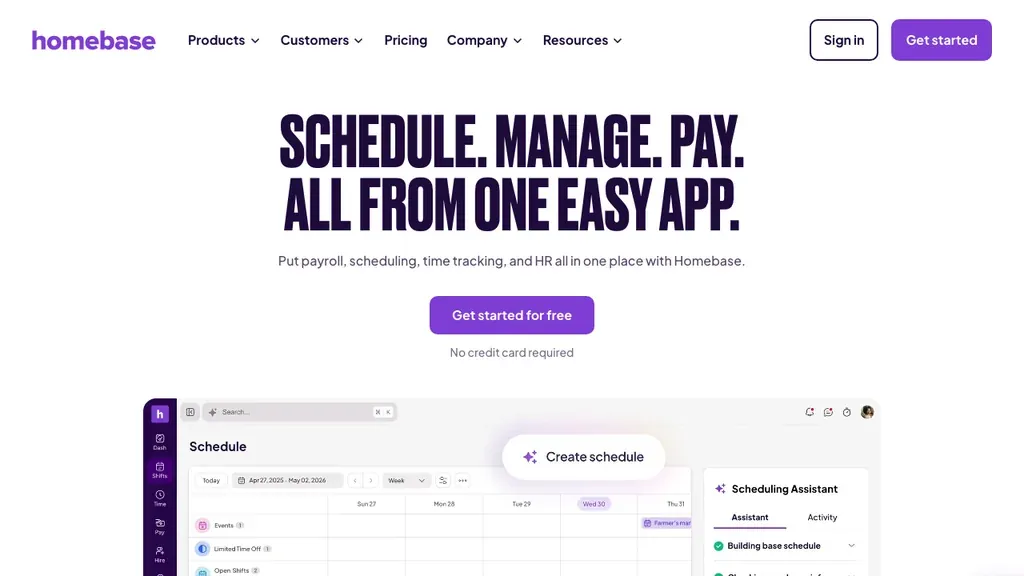
Best for: US restaurants and retailers that want a free starting tier plus scheduling, time, and payroll pathways for hourly staff.
Who it's for: US hourly businesses starting with free scheduling and adding payroll as headcount grows, especially single-location restaurants and stores under ~75 staff.
Homebase markets clearly to hourly SMBs: publish rotas, track attendance, and add payroll services as you grow. HR features lean operational, hiring paperwork, team messaging, and tip pooling, rather than deep talent management.
Pros: Free basic tier; strong US hourly fit; simple manager UX. Cons: Limited DACH/EU labour-law depth; thinner employee-record depth vs BambooHR.
If you run tipped wages, verify tip pooling and reporting in trial, payroll-led HR tools sometimes need add-ons for complex tip policies. Homebase shines when you want one app for rotas, clock-ins, and US pay rather than EU qualification archives.
Verdict: Shortlist Homebase when US payroll integration matters more than EU shift compliance documentation.
Deputy
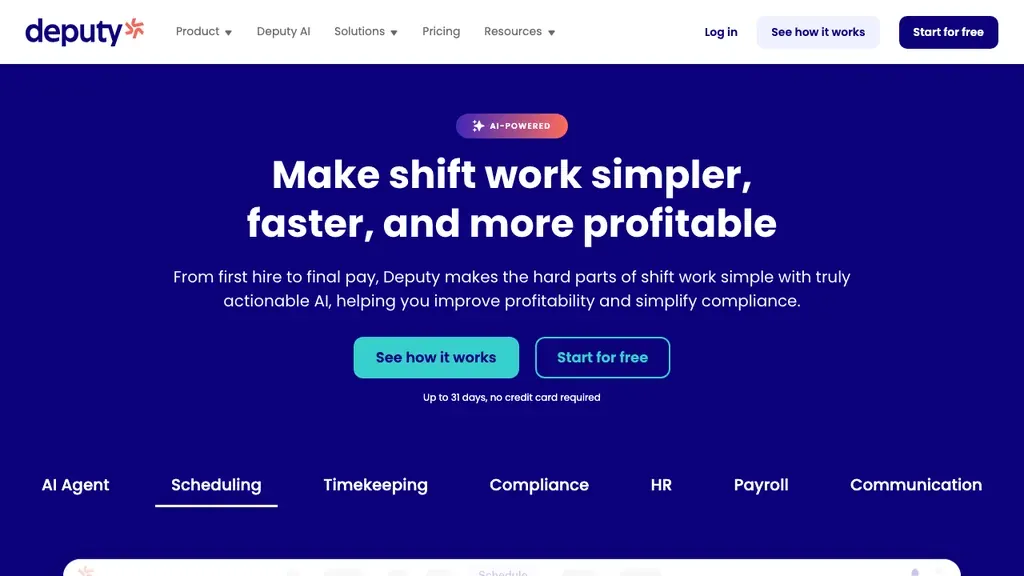
Best for: Teams that want scheduling, time capture, and HR-adjacent compliance templates across US, UK, and Australian sites.
Who it's for: Multi-site hospitality and retail groups replacing spreadsheet rotas; ops leads who need auto-fill scheduling plus leave profiles without a full HRIS rollout.
Deputy sits between pure schedulers and full HRIS: employee profiles, leave, and demand-based auto-scheduling in one mobile-first product.
Pros: Mature scheduling automation; solid mobile apps; regional compliance templates. Cons: Per-user costs scale quickly; less DACH-specific depth than Ordio for German labour rules.
Deputy’s compliance templates vary by region; export a sample break report during trial and share it with whoever signs off labour compliance. If you operate in Germany or Austria, confirm whether local rest-period rules are documented the way your auditor expects.
Verdict: Choose Deputy when auto-fill rotas and US/UK compliance templates beat deep HRIS modules.
Connecteam
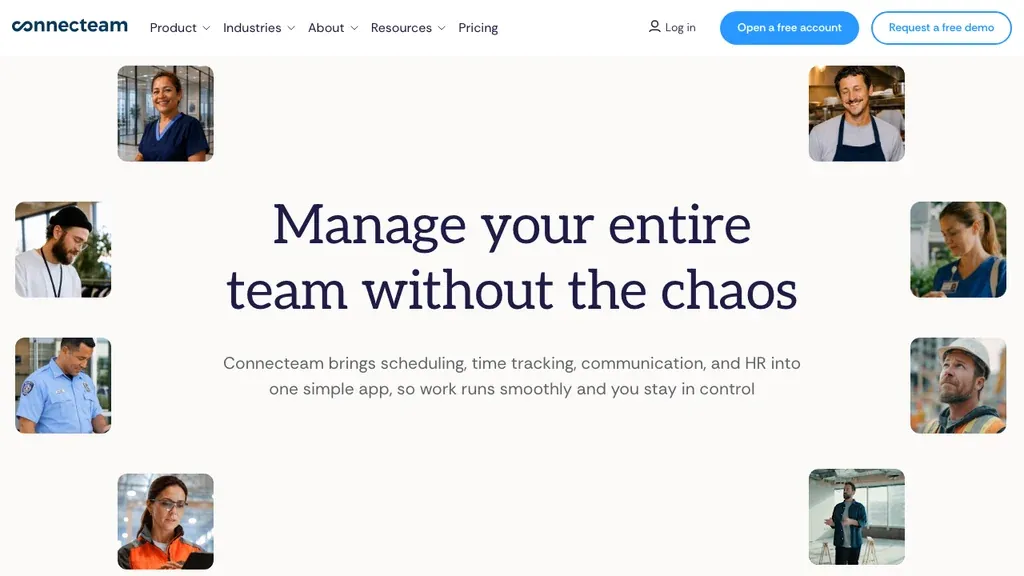
Best for: Deskless teams that want HR basics plus chat, forms, training, and checklists in one mobile hub.
Who it's for: Field supervisors and small operators who already run daily ops through mobile checklists and want employee directory plus scheduling in the same app.
Connecteam bundles employee directory, scheduling, time clocks, and frontline communication. HR here means operational people data, not a full recruiting or performance cycle.
Pros: Generous free tier for small teams; strong frontline UX; fast rollout. Cons: Hub pricing grows with modules; lighter audit trails than dedicated WFM/HRIS tools.
Module sprawl is the main risk: start with scheduling, time, and directory only, then add training or forms once managers use the core daily. If you need contract storage and onboarding packs, validate document retention before you rely on Connecteam as your only HR archive.
Verdict: A fit for operators who want an all-in-one deskless app rather than a pure HR suite.
BambooHR
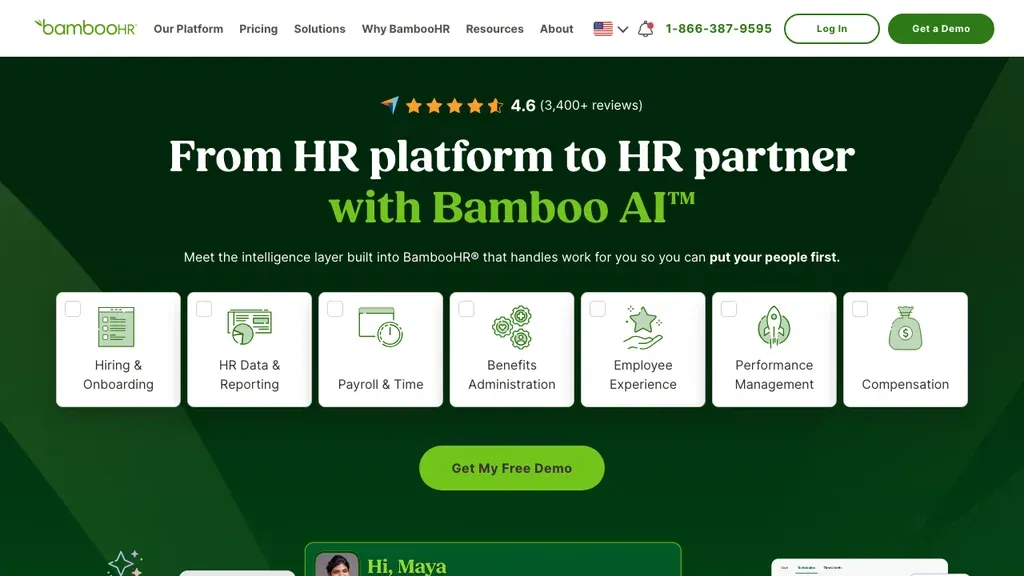
Best for: SMBs (often 25–500 employees) that prioritise employee records, onboarding, and HR reporting over shift-floor operations.
Who it's for: Office-light SMBs with an HR generalist or ops manager who needs clean employee profiles, e-signatures, and time-off tracking, not complex multi-site rotas.
BambooHR is the benchmark SMB HRIS in many US listicles: clean employee profiles, e-signatures, time-off tracking, and reporting. Scheduling and time modules exist but are not built for complex multi-site rotas.
Pros: Polished HR admin UX; strong onboarding and document workflows. Cons: Shift-heavy teams may still need Deputy or Ordio for floor operations; pricing scales per employee.
BambooHR’s strength is manager and HR admin UX for hiring pipelines and performance cycles, pair it with a shift tool if floor operations are mission-critical. It often tops “most used HR software” roundups for desk-centric SMBs even when shift teams need a second ops product. When native HRIS reports outgrow your questions, compare dedicated HR analytics software rather than forcing BambooHR into a Visier-shaped RFP. If recruiting volume is the real bottleneck, shortlist dedicated ATS software beside (or instead of) a light HRIS hiring module. Once offers are out, compare onboarding software for Day-1 checklists, files, and first shifts.
Verdict: Pick BambooHR when HR admin and employee experience matter more than hourly rota complexity.
Gusto
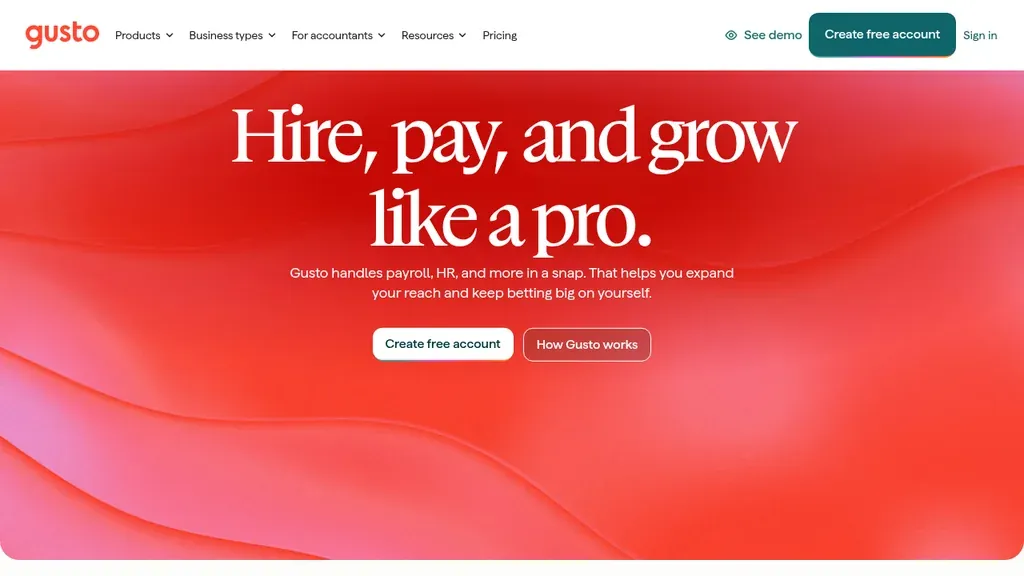
Best for: US small businesses that want payroll, benefits, and core HR in one familiar bundle.
Who it's for: First-time HR buyers at US companies where payroll is the trigger purchase and shifts are relatively stable, cafés, agencies, and light retail under ~100 staff.
Gusto leads many HR software for small business roundups because payroll and HR onboarding ship together. Hiring, offer letters, and PTO policies sit beside pay runs, ideal for office-light teams with straightforward schedules.
Pros: Transparent US payroll pricing; approachable for first-time HR buyers. Cons: Shift operations and EU expansion are not core strengths; hourly multi-site groups may outgrow scheduling depth.
Benefits administration and workers’ comp hooks are part of Gusto’s appeal; confirm state coverage if you hire across multiple US states. Operators with heavy weekend rotas often keep Gusto for pay and add Deputy or Homebase for floor scheduling.
Verdict: Gusto fits US SMBs where payroll is the buying trigger and shifts are relatively simple.
Rippling
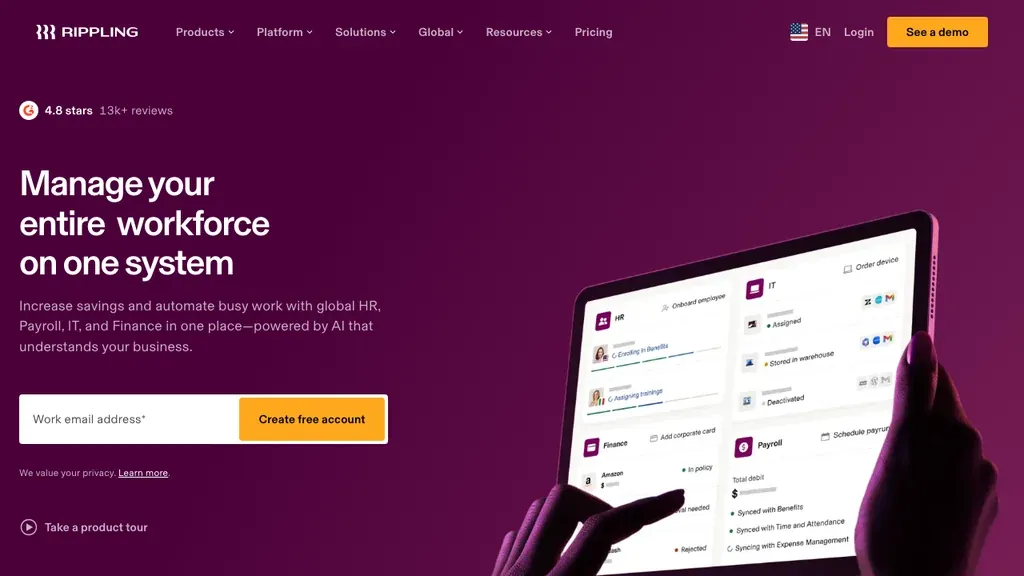
Best for: Growing companies (often 50–500+) that want HR, IT, and device management on one platform.
Who it's for: IT and HR leaders procuring together, distributed teams, global hiring, and app provisioning, rather than a single-site restaurant GM buying a first rota tool.
Rippling ranks highly on enterprise-adjacent listicles: hire globally, run payroll in multiple countries, and provision apps from the same admin console. Shift-floor tooling is available but procurement teams often buy Rippling for HRIS + IT together.
Pros: Broad module set; strong integrations; scales past pure SMB. Cons: Implementation and pricing complexity; overkill for a 20-person café needing a rota app.
Rippling’s global hiring story matters for remote HQ teams; it is rarely the first purchase for a single-location bakery that only needs rotas. Budget for implementation time and change management, not just per-seat licences.
Verdict: Consider Rippling when HR, payroll, and IT procurement are one project, not for a single-site restaurant's first HR tool.
When I Work
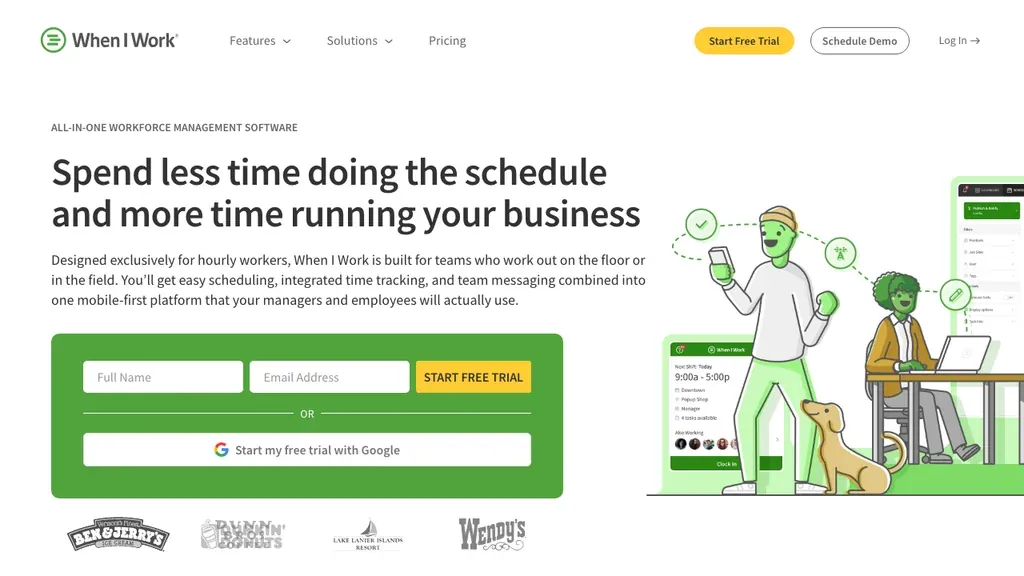
Best for: Small US/UK teams that need fast scheduling, clock-ins, and light employee self-service without HRIS overhead.
Who it's for: Single-site cafés, clinics, and front desks under ~25 staff that prioritise speed over document management and onboarding workflows.
When I Work keeps the stack minimal: rotas, attendance, and team messaging. Employee records are lighter than BambooHR, but hourly teams adopt it quickly.
Pros: Low entry price; intuitive mobile apps. Cons: Limited document management, onboarding, and multi-site analytics vs full HR software.
When I Work can be a stepping stone: budget for a migration project once document storage and onboarding workflows become bottlenecks. For a 12-person team, it is often the easiest HR software for employees to learn in a single shift, plan the upgrade before you open a second site.
Verdict: Works when scheduling simplicity beats deep HRIS, plan an upgrade path before you hit 25+ staff or add another location.
When you demo multiple vendors in one week, use the same week of rotas and the same payroll export template. Differences show up when a sick call forces a cover shift and you need the employee record and the time stamp in one audit trail, not in a polished sales deck.
HR software vs workforce management software vs scheduling apps
Search results for HR software mix three categories. If a vendor page leads with global HCM transformation or IT device management, it may not fit a restaurant, store, or clinic floor, use our table as a quick filter.
- HR software (HRIS): Employee lifecycle, records, onboarding, policies, often payroll
- Workforce management software: Operational shifts, planning, time, absence, labour reporting (see our workforce management software guide)
- Scheduling apps: Rotas and calendars, may lack compliant time capture and HR archives
When HRIS alone is enough: Desk-based teams with stable schedules and payroll handled elsewhere. When WFM matters: You need plan-to-payroll traceability and break rules on the floor. When a scheduling app is enough: One site under ~10 staff with minimal documentation, until you add time capture or a second location. For rota-only comparisons, see employee scheduling software. For HRIS definitions, types, and HRIS vs HCM language, see our HRIS system guide.
Many shift businesses run combined HR + operations stacks: BambooHR or Gusto for payroll admin plus Ordio or Deputy for floor scheduling. The mistake is expecting a desk HRIS to solve last-minute cover, or expecting a rota app to store contracts and onboarding packs.
Quick rule: If you landed here from an HR software list but your daily pain is missed breaks and cover shifts, prioritise workforce or scheduling depth first, or pick a vendor that bundles both without two logins for staff.
HR software by industry (hospitality, retail, healthcare)
Hospitality and restaurants
High turnover and variable demand mean onboarding and scheduling must be fast. Ordio, Homebase, Deputy, and Connecteam appear often in HR software for small business lists aimed at restaurants. Prioritise mobile rotas, break tracking, and clean hour exports for tipped or hourly pay. If you run multiple concepts or locations, centralise employee files but let each site publish its own rota template, managers should not re-enter the same hire data at every site.
Retail and multi-store chains
Peak-season hiring and cross-store cover strain spreadsheets. Look for central employee records, template rotas per location, and labour-cost visibility by store. Compare Ordio and Deputy if you operate in both EU and UK sites. Retail HR software should handle availability by role (cashier vs stock) and show which certifications (food handling, forklift) expire soon, not only who is on shift tomorrow.
Healthcare and care teams
Qualification tracking and absence cover are HR priorities alongside shifts. Ensure certification fields and audit trails meet your regulator; lightweight schedulers may lack document depth, validate before rollout. Care settings often need named cover for skill mix (e.g. medication-trained staff on night shifts). Pair employee files with scheduling so expired credentials block unsafe assignments before they hit the floor.
Pricing and integrations
HR software pricing models split roughly into:
- Per employee. BambooHR, Rippling (scales with headcount)
- Per user / seat. Deputy, When I Work (watch part-time density)
- Per location. Ordio, Homebase paid tiers (often better for high hourly turnover)
- Freemium hubs. Homebase basic, Connecteam free tier (check export and payroll caps)
Free tiers help micro teams but often cap locations, payroll, or compliance exports. Headline cheapest HR software prices can hide per-location fees or paid add-ons for time tracking.
Without payroll: Many operators run HR software for scheduling, time, and employee files while accountants handle pay. Choose tools with CSV/API exports and documented retention, re-keying timesheets defeats the purpose of HR software. Gusto and Rippling make sense when US payroll is in scope; Ordio and BambooHR support ops-first setups in other regions.
Common integrations: QuickBooks and Xero for accounting; ADP or Gusto for US pay runs; Slack or Microsoft Teams for comms on deskless stacks. Check each vendor’s marketplace before you sign annual contracts. “integrates with payroll” often means a specific partner tier.
Annual contracts are common on HRIS platforms; month-to-month or location-based pricing can reduce risk while you prove adoption on the floor. Ask about implementation fees, data migration, and whether sandbox environments are included, enterprise vendors often quote services separately from per-seat licences.
If you are comparing top 10 HR software lists from US publishers, re-weight scores toward shift modules. A tool that wins on performance management may still fail when a Saturday night cover request needs instant mobile visibility.
How to choose HR software in 5 steps
- Map your shift reality, sites, hourly vs salaried mix, union or tip rules
- List must-have modules, records, scheduling, time, absence, payroll or export
- Shortlist 3–4 vendors from the table; run a 14-day trial with real rotas
- Test mobile self-service, staff must clock in and request leave without calling HR; the easiest HR software for employees is usually the one they already open for rotas
- Validate compliance outputs, break reports, audit trails, and payroll files before you migrate historical data
Involve a shift manager in trials, not only HR or finance. Reviews of the best HR software for small business often come from office teams, your GM will spot mobile UX issues in one busy lunch service.
Document your current error rate: missed breaks, late payroll adjustments, and time spent fixing rotas. Those hours fund the business case when growing chains and HR software for startups buyers ask finance for budget.
Trial checklist: Use one real pay period, import at least ten employee records, publish next week’s rota, and run one payroll export (or hand-off file to your accountant). If any step needs a manual spreadsheet, note which module failed, that gap matters more than a glossy demo dashboard.
When Ordio is, and is not, the right HR software
Ordio is a strong fit for shift operations plus HR data, not a replacement for every HRIS or payroll engine. Use this checklist before you shortlist:
- Ordio fits when you run 10–200 shift workers per site in hospitality, retail, or healthcare; you need EU/DACH labour compliance depth; you want scheduling, time, absence, and employee files connected; you may expand into the UK or Ireland.
- Ordio is not the default when you need US-native payroll and benefits as the primary buy (consider Gusto); you want a global HRIS + IT bundle for 500+ employees (consider Rippling or enterprise suites); your team is entirely desk-based with no rotas (a lighter HRIS such as BambooHR may suffice).
We publish this comparison because buyers search for the best HR software and deserve an honest map, not a claim that one tool solves every HR department. Partial fit is normal: many operators run payroll in one system and shift HR in another until they consolidate.
Conclusion
The best HR software for shift-based teams connects employee records to the rotas and hours that drive payroll. Homebase and Gusto lead many US SMB lists; BambooHR and Rippling dominate HRIS conversations; Deputy, Connecteam, When I Work, and Ordio bridge HR admin with floor operations. Start from your shift complexity, region, and payroll path, then trial your shortlist with real managers, not just HR.
Return to this comparison when you refresh vendor pricing or open a new site, the HR vs shift-ops split stays stable even as UIs change.
Explore Ordio pricing, shift planning, and time tracking if you need HR software that treats hourly operations as core, not an add-on.