Guides
Best Onboarding Software for Shift Teams (2026)

Onboarding software, often called employee onboarding software, turns the messy first weeks into a tracked workflow: preboarding docs, checklists, training tasks, and Day-1 readiness for HR and managers. For shift-based teams, that also means the first published rota, time-clock access, and certificates in the employee file, not only a welcome email.
Below is a practical comparison of the best onboarding software for shift teams in 2026, eight tools with pricing and a clear fit verdict on each. We focus on employee onboarding for hospitality, retail, and healthcare operators: the checklists, documents, and first-week readiness that get someone onto the floor. For the full HR process, preboarding, Day 1, 30/60/90 milestones, and checklist ownership, see our employee onboarding glossary and our employee offboarding glossary for exit checklists. This page compares tools, not the playbook. This is not customer/SaaS onboarding or an IT-only access guide. If you are still hiring, start with ATS software; for the broader HR stack see HR software; for exits see offboarding software.
What is onboarding software?
Onboarding software (also called employee onboarding software or HR onboarding software) coordinates a new hire from offer acceptance through the first 30–90 days so paperwork, training, and operational readiness happen in order. Teams also search for new hire onboarding software or simply an onboarding tool, usually the same workflow, whether it lives as a module inside an HRIS or as a dedicated experience platform. The shared goal is getting a person ready for work: forms filed, access planned, and Day 1 clear for the manager, not onboarding a SaaS customer into your product.
Typical capabilities include:
- Preboarding checklists, owned tasks before Day 1 for HR, IT, and the hiring manager
- Document collection, contracts, I-9/W-4 or local equivalents, policies, certificates
- Training and culture content. LMS-style modules, videos, buddy programs
- Access handoffs, triggers for accounts, badges, and tools (native or via IT)
- First-shift readiness, schedule assignment, time-clock setup, location orientation
Office teams usually feel the pain when paperwork stalls. Shift teams feel it when the new hire is still missing from next week’s rota, cannot clock in, or lacks a required certificate on the floor. That is why hourly operators treat onboarding as part of workforce management once the offer is accepted, not only as an HR form packet.
Best onboarding software at a glance (2026)
What is the best onboarding software? There is no universal winner, the right pick depends on your biggest Day-1 risk: incomplete paperwork, weak training journeys, lingering IT access chaos, or unfinished first shifts. Shift-heavy small businesses usually need tools that connect new hires to rotas and timesheets; US payroll-first buyers often start with Gusto; teams that need branded journeys look at Enboarder. The table compares eight options. Prices are starting points as of July 2026, confirm current quotes before you buy.
| Software | Core onboarding features | Onboarding type | Pricing (from) | Best for |
|---|---|---|---|---|
| Ordio | Employee files, checklists, first shifts, time tracking | Operational / frontline | Location-based (see pricing) | Multi-site hospitality, retail, healthcare |
| BambooHR | Workflows, e-sign, employee portal, HRIS record | HR-suite module | Custom (per employee) | SMB HR teams, desk-light new hires |
| Rippling | HR workflows + IT account/device provisioning | HR + IT suite | Custom quote | Growing companies needing HR+IT Day 1 |
| Gusto | Payroll-linked onboarding, US tax forms, benefits | HR-suite / payroll | From ~$49/mo + per user | US SMBs where pay/benefits lead |
| HiBob | People workflows, culture tools, mid-market HRIS | HR-suite module | Custom quote | Mid-market people teams |
| Enboarder | Journey builder, engagement, multi-channel journeys | Experience / LMS | Custom quote | Branded, high-touch onboarding programs |
| Workable | ATS hire-to-onboard handoff, forms, tasks | ATS-adjacent | From ~$299/mo (plans vary) | Teams already hiring in Workable |
| Homebase | Hourly hiring + onboarding, scheduling, time | Operational / frontline | Free tier + paid plans | US hourly restaurants and retail shops |
Enterprise callout: Workday and UKG Ready appear in many “best of” lists. For 10–200 shift workers, start with the SMB tools above, then evaluate enterprise HCM only if you already run those suites at headquarters.
How we evaluated these tools
We scored each platform on what shift operators actually need from onboarding software, the steps that get someone paid, scheduled, and safe on the floor, not a long feature list written for enterprise HCM sales decks:
- Preboarding document depth, forms, e-sign, compliance packs before Day 1
- Checklist ownership, clear tasks for HR, managers, and ops
- First-shift / ops readiness, rota assignment and time-clock setup
- Mobile / frontline usability, managers can finish tasks between rushes
- Integrations. ATS, payroll, identity, scheduling handoffs
- Pricing clarity, public tiers or honest custom-quote notes
- Compliance readiness. I-9 / right-to-work packs, certificates, audit trail, without a six-month enterprise program
We left out pure customer/SaaS onboarding tools (GuideCX, Appcues), IT-only service-management pages, and enterprise HCM programs aimed at 5,000-seat headquarters. How we reviewed: public pricing pages (July 2026), homepage screenshots, and published modules checked against a shift-operator new-hire checklist, not paid mystery shopping. Prefer tools you can pilot in weeks. Always confirm quotes and compliance claims with each vendor before you sign.
The 8 best onboarding software options
Here are concise profiles with July 2026 screenshots, strengths, limitations, and who each tool fits best. Start with the Best for line, check pricing in the table above, then read the honesty section before you shortlist Ordio: we are clear about where we fit and where we do not.
Ordio
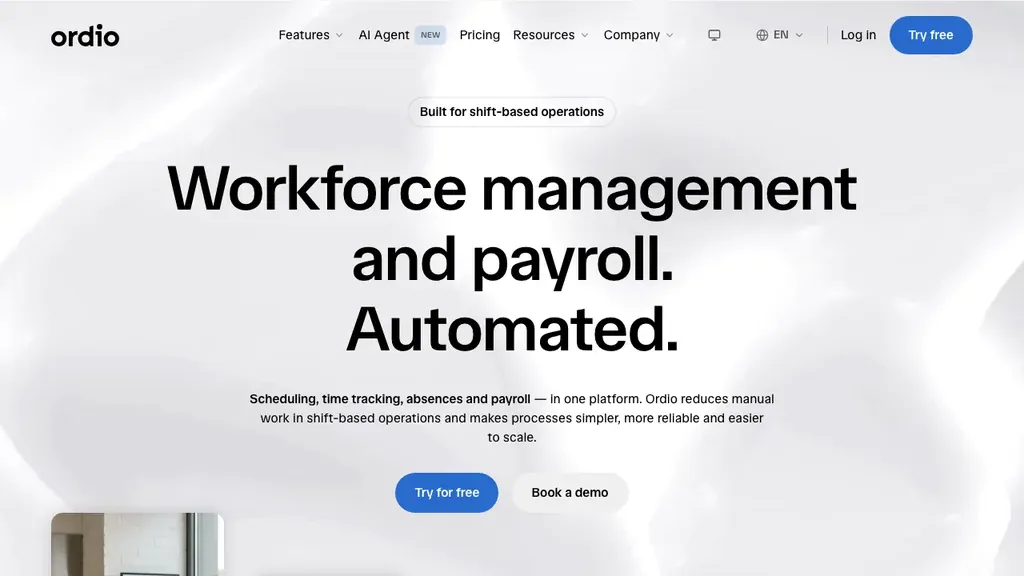
Best for: Multi-location hospitality, retail, and healthcare teams that need operational onboarding. employee files, checklists, first shifts, and time tracking, not a standalone onboarding-experience suite.
Who it's for: Operators replacing Excel new-hire checklists plus a separate scheduling app; groups with EU sites that may add UK or Ireland locations and need one employee record tied to each shift.
Ordio connects shift planning, time tracking, and employee records so managers collect documents, publish the first rota, and get new hires clocking in without a second system. It is strongest as an ops-first onboarding layer, not as Enboarder-style journey design or Rippling-style IT device provisioning.
Pros: Shift-ops depth, location-based pricing, industry workflows. Cons: Not a US-native payroll engine; not a dedicated onboarding-experience specialist or full IT provisioning suite.
Verdict: Strong when Day-1 chaos starts on the floor (files, rotas, hours). Choose a specialist or HR+IT stack when you need polished journeys or one-click SaaS provisioning across dozens of apps.
Get files, first shifts, and time tracking ready for Day 1:
BambooHR
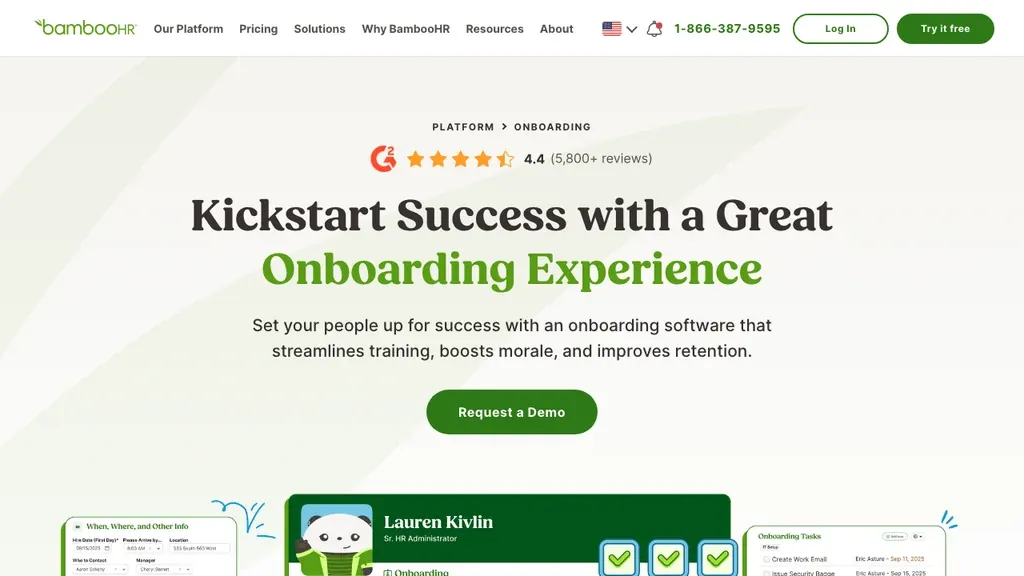
Best for: Small to mid-sized companies that want checklist-led employee onboarding software inside a familiar SMB HRIS.
BambooHR standardizes preboarding tasks, e-signatures, and the employee record without enterprise complexity, a safe HR-admin default when new hires go through an office-led process. Many US SMBs shortlist it first because the onboarding module sits next to the employee record they already trust. Shift operators should still check how tightly onboarding connects to scheduling and time. BambooHR is HR-admin first, with lighter native shift depth than ops-first tools, so first-week rotas often stay a problem for a separate system, especially when site managers never open the HR portal between rushes.
Pros: Clear workflows, strong SMB HRIS ecosystem, employee portal, familiar admin UX. Cons: Limited cross-functional IT automation; scheduling often needs add-ons or a sibling tool.
Verdict: Excellent HRIS-led onboarding for desk-light SMBs; pair with scheduling/time tools if your pain starts on the rota.
Rippling
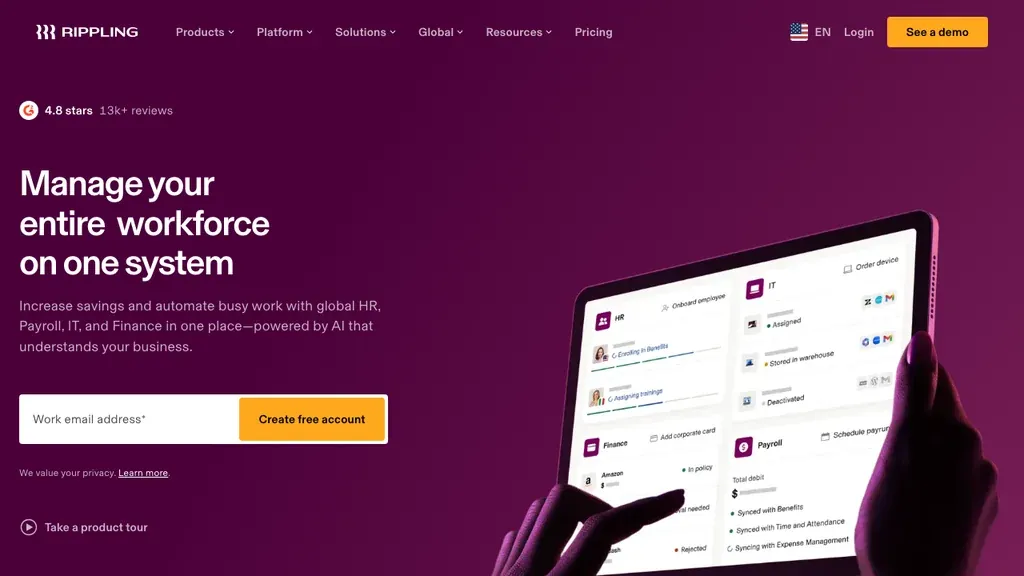
Best for: Growing companies that want HR onboarding and IT access/device actions in one workflow.
Rippling stands out when Day-1 account chaos is as painful as missing paperwork. Onboarding can cascade across apps, devices, and payroll in one workflow, powerful when new hires need Slack, email, and laptop access before their first shift. For multi-location retailers that also run identity-heavy back-office tools, that single workflow can cut days of ticket ping-pong. Mid-market pricing and implementation complexity usually make it overkill for a 15-person café with one POS login and no corporate laptop fleet.
Pros: Unified HR+IT, strong automation, scales with headcount. Cons: Quote-based pricing; heavier than pure SMB HRIS for simple new-hire flows; rollout needs IT ownership.
Verdict: Best when you need HR and IT onboarding together; not the lightest pick for single-site hourly teams.
Gusto
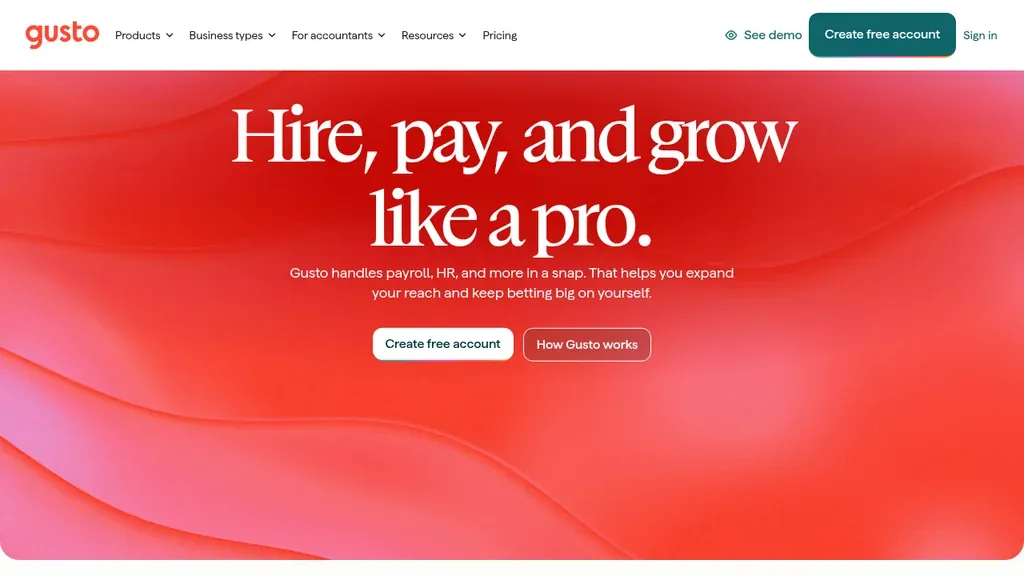
Best for: US small businesses where tax forms, payroll setup, and benefits enrollment are the highest-risk Day-1 steps.
Gusto’s onboarding workflows emphasize US compliance paperwork plus payroll and benefits hooks. That is a strong fit for US restaurants and retailers that already run wages in Gusto and cannot afford incomplete W-4/I-9 packets. International operators and EU-first groups will need a different payroll path, and ops teams should still confirm that new hires also land cleanly on the week’s rota.
Pros: Strong US payroll/compliance angle, SMB-friendly pricing tiers, clear benefits enrollment. Cons: US-centric; not an IT provisioning platform; lighter native multi-site rota depth than ops-first tools.
Verdict: Choose Gusto when US pay and tax paperwork lead; pair with scheduling software if first-shift coverage is the daily chaos.
HiBob
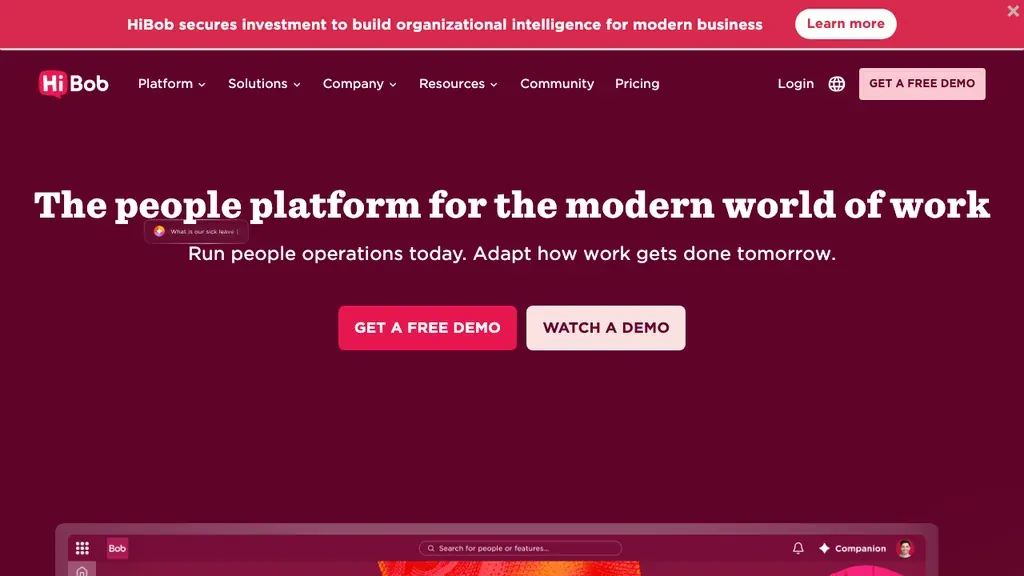
Best for: Mid-market people teams that want onboarding inside a modern HRIS with culture and engagement features.
HiBob positions onboarding as part of a broader people platform, workflows, employee experience, and people data in one place. It fits organizations that have outgrown basic SMB HRIS depth but do not want a full enterprise HCM program. Ask for a demo of manager tasks on a phone between rushes, and how incomplete steps surface to ops, not only to HR. Frontline operators should also validate how scheduling and time integrations behave for hourly roles before they standardize every site on the platform alone.
Pros: Strong people-platform UX, scalable workflows, mid-market feature depth. Cons: Custom pricing; may be more platform than a pure onboarding specialist; confirm shift-ops integrations.
Verdict: Solid when HR owns a people-platform roadmap; validate floor usability before you standardize hourly sites on it alone.
Enboarder
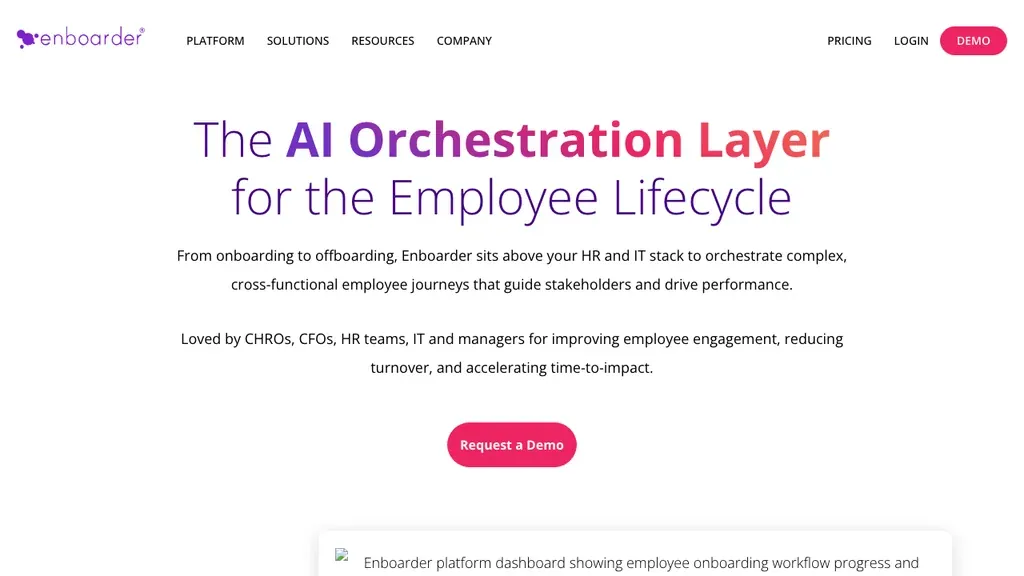
Best for: Organizations that need branded, multi-step onboarding journeys and engagement, not just form collection.
Enboarder is a dedicated onboarding-experience platform. It shines when culture, manager nudges, and multi-channel journeys matter as much as e-signatures, for example multi-week hospitality management programs or branded retail academy paths. Pair it with an HRIS or ops stack for the employee record, payroll, and scheduling. Enboarder is rarely the system of record for hours and rotas. If your only pain is incomplete I-9 packets and an empty first week on the schedule, an HR-suite module or operational stack usually closes the gap faster and cheaper.
Pros: Journey depth, engagement design, specialist focus. Cons: Custom pricing; another system to integrate; overkill if your only gap is forms and a first shift.
Verdict: Choose Enboarder when experience design is the gap; keep an ops or HRIS layer for files, pay, and shifts.
Workable
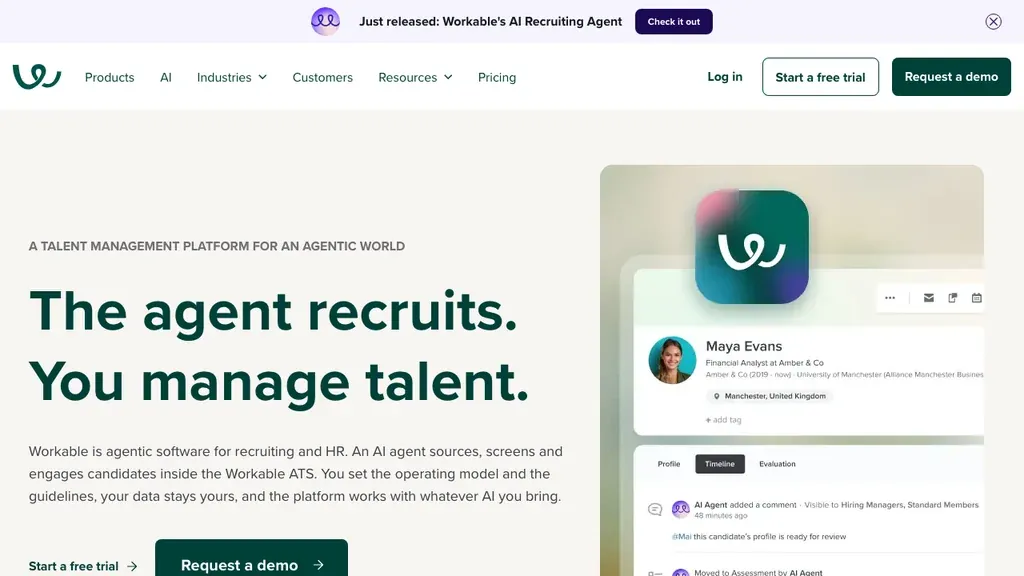
Best for: Hiring teams that already run recruiting in Workable and want a clean hire-to-onboard handoff.
Workable is primarily an ATS with onboarding workflows that reduce re-keying after the offer. It is a practical bridge when candidate data should become employee tasks without a second vendor for basic forms, useful for multi-site hiring teams that already live in Workable day to day. Dedicated experience platforms still go deeper on journeys; ops-first stacks go deeper on first-shift readiness, time clocks, and location files. Name a handoff owner so “candidate hired” always creates a living checklist, not a PDF stuck in someone’s inbox.
Pros: Strong ATS continuity, familiar recruiting buyers, onboarding tasks after offer. Cons: Not a full HRIS or shift-ops platform; pricing geared to hiring volume.
Verdict: Good ATS-adjacent onboarding if Workable already owns recruiting; add HRIS/ops tools when you outgrow post-offer checklists.
Homebase
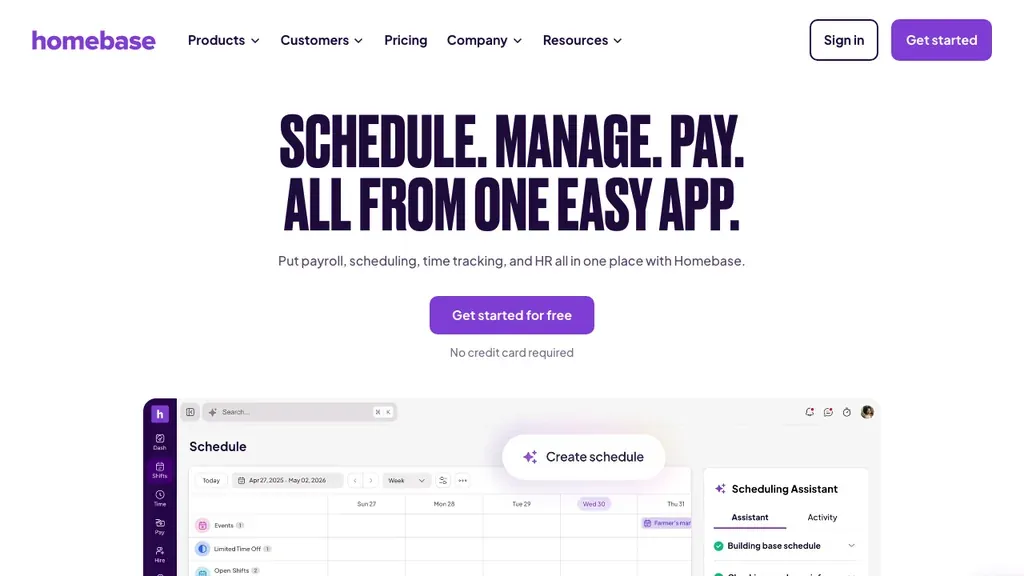
Best for: US hourly restaurants and retail shops that want hiring, onboarding, scheduling, and time in one frontline-oriented product.
Homebase targets the same operational pain Ordio does, getting hourly people onto the schedule with paperwork done, with a US-centric product and freemium entry points that help single-site managers start without a long sales cycle. It is a fair shortlist peer when your footprint is US restaurants or neighborhood retail and you want hiring, onboarding, and the rota in one place. International operators and EU-first groups should confirm locale fit; multi-country compliance, UK right-to-work packs, or multi-brand EU groups usually need a different stack.
Pros: Hourly-first UX, free tier options, scheduling/time adjacency. Cons: US-centric; less depth for EU multi-site compliance stories.
Verdict: Strong US hourly default; evaluate Ordio or EU HRIS stacks when you need EU/UK location depth.
Onboarding software vs HR software vs ATS vs talent management
Onboarding software owns the join window, offer accepted to first productive weeks. HR software and an HRIS own the broader employee record (profiles, pay hooks, documents, leave). An ATS owns recruiting before the offer. Talent management covers longer programs such as performance, skills, and succession. Stay on this page for new-hire tooling; use the sibling guides when your question is really about hiring, the system of record, or year-long talent cycles.
- Still hiring? Shortlist with the ATS guide, then return here for Day-1 checklists, files, and first shifts.
- Need the system of record? Read HRIS / HR software first, then decide whether an HRIS module is enough or you need an experience/ops specialist.
- Planning exits? Mirror the process with offboarding software so access, hours, and files close as cleanly as they opened.
A practical test: if the problem is “we cannot fill roles,” start with ATS. If the problem is “hires start without forms, a rota, or clock-in,” stay on this page. If the problem is “performance cycles and succession,” open the talent guide instead of stretching onboarding software across a year-long program.
HR-suite vs experience/LMS vs operational onboarding
Not every “best onboarding software” list compares the same product type, and mixing types is how buyers get a beautiful journey tool that still leaves the new hire off the rota:
- HR-suite modules (BambooHR, Gusto, HiBob), forms, e-sign, and workflows inside the HRIS of record
- Experience / LMS platforms (Enboarder and similar), branded journeys, content, manager nudges, engagement
- Operational / frontline (Ordio, Homebase), employee files, first shifts, time clocks, location checklists
- ATS-adjacent (Workable and peers), post-offer handoff from recruiting so candidate data becomes new-hire tasks
Match the type to the failure mode. Missing W-4s or I-9 packets point to HR-suite depth. Weak culture journeys and low Day-30 engagement point to experience tools. Empty rotas, closed time clocks, and missing floor certificates point to operational stacks. ATS-adjacent tools help when re-keying after the offer is the bottleneck, then you still decide whether HRIS, LMS, or ops owns the rest of Day 1.
Many mid-market teams combine two layers (for example BambooHR + Enboarder, or an ATS + Ordio). That is fine when ownership is explicit; it fails when three tools each think “onboarding complete” means something different.
Employee onboarding vs customer onboarding software
Google results for “best onboarding software” often mix employee and customer products. Customer onboarding platforms (GuideCX, Rocketlane, in-app user tours) help clients adopt software or services. This guide is for hiring people into your workforce. If you need to activate SaaS customers, use a customer-success tool, an HRIS onboarding module will not fix product adoption.
A quick filter: if the page talks about time-to-value, product tours, or customer success managers, it is customer onboarding. If it talks about I-9/right-to-work forms, first shifts, certificates, and manager checklists, it is employee onboarding software (HR onboarding). Keep your shortlist workforce-scoped, or you will evaluate the wrong vendors for Day 1 on the floor.
Buyers who mix the lanes often shortlist a customer-success platform, then wonder why it cannot collect W-4s or publish a first week of shifts. Keep customer onboarding as a separate project with a separate owner; this page stays focused on people joining your workforce.
HR onboarding vs IT/ESM onboarding
Atlassian and identity vendors rank for onboarding queries because IT teams also “onboard” accounts and devices. That is a real workflow, but it is not the same as HR employee onboarding software. HR tools collect forms and training; IT/ESM and IdP tools (Okta, Atlassian workflows, Rippling IT) provision access. Decide ownership before Day 1 so a completed HR checklist does not leave the new hire locked out of email or the POS.
For shift sites, treat POS, building access, and shared tablets as first-class Day-1 risks, not optional IT follow-ups. Mid-market stacks often keep HR onboarding in the HRIS (or an ops layer) and connect an identity provider for account grants. Rippling is the main table option that combines both; everyone else usually needs an explicit handoff owner so “onboarding complete” means access is live, not just paperwork filed.
Write the split down before you buy: HR owns forms, certificates, and manager checklists; IT/ops owns accounts, badges, and shared devices; the site manager owns the first published rota. If one checklist tries to own all three without integrations, Day 1 still fails even when the HR software status says complete.
Onboarding software by industry
Shift-heavy industries rarely fail onboarding the way an office does. The pattern is familiar, incomplete checklists, but the highest-risk steps change by vertical. Use the notes below if you run hospitality, retail, or healthcare sites and need to shortlist from this page.
Hospitality
Hospitality sites, restaurants and hotels, see high turnover and same-week starts. Onboarding software must collect food-safety or alcohol certifications, get the hire onto the published rota, and enable time-clock or tip workflows before the first service. Managers need mobile task completion between rushes, not a desktop-only HR portal they open after close. When a bartender’s first Friday still leaves them off Monday’s rota, every downstream step (keys, POS, hours) starts late. Prefer tools that treat the schedule as part of Day-1 readiness, then keep documents in the employee file for the next audit. Tip-eligible roles also need payroll eligibility confirmed before the first close, so onboarding is not “done” when forms are signed alone.
Retail
Multi-store retail new hires often span keys, tills, uniforms, lockers, and shared devices across opening and closing crews. Standardize location-level checklists so a store manager in one city follows the same steps as another, including who assigns the first shifts when someone starts mid-week. Connect hiring data from your ATS so IDs and tax forms are not re-typed. Shared tablet logins and back-office SaaS access are easy to miss; decide whether your HR checklist or an identity tool owns those grants before the first opening shift. Seasonal peaks amplify the risk: a tool that works for five new hires a month can collapse when fifty seasonal hires arrive the same week unless checklists and first-shift publishing scale with the site manager, not only HQ HR.
Healthcare
Healthcare and care environments add credentialing, controlled-access areas, and sensitive patient-adjacent systems. Onboarding must coordinate credential verification with schedule assignment and document retention so a new caregiver is on the roster with valid certificates, and without lingering access from a previous role. Prefer tools with clear audit trails and role-based task ownership across clinical leads and HR. If SaaS clinical tools are in play, plan an IT handoff in parallel with the HR checklist rather than assuming one product covers both. Agency or bank staff make the same point sharper: temporary new hires still need time-clock access and current certs on Day 1, even when their “employee file” lifecycle is shorter than a permanent hire.
Pricing, integrations, and hidden costs
Expect per-employee or per-location pricing, plus implementation fees on mid-market suites. The expensive surprises appear when onboarding lives apart from ATS, scheduling, time, payroll, and identity, each handoff is another login and another missed step, often found only when a new hire cannot clock in, is missing from the first paid week, or still lacks a required certificate on Day 3.
- HRIS-only: lower sticker price; add IdP if access provisioning is high-risk
- HR+IT bundles: higher quote; fewer manual account-setup hours
- Experience specialists: justify cost when journey design and engagement are the gap
- Ops-first stacks: location pricing can beat per-seat HRIS for multi-site shift teams, model both before you compare quotes
Check integrations with your ATS, HRIS, payroll, identity provider, and scheduling tools before you buy. Completing a task should change the real system, not just tick a box. Ask vendors whether “onboarding complete” publishes first shifts, opens time tracking, and feeds payroll eligibility, or only emails a checklist PDF. Also budget manager time: tools that look cheap per seat can cost more if every site still runs a parallel spreadsheet.
How to onboard shift employees in 5 steps
Use this as a minimum viable new-hire playbook for hourly teams. Give each step a named owner and a timestamp in your onboarding software, not a Slack thread.
- Confirm start date and preboarding pack, trigger the checklist; notify HR, the site manager, and payroll.
- Collect documents and certificates, contracts, tax/right-to-work forms, policies, role-required certs.
- Publish first shifts and set up time tracking, put the hire on the rota and enable clock-in before Day 1.
- Provision access and assets, keys, badges, devices, POS, and SaaS accounts (HR checklist and/or IdP).
- Run 7- and 30-day checkbacks, buddy or manager follow-ups; fix missing steps before they become turnover.
Document each step so you can prove what happened, useful for US I-9 timing and UK right-to-work or Working Time records that must match the first rota. Same-day operational readiness (rota + site access) should not wait for post-start paperwork. If a step has no named owner in the software, treat that as a process gap before you blame the vendor, most failed Day 1s are shared ownership, not missing features.
When Ordio is, and is not, the right onboarding software
Ordio is a strong fit when:
- You run shift-based sites and new hires fail on rotas, timesheets, and employee files
- You want documents, scheduling, and time in one ops stack
- You need EU-friendly location pricing with UK/IE expansion in mind
Ordio is not the best fit when:
- You need a dedicated onboarding-experience suite (evaluate Enboarder)
- Your primary risk is SaaS account provisioning across dozens of tools (evaluate Rippling or an IdP)
- You only need US-native payroll tax onboarding (evaluate Gusto)
Ordio is strong on operational Day-1 readiness, not as a dedicated journey-design suite or an IT provisioning platform. If you need Enboarder for experience design, Rippling for IT grants, or Gusto for US payroll paperwork, keep Ordio for the layer those tools do not own: live rotas, hours, and frontline employee files. Partial fit is intentional: we would rather show where Ordio stops than pretend one product replaces every onboarding category in the table.
After hiring: files, first shifts, and time
Once the offer is accepted in your ATS, the operational work begins: publish coverage, open time tracking, confirm payroll eligibility, and keep certificates current. If the ATS handoff is incomplete, onboarding restarts from guesswork, missing IDs, unclear start dates, or stale clock-in credentials.
Keep employee scheduling, time tracking, and employee files connected, the same loop you expect from modern workforce management software, so the post-hire path stays clean. Plan exits with the same discipline using offboarding software. Ops stacks that treat Day 1 as a rota and timesheet event, not only an HR form, close the gap between “person hired” and “team is covered.”
If you want that hire-to-exit loop in one operational stack, review Ordio pricing or start a free trial from the Ordio section above and walk one real new-hire checklist with your sites in mind.
Conclusion
The best onboarding software, or employee onboarding software, for shift teams is the one that closes paperwork, first shifts, files, and access without relying on one manager’s memory. Match tools to your main risk. HR process, US payroll forms, experience journeys, or IT access, and leave customer-onboarding or pure IT tools for separate projects with separate owners.
Run one real new hire through the five-step checklist and the table: if the rota still omits them, time tracking is closed, or logins are missing, you have named the gap. Standardize that playbook across sites, then keep scheduling, time, payroll, and employee files connected so the next exit does not restart from guesswork.
Frequently asked questions about Best Onboarding
What does employee onboarding software typically include?
Employee onboarding software (also called HR onboarding software) typically includes preboarding checklists, document collection, training tasks, manager workflows, and Day-1 readiness tracking. For shift teams, look for first-shift scheduling, time-clock setup, and certificates in the employee file, not only a welcome portal. IT account provisioning may be native (as with Rippling) or handed off to your identity provider.
What is the best onboarding software for small business?
The best employee onboarding software for small business depends on your biggest Day-1 risk, there is no universal #1. Desk-light SMBs often start with BambooHR or Gusto; teams that need branded journeys look at Enboarder; hourly operators who need files, first shifts, and time together often evaluate Ordio or Homebase. Match the tool to paperwork, training, or rota readiness, then confirm pricing and integrations.
How much does onboarding software cost?
Most onboarding software is priced per employee or per location each month, sometimes plus setup fees. Public starting points (July 2026) run roughly $1.50–$6+ per user/month on lighter HR platforms, with custom quotes for mid-market suites and experience specialists. Budget also for identity tools and manager time if onboarding stays disconnected from scheduling, time tracking, and payroll.
What are the 5 C's of onboarding?
The five C's of onboarding are Compliance, Clarification, Culture, Connection, and Checkback. In practice that means forms and policies, clear role expectations, how the team works, buddy or peer relationships, and follow-ups at about 7, 30, and 90 days. Shift operators should map each C to a named owner in software, and treat Clarification as including the first published shifts, not only a job-description PDF.
Is there free onboarding software?
Fully featured onboarding software is rarely free forever, but you can start with spreadsheets, shared checklists, or limited free tiers (for example Homebase freemium plans). Those options work for tiny teams and break as headcount grows. Treat “free” as a pilot, then budget for e-sign, compliance packs, and the ops integrations that actually get a new hire onto the first rota.
What is the difference between onboarding software and an ATS?
An ATS (applicant tracking system) manages recruiting, job posts, candidates, interviews, and offers. Onboarding software starts after the offer is accepted: paperwork, access, training, and first-week tasks. Some ATS products (Workable, Greenhouse) include light onboarding modules; dedicated tools go deeper on the post-hire experience. Link the two so candidate data is not re-typed on Day 1.
Onboarding software vs HRIS, what's the difference?
An HRIS is the employee system of record, profiles, pay hooks, documents, and leave. Onboarding software may be a module inside that HRIS or a specialist layer for journeys and training. Many SMBs start with HRIS onboarding (BambooHR, Gusto); teams that need branded journeys often add a specialist like Enboarder. See also our HR software guide for the broader umbrella.
What's the difference between employee and customer onboarding software?
Employee onboarding software helps new hires join your workforce with forms, certificates, manager checklists, and first-shift readiness. Customer onboarding platforms help clients adopt a product with time-to-value metrics, in-app tours, and customer-success workflows. If a homepage never mentions I-9, right-to-work, rotas, or manager checklists, it is probably customer onboarding, keep it off your workforce shortlist.
Does onboarding software provision IT access and devices?
Not always. Most HR onboarding tools handle forms, checklists, and training, while IT/ESM or identity platforms (Atlassian workflows, Okta, or Rippling IT) provision accounts and devices. Decide which system owns POS logins, badges, and SaaS grants before Day 1 so a completed HR checklist does not leave the new hire locked out of tools they need on the floor.
Rippling vs BambooHR for onboarding, which is better?
BambooHR is usually better when you want checklist-led employee onboarding inside a familiar SMB HRIS. Rippling is usually better when Day-1 IT access and device setup are as painful as missing paperwork, because HR and IT actions can run in one workflow. Choose BambooHR for HR-admin simplicity; choose Rippling when account chaos across many apps is your main risk.
What should an employee onboarding checklist include for shift teams?
A shift-team onboarding checklist should cover offer acceptance and preboarding docs; I-9/W-4 or local equivalents; policies and certificates; first published shifts; time-clock or app setup; buddy or manager check-ins; and a 30-day follow-up. For the full process and HR-versus-manager matrix, see our employee onboarding glossary. For hospitality, retail, and healthcare, treat the first rota and time tracking setup as Day-1 system steps, not optional extras after paperwork.
What should UK employers consider for employee onboarding?
UK employers should plan for right-to-work checks, GDPR-compliant document storage, and Working Time records once shifts begin. Keep employee files exportable and avoid US-only tax-form assumptions. Local SMB HR tools such as BrightHR or Breathe can cover desk-light teams; shift operators should still confirm how onboarding connects to rotas and timesheets, and prefer EU/UK-friendly data residency where required.
Can AI help with employee onboarding?
Yes, for drafting checklists, welcome emails, and role-specific training outlines when a human reviews every step. AI should not auto-approve I-9 data, assign shifts without a manager, or store sensitive documents in public chat tools. For shift teams, pair any onboarding AI with governed HR data and an acceptable-use policy, see our AI in HR guide for use cases, ethics, and adoption steps.