Guides
Best Employee Management Software for Shift Teams 2026

Employee management software is a digital system for employee records, day-to-day people workflows, and — on many platforms — scheduling and time tracking for hourly teams. Vendors also call it an employee management system (EMS) or an employee management app. It replaces scattered folders and inbox threads with one place to see who works for you and how their shifts run.
Scattered folders plus a scheduling app that does not talk to HR still create rework every pay period — EMS is meant to fix that handoff. This guide is not about EBMS benefits-insurance administrators (a frequent mix-up in search). For the HR process definition, see our employee management glossary. Below: an honest 2026 comparison of eight employee management software tools for hospitality, retail, and healthcare — pricing, screenshots, and fit notes for shift teams, not a desk-only HR top-10. Need rota or payroll depth? See HR software, workforce management software, employee scheduling software, and time tracking software.
A usable employee self-service portal lets frontline staff see rotas, request leave, and update contact details without emailing HR. If only managers get value from the tool, adoption usually stalls within the first month — shortlist software your crew will open on a phone during a real shift.
Best employee management software at a glance (2026)
Which is the best employee management software? No single vendor wins every use case — match records depth, mobile self-service, scheduling, and payroll region before you buy. If you need a fast answer: EU shift operators often compare Ordio and Deputy; US hourly SMBs lean toward Homebase or Connecteam; desk-centric SMBs start with BambooHR; US payroll triggers favour Gusto. The table compares eight EMS options; confirm live pricing on each site.
| Software | Core EMS capabilities | Scheduling & time | Pricing (from) | Best for |
|---|---|---|---|---|
| Ordio | Files, absence, shift HR workflows | Scheduling + time integrated | from approx. €89/location/mo | EU shift ops |
| BambooHR | SMB HRIS records & onboarding | Add-on time; light shifts | Custom quote | Desk-light SMB |
| Rippling | HRIS + IT + global pay | Workforce modules | Custom | 50–500+ blended HR/IT |
| Gusto | US HR + payroll bundle | Basic scheduling/time | from approx. $40/mo + per person | US payroll-first |
| Connecteam | Directory, training, forms | Scheduling + clocks | Free ≤10 users; from approx. $29/mo | Deskless mobile hub |
| Deputy | Profiles, leave, templates | Auto-scheduling + time | from approx. $5/user/mo | US/UK/AU hourly |
| Homebase | Team records, hiring basics | Scheduling + time (US) | Free basic; from approx. $24/location/mo | US hourly SMB |
| monday.com | Work boards & automations | Via integrations | from approx. $9/seat/mo | Project-led EMS |
Prices approximate — as of September 2026. Source vendor pricing pages; verify before purchase.
What is employee management software?
In practice, the same category covers profiles, documents, communication, training checklists, time off, and often scheduling or clock-ins — whether the vendor labels it EMS, HRIS, or a people platform.
What does an employee management system do? It replaces ad-hoc spreadsheets with one place to see who works for you, which policies apply, and how daily work is assigned. For shift businesses, EMS should connect time and attendance to the people record — not only desk-based HR admin.
Employee management software for small business buyers often start with a mobile employee management app (directory, chat, rotas) before they buy a full HRIS. That is fine when headcount is under ~25 and payroll stays with an accountant — but plan an upgrade path when you add sites, certifications, or audit requests. Your employee handbook still defines the rules; EMS is where managers apply them with dated records.
Typical EMS modules include:
- Employee records — contracts, roles, certifications, org structure
- Self-service — profile updates, leave requests, mobile rotas
- Scheduling and time — planned shifts tied to clock-ins where shift teams need one identity
- Communication and training — messaging, checklists, course completion for deskless crews
- Reporting and exports — hours, absence, and payroll hand-off files
Desk-only companies may buy EMS for directory and documents alone. If your team works rotating shifts across sites, prioritise vendors that treat scheduling and employee time tracking as core — not optional add-ons bolted on later.
How we evaluated these tools
- Employee records & documents — contracts, roles, certifications
- Self-service — mobile access for rotas, leave, and profile updates
- Scheduling & time — planned vs actual hours without exports
- Communication & training — frontline messaging and checklists where relevant
- Compliance & audit trails — breaks, rest periods, defensible history
- Integrations & payroll path — exports or native pay where needed
- Rollout speed — weeks, not a year-long HCM programme
We scored each platform on what shift operators need — not marketing feature counts on an enterprise HCM checklist. We left out contact-centre forecasting suites and employee monitoring tools sold as “management” software; workforce EMS should support records, scheduling, and leave — not keystroke surveillance.
We reviewed public pricing (September 2026), homepage screenshots, and module lists — we did not run paid mystery-shopping on every sandbox. When a vendor hides pricing behind a quote, we note “custom” in the table and focus on fit signals you can verify in a trial: mobile self-service, export formats, and whether scheduling shares the same employee ID as time punches.
The 8 best employee management software options
Below are concise profiles with September 2026 homepage screenshots, strengths, limitations, and who should shortlist each tool.
Ordio
Best for: Multi-location hospitality, retail, and healthcare teams that want employee records tied to scheduling and time.
Who it's for: Operators replacing scattered HR folders plus a separate rota app; EU groups expanding UK/IE.
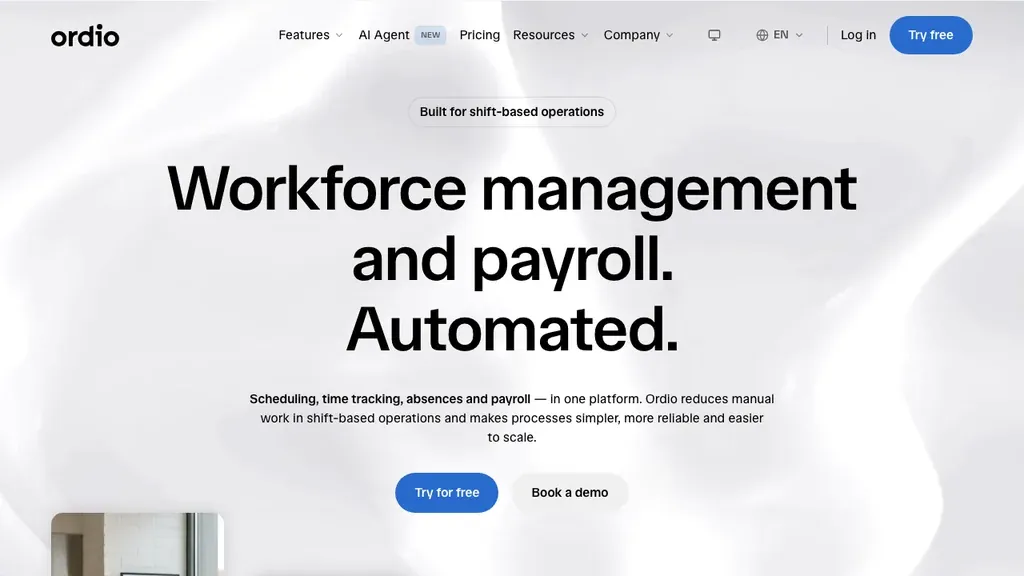
Ordio connects employee files, shift planning, time tracking, and absence so managers see people data and floor operations in one stack. Groups expanding from DACH into the UK or Ireland can standardise templates while teams approve swaps on the employee app.
Pros: Strong shift-ops depth, location pricing, Nano AI. Cons: Not US-native payroll like Gusto; not enterprise HCM.
Mixed salaried and hourly staff should confirm how each module prices different contract types. Location-based pricing can help when headcount swings seasonally but site count stays stable.
Verdict: Pick Ordio when hourly operations and employee records must stay linked — not when you only need desk-based performance reviews at a 2,000-person HQ.
Try employee management with shift planning and time tracking in one place:
BambooHR
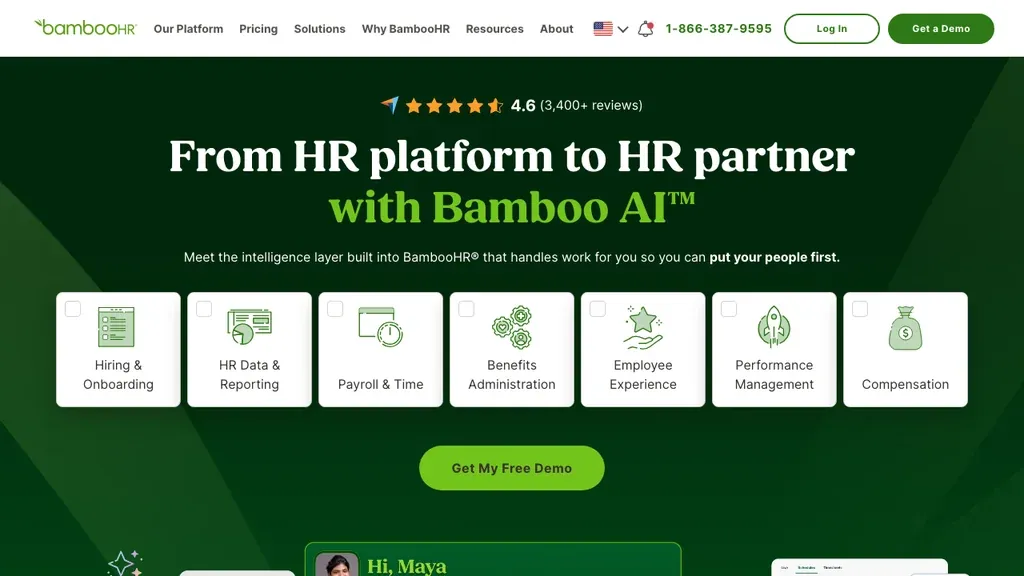
Best for: SMBs that prioritise employee profiles, onboarding, and HR reporting.
Who it's for: HR generalists at desk-light companies (often 25–500 employees).
BambooHR is the benchmark SMB HRIS for employee records, e-signatures, and time-off — often called an employee management system in vendor copy.
Pros: Polished HR admin UX; strong onboarding. Cons: Light shift scheduling; may need Deputy or Ordio for floor ops.
BambooHR shines for hiring pipelines and HR admin — pair it with a shift EMS if floor operations are mission-critical. Once offers are out, compare onboarding software for Day-1 checklists tied to first shifts.
Verdict: Shortlist when employee files and lifecycle beat rota complexity.
Rippling
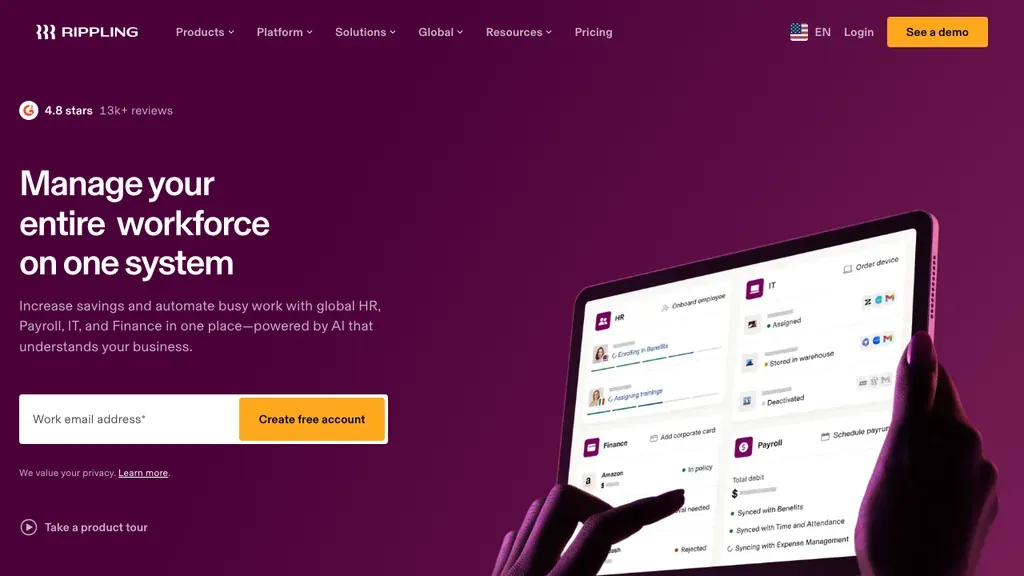
Best for: Growing companies wanting HRIS, payroll, and IT provisioning together.
Who it's for: IT + HR buyers at 50–500+ headcount.
Rippling ranks on many best employee management software lists for unified employee records, devices, and global hiring.
Pros: Broad module set; scales past SMB. Cons: Implementation complexity; overkill for a 15-person café.
Budget for implementation time and change management — not just per-seat licences. Rippling’s global hiring story matters for distributed HQ teams; it is rarely the first EMS purchase for a single-site bakery that only needs rotas.
Verdict: Consider when HR, pay, and IT are one procurement project.
Gusto
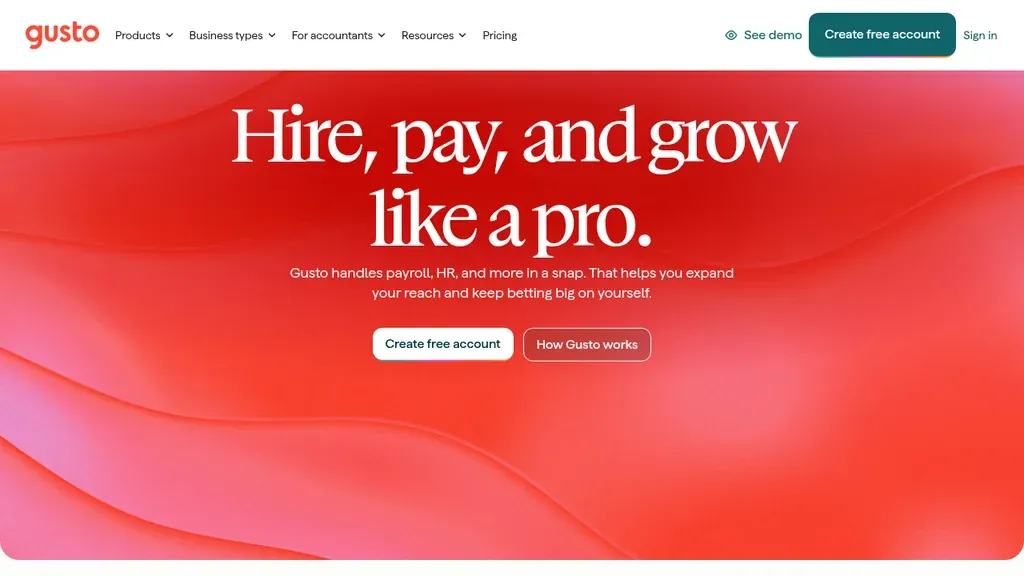
Best for: US SMBs buying payroll-first HR with employee self-service.
Who it's for: First-time HR buyers with straightforward schedules.
Gusto’s employee management software page centres records, onboarding, and benefits beside US pay runs.
Pros: Transparent US pricing; approachable UX. Cons: Limited EU shift depth; basic scheduling.
Confirm multi-state payroll coverage if you hire across US states. Operators with heavy weekend rotas often keep Gusto for pay and add Deputy or Homebase for floor scheduling — plan that split before you assume one EMS does both.
Verdict: Fit when payroll triggers the purchase and rotas are simple.
Connecteam
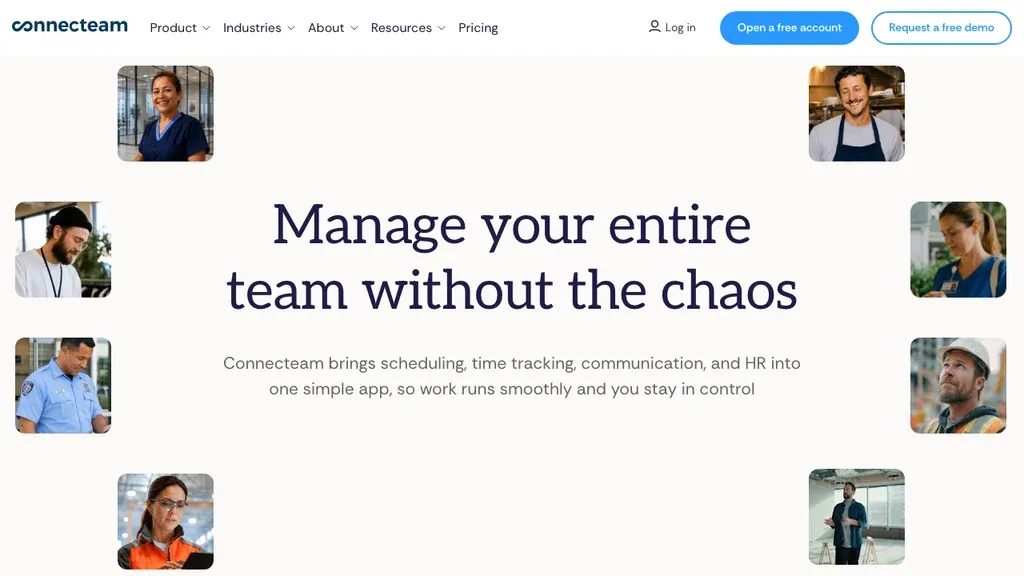
Best for: Deskless teams wanting directory, chat, training, and scheduling in one mobile hub.
Who it's for: Field supervisors running checklists and rotas on phones.
Connecteam bundles people directory, forms, training, and time clocks — operational EMS rather than full HRIS.
Pros: Free tier for micro teams; strong mobile UX. Cons: Module sprawl; lighter audit trails than HRIS.
Start with scheduling, time, and directory only — then add training or forms once managers use the core daily. If you need contract storage and onboarding packs, validate document retention before Connecteam becomes your only HR archive.
Verdict: Choose for all-in-one deskless ops, not deep payroll HR.
Deputy
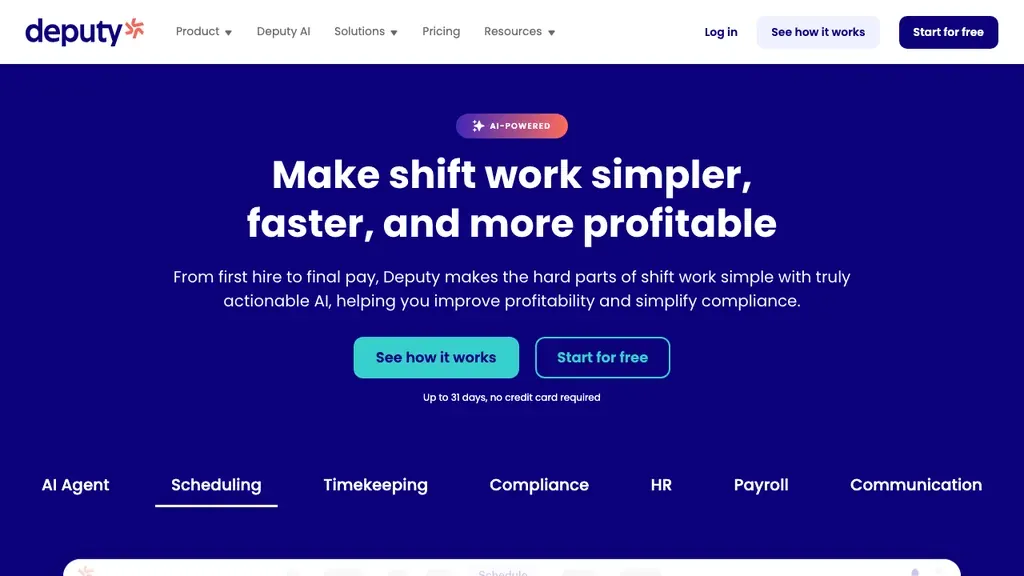
Best for: Hourly teams needing profiles, leave, and auto-scheduling across US/UK/AU.
Who it's for: Multi-site hospitality and retail replacing spreadsheet rotas.
Deputy bridges employee profiles with demand-based scheduling and time capture.
Pros: Mature scheduling automation; solid mobile apps. Cons: Per-user costs; less DACH depth than Ordio.
Export a sample break report during trial and share it with whoever signs off labour compliance. If you operate in Germany or Austria, confirm whether local rest-period documentation matches what your auditor expects.
Verdict: Strong when auto-fill rotas matter as much as HR files.
Homebase
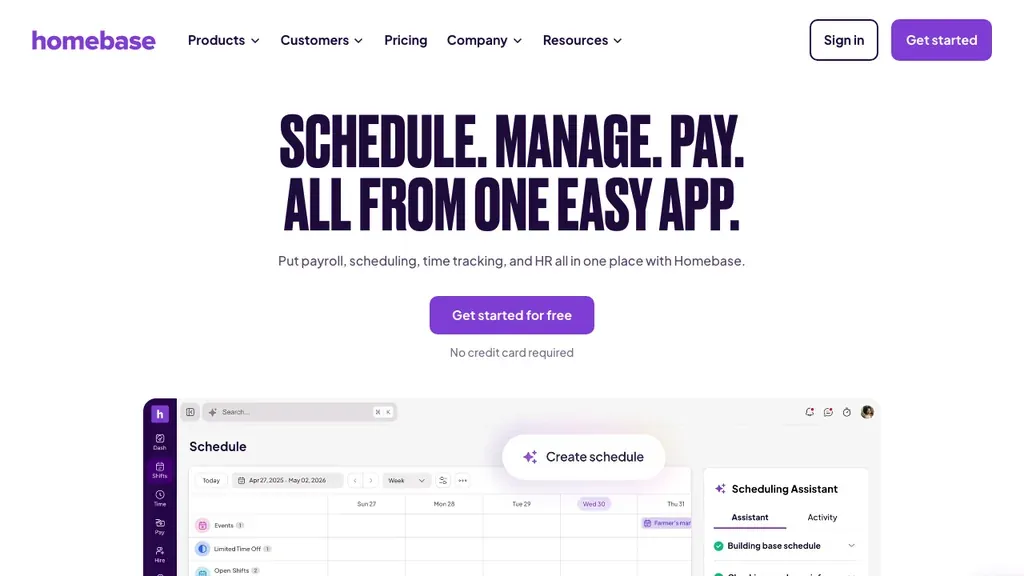
Best for: US hourly SMBs wanting free scheduling plus HR basics.
Who it's for: Single-location restaurants and stores under ~75 staff.
Homebase targets employee management software for small business buyers with team records, messaging, and payroll pathways.
Pros: Free basic tier; US hourly fit. Cons: Limited EU compliance documentation.
If you run tipped wages, verify tip pooling and reporting in trial — payroll-led EMS tools sometimes need add-ons for complex tip policies. Homebase fits when you want one US app for rotas, clock-ins, and pay rather than EU qualification archives.
Verdict: US payroll integration over EU shift archives.
monday.com
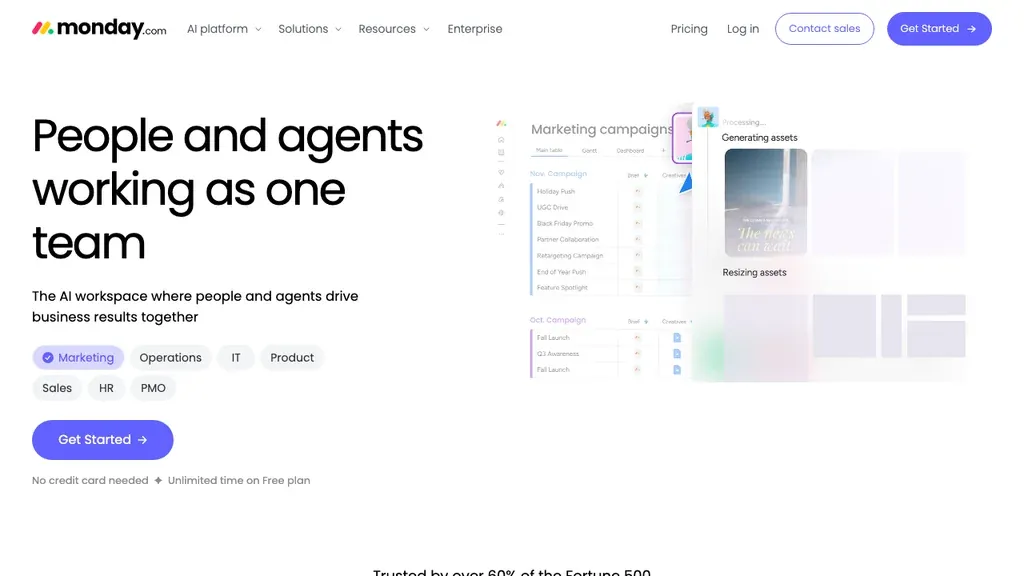
Best for: Teams that manage people tasks and projects on boards rather than HRIS modules.
Who it's for: Ops leads coordinating projects, onboarding checklists, and cross-functional work.
monday.com appears on workflow-oriented EMS roundups (including Zapier’s) for visibility across people and tasks — not a payroll HRIS.
Pros: Flexible boards and automations; fast setup. Cons: Not a compliance HR archive; weak native time/pay.
Use monday.com when onboarding checklists and cross-functional handoffs are the pain — not when you need break rules, pay exports, or a defensible HR archive. Budget integrations if you still need a dedicated scheduler or clock-in app.
Verdict: Use when work management visibility is the goal, not full HR lifecycle.
Employee management software vs HR software and HRIS
HR software and HRIS emphasise the full employee lifecycle — hiring, benefits, payroll, and compliance archives. Employee management software overlaps on records and workflows but shows up in many roundups next to operational tools (scheduling, comms, training). If payroll and benefits drive your purchase, start with our HR software and HRIS system guides; return here when floor operations and people data must stay connected.
A practical split: choose HRIS-led EMS when HR owns compliance and payroll exports; choose operations-led EMS when your GM spends more time fixing rotas than updating job titles. Hire-stage depth belongs in onboarding software comparisons when offer letters and task checklists are the bottleneck — not every EMS includes strong recruiting modules.
Employee management software vs workforce management software
Workforce management software optimises labour scheduling, time, absence, and cost reporting. EMS is broader people-ops language — sometimes including performance or comms modules without deep forecasting. Shift-heavy teams often need WFM depth inside EMS; see our workforce management software comparison for rota-first evaluations.
For definitions of modules and goals (forecasting, labour cost, coverage), see the workforce management glossary. If your search started on “WFM” but you also need document storage and org charts, shortlist tools that appear on both guides rather than a scheduling-only app bolted onto spreadsheets.
EMS vs talent, performance, and engagement tools
Talent management software and performance review software own hiring pipelines, goals, and review cycles. Employee engagement software focuses on pulse surveys and listening. EMS may include light performance or survey features, but do not expect a full Lattice-style stack — link out to talent management software, performance management software, performance review software, and employee engagement software when those are the primary buy.
On shift teams, performance management often means station standards and coaching in the moment — not only annual review forms. See performance metrics for how goals connect to operations. EMS might store a review note or goal field; it will not replace a dedicated review-cycle product if HR runs structured 360 programmes company-wide.
Employee satisfaction and listening tools measure sentiment; EMS comms modules (for example in Connecteam) broadcast updates and collect read receipts. Choose engagement software when survey science and action planning are the project; stay on EMS when you mainly need directory, rotas, and operational messaging in one mobile hub.
EMS vs time tracking and employee scheduling software
Dedicated time tracking software and employee scheduling software guides go deeper on clocks and rotas alone. Choose standalone tools when you already have a strong HRIS; choose bundled EMS when managers juggle separate apps today.
A common pattern: BambooHR or Gusto for records and pay, plus Deputy or Homebase for the floor. That works until employee IDs diverge — double entry and mismatched hours follow. Bundled EMS (Ordio, Deputy, Connecteam) reduces reconciliation when the same profile owns both the published rota and the clock-in.
If scheduling is the only gap, our employee scheduling product page and scheduling guide help you decide rota-first depth without buying a full HRIS. If clock compliance is the gap, read time and attendance basics before you compare clock vendors.
Employee management software for shift-based teams
Hospitality, retail, and healthcare share high turnover and mobile work. Prioritise EMS that gives crew mobile rotas, leave requests, and document storage for certifications. Pair onboarding and offboarding glossary context with onboarding software when hire-stage tooling is the bottleneck. Written policies belong in the employee handbook layer — EMS executes them day to day.
In restaurants, EMS should survive a Friday night cover change: managers publish an updated rota, staff acknowledge on mobile, and clock-ins attach to the right employee profile. In retail, peak-season hires need fast profile creation without retyping data at every store. In care settings, qualification expiry dates should surface before someone is assigned to a medication round — not after an auditor asks for proof.
If you already run a strong absence management software stack, EMS still matters for the employee record behind each leave request. The goal is one identity per worker across sites, not a different spreadsheet tab per location.
Pricing, free tiers, and common mistakes
Models include per employee (BambooHR, Rippling), per user (Deputy), per location (Ordio, Homebase), and freemium hubs (Connecteam, Homebase basic). Best employee management software free tiers help micro teams but often cap exports or sites. Common mistakes: buying desk HRIS without shift modules; confusing EMS with employee monitoring spyware; ignoring mobile adoption tests with a Saturday lunch rush.
Annual contracts are common on HRIS-led EMS platforms. Month-to-month or location-based pricing can reduce risk while you prove adoption. Ask about implementation fees, sandbox access, and whether time-tracking or scheduling are paid add-ons — headline per-seat prices rarely tell the full story for hourly teams.
Another mistake is treating employee management software for small business lists as payroll advice. US SMB roundups favour Gusto and Homebase; EU shift operators should validate labour-law documentation and break reporting before they import a US-centric shortlist unchanged. UK and Ireland buyers should confirm leave accrual and rota rules in trial — many US-first EMS pages underplay statutory leave nuances.
Finally, do not confuse EMS with employee monitoring software. Surveillance tools belong in a separate legal and policy review; they do not replace HR records, leave workflows, or lawful time capture for payroll.
How to choose employee management software in 5 steps
- Map modules — records, scheduling, time, comms, training, light performance
- Shortlist 3–4 vendors from the table; run a 14-day trial on one real site
- Involve a shift manager in trials, not only HR or finance
- Test self-service on frontline phones — rotas, leave, profile updates without calling the office
- Validate exports for payroll or accountant hand-off before you migrate historical files
Involve crew leads early. Reviews of the best employee management software often come from desk HR teams; your floor manager will spot clunky mobile UX in one busy service. Document today’s rework: duplicate employee entries, late schedule posts, and hours spent chasing signatures — those numbers fund the business case when you ask for budget.
Trial checklist: Import at least ten employee records, publish next week’s rota, run one pay-period export (or accountant file), and store one policy acknowledgment in the system. If any step still needs a side spreadsheet, note which module failed — that gap matters more than a polished sales demo.
Plan integrations up front: payroll, accounting, messaging, and any POS or care-system hooks you already pay for. EMS that cannot receive approved hours without a manual CSV will fail at month-end even if the HR dashboard looks impressive on day one.
When Ordio is — and is not — the right EMS
Ordio is a strong fit for shift operations plus employee records — not a replacement for every US payroll engine or global HCM suite. Use this checklist before you shortlist:
- Ordio fits when you run roughly 10–200 shift workers per site in hospitality, retail, or healthcare; you need EU/DACH-friendly labour documentation; you want employee files, scheduling, time, and absence connected; you may expand into the UK or Ireland.
- Look elsewhere first for US payroll-first bundles (Gusto), global HRIS + IT programmes (Rippling), or desk-only SMB HRIS without rotas (BambooHR may suffice).
We publish this comparison because buyers search for the best employee management software and deserve an honest map — partial fit is normal. Many operators run payroll in one system and shift EMS in another until they consolidate.
Conclusion
The best employee management software for shift teams links people records to the hours and rotas that drive payroll. Match your shortlist to region and module gaps first — HRIS-led options (BambooHR, Rippling), US payroll bundles (Gusto, Homebase), deskless hubs (Connecteam, Deputy), workflow boards (monday.com), or EU shift stacks (Ordio) — then trial with real rotas and frontline phones.
Return to this comparison when you refresh vendor pricing or open a new location — the EMS vs HRIS vs WFM split stays stable even as homepages change.
Explore Ordio pricing, shift planning, and time tracking when EMS must treat hourly operations as core — not an afterthought module.
Frequently asked questions about Employee Management Software for Shift Teams
What is employee management software?
Employee management software is a digital system for employee records, workflows, communication, time off, and often scheduling or time capture. It is also called an employee management system (EMS) or employee self-service portal when staff update profiles and rotas themselves. For the HR process definition, see our employee management glossary.
What is the best employee management software?
There is no single best employee management software for every company. Shift teams often shortlist Ordio, Deputy, Connecteam, or Homebase when scheduling and records must connect; desk-centric SMBs lean toward BambooHR or Rippling; US payroll-first buyers start with Gusto. Use the comparison table in this guide, match region and headcount, and run a trial on real rotas before you sign.
What are the top 10 employee management software tools?
Published top-10 lists change by year and reviewer, and many rank enterprise HCM tools your shift team will never use. This employee management software guide compares eight established options for shift-based SMBs — Ordio, BambooHR, Rippling, Gusto, Connecteam, Deputy, Homebase, and monday.com — with pricing notes and honest fit guidance rather than a global mega-vendor ranking.
What is employee management software called?
Vendors use overlapping names for the same category: employee management system (EMS), employee management app, employee self-service portal, people operations platform, or HRIS when payroll and benefits are included. Treat labels as marketing — compare modules (records, scheduling, time, leave) to see whether a product fits your employee management software shortlist.
What does an employee management system do?
Employee management software stores employee profiles and documents, supports self-service (leave, profile updates, rotas), and often adds scheduling, time tracking, training, or messaging. A strong EMS gives managers one audit trail from hire data to hours worked — so payroll and compliance do not depend on side spreadsheets or duplicate employee IDs across apps.
What is the difference between employee management software and HR software?
HR software usually means a full HRIS lifecycle (hiring, benefits, payroll). Employee management software emphasises day-to-day people operations and frontline workflows. Many products overlap — see our HR software and HRIS system guides for HRIS-led comparisons, and this guide when shift operations and records must stay together.
What is the best employee management software for small business?
For employee management software for small business, US hourly teams often start with Homebase or Gusto; deskless crews compare Connecteam’s free tier; EU shift operators compare Ordio and Deputy. Confirm mobile self-service and payroll region before you sign — a free tier works for micro teams until you add sites, certifications, or audit requirements.
Is there free employee management software?
Yes — Connecteam and Homebase offer usable free tiers for very small teams evaluating employee management software. Free plans usually cap users, sites, or payroll exports, and may omit advanced compliance reporting. Budget a paid tier before peak season, multi-site rollout, or an audit that needs a full HR archive.
Is EBMS the same as employee management software?
No. EBMS in US search often refers to a benefits administrator (insurance), not HR employee management software. EBMS handles medical or benefits administration; EMS handles schedules, employee records, leave, and time at work. If you need insurance administration, that is a different product category entirely.
Is employee monitoring software the same as EMS?
No. Employee monitoring tools focus on surveillance or productivity tracking. Employee management software focuses on records, scheduling, leave, and lawful workforce operations for payroll and HR. For a dedicated comparison of monitoring vendors, see our employee monitoring software guide — use monitoring only with clear policy and legal review, not as a substitute for HR archives or time capture your accountant can audit.
What is employee training management software?
Training modules inside employee management software assign courses, track completion, and store certifications — common in deskless hubs like Connecteam. Full learning suites may still need an LMS; EMS training is usually operational (food safety, onboarding checklists). Review the vendor comparison in this guide before you buy a standalone training product.
How does employee management software relate to workforce management software?
Employee management software is broader people-ops language (records, comms, sometimes light performance). Workforce management software emphasises rotas, time, absence, and labour cost for operations. Shift-heavy buyers often need both depths in one stack — see our workforce management software guide for rota-first comparisons alongside EMS records.