Guides
Best Employee Monitoring Software for Teams (2026)
Employee monitoring software records how people use company computers during paid time — active and idle time, apps and websites, optional screenshots, or keystroke activity. When output slips on remote days, some leaders shop for employee monitoring tools before they clarify goals or handoffs. This guide compares eight established platforms for employed teams: not parental spyware, not IT server monitoring, and not employee management software that stores HR records and shift schedules.
Who this guide is for: US ops and HR leads comparing the best employee monitoring software for hybrid or remote staff (UK and Ireland consent notes in the FAQs). If you run hospitality, retail, or clinic floors, read Where Ordio fits before you buy desktop monitoring for HQ while floor staff need clocks and schedules.
US search results often mix surveillance vendors with employee management software roundups. We keep categories separate: eight tools with September 2026 pricing, homepage screenshots, and fit notes (many listicles show ten or more; we cut overlap and spyware-adjacent products). For payroll-grade hours on shift teams, start with time tracking software instead of screen capture.
What is employee monitoring software?
Employee monitoring software (also called employee computer monitoring software or workplace monitoring software) measures digital work: active/idle time, websites and apps, optional screen snapshots, and sometimes keystroke or file activity. Vendors sell it for productivity, compliance, or insider-risk use cases on company-owned or enrolled devices.
That is different from:
- Employee management software — HR records, leave, scheduling, and operational workflows
- Time tracking software — hours for payroll and projects, often with employee-visible timers
- IT application performance monitoring — server and code metrics, not people surveillance
For the HR process side of people operations, see our employee time tracking glossary and EMS guide linked below.
Most products collect data in layers — choose the shallowest layer that still answers your business question:
- Level 1 — Time and presence: active/idle timers without screen content (closest to time tracking)
- Level 2 — Application and URL analytics: which tools were open, not necessarily every keystroke
- Level 3 — Screenshots or screen recording: periodic or continuous visual capture (highest trust impact)
- Level 4 — Keystroke or file exfiltration rules: insider-risk and DLP programs (legal and works-council scrutiny)
How employee monitoring software works
In a typical rollout, IT or security installs a lightweight agent on company-managed laptops (or enrolls devices through MDM). The agent records signals you enable — active time, app titles, URLs, optional screenshots — and uploads them to a vendor cloud for managers, HR, or security analysts to review in a dashboard. Employees may see a tray icon or policy portal depending on the product and your transparency settings.
Data usually flows: endpoint agent → encrypted upload → retention store → role-based reports and alerts. Integrations can push summaries into PSA, payroll, or SIEM tools so monitoring does not become a second silo. Nothing in this stack replaces a signed employment contract, published schedule, or timesheet approval — it only documents what happened on the device during paid time.
If you only need Level 1–2 data for desk workers, compare whether your existing time tracking software already covers it before you add screenshot tiers.
Best employee monitoring software at a glance (2026)
No single tool fits every culture or sector. Use the table to shortlist, then run a two-week pilot with written policy, union or works-council input where required, and IT enrollment tests on real laptops.
| Tool | Best for | Starting price | Monitoring type | Trial |
|---|---|---|---|---|
| ActivTrak | Workforce analytics and activity insights | Free tier; paid from approx. $10/user/mo | Activity + productivity | Yes |
| Hubstaff | Time tracking with optional screenshots | from approx. $7/user/mo | Time + optional screen | 14-day trial |
| Teramind | Insider risk and behavior analytics | Custom quote | Screen + DLP-style | Demo |
| Insightful | Productivity analytics for remote teams | from approx. $8/user/mo | Activity + apps | Trial |
| Time Doctor | Time tracking and distraction alerts | from approx. $7/user/mo | Time + optional screen | 14-day trial |
| DeskTime | Automatic time and project tracking | from approx. $7/user/mo | Automatic time | 14-day trial |
| Controlio | Cloud employee monitoring | from approx. $7.99/user/mo | Screen + activity | Trial |
| Monitask | Screenshots and timesheets for SMBs | from approx. $4.99/user/mo | Screenshot-heavy | 10-day trial |
Prices approximate — as of September 2026. Confirm on vendor sites before purchase.
Note: This comparison excludes parental control apps, spouse monitoring, and pure keylogger malware. It also excludes enterprise HCM suites — those belong in employee management software guides, not surveillance roundups.
How we evaluated employee monitoring tools
- Transparency — can employees see what is collected and when?
- Monitoring depth — time-only vs screenshots vs keystroke (higher risk)
- Remote and hybrid fit — VPN, BYOD, and multi-OS support
- Privacy and retention — role-based access, data deletion, regional hosting
- Integrations — payroll, PSA, or SSO without shadow IT
- Pricing clarity — per-seat maths before you add contractors
- Frontline reality — honest limits when most staff are on POS, not laptops
- Policy readiness — templates or guidance for lawful rollout (not legal advice)
We excluded consumer spyware and ranked tools commonly cited in US SERPs (G2, vendor LPs, independent listicles). September 2026 pricing and homepage positioning were checked on vendor sites; screenshots were captured the same month for apples-to-apples comparison. Monitoring without a published acceptable-use policy usually fails — regardless of vendor features.
The 8 best employee monitoring software tools
Profiles include September 2026 homepage screenshots for third-party tools in the table — not Ordio. For lawful shift hours, see Where Ordio fits below.
Rollout note: Document purpose, retention, and who can view recordings before you enable capture — opaque monitoring erodes trust faster than a missed KPI.
ActivTrak
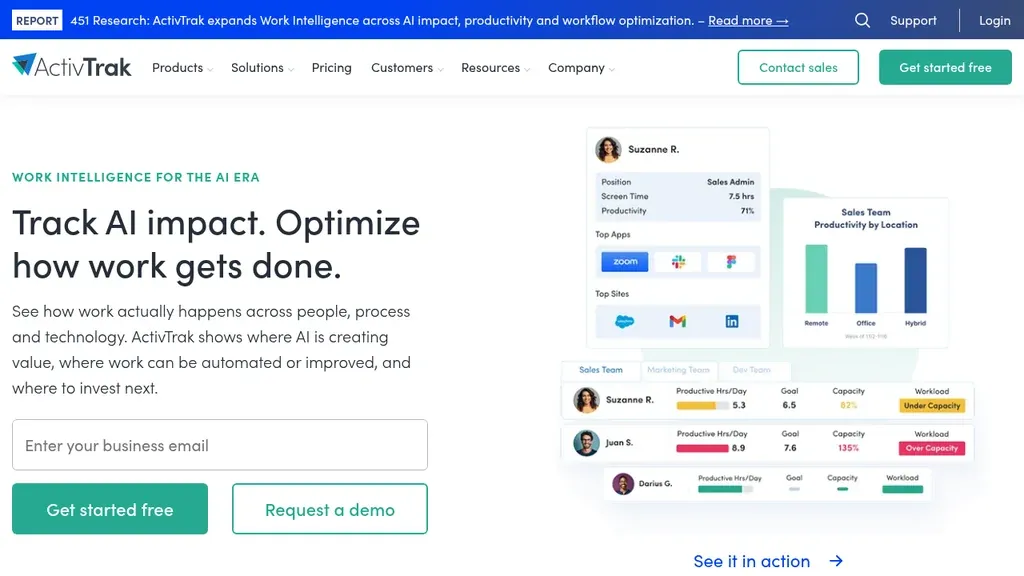
Best for: Workforce analytics and activity insights
Monitoring type: Activity + productivity
Starting price: Free tier; paid from approx. $10/user/mo — as of September 2026; confirm on vendor site.
ActivTrak leads many US buyer guides because it balances activity timelines with productivity coaching — less “spyware dashboard,” more workforce analytics for desk-heavy teams. The free tier helps small pilots; paid plans add deeper history and integrations.
Pros: Strong app and site categorization; coaching-oriented reports. Cons: Limited value on shared POS terminals; not an EMS or scheduling system.
Verdict: Default shortlist for hybrid knowledge workers when you want analytics before screenshots.
Hubstaff
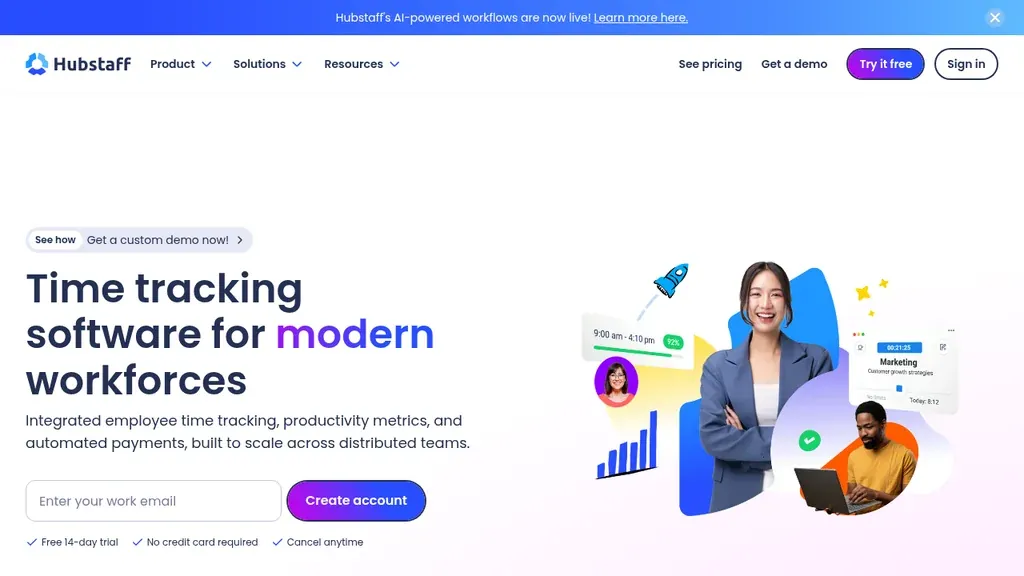
Best for: Time tracking with optional screenshots
Monitoring type: Time + optional screen
Starting price: from approx. $7/user/mo — as of September 2026; confirm on vendor site.
Hubstaff sits on the boundary between time tracking software and monitoring: timers, optional screenshots, and GPS for distributed or field staff. Agencies often adopt it for proof-of-work before they add heavier DLP.
Pros: Payroll-friendly exports; optional GPS and activity levels. Cons: Screenshot and GPS modes need explicit consent; easy to over-collect without policy.
Verdict: Choose when billable hours and light activity proof matter more than insider-risk analytics.
Teramind
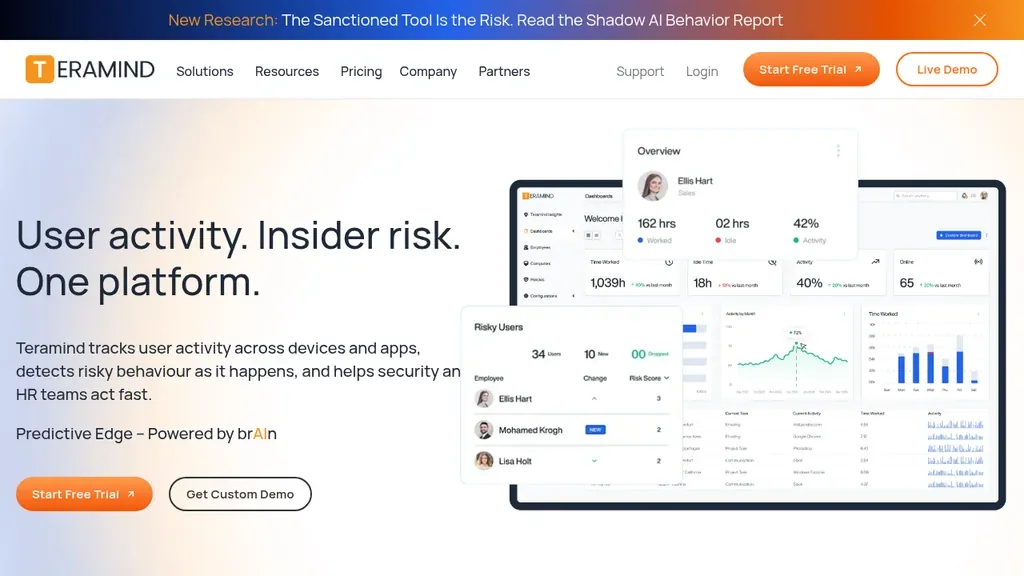
Best for: Insider risk and behavior analytics
Monitoring type: Screen + DLP-style
Starting price: Custom quote — as of September 2026; confirm on vendor site.
Teramind targets security and compliance teams that need screen recording, behavior rules, and data-loss patterns — not a lightweight productivity add-on. Expect longer implementation and custom pricing.
Pros: Deep insider-risk and DLP-style controls; granular policy rules. Cons: Heavy for SMBs; high privacy impact — legal and works-council review essential.
Verdict: Shortlist when security owns the program, not when a line manager wants “more visibility.”
Insightful
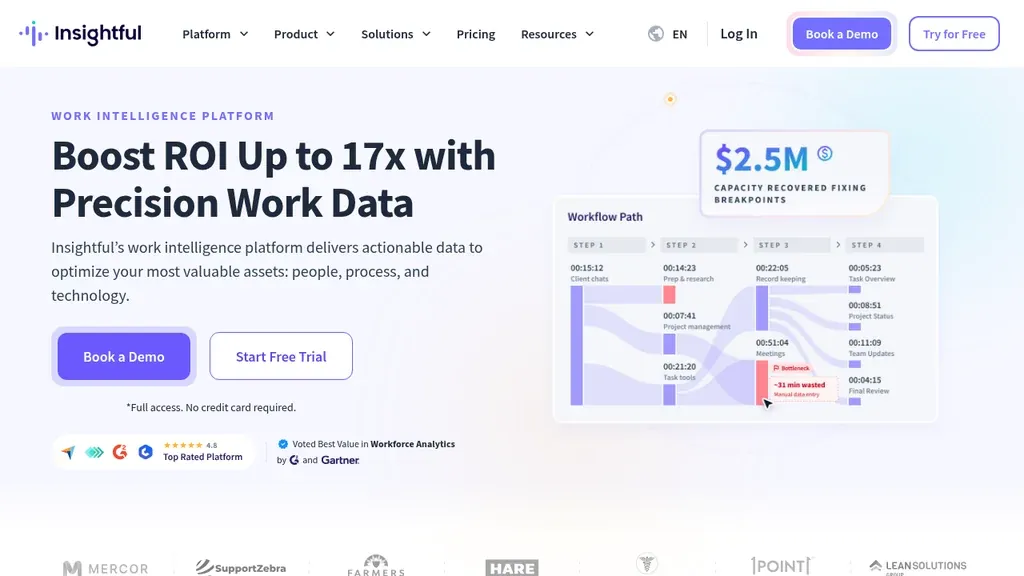
Best for: Productivity analytics for remote teams
Monitoring type: Activity + apps
Starting price: from approx. $8/user/mo — as of September 2026; confirm on vendor site.
Insightful (formerly Workpuls) packages app and URL analytics for remote-first teams that want dashboards without Teramind-level DLP. It competes with ActivTrak on productivity narratives at a mid-market price point.
Pros: Clear remote-work positioning; workable trials for distributed pilots. Cons: Less depth for regulated insider-threat programs; still desktop-centric.
Verdict: Compare head-to-head with ActivTrak when you want analytics-first monitoring without enterprise security overhead.
Time Doctor
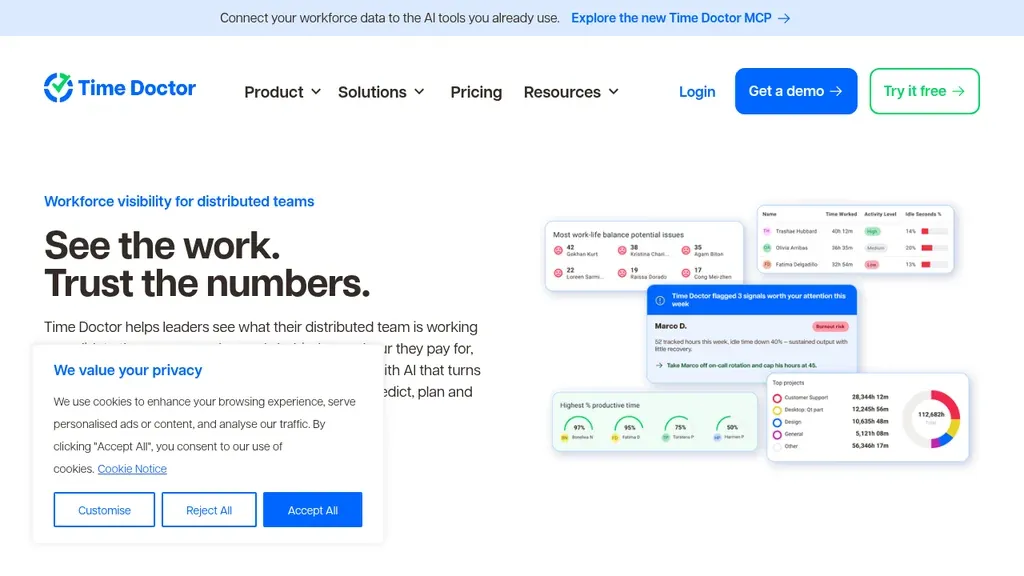
Best for: Time tracking and distraction alerts
Monitoring type: Time + optional screen
Starting price: from approx. $7/user/mo — as of September 2026; confirm on vendor site.
Time Doctor emphasizes timers, distraction alerts, and optional screen evidence for outsourcing and agency desks. It shows up beside Hubstaff in G2-style lists when buyers want payroll-adjacent time data plus nudges when off-task sites spike.
Pros: Distraction alerts; familiar time-tracking UX for contractors. Cons: Screenshot tiers can feel punitive; separate from shift clock-ins on store floors.
Verdict: Fit for agency or BPO-style remote benches — not for hospitality shift schedules.
DeskTime
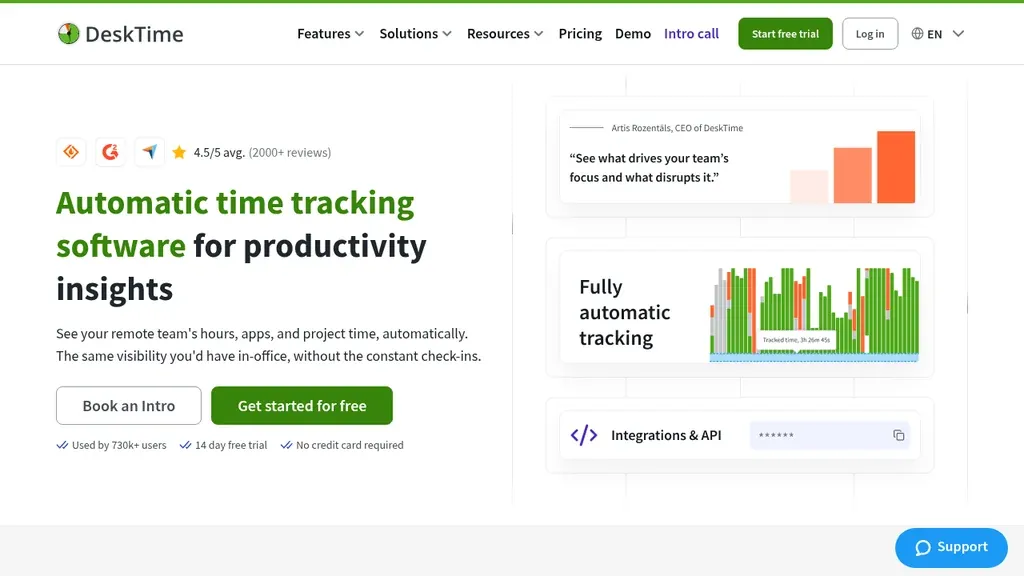
Best for: Automatic time and project tracking
Monitoring type: Automatic time
Starting price: from approx. $7/user/mo — as of September 2026; confirm on vendor site.
DeskTime auto-tracks active and idle time with project labels — closer to automatic time tracking than screenshot-heavy surveillance. EU-founded vendors often appeal to buyers weighing GDPR documentation.
Pros: Low-friction automatic timers; project profitability views. Cons: Limited insider-risk tooling; managers may misread idle time as “slacking.”
Verdict: Pick when you need automatic project hours more than frame-by-frame screen review.
Controlio
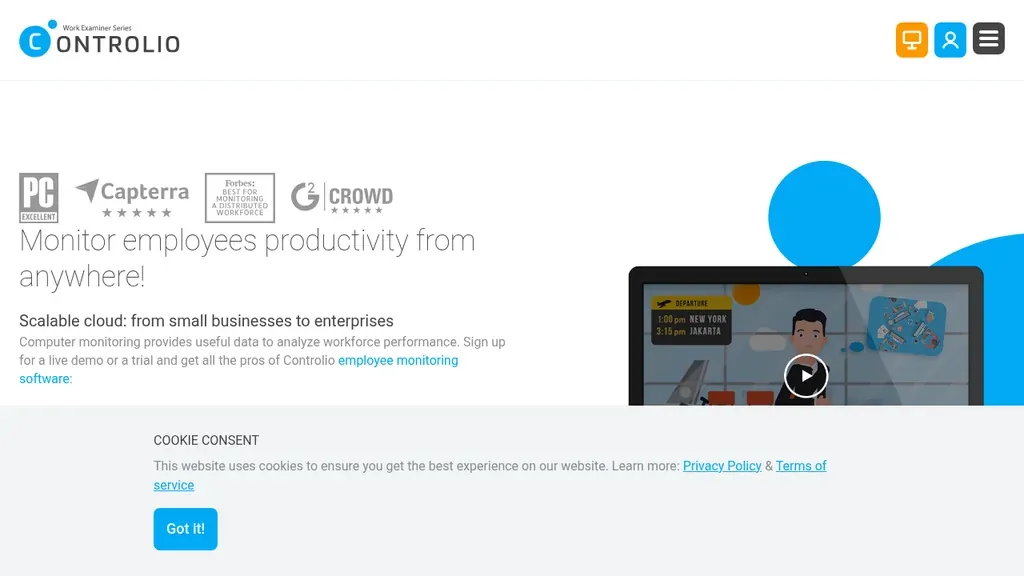
Best for: Cloud employee monitoring
Monitoring type: Screen + activity
Starting price: from approx. $7.99/user/mo — as of September 2026; confirm on vendor site.
Controlio sells cloud-based screen and activity monitoring with straightforward per-seat pricing — common in SMB roundups that want Teramind-like visibility without enterprise sales cycles. Deployment is typically agent-based on Windows and macOS endpoints; confirm browser-only or Linux needs before you assume full coverage.
Pros: Cloud deployment; screen playback for investigations. Cons: Brand recognition below ActivTrak/Hubstaff; policy burden still on the employer.
Verdict: Budget-conscious teams that accept screen-level monitoring after legal sign-off.
Monitask
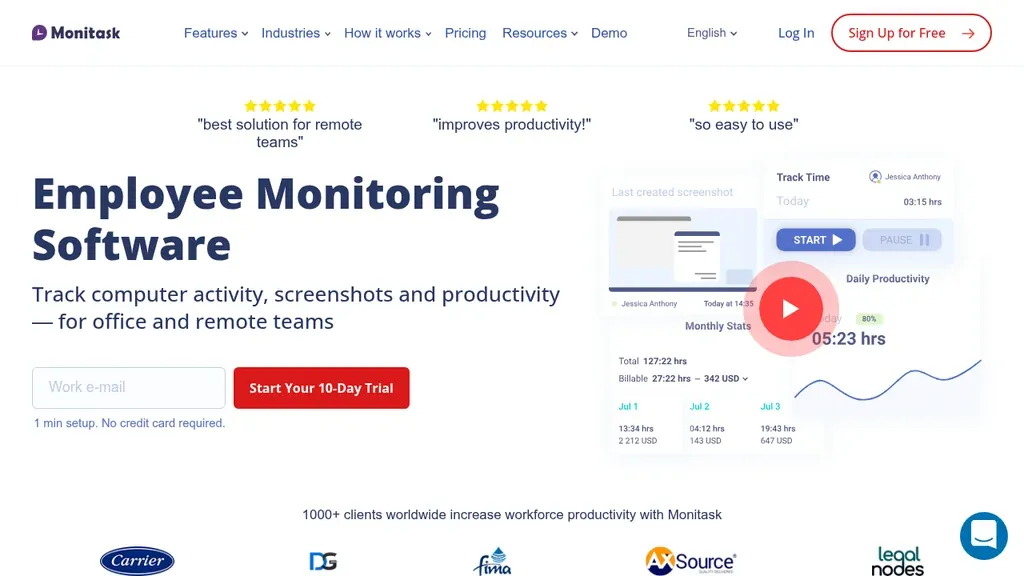
Best for: Screenshots and timesheets for SMBs
Monitoring type: Screenshot-heavy
Starting price: from approx. $4.99/user/mo — as of September 2026; confirm on vendor site.
Monitask leans on periodic screenshots and simple timesheets for very small teams testing monitoring for the first time. Entry pricing is among the lowest in this table — trade-offs show up in analytics depth, SSO, and retention controls compared with ActivTrak or Teramind-class platforms.
Pros: Fast setup; screenshot intervals for proof-of-work. Cons: Can feel intrusive at default screenshot frequency; limited WFM or HR depth.
Verdict: Pilot-only tier for micro-teams — plan to graduate or retire once policy matures.
Employee monitoring software vs employee management software
Employee management software answers “who works here, when are they scheduled, and what HR records do we need?” Monitoring answers “what happened on the laptop during paid desk time?” The categories overlap in marketing, but buyers collide when a monitoring product is sold as “management.” EMS handles onboarding documents, org charts, leave balances, and often scheduling — none of which require screen capture. If you need records, leave, and schedules, read our employee management software comparison — and only add monitoring after policy and legal review.
Teams that benefit from EMS first: multi-site operators with hourly staff, HR shared services, and anyone preparing payroll audits. Teams that might add monitoring later: security operations, outsourced BPO benches, and hybrid HQ functions with clear acceptable-use policies.
Employee monitoring vs time tracking software
Time tracking software prioritizes hours for payroll, projects, and client billing — often with employee-visible clocks and manager approvals. Monitoring prioritizes activity proof and productivity analytics on the same machine. The buyer mistake is enrolling screenshot capture when the real gap is “we cannot prove hours for payroll.”
Some products (Hubstaff, Time Doctor) blend both layers; shift-heavy operators should still separate store clock-ins from HQ screenshot policies. Desk timers can coexist with wall-clock attendance when policies are clear — finance may need project exports while stores use punch clocks. Red flag: managers reconstruct hours from Slack threads; green flag: approved timesheets feed payroll and monitoring only covers optional desk proof.
See time tracking software for timesheet-first comparisons and our timesheet glossary for document fields. Use monitoring only when activity analytics are the stated goal, not as a payroll substitute.
Employee monitoring vs workforce management software
Workforce management software focuses on labor demand, shift schedules, attendance, and labor cost — especially for hourly teams. Desktop monitoring does not schedule Saturday coverage, swap shifts when someone calls in sick, or show labor cost before payday closes.
WFM answers “who is on the floor and at what cost?” Monitoring answers “what did the laptop show during desk time?” A district manager may need WFM for stores and optional monitoring for HQ analysts — running the same agent on shared tills usually fails technically and culturally.
Link to workforce management software when operations pain is coverage or labor planning; pair with employee scheduling software when scheduling is the bottleneck. Ordio-style shift capture belongs in that lane, not in a monitoring dashboard.
Employee monitoring vs work from home apps
Work from home apps cover chat, meetings, docs, and ethical project timers — the collaboration layer remote teams feel every day. They are not designed for stealth screenshots, keystroke logging, or insider-risk investigations.
If missed messages or unclear goals are the problem, fix comms and documentation before monitoring. Adding screen capture to a broken meeting culture rarely improves delivery — it often pushes work into unmanaged channels.
Our work from home apps guide compares Slack, Teams, and related stacks for employed hybrid teams. For how HQ coordinates hours with store schedules, see time management tools — another layer from pure monitoring or pure chat.
Ethics, consent, and legal basics (not legal advice)
US employers generally may monitor company-owned equipment when policy is clear and proportionate, but state laws (notice, off-duty limits, biometrics) and sector rules vary. Several states expect written notice or acknowledgement before monitoring non-exempt employees on business systems — counsel often flags California, Connecticut, Delaware, New York, and Colorado-style regimes when buyers roll out screenshots or keystroke capture. Federal contractors and regulated industries may face additional logging rules. UK and EU teams must align with GDPR-style purpose limitation, documentation, and impact assessments; Ireland and the UK ICO publish guidance on proportionate workforce monitoring that pairs well with vendor DPAs.
Is employee monitoring software a good idea? It can be when outcomes are undefined, remote accountability is genuinely missing, and leadership commits to transparency — not when managers want a scoreboard to avoid coaching. If trust is already low, monitoring without consultation usually accelerates attrition. Start with written purpose (“reduce missed deadlines,” “investigate data handling,” not “catch slackers”), measure whether delivery improves after a pilot, and turn off capture you no longer need.
Monitoring is not whistleblowing software. Anonymous ethics hotlines and speak-up channels solve different problems from desktop monitoring — if you need protected reporting, evaluate dedicated whistleblowing programs separately; do not repurpose activity dashboards as a substitute.
Involve counsel and employee representatives before keystroke logging or always-on video. Tell people what you collect, why, and how long you keep it — secret monitoring destroys morale and can create liability. This section is operational guidance only, not legal advice.
Where Ordio fits for shift-based teams
Ordio is not employee monitoring software. We do not sell keystroke logging or hidden screen capture. Ordio helps hospitality, retail, and healthcare operators run shift schedules, time tracking, and absence workflows crews can see on mobile — so payroll gets defensible hours without treating floor staff like remote desk workers.
If your real problem is missed clock-ins, unclear schedules, or labor cost on shifts, evaluate WFM and time capture first. If HQ still needs desktop visibility after policy work, add a monitoring tool from the table for desk roles only — and keep shift clocks separate.
Need lawful shift hours—not desktop monitoring?
Pricing and common mistakes
Per-seat monitoring costs compound when you enroll contractors “just in case.” List prices in the table are only the starting point — model total cost before you sign:
- Seats and tiers: screenshot, GPS, or DLP modules often sit on higher plans
- Storage and retention: long screenshot history increases cloud fees
- Implementation: MDM packaging, SSO, and policy workshops for security-led tools
- Legal and HR time: handbook updates, notices, and union or works-council consultation
- Productivity cost: manager hours reviewing dashboards without action plans
Common mistakes: buying monitoring when managers never defined outcomes; logging screenshots without retention limits; enrolling BYOD without clear enrollment boundaries; confusing monitoring with EMS or payroll systems; rolling out globally without local counsel review; paying for Level 3 capture when Level 2 analytics would suffice.
How to choose employee monitoring software in 5 steps
Use this sequence after you have ruled out EMS, WFM, and time-tracking fixes — not as a shortcut past policy work.
- Purpose and retention first. Draft what you will measure, who may view it, and how long data lives — with HR and legal before vendor demos.
- Classify roles. Mark desk roles (monitoring candidates) versus floor roles (time capture/WFM only); never default the whole company to screenshots.
- Shortlist and pilot. Pick two tools from the table; run a 30-day pilot on a volunteered team with written notice and an exit plan if trust drops.
- Measure outcomes. Track delivery, quality, or incident response — not vanity activity scores managers cannot explain to employees.
- Review and reduce. Revisit quarterly; downgrade capture levels or remove agents when the business case ends.
Document the pilot decision in the same revision cycle as handbook and remote-work policy so employees see one coherent story.
Related guides for HR and operations leaders
Monitoring sits at the intersection of security, HR, and operations. Use sibling guides when the underlying problem is not desktop activity: employee management software for records and scheduling, time tracking software for payroll hours, workforce management software for labor planning, and work from home apps for hybrid collaboration stacks.
If you are updating handbook language, align acceptable-use policy, remote-work addenda, and vendor DPAs in the same revision cycle — not three separate email threads.
Implementation checklist before you flip monitoring on
- Publish written notice and obtain acknowledgements where required
- Define roles allowed to view screenshots or keystroke logs
- Set retention windows and automatic deletion for stale captures
- Exclude break rooms, union devices, and personal BYOD without enrollment
- Train managers on interpreting activity scores without punitive surprises
- Document escalation when monitoring flags suspected data exfiltration
Run a 30-day pilot with volunteers before mandatory enrollment. Measure whether delivery metrics improve — if not, monitoring may be treating a symptom of unclear goals, not missing software.
Remote and hybrid enrollment notes
Remote employee monitoring software agents usually require admin rights on laptops and stable VPN routes to corporate identity. Hybrid teams should separate “in office on corp Wi‑Fi” from “at home on personal network” in policy, especially when family members share machines. UK and Ireland buyers should confirm data residency and subprocessors with their DPO before enabling screen capture.
Calendar-heavy teams sometimes enable monitoring to prove “focus time” while meetings multiply — fix the calendar before you instrument keyboards. Likewise, if output metrics are already visible in your PSA or dev tools, duplicating the same signal in a monitoring dashboard adds cost without new insight.
Healthcare, retail, and hospitality cautions
Regulated or customer-facing environments need extra care: shared terminals, patient areas, and POS lanes are poor fits for always-on screen capture. Healthcare operators should treat clinical workstations under separate policies from back-office finance laptops. Retail and hospitality crews benefit more from published schedules and visible clock-ins than from monitoring agents that never run on shared tills.
Conclusion
The best employee monitoring software for your company depends on monitoring depth, remote footprint, and how much transparency your culture will tolerate. Start with policy and the shallowest data layer that answers your question, shortlist ActivTrak-class analytics or Hubstaff-style time-plus-screenshots if appropriate, and keep EMS and shift time capture in their own systems. The eight workplace monitoring software examples here — ActivTrak, Hubstaff, Teramind, Insightful, Time Doctor, DeskTime, Controlio, and Monitask — cover most US buyer shortlists; run a two-vendor pilot before you standardize.
Hybrid operators should wire desk monitoring to clear boundaries — not replace time tracking on the floor. When in doubt, fix schedules and goals first; add monitoring only where policy, legal review, and employee notice make the trade-off explicit.
Frequently asked questions about Best Employee
What is employee monitoring software?
Employee monitoring software (often called employee computer monitoring software or workplace monitoring software) tracks digital work on company-managed or enrolled devices — active time, apps and websites, optional screenshots, or keystroke activity. Vendors sell it for productivity, compliance, or security on employed teams, not for parental control. For HR records and shift schedules, see employee management software instead.
What is the best employee monitoring software?
There is no universal best employee monitoring software — fit depends on monitoring depth, OS support, and policy. US buyers often shortlist ActivTrak for analytics, Hubstaff or Time Doctor for time plus optional screenshots, and Teramind for insider-risk programs; Insightful and DeskTime are common mid-market alternatives. Use the comparison table in this guide and run a pilot with written notice before you enroll all desks.
Is employee monitoring software legal?
In many US workplaces, monitoring company-owned equipment is permitted when notice and policy are clear, but state laws and sector rules vary. UK and EU teams must meet GDPR-style purpose, proportionality, and documentation requirements. This is not legal advice — involve counsel and employee representatives before keystroke logging or always-on capture.
Is it illegal for employers to use employee monitoring software?
Using employee monitoring software is not automatically illegal — risk rises when monitoring is secret, disproportionate, or captures personal data without a lawful basis. High-risk patterns include hidden keyloggers, always-on home webcam capture, and consumer spyware marketed as “employee” tools. Document purpose, scope, retention, and access roles, then confirm requirements with qualified counsel in each country where people work.
Is employee monitoring software a good idea?
It can be when remote accountability is genuinely missing, goals are unclear, and leadership commits to transparent notice — not when managers want a scoreboard instead of coaching. If trust is already low, monitoring without consultation often worsens attrition. Define a written purpose, run a short pilot, measure delivery outcomes, and downgrade or remove capture that does not help. Operational guidance only, not legal advice.
How does employee monitoring software work?
IT or security typically installs an agent on company-managed laptops (or enrolls devices through MDM). The agent records signals you enable — active time, app titles, URLs, optional screenshots — and uploads them to a vendor cloud for dashboards and alerts. Employees may see a tray icon or policy portal depending on settings. Choose the shallowest monitoring level that still answers your business question.
What is the difference between employee monitoring and time tracking software?
Time tracking software focuses on hours for payroll and projects, often with visible timers. Employee monitoring software emphasizes activity analytics and optional screen evidence. Some vendors blend both — separate store clock-ins from HQ screenshot policies. See our time tracking software guide for timesheet-first tools.
Is employee monitoring software the same as employee management software?
No. Employee management software covers records, scheduling, leave, and people workflows. Monitoring tools track desktop activity. If you need EMS, start with our employee management software comparison; add monitoring only with a clear policy after legal review.
What is remote employee monitoring software?
Remote employee monitoring software enrolls laptops on home or hybrid networks to measure active time, apps, and optional screenshots during paid desk work. Require VPN or MDM discipline so data stays on managed devices. Pair monitoring with async comms tools from our work from home apps guide — monitoring does not fix unclear goals.
Is there free employee monitoring software?
Some vendors offer limited free tiers or trials (for example ActivTrak's free tier for small teams). Free plans usually cap users, history, or advanced analytics. Budget paid seats before compliance audits or multi-site rollouts — and publish policy before any capture starts.
How much does employee monitoring software cost?
Entry paid tiers often start around $4–$10 per user per month as of September 2026, with enterprise DLP-style platforms quoted custom. Add implementation, storage, and counsel time — not only per-seat list price. Confirm current pricing on vendor sites before purchase.
Does Microsoft have employee monitoring software?
Microsoft 365 includes usage analytics and compliance features for IT and security teams — not a full ActivTrak-style monitoring suite out of the box. Many companies combine M365 telemetry with dedicated employee monitoring software for deeper desktop visibility. Clarify licensing and privacy impact with IT before enabling advanced audit logs.
How do you know if your computer has employee monitoring software?
On managed devices, IT should disclose enrollment in acceptable-use policy and device management (MDM). Employees may see agent icons, tray apps, or corporate certificates. If you suspect undeclared spyware, contact IT or security — tools installed without employer notice may violate policy or law depending on jurisdiction.
When should shift-based teams use monitoring instead of time tracking?
Usually they should not. Shift-based teams need visible clock-ins and schedules for payroll and coverage — not desktop screenshots on shared POS terminals. Use time tracking and workforce management software for floor operations; reserve monitoring for desk roles with documented policy only if truly required.