
Someone works their last Friday shift — and Monday still shows them on the rota, with a laptop signed out and final hours stuck in a spreadsheet. Offboarding software (also called employee offboarding software) turns that messy exit into a tracked workflow: checklists, schedule deactivation, timesheet close-out, access handoffs, and an archived employee record.
Below you will find the best offboarding software for shift-based teams in 2026 — eight tools for restaurants, stores, and care sites, with pricing and a clear fit verdict on each. This is not an IT-only SaaS deprovisioning guide and not a Workday-class HCM bake-off. For broader lifecycle context, see our guides to HR software, HRIS systems, and talent management, plus industry notes for hospitality, retail, and healthcare.
What is offboarding software?
Offboarding software is a digital system that coordinates employee exits — resignations, contract ends, layoffs, or terminations — so HR, managers, and IT complete the right steps in order. Modern platforms replace inbox threads and shared docs with owned tasks, deadlines, and an audit trail you can pull later. An offboarding program is the policy and sequence behind those tasks; the software is how you run and prove that program at scale.
Typical capabilities include:
- Exit checklists — role-based tasks for managers, HR, payroll, and IT
- Schedule and time close-out — freeze future shifts, reconcile final hours
- Document and file archive — contracts, certificates, exit interviews
- Asset and access handoffs — equipment return, account deactivation triggers
- Final pay and benefits hooks — PTO payout, last paycheck, benefits end dates
People looking for employee offboarding software often mean two different things: HR process tools that close pay and files, or IT platforms that revoke SaaS access. Here we focus on HR and ops exits for hourly teams. Later you will see how to tell those categories apart — so you do not buy a checklist when you needed identity revoke, or the reverse.
Best offboarding software at a glance (2026)
What is the best offboarding software? The right pick depends on your biggest exit risk: missed checklist steps, final pay errors, lingering app access, or unfinished shift handovers. Shift-heavy SMBs usually need tools that connect exits to rotas and timesheets; US payroll-first buyers often start with Gusto; teams that need dedicated exit journeys look at Click Boarding. The table compares eight options — prices are starting points as of July 2026.
| Software | Core offboarding features | HR vs IT focus | Pricing (from) | Best for |
|---|---|---|---|---|
| Ordio | Final shifts, time close-out, file archive, ops checklists | HR / ops | from approx. €89/location/mo | EU shift ops expanding UK/IE |
| BambooHR | Custom checklists, notifications, exit records | HR | Custom (per employee) | SMB HRIS-led exits |
| Rippling | HR workflows + access/device automation | HR + IT | Custom quote | 50–500+ needing IT+HR |
| Gusto | Final pay, PTO payout, benefits offboarding | HR / payroll | from approx. $49/mo + per person | US payroll-first SMB |
| HiBob | Custom workflows, exit surveys, people analytics | HR | from approx. $10/employee/mo | Mid-market people teams |
| Click Boarding | Dedicated offboarding experiences & compliance flows | HR (specialist) | Custom quote | High-volume structured exits |
| Deel | Global contractor/employee exit compliance | HR / global | Custom / per contract | Cross-border teams |
| Homebase | Hourly team records, scheduling tie-in, exit basics | HR / ops | Free basic; paid from approx. $24/location/mo | US hourly SMB |
Prices approximate — as of July 2026. Source vendor pricing pages; verify before purchase.
Note: Enterprise suites (Workday, UKG) and IT/SaaSOps tools (Okta, BetterCloud, Stitchflow) appear in many “best of” lists. For 10–200 shift workers, start with the SMB tools above — then add identity deprovisioning if lingering SaaS access is your primary risk. See the HR vs IT section below.
How we evaluated these tools
We compared each platform on what shift operators actually need from offboarding software — not a long feature list built for enterprise HCM sales decks:
- Exit checklist depth — owned tasks across HR, managers, and ops
- Schedule and time close-out — freeze rotas and reconcile final hours
- Employee file archive — documents retained after the last day
- Final pay path — native payroll or clean handoff
- Access / IT handoff — native deprovisioning or clear integration path
- Mobile / frontline usability — managers can finish tasks between rushes
- Rollout speed — live in weeks, not a six-month programme
We left out pure IT SaaSOps tools built only for app license reclaim, and enterprise HCM programmes aimed at 5,000-seat headquarters. How we reviewed: public pricing pages (July 2026), homepage screenshots, and published modules checked against a shift-operator exit checklist — not paid mystery-shopping. Always confirm quotes and compliance claims with each vendor before you sign.
The 8 best offboarding software options
Here are concise profiles with July 2026 screenshots, strengths, limitations, and who each tool fits best. Start with the Best for line, then weigh pricing in the table above — and read the Ordio honesty section before you decide.
Ordio
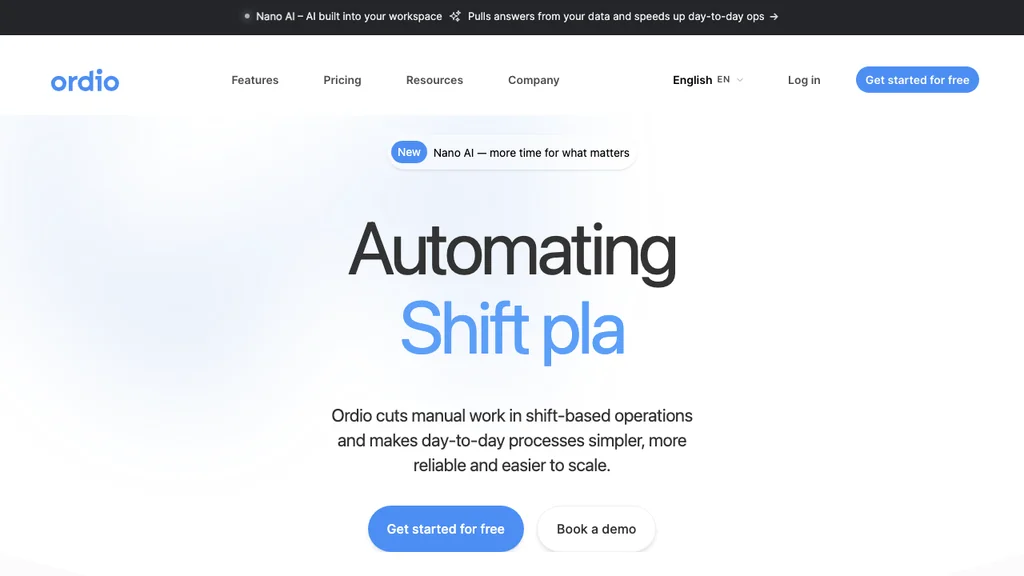
Best for: Multi-location hospitality, retail, and healthcare teams that need operational exits — final shifts off the rota, timesheets closed, and employee files archived — not a standalone offboarding experience suite.
Who it's for: Operators replacing Excel exit checklists plus a separate scheduling app; groups with EU sites that may add UK or Ireland locations and need one employee record tied to each shift.
Ordio connects shift planning, time tracking, and employee records so managers deactivate future shifts, reconcile final hours, and keep documents in one place. It is strongest as an ops-first exit layer — not as Click Boarding-style dedicated offboarding journeys or Rippling-style IT device wipe.
Pros: Shift-ops depth, location-based pricing, industry workflows. Cons: Not a US-native payroll engine; not a dedicated offboarding specialist or full IT deprovisioning suite.
Verdict: Strong when exit chaos starts on the floor (rotas, hours, files). Choose a specialist or HR+IT stack when you need polished exit journeys or one-click SaaS revoke across dozens of apps.
Close out shifts, time, and employee files in one place:
BambooHR
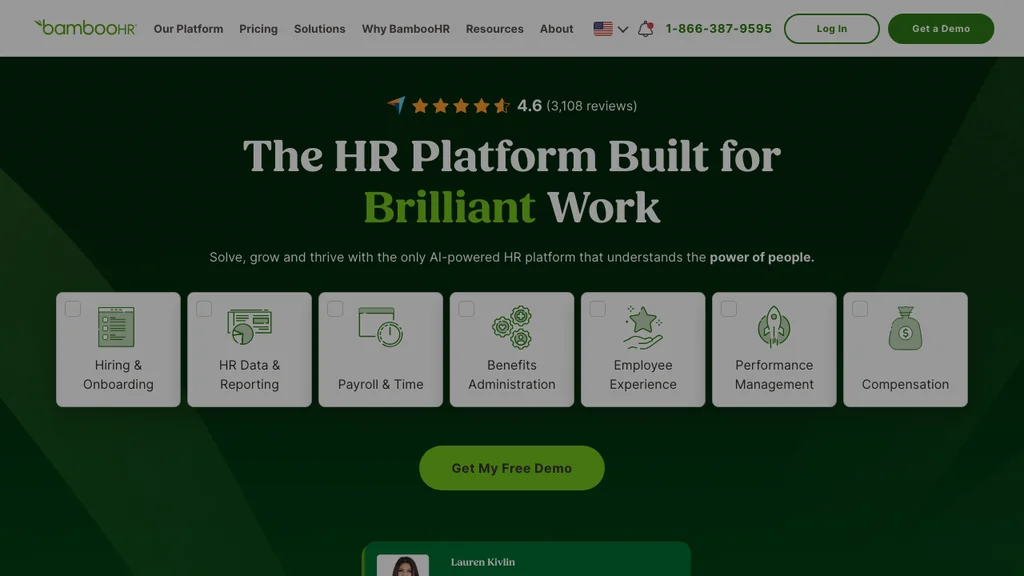
Best for: Small to mid-sized companies that want checklist-led offboarding inside a familiar SMB HRIS.
BambooHR standardises exit tasks, notifications, and employee records without enterprise complexity — a safe HR-admin default when people leave through an office-led process. Shift operators should still check how tightly offboarding connects to scheduling and time. BambooHR is HR-admin first, with lighter native shift depth than ops-first tools, so unfinished rotas often stay a problem for a separate system.
Pros: Clear checklists, strong SMB HRIS ecosystem, exit interview tracking, familiar admin UX. Cons: Limited cross-functional IT automation; scheduling often needs add-ons or a sibling tool.
Verdict: Excellent HRIS-led exits for desk-light SMBs; pair with scheduling/time tools if your pain starts on the rota.
Rippling
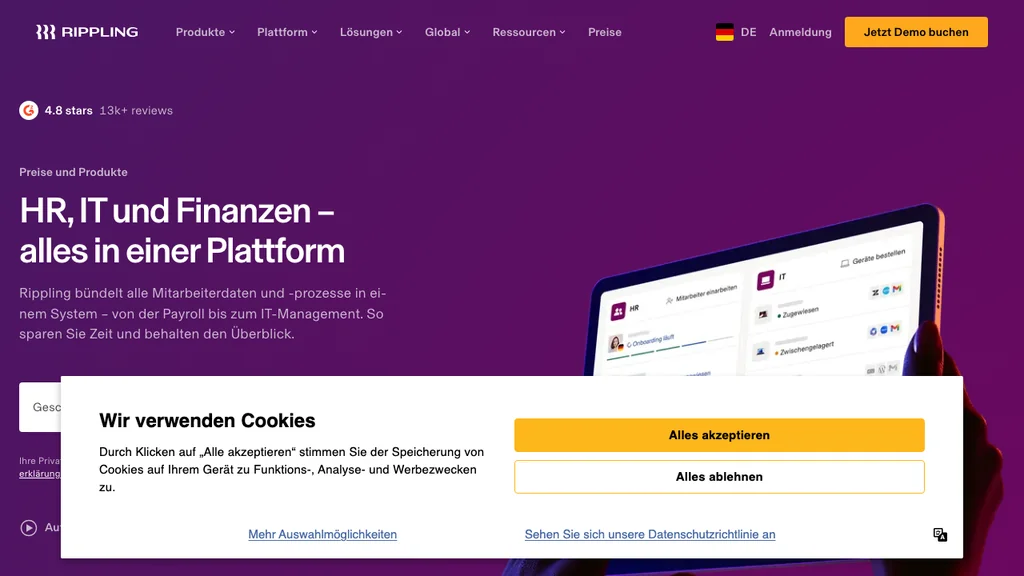
Best for: Growing companies that want HR offboarding and IT access/device actions in one workflow.
Rippling stands out when lingering SaaS access is as risky as a missed checklist. Offboarding can cascade across apps, devices, and payroll in one workflow — powerful when former employees still hold Slack, billing, or laptop access after the last shift. Mid-market pricing and implementation complexity usually make it overkill for a 15-person café with one POS login.
Pros: Unified HR+IT, strong automation, scales with headcount. Cons: Quote-based pricing; heavier than pure SMB HRIS for simple exits; rollout needs IT ownership.
Verdict: Best when you need HR and IT offboarding together; not the lightest pick for single-site hourly teams.
Gusto
Best for: US small businesses where final pay, PTO payout, and benefits offboarding are the highest-risk steps.
Gusto’s employee offboarding software workflows emphasise checklists plus federal and state final-pay and benefits steps. That is a strong fit for US restaurants and retailers that already run wages in Gusto and cannot afford late or incomplete last checks. International operators and EU-first groups will need a different payroll path, and ops teams should still confirm that exits also clear people from the week’s rota.
Pros: Strong US payroll/compliance angle, SMB-friendly pricing tiers, clear benefits end-date hooks. Cons: US-centric; not an IT deprovisioning platform; lighter native multi-site rota depth than ops-first tools.
Verdict: Choose Gusto when the last paycheck and benefits notice are your biggest compliance worry; pair with scheduling software if unfinished shifts are the daily chaos.
HiBob
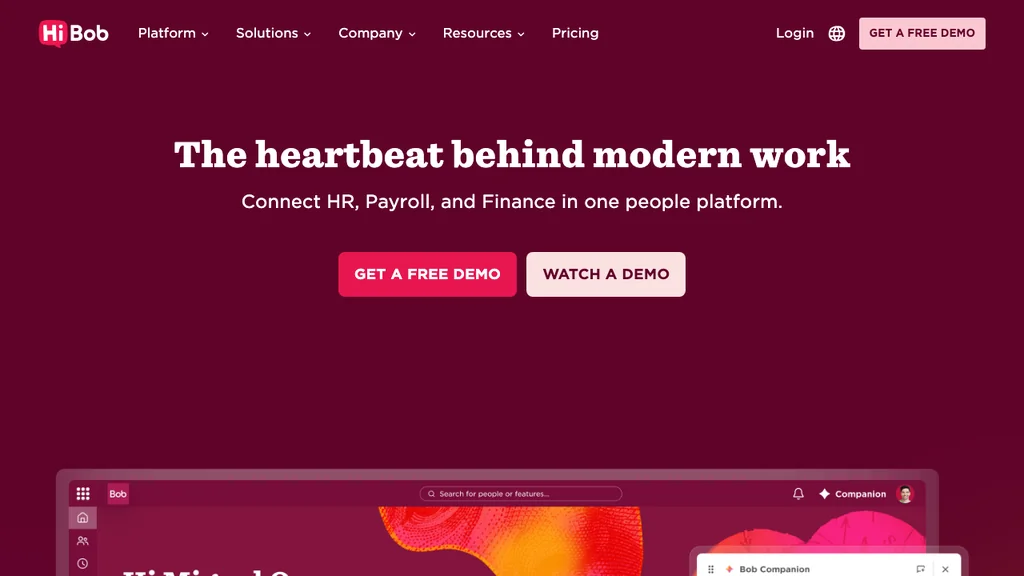
Best for: Mid-market people teams that want customisable offboarding workflows, exit surveys, and analytics inside a modern HRIS.
HiBob (Bob) is known for workflow flexibility and employee experience — useful when you want structured exit interviews and people analytics after each departure. Frontline operators should check mobile manager workflows and how exits connect to the scheduling systems already in use; desk-first HRIS steps often stall between lunch rushes unless managers can finish tasks on a phone.
Pros: Custom workflows, people analytics, polished UX, strong mid-market HR brand. Cons: Per-employee pricing can climb; not ops-first for rotas; IT revoke usually needs a sibling IdP.
Verdict: Strong mid-market HR experience play; pair with WFM if open shifts and final hours drive daily operations.
Click Boarding
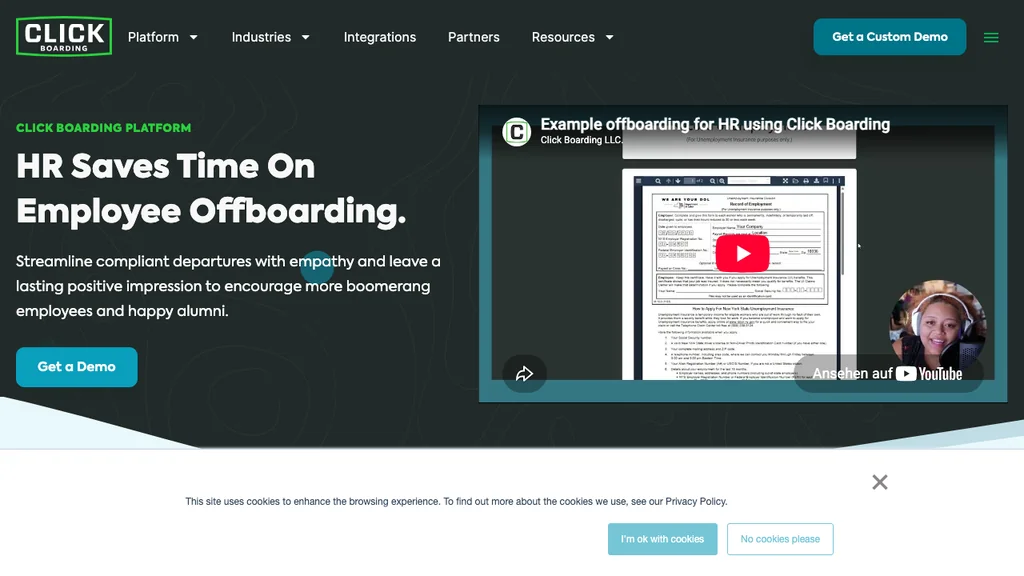
Best for: Organisations that want a dedicated offboarding experience platform rather than a checklist buried inside a general HRIS.
Click Boarding specialises in structured onboarding and offboarding journeys with compliance-oriented workflows — branded employee experiences, task ownership, and audit-ready completion trails. It is the clearest “specialist” on this list, useful when exit volume or audit pressure outgrows generic HRIS templates. Shift operators should still ask how journeys connect to live rotas and timesheets; a polished exit portal does not by itself remove someone from next week’s schedule.
Pros: Purpose-built exit experiences, compliance focus, strong category brand. Cons: Another system to integrate; may duplicate HRIS tasks if not carefully scoped; not an ops-first WFM layer.
Verdict: Choose when dedicated offboarding depth justifies a specialist; skip if your HRIS checklists already work and your bigger risk is rota close-out.
Deel
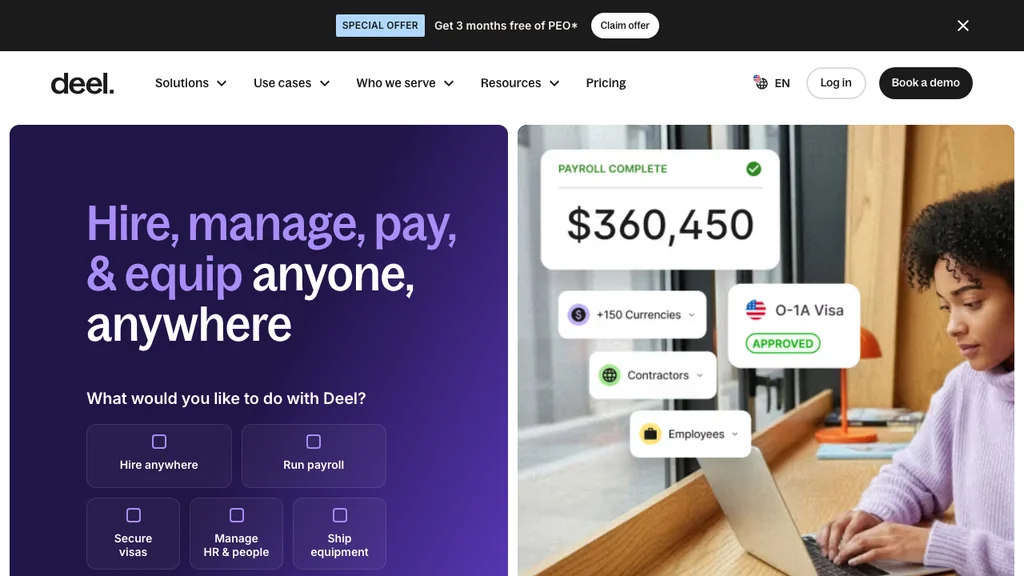
Best for: Companies exiting employees or contractors across borders who need compliant global offboarding alongside local labour rules.
Deel is built for global payroll and contractor compliance — including notice, documentation, and country-specific exit paperwork. That is valuable when your team spans EOR entities or remote contractors in multiple markets. Local multi-site restaurants with domestic staff only will usually prefer a lighter SMB tool that closes rotas and timesheets without a global employment stack.
Pros: Cross-border compliance, contractor + employee coverage, strong international brand. Cons: Overkill for single-country hourly SMBs; pricing scales with global footprint; not a frontline scheduling system of record.
Verdict: A solid choice for international teams; not the default for a single-market shift operator.
Homebase
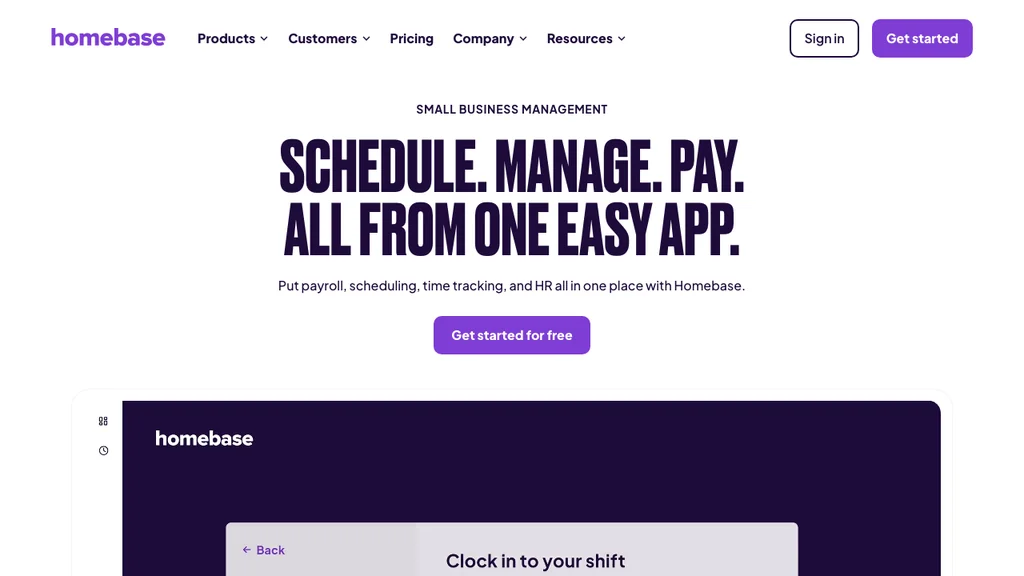
Best for: US restaurants and retailers that already run scheduling and time in Homebase and need practical exit basics for hourly staff.
Homebase is built for hourly SMBs — which means offboarding sits next to the same rotas and clock-ins managers already use. Depth is operational rather than enterprise-grade talent offboarding or IT deprovisioning, but that is often enough when your risk is a former barista still appearing on Saturday’s shift list. Confirm final-pay and benefits depth against your state rules if payroll is the harder problem than the rota.
Pros: Hourly SMB fit, free starting tier, scheduling adjacency, familiar manager UX. Cons: Not a dedicated offboarding suite; US-centric; lighter global and IT revoke depth.
Verdict: Practical US hourly pick when you want exits inside the tool that already runs the week.
Offboarding software vs HR software vs talent management
Offboarding software focuses on the exit workflow — checklists, last-day tasks, and an auditable close-out. HR software / HRIS covers the broader employee record and lifecycle — see our HR software comparison and HRIS guide. Talent management software spans hiring through development and performance — see our talent management guide. Buying the wrong category usually means either overspending on a suite you will not use or underbuying a checklist that never touches the rota.
- Buy offboarding-focused tooling when exits are frequent, audited, or consistently incomplete
- Stay inside your HRIS when checklists and records already cover exits cleanly
- Use talent suites when you also need succession, performance, and learning — not only the last day
- Do not use an offboarding comparison alone if you still need a full HRIS or talent platform — start with those guides first, then come back for exit depth
For day-to-day shift operations after someone leaves, also see workforce management software — covering open shifts matters as much as closing the HR file.
HR offboarding vs IT offboarding (SaaS access)
Two different problems get sold under the same “offboarding” label. HR offboarding is about checklists, final pay, knowledge transfer, and employee files. IT offboarding is about revoking SaaS access, reclaiming licenses, and wiping devices — the lane for tools like Okta, BetterCloud, and Stitchflow. Buying a checklist tool when your real risk is lingering logins (or the reverse) wastes budget and leaves the gap open.
- If former employees keep Slack or billing logins, prioritise identity / SaaSOps — not another HR checklist
- If final pay is late and shifts stay on the rota, prioritise HR/ops offboarding software
- If POS or building badges stay active after the last shift, treat that as access risk even when the system is on-prem or vendor-hosted
- Many mid-market teams need both: an HRIS checklist plus IdP deprovisioning (Rippling combines parts of each)
The comparison table above is HR/ops-first. IT tools appear here so you know when to add Okta, BetterCloud, or Stitchflow beside your HR stack — not instead of closing rotas, hours, and pay.
Offboarding vs onboarding — what changes at exit
Onboarding provisions access, training, and first-week tasks. Offboarding reverses the lifecycle: revoke access, recover assets, close schedules, archive records, and finish pay. The systems can live in one HRIS, but the failure modes differ — onboarding fails when new hires wait; offboarding fails when access lingers, assets never return, or hours never close for final pay. For the join-side shortlist, see our onboarding software guide.
- Onboarding: grant access, add to rota, start training, collect first documents
- Offboarding: revoke access, remove from rota, recover assets, archive documents, finish pay
- Shared risk: both fail when ownership is unclear — assign named owners and SLAs for each step
For shift teams, the operational mirror is clear: onboarding adds someone to the rota; offboarding must remove them before the next published week. Until you have a dedicated onboarding shortlist, use your HRIS onboarding module for joiners and the five-step checklist below for exits.
Offboarding software by industry
Shift-heavy industries rarely fail offboarding the way an office does. The pattern is familiar — incomplete checklists — but the highest-risk steps change by vertical. Use the notes below when you weigh schedule close-out, asset return, and audit trails.
Hospitality
Restaurants and hotels see high turnover and last-minute coverage gaps. Offboarding software must remove leavers from future shifts quickly, settle tips or service charges where relevant, and keep food-safety or alcohol certifications archived for the next audit. Managers need mobile task completion between services — not a desktop-only HR portal they open after close. When a bartender’s last Friday still leaves them on Monday’s rota, every downstream step (keys, POS, final hours) starts late. Prefer tools that treat the schedule as the first offboarding system of record, then hand clean hours to payroll.
Retail
Multi-store retail exits often span keys, tills, uniforms, lockers, and shared devices across opening and closing crews. Standardise location-level checklists so a store manager in one city follows the same steps as another — including who reassigns coverage when someone leaves mid-week. Connect final hours to payroll exports so overtime, premiums, and commissions settle correctly on the last check. Shared tablet logins and back-office SaaS access are easy to miss; decide whether your HR checklist or an identity tool owns those revokes before the next hire reuses the same device.
Healthcare
Care and clinical environments add credentialing, controlled-access areas, and sensitive patient-adjacent systems. Offboarding must coordinate credential expiry with schedule removal and document retention rules so a former caregiver cannot remain on a roster or retain badge access after the last shift. Prefer tools with clear audit trails and role-based task ownership across clinical leads and HR — not a single shared spreadsheet that disappears when the charge nurse changes. If SaaS clinical tools are in play, plan an IT handoff in parallel with the HR checklist rather than assuming one product covers both.
Pricing, integrations, and hidden costs
Expect per-employee or per-location pricing, plus implementation fees on mid-market suites. The expensive surprises appear when offboarding lives apart from scheduling, time, and identity — each handoff is another login and another missed step, often found only after a former employee clocks into a shared device or shows up on next week’s rota.
- HRIS-only: lower sticker price; add IdP if access risk is high
- HR+IT bundles: higher quote; fewer manual deprovisioning hours
- Specialists: justify cost when exit volume or audits demand dedicated journeys
- Ops-first stacks: location pricing can beat per-seat HRIS for multi-site shift teams — model both before you compare quotes
Check integrations with your HRIS, payroll, identity provider, and collaboration tools before you buy. Completing a task should change the real system — not just tick a box. Ask vendors whether “offboarding complete” freezes future shifts and closes timesheets, or only emails a checklist PDF. Also ask who owns failed tasks after the last day — silent overdue items are how access and assets slip.
How to offboard shift employees in 5 steps
Use this as a minimum viable exit for hourly teams. Give each step a named owner and a timestamp in offboarding software — not a Slack thread.
- Confirm last day and reason — trigger the checklist; notify HR, the site manager, and payroll.
- Freeze future shifts and reassign coverage — remove the leaver from published and draft rotas, then fill open slots.
- Close time, leave, and tips/premiums — reconcile final hours and balances so final pay uses complete data.
- Recover assets and revoke access — keys, badges, devices, uniforms; POS, building, and SaaS revoke (HR checklist and/or IdP).
- Archive the file and capture feedback — documents, exit interview where appropriate, rehire eligibility.
Document each step so you can prove what happened — useful for US final-pay questions and UK holiday payout or Working Time records that must match the final rota. Same-day operational freeze (rota + site access) should not wait for post-exit paperwork.
When Ordio is — and is not — the right offboarding software
Ordio is a strong fit when:
- You run shift-based sites and exits start with rota and timesheet chaos
- You want employee files, scheduling, and time in one ops stack
- You need EU-friendly location pricing with UK/IE expansion in mind
Ordio is not the best fit when:
- You need a dedicated offboarding experience suite (evaluate Click Boarding)
- Your primary risk is SaaS app deprovisioning across dozens of tools (evaluate Rippling, Okta, or BetterCloud)
- You only need US-native payroll final-pay automation (evaluate Gusto)
Ordio is strong on operational close-out — not as a dedicated exit-experience suite or an IT deprovisioning platform. If you need Click Boarding for journey design, Rippling for IT revoke, or Gusto for US final pay, keep Ordio for the layer those tools do not own: live rotas, hours, and frontline employee files.
After offboarding: scheduling, time, and records
Once someone leaves, the operational work continues: open shifts, overtime risk on the remaining crew, and clean records for the next hire. If the archive is incomplete, the next onboarding restarts from guesswork — missing certificates, unclear rehire status, or stale clock-in credentials.
Keep employee scheduling, time tracking, and employee files connected so exit close-out feeds the next join cleanly. Ops stacks that treat the last day as a rota and timesheet event — not only an HR form — close the gap between “person left” and “team is covered.” See Ordio pricing when you are ready to standardise the hire-to-exit loop.
Conclusion
The best offboarding software — or employee offboarding software — for shift teams is the one that closes rotas, hours, files, and pay without relying on one manager’s memory. Match the tools above to your main risk — HR process, final pay, global compliance, or IT access — then add identity tooling only if SaaS revoke is still the gap.
Before you buy, run one real exit through the five-step checklist and the comparison table: if the rota still shows the leaver, final hours are incomplete, or SaaS logins linger, you have named the gap the software must close. Standardise that playbook across sites so every departure looks the same — then keep scheduling, time, and employee files connected so the next hire does not restart from guesswork.