
Leadership wants predictive headcount answers while HR still reconciles hours in spreadsheets. HR analytics software (also called people analytics software) turns workforce data — headcount, turnover, pay, engagement, and time worked — into dashboards and predictions leaders can act on. Most 2026 roundups stop at enterprise platforms built for headquarters. This guide compares eight tools honestly, then shows when clean operational data from schedules and time clocks is the smarter first step for shift-based teams in hospitality, retail, and healthcare.
If you need a full HRIS shortlist first, start with our HR software comparison. If rotas and labour cost control are the immediate pain, see workforce management software. This guide focuses on dedicated analytics platforms — who they suit, what they cost, and when operational data should come first. Each profile includes July 2026 pricing where vendors publish it, plus an honest take on fit for shift-based teams.
What is HR analytics software?
HR analytics software is technology that connects workforce data from HRIS, payroll, ATS, surveys, and time systems, then turns it into dashboards, benchmarks, and forecasts HR and leadership can act on.
Typical modules include headcount planning, turnover risk, diversity reporting, compensation analysis, and engagement heat maps. Vendors also market the category as people analytics software or workforce analytics software — overlapping labels we untangle later.
A practical analytics stack usually includes:
- Data integration — connectors or warehouses that keep employee records from drifting across tools
- Self-serve dashboards — HR and people partners explore questions without waiting on BI tickets
- Predictive models — attrition risk, hiring demand, or flight-risk signals where data quality allows
- Governance — role-based access, anonymisation thresholds, and audit logs for sensitive people data
Analytics tools interpret workforce signals; they do not replace accurate time tracking, fair shift planning, or complete employee files. Poor source data still produces misleading charts — especially when hourly sites reconcile hours in spreadsheets every Monday morning.
Best HR analytics software at a glance (2026)
What is the best HR analytics software? There is no universal winner. Global enterprises often shortlist Visier or Workday People Analytics; mid-market teams may prefer Crunchr, ChartHop, or Orgnostic; growing SMBs often get enough from BambooHR or Rippling reporting before buying a dedicated people analytics suite. Use the table to build a shortlist, then pilot two tools against one real business question.
| Software | Best for | Analytics depth | Starting price | Team size |
|---|---|---|---|---|
| Visier | Enterprise people science | Deep (predictive + benchmarks) | Custom quote | Large enterprise |
| Crunchr | Self-serve people analytics | Deep | Custom quote | Mid-market → enterprise |
| Culture Amp | Engagement + people insights | Strong (survey-led) | Custom quote | Mid-market → enterprise |
| Lattice | Performance-linked analytics | Moderate–strong | Custom quote | SMB → mid-market |
| ChartHop | Org design & headcount plans | Strong (structure + cost) | Custom quote | SMB → mid-market |
| BambooHR | SMB HR reporting | Moderate (HRIS-native) | From ~$10/user/mo (plans vary) | SMB |
| Rippling | Unified HR + IT data | Moderate–strong | Custom quote | SMB → mid-market |
| Orgnostic | Mid-market PA without heavy BI | Strong | From ~$6,000/year (public ranges vary) | Mid-market |
Prices approximate — as of July 2026. Confirm on vendor sites before purchase. Enterprise suites (Workday People Analytics, ADP Workforce Now analytics, Dayforce People Analytics) are callouts only below.
Note: Dedicated people analytics platforms assume clean, connected HR data. If sites still reconcile hours in Excel, fix operational systems first — then buy analytics depth you can trust.
How we evaluated these tools
We scored each platform on criteria that matter when HR leaders must answer board questions without a full data-science team:
- Data integration — HRIS, payroll, ATS, and survey connectors that reduce manual CSV hell
- Self-serve dashboards — non-technical analysts can explore turnover, headcount, and cost without SQL
- Predictive depth — attrition risk, hiring forecasts, or scenario planning beyond static reports
- Privacy and governance — access controls, anonymisation, and GDPR-ready export/delete workflows
- SMB vs enterprise fit — time-to-value for 50–500 employee companies versus global HCM programmes
- Shift-workforce signals — ability to ingest or adjacent-report time, absence, and site-level labour cost
- Pricing transparency — realistic quotes before a six-month RFP
We excluded pure BI tools (Tableau, Power BI, ThoughtSpot) from the detailed shortlist — powerful, but they are general analytics stacks, not purpose-built people platforms. They appear in the FAQ as DIY options. We also skipped vendor-only pages that only market “AI insights” without comparable product depth, and performance/engagement suites that dominate their own categories already (for example Engagedly on talent+engagement listicles).
Ask vendors to demo one end-to-end question: “Which locations have rising absence and overtime together?” If the answer takes three exports and a weekend in Excel, the tool will not survive peak trading weeks.
We also weighted implementation realism: mid-market buyers rarely have a dedicated people-analytics engineer. Tools that require a six-month data warehouse project before the first dashboard lose to platforms that ship useful reports in weeks — provided source systems are already trustworthy. That is why HRIS-native options stay on this list even when they cannot match Visier’s predictive depth.
The 8 best HR analytics software options
Below are 2026 profiles with homepage screenshots, strengths, limitations, and who should shortlist each platform. Ordio is not listed here — it is not HR analytics software. See the sections on operational workforce data and when Ordio is not the right category fit.
Visier
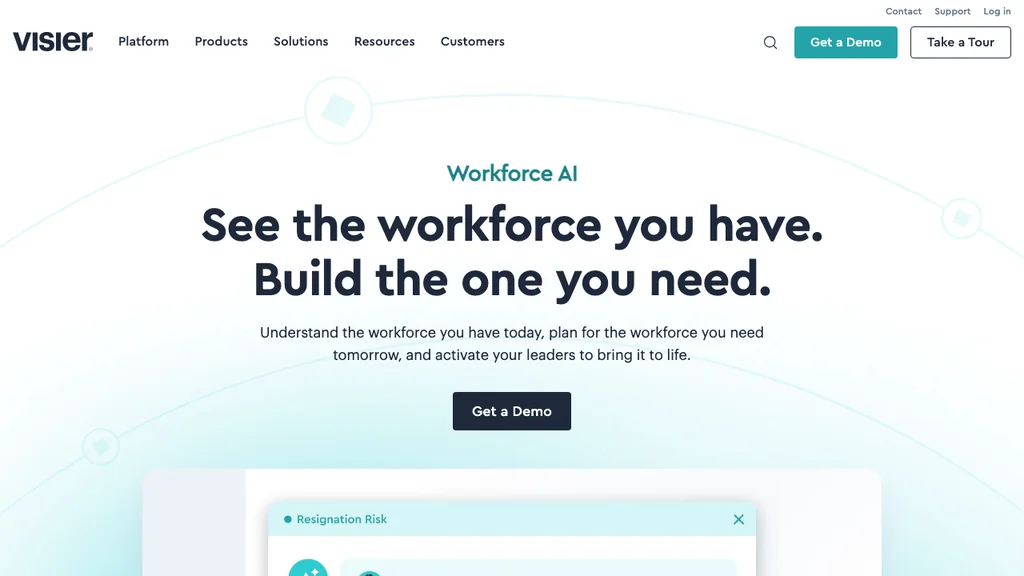
Best for: Large enterprises that need benchmarked people science, predictive attrition models, and executive-ready workforce stories.
Who it's for: CHROs and people analytics teams with mature HRIS data and budget for a dedicated PA platform.
Pros: Deep library of people metrics; strong narrative and presentation tools; widely cited in enterprise shortlists. Cons: Premium pricing; overkill for SMBs still cleaning source data; limited value if hourly site data never reaches the warehouse.
Enterprise buyers often compare Visier with Workday People Analytics when the HCM is already Workday. Visier’s edge is remaining HCM-agnostic while specialising in people science storytelling — useful when your stack spans multiple systems of record.
Implementation timelines often span quarters, not weeks — budget for data modelling, metric definitions, and executive storytelling alongside licence fees. Visier pays off when you already have a people analytics owner, not when you are still debating whether FTE counts match payroll.
Verdict: Visier remains the default enterprise shortlist for serious people analytics programmes — not a first buy for a 40-person multi-site operator.
Crunchr
Best for: Mid-market and enterprise HR teams that want self-serve people analytics without building everything in BI.
Who it's for: People partners who need interactive dashboards and storytelling for leadership reviews.
Pros: Strong product focus on people analytics (not a bolt-on report pack); collaboration features for HRBPs. Cons: Custom pricing; success still depends on clean upstream HRIS and payroll feeds.
Ask Crunchr (and peers) how quickly a people partner can build a custom view without IT. Self-serve is the product promise that separates modern PA tools from legacy report packs locked behind BI tickets.
European mid-market teams often shortlist Crunchr alongside Visier when they want dedicated people analytics depth without tying analytics to a single HCM vendor’s module roadmap. Confirm connector coverage for your HRIS, payroll, and any time or absence feeds before you sign.
Verdict: Crunchr is a credible Visier alternative when you want dedicated PA depth with a slightly more mid-market posture.
Culture Amp
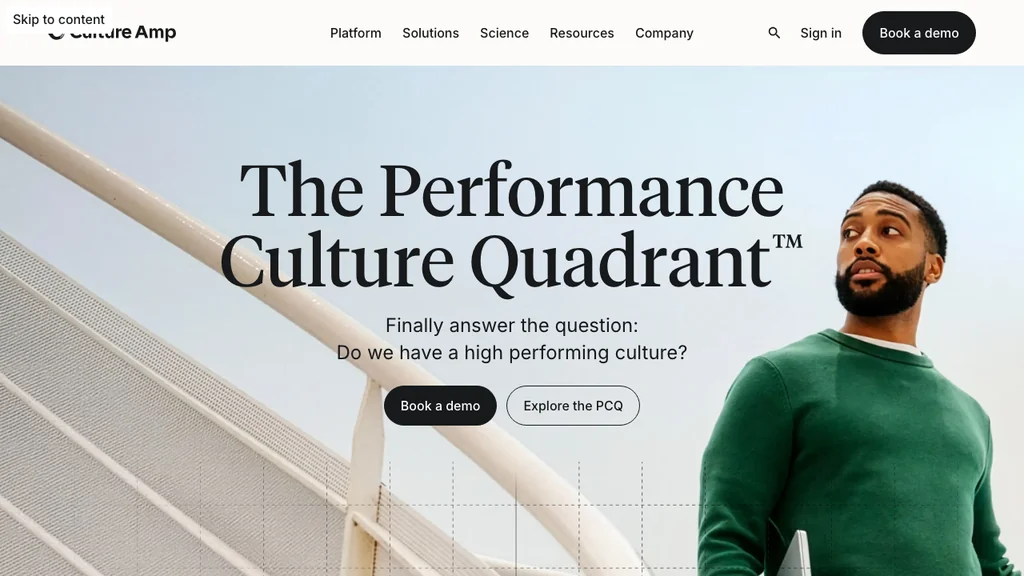
Best for: Organisations where engagement surveys and people insights drive the analytics agenda.
Who it's for: HR and EX teams already invested in pulse and lifecycle listening — see also our employee engagement software guide.
Pros: Best-in-class survey science and benchmarks; actionable manager workflows. Cons: Analytics centre of gravity is engagement/EX, not full workforce cost modelling; less ideal if your primary need is labour cost by site.
Culture Amp often appears on both analytics and engagement shortlists. Keep the buying criteria separate: survey science versus labour-cost analytics are different products even when vendors share “people analytics” language. Ask whether manager action plans ship with the licence — insight without follow-through is expensive noise.
Verdict: Choose Culture Amp when sentiment and culture analytics are the core use case — not when you mainly need schedule and overtime intelligence.
Lattice
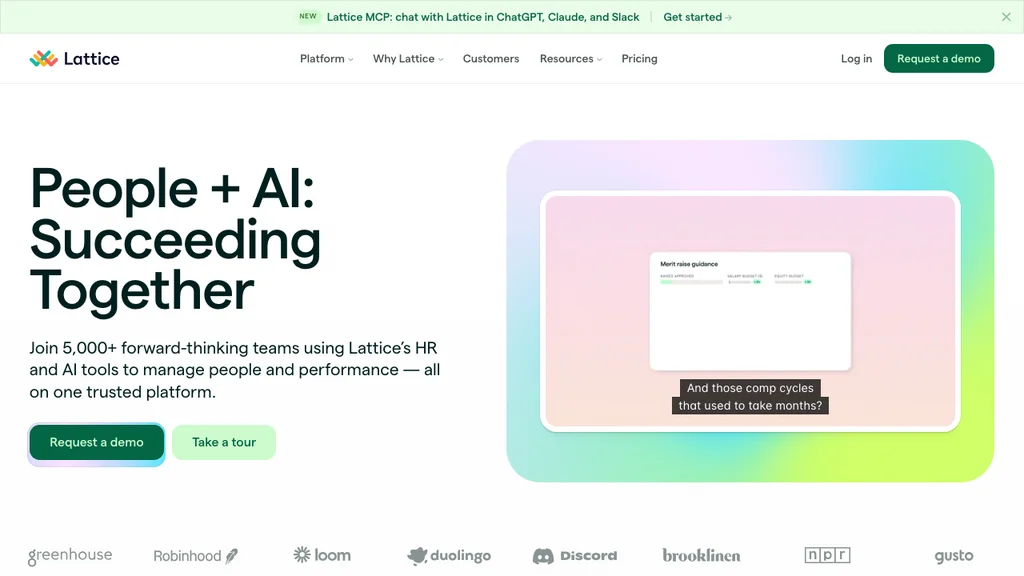
Best for: Companies linking performance reviews, goals, and engagement analytics in one talent stack.
Who it's for: Growing knowledge-worker teams — compare also talent management software if hiring and performance are the priority.
Pros: Tight performance ↔ engagement loop; modern UX; analytics that sit next to goals and review cycles managers already run. Cons: Weaker as a pure workforce-cost analytics platform for hourly multi-site ops; less depth on labour cost, overtime drivers, and site-level adherence.
Lattice is strongest when your board questions are about performance distribution, goal attainment, and engagement by team — not when GMs need Friday overtime heat maps. If your RFP mixes talent analytics with labour analytics, split the evaluation: Lattice (or peers) for talent loops; a dedicated PA or operational stack for hours and cost.
Verdict: Lattice fits performance-led analytics; do not force it into a Visier-shaped labour analytics RFP.
ChartHop
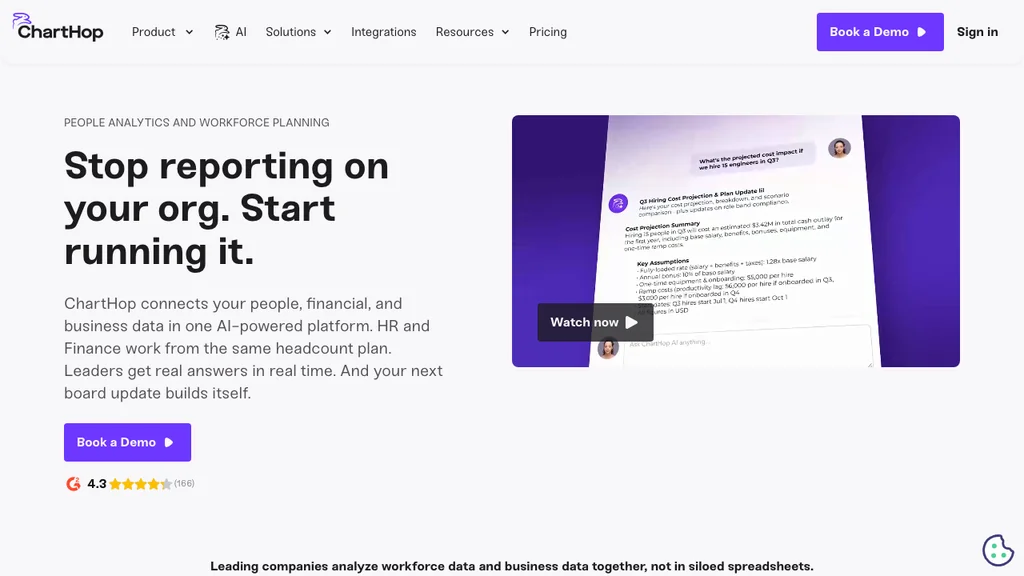
Best for: Org design, headcount planning, and compensation visibility mapped to live org charts.
Who it's for: People ops and finance partners modelling growth, reorganisations, and span of control.
Pros: Visual org + cost storytelling; strong planning scenarios; compensation and headcount views executives understand quickly. Cons: Not a full replacement for enterprise predictive people science suites; hourly labour adherence and clock-level overtime are not the core story.
Use ChartHop when the hard question is “what does this reorganisation cost in headcount and span of control?” — not “which store is bleeding overtime this week?” Those questions can coexist in one company, but they rarely share one best-fit vendor. Validate how ChartHop syncs employee status and compensation fields from your HRIS before you assume live charts stay accurate after a hiring surge.
Verdict: ChartHop shines when structure and headcount plans are the analytics problem — not when you need site-level overtime heat maps.
BambooHR
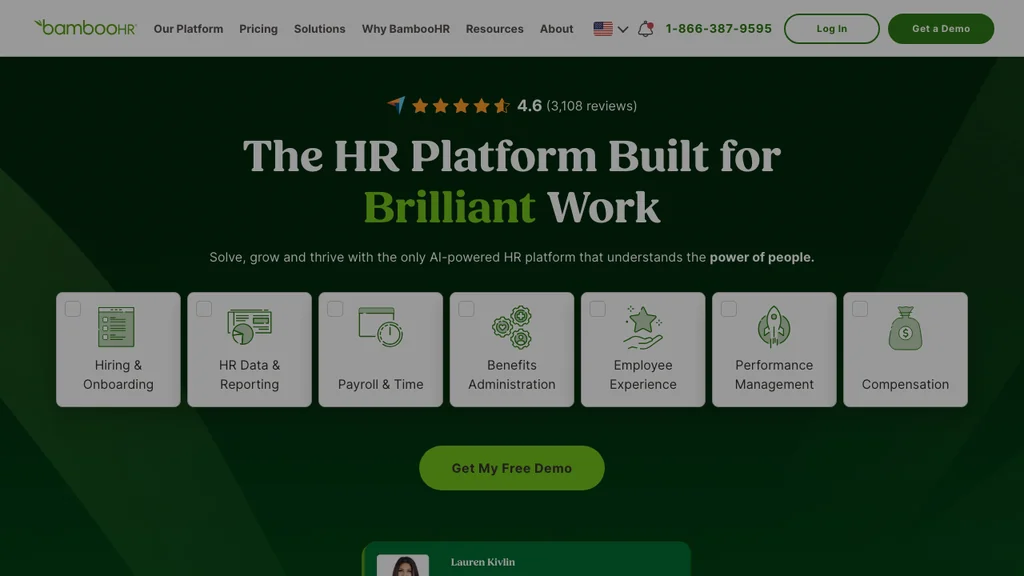
Best for: SMBs that want HRIS-native reports and dashboards before buying a dedicated PA platform.
Who it's for: Growing companies that already run BambooHR (or shortlist it as HRIS) and need practical reporting now.
Pros: Faster time-to-value; reporting sits on live employee data; approachable pricing versus Visier-class tools. Cons: Analytics depth is HRIS-grade, not people-science-grade; limited predictive modelling.
For operators comparing BambooHR analytics with a dedicated PA buy, ask whether reports answer location-level labour questions or only corporate HR metrics. If the answer is “corporate only,” keep BambooHR for HRIS and plan a later analytics layer — or improve operational time data first.
Illustration: a 75-person company on a Core plan might spend roughly $750–900/month on HRIS before analytics add-ons — still far below enterprise PA pricing, but validate which reporting modules ship with your tier and whether multi-site filters exist.
Verdict: Best “start here” for many SMBs — graduate to Visier/Crunchr only when questions outgrow native reports.
Rippling
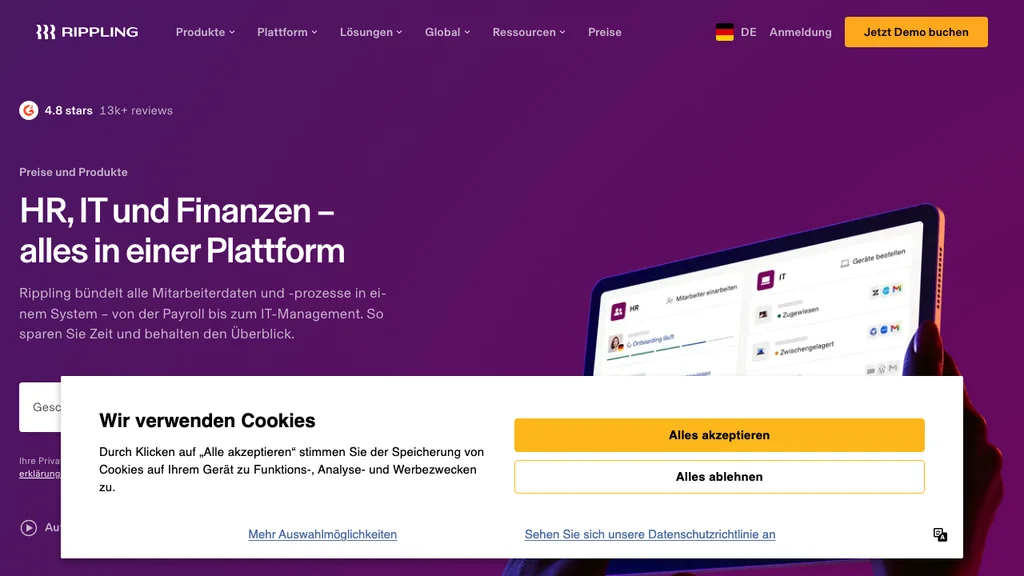
Best for: Companies consolidating HR, IT, and payroll data into one platform with reporting on top.
Who it's for: Ops-minded HR leaders tired of stitching five systems for basic workforce reports.
Pros: Unified employee graph; strong automation; analytics benefit from a shared source of truth across HR and IT. Cons: Platform breadth can exceed a pure analytics RFP; EU labour and working-time depth varies by module and market — validate country coverage early.
Rippling’s analytics story is strongest when you are already consolidating systems: fewer exports, fewer conflicting headcount definitions, faster answers to “who works where.” If you intend to keep a best-of-breed HRIS forever, a bolt-on people analytics layer (Visier, Crunchr, Orgnostic) may fit better than a platform rip-and-replace. Ask for demos that show labour or headcount reports without a weekend of CSV cleanup.
Verdict: Rippling wins when unification is the strategy — not when you only need a bolt-on PA layer on an existing HRIS.
Orgnostic
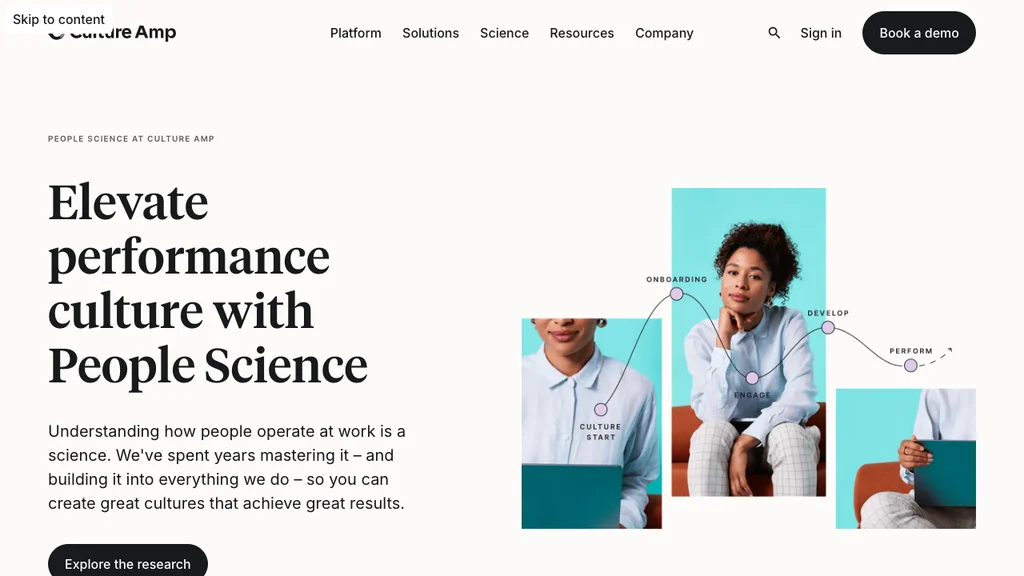
Best for: Mid-market HR teams that want people analytics without enterprise Visier complexity.
Who it's for: Growing organisations with multiple HR data sources that need dashboards and insights quickly.
Pros: Purpose-built PA for mid-market; public entry pricing from roughly $6,000/year on some tiers; faster pilots than heavy enterprise suites. Cons: Smaller ecosystem than Visier; validate connectors for your HRIS early.
When comparing Orgnostic to ChartHop, clarify whether your primary use case is people metrics storytelling or org-structure planning — both matter, but they reward different product strengths.
Orgnostic pilots usually focus on one executive question — regretted attrition, hiring funnel quality, or span of control — rather than boiling the ocean. That scope discipline suits mid-market teams without a dedicated people analytics function on day one.
Verdict: Orgnostic is a strong mid-market shortlist when dedicated PA matters but enterprise budgets do not.
Enterprise callout: Workday People Analytics, ADP Workforce Now analytics, and Dayforce People Analytics serve organisations already deep in those HCMs — evaluate them inside your existing stack rather than as standalone SMB tools. One Model appears on some enterprise shortlists as a people-data warehouse layer; treat it as infrastructure, not a Visier replacement for most mid-market buyers.
Which HR analytics software should you shortlist?
Use this decision guide to cut an eight-vendor list to two pilots. Match the primary question you must answer in the next quarter — not the longest feature matrix.
| If your primary need is… | Shortlist first | Usually skip (for now) |
|---|---|---|
| Enterprise people science + benchmarks | Visier, Crunchr (Workday PA if already on Workday) | BambooHR-only reporting as the end state |
| Engagement and culture analytics | Culture Amp | Visier as an engagement-only buy |
| Performance ↔ goals ↔ engagement loop | Lattice | Pure labour-cost platforms |
| Org design and headcount planning | ChartHop | Survey-only suites |
| SMB / mid-market HRIS reporting now | BambooHR, Rippling | Enterprise PA before data is clean |
| Dedicated mid-market PA without Visier complexity | Orgnostic, Crunchr | Buying three overlapping “analytics” modules |
| Site-level overtime, absence, schedule truth | Operational WFM + time data first; then PA | Predictive RFP on spreadsheet hours |
Two pilots beat eight demos. Write the go/no-go criteria before vendors arrive — for example: “Can a people partner answer absence × overtime by site in under ten minutes without IT?”
The 4 types of HR analytics
What are the 4 types of HR analytics? Practitioners usually group methods as descriptive, diagnostic, predictive, and prescriptive:
- Descriptive — what happened (turnover rate last quarter, overtime hours by site)
- Diagnostic — why it happened (absence spiked after schedule changes; exits clustered in one manager’s team)
- Predictive — what is likely next (attrition risk scores, hiring demand forecasts)
- Prescriptive — what to do (recommended hiring plans, retention interventions, staffing scenarios)
Shift-based businesses often stall between descriptive and diagnostic because source data is messy. Fixing time and absence capture unlocks better predictions later — software alone cannot invent trustworthy history.
A useful maturity check: if you cannot produce a clean descriptive report of overtime by site for the last 13 weeks, pause predictive RFPs. Descriptive accuracy is the gate; diagnostic stories come next; predictive and prescriptive layers only pay off when managers trust the inputs.
Prescriptive analytics might recommend adding two Sunday shifts at a high-absence store — but only if descriptive overtime data and diagnostic absence patterns are already trustworthy. Without that foundation, prescriptive outputs read as guesses managers will ignore.
HR analytics vs people analytics vs workforce analytics
These labels overlap in marketing, but buyers use them differently:
- HR analytics / people analytics — people outcomes across the employee lifecycle (hiring, engagement, performance, retention), often survey- and HRIS-led
- Workforce analytics — labour supply, cost, productivity, and sometimes schedule adherence — closer to operations and workforce management
- Workforce management software — the operational system of record for schedules, time, and absence — not a people-science suite
In a typical buying committee, HR owns people analytics questions (turnover, engagement, diversity), operations owns workforce analytics (hours, cost, coverage), and IT owns the data pipes. When vendors blur labels on the homepage, ask which datasets they ingest on day one — not which buzzword appears in the title.
If you need workforce analytics software specifically, decide whether you want predictive people science (this guide) or operational labour control through WFM and reporting. Many multi-site operators need the second foundation before the first — compare workforce management software for daily ops and HR software for the broader HRIS stack.
Key HR metrics for shift-based teams
What are the 5 key HR metrics? Classic lists cite turnover, time-to-hire, cost-to-hire, retention, and engagement. For hourly networks, expand the set:
- Turnover and tenure by site/role — where churn actually burns training cost
- Absence and sickness patterns — weekly heat maps beat annual averages
- Labour cost as % of sales or budget — the metric GMs already watch
- Schedule adherence / overtime drivers — last-minute changes that inflate cost and burnout
- Time-to-fill for frontline roles — vacancies that force overtime elsewhere
Also track leading indicators that precede turnover: rising last-minute shift swaps, declining voluntary availability, and longer time-to-fill for key roles. These signals often appear in operational systems weeks before they show up in an annual engagement survey — another reason analytics and workforce operations should talk to each other.
Hospitality: Prioritise labour cost % of sales, overtime on peak services, and turnover by role (FOH vs BOH). Site heat maps matter more than company-wide eNPS alone — see hospitality workforce patterns.
Retail: Track schedule adherence during promotions, transfer-driven overtime, and tenure by store. District roll-ups help, but store managers need weekly views they can act on — see retail.
Healthcare: Pair absence and overtime with qualification coverage on each shift. Chronic understaffing will look like “engagement failure” in people dashboards if roster truth is missing — see healthcare.
Across hospitality, retail, and healthcare, the pattern is the same: metrics only change behaviour when site managers see them weekly in tools they already use — including absence management and time tracking — not when they sit in a headquarters dashboard above paper rotas.
How to choose HR analytics software (5 steps)
- Name one decision — e.g. “cut overtime 10% without understaffing Friday nights,” not “be data-driven.”
- Audit data readiness — HRIS completeness, payroll accuracy, time/absence capture rate by location.
- Map integrations — list must-have connectors before demos; reject tools that need weekly CSV babysitting.
- Set privacy rules — who sees individual-level data, anonymisation thresholds, retention, GDPR/UK GDPR rights.
- Pilot two finalists — one real question, one real data slice, two weeks, written go/no-go criteria.
Document the choice on one page: problem, shortlist, pilot result, total cost. Revisit annually when contracts renew and source systems change.
Budget for change management, not only licences. The best dashboard fails if site managers never open it. Assign an owner for each pilot metric, define the weekly review ritual, and decide in advance what operational action follows a red signal — overtime caps, hiring freezes, or schedule redesign.
Privacy basics (US / UK): In the US, document access controls and minimum group sizes before managers see individual-adjacent scores. In the UK and EU, confirm lawful basis, purpose limitation, retention, and export/erasure paths for people analytics datasets — especially predictive attrition scores. This is operational guidance, not legal advice; involve privacy counsel for high-risk profiling.
Common mistakes when buying HR analytics software
Failed people-analytics projects are usually data and adoption failures — not missing a checkbox on a feature slide. Avoid these patterns:
- Buying prediction before description — predictive attrition on incomplete hours and absence history wastes budget.
- HQ dashboards only — if site managers cannot see or act on signals weekly, behaviour will not change.
- Overlapping “analytics” licences — paying for HRIS reports, engagement science, and a people analytics suite that answer the same three questions.
- Ignoring definitions — headcount, FTE, and absence mean different things in payroll, HRIS, and scheduling; agree definitions before demos.
- Skipping privacy design — individual-level flight-risk scores without governance create trust and compliance risk.
- Treating WFM as optional — analytics without trustworthy schedules and clocks produces polished fiction.
Score vendors on time-to-first trusted answer and manager adoption — not slide-deck AI demos alone. If two tools pass, compare total cost of connectors, implementation, and year-two modules before you default to the better-known brand.
When operational workforce data is enough
Many teams searching for HR analytics tools actually need trustworthy schedules, clock-ins, and absence records first. Without that foundation, Visier-class platforms visualise fiction. Operational workforce systems create the daily data layer analytics later consume:
- Shift planning — published rotas, coverage, and change history
- Time tracking — actual hours ready for payroll and labour cost views
- Absence management — leave patterns that feed retention and staffing models
- Employee files — clean identity and contract data for any HRIS or PA feed
For multi-location operators, fixing schedules, clock-ins, and absence records often delivers faster ROI than a people-analytics RFP: managers see labour cost where they work, then graduate to dedicated PA when questions outgrow operational reporting. See Ordio pricing if you want that operational layer in one stack.
Clean time tracking software and published rotas create the event history analytics platforms need; skipping that step is how projects become expensive dashboards nobody trusts. Assign a named owner and a two-week fix deadline for every red labour or absence signal — software supplies the insight, operations supply the follow-through.
Building an analytics roadmap? Start with trustworthy schedules, time, and absence data — then compare people analytics platforms with data you can defend in a board meeting.
When Ordio is not HR analytics software
Ordio is not HR analytics software. We do not sell Visier-style people science, engagement benchmarks, or predictive attrition suites. If your RFP asks for dedicated people analytics, use the eight vendors in the table above.
Where Ordio fits: when analytics projects stall because schedules, hours, and absences are still fragmented. Ordio helps multi-site teams run shift planning, time tracking, and records so the data feeding any future PA tool is trustworthy. That is why Ordio is absent from the comparison table — honest positioning beats a category claim that would disappoint in a demo.
Buy Visier (or peers) when: you have clean multi-system people data, a named analytics owner, and board questions that outgrow HRIS reports. Buy operational systems when: sites still reconcile hours in spreadsheets, absence is invisible until payroll closes, or managers cannot trust last week’s labour cost. Many teams need both over time — in that order.
Conclusion
The best HR analytics software for your organisation depends on data maturity, company size, and whether you need enterprise people science (Visier, Crunchr), engagement-led insights (Culture Amp), talent-linked analytics (Lattice), org design (ChartHop), or HRIS-native reporting (BambooHR, Rippling). Mid-market teams should also shortlist Orgnostic.
Use the glance table and shortlist guide to pick two pilots against one real question. If site-level hours and absences are still in Excel, invest in operational workforce data before a people-analytics platform — that sequence turns analytics from a presentation into decisions managers can execute on the floor.
In 2026, the strongest stacks are not the ones with the flashiest AI demos. They are the ones where HR, ops, and finance share the same definitions of headcount, hours, and cost — then buy the analytics depth those definitions can support.