New feature
Nano absences: manage leave via chat
Summary: Create, change, or cancel absences in Nano chat instead of forms.
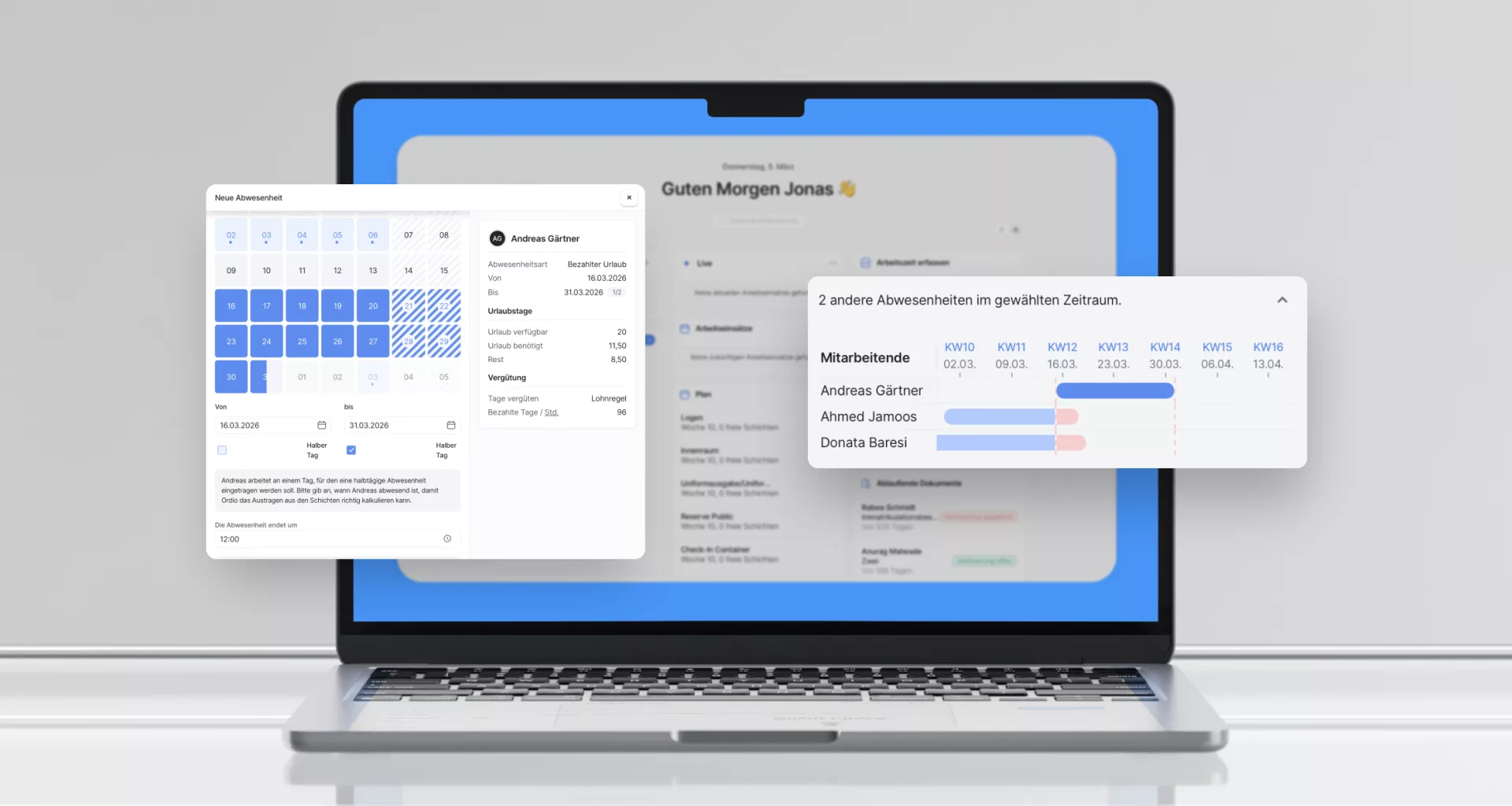
Nano checks overlaps and leave balance before it books.
How it works
Tell Nano what should happen in plain language. It extracts absence type, period and employee, shows a preview, and only books after you confirm.
What Nano can do
- Create absences, for one person or several at once
- Change absences, adjust period, type or pay mode without starting over
- Cancel absences, withdraw an entry via chat
- Look up absence types, when you are unsure what is available
- Stay on top of coverage, ask who is off next week without running a report
Good to know
- Affected shifts are removed automatically, shown before booking, not after
- Half-days are calculated correctly, no manual maths
Frequent absence requests become a message, not a detour through a separate menu.
Explore: shift planning, time tracking and payroll.
Never miss a release
Email updates on what's new in Ordio: plus practical tips on scheduling, time tracking and HR. Free, unsubscribe anytime.
- Hear about new features first
- Guides & glossary tips you can use
- One-click unsubscribe
More product updates
Discover more features and improvements from past releases.
Outstanding ratings
Thousands of businesses rely on Ordio: and independent platforms recognise the product.

40 reviews

87 reviews
New Ordio features for your business?
You're reading our product updates, we'll call and show what's relevant for shift planning and time tracking right now.