
ATS software — an applicant tracking system — is what hiring teams use to post jobs, move candidates through a pipeline, and run structured interviews before anyone is onboarded. This 2026 guide compares eight options for SMB and mid-market employers, then shows where ATS stops and HR, scheduling, and time tracking begin.
Best ATS software at a glance (2026)
What is the best ATS software? There is no single winner. The right applicant tracking system depends on hiring volume, whether you recruit salaried or hourly roles, and how much interview structure your team will actually use. Workable and JazzHR suit fast-moving SMBs; Greenhouse and Pinpoint suit structured, compliance-conscious hiring; Zoho Recruit and Breezy HR fit budget-first or agency-adjacent teams; Recruitee helps multi-site collaboration; BambooHR makes sense when hiring is a module inside an HRIS you already run. Use the table to shortlist two, then trial a real requisition before you sign.
| Software | Best for | Multiposting / career site | Interview kits | Starting price | Shift / high-volume fit |
|---|---|---|---|---|---|
| Workable | SMB and mid-market teams that want AI sourcing with fast setup | Multiposting + career page | Structured scorecards | From ~$149/mo (billed annually) | Moderate — sourcing speed helps with seasonal spikes |
| BambooHR | SMB already running BambooHR as their HRIS | Career page module (bundled) | Basic interview scheduling | Custom, per-employee quote | Moderate — hiring is secondary to core HR admin |
| JazzHR | Budget-conscious SMB and staffing-adjacent teams | Multiposting to major job boards | Structured scorecards (Pro plan) | From ~$75/mo | Good — affordable per-hire economics at volume |
| Zoho Recruit | Startups, agencies, and teams already in the Zoho ecosystem | Multiposting + free-tier career page | Basic scorecards | Free tier; paid from ~$25/user/mo | Good — free and low-cost entry scales with volume |
| Breezy HR | Lean hiring teams that want a visual, drag-and-drop pipeline | Career page + multiposting (paid tiers) | Structured scorecards | Free tier; paid from ~$157/mo | Moderate — free tier caps active jobs |
| Pinpoint | Mid-market teams prioritizing candidate experience and DEI reporting | Strong career site builder | Structured scorecards with DEI-aware kits | Custom quote | Moderate to good — built for higher-volume employer branding |
| Greenhouse | Structured, compliance-conscious hiring at scale | Career page + multiposting via marketplace | Deep interview kits and scorecards (core strength) | Custom quote | Moderate — built more for salaried scale-up hiring than hourly volume |
| Recruitee | Growing teams that want collaboration plus a polished career page | Strong career site + multiposting | Structured scorecards | Custom quote | Good — collaboration scales across multi-site hiring managers |
Prices are indicative as of July 2026 — confirm current plans directly with each vendor before you buy. Ranges vary by active-job count, seat count, and contract length.
Note: Enterprise suites such as iCIMS, Lever, Ashby, and Workday Recruiting sit outside this SMB/mid-market core list. They fit organizations already running enterprise HCM or high-volume global requisition programs — evaluate them separately once your hiring volume and compliance scope outgrow the eight tools above.
What is ATS software?
ATS software is short for applicant tracking system (buyers also say applicant tracking system software). It is the platform recruiters and hiring managers use to post jobs, collect applications, move candidates through pipeline stages, and coordinate interview feedback — instead of juggling email threads and spreadsheets.
What is ATS used for? Day to day, teams use it to open requisitions, multipost roles, screen and stage candidates, schedule interviews, capture scorecards, and report on time-to-fill and source of hire. A typical ATS includes:
- Job posting and multiposting — one listing pushed to a career page and external job boards
- Candidate pipeline — stages, statuses, and notes per requisition
- Interview kits and scorecards — structured questions and ratings so feedback is comparable across interviewers
- Compliance tracking — EEO/OFCCP data capture (US) and consistent disposition records
- Reporting — time-to-fill, source of hire, and pipeline conversion by stage
What an ATS does not do: manage schedules, calculate payroll, or track worked hours after someone starts. Those are HR software, workforce management, or payroll functions that begin the day a candidate accepts an offer — the ATS's job is largely done by then. Structured onboarding software and employee-file workflows sit in that post-offer layer; longer-horizon performance and succession usually live in talent management software, not inside most applicant tracking systems.
When you need ATS software: you hire more than a few people a year, hiring managers lose candidates in email, or you cannot answer basic questions like time-to-fill by source. Spreadsheets and shared inboxes work until volume, compliance, or multi-site collaboration breaks them — that is usually when a dedicated applicant tracking system pays for itself.
How we evaluated these tools
We scored each platform against criteria that matter to a hiring manager or HR lead choosing an applicant tracking system, not a generic feature checklist:
- Multiposting and career site quality — reach without stitching together five job boards manually
- Pipeline and collaboration — hiring managers can move candidates and leave feedback without training
- Interview kits and scorecards — structured, comparable feedback instead of gut-feel notes
- HRIS and payroll integrations — a clean handoff once someone is hired
- Compliance and EEO support — data capture that holds up if a hire is challenged
- Pricing and total cost of ownership — realistic for the volume you actually hire, not just the "from" price
- Fit for hourly, high-volume hiring — speed and mobile-friendly applications for shift-based roles, not only salaried pipelines
No single criterion decides the shortlist — a tool that wins on interview kits can still fail a hospitality team if mobile apply is slow. We weighted hourly-volume fit and hiring-manager usability higher for multi-site shift employers, and weighted structured scorecards and EEO reporting higher for salaried, compliance-heavy hiring. Prices and packaging noted here reflect publicly listed plans as of July 2026; always confirm current quotes.
We excluded pure job boards, resume-parsing point tools, and career-coaching apps that lack pipeline management. This is a buyer's guide for employers choosing software — not a guide for candidates trying to get past a screening algorithm.
The 8 best ATS software options
Here are eight 2026 profiles with homepage screenshots, honest pros and cons, and who should shortlist each platform. Read them as a shortlist, not a ranking — the right pick depends on volume, budget, and how much interview structure your team will actually use.
Workable
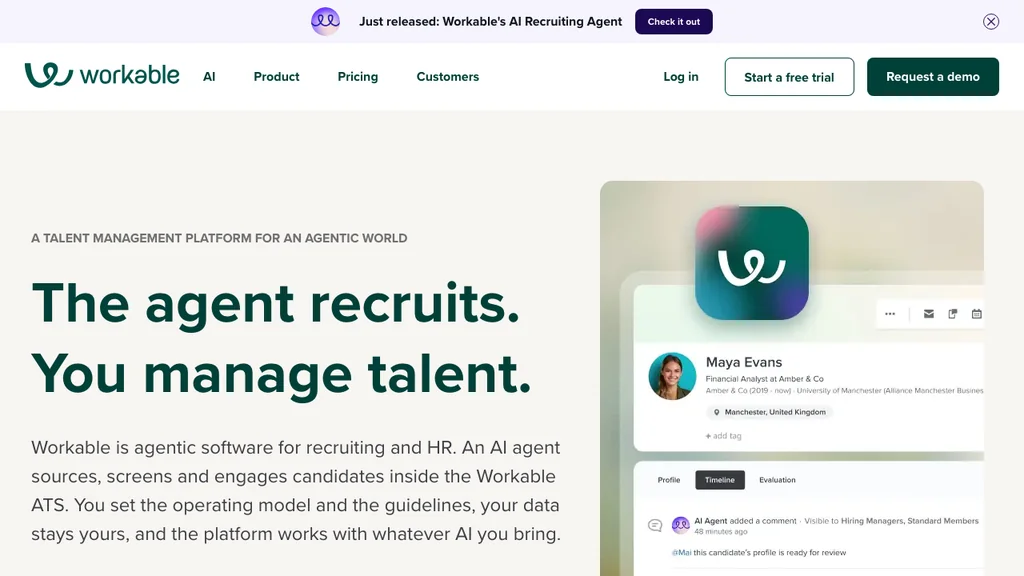
Best for: SMB and mid-market teams that want AI-assisted candidate sourcing without hiring a dedicated recruiting-ops person.
Who it's for: Teams that post often and need help filling the top of the funnel — not just a place to park inbound applications.
Pros: Built-in AI sourcing and candidate matching; broad job board distribution from one posting; mobile app for hiring managers; comparatively fast to implement.
Cons: Pricing scales with active job count, which adds up fast during seasonal or high-volume hiring bursts; deeper compliance workflows are thinner than Greenhouse's.
Workable keeps showing up on SMB shortlists because it actively surfaces candidates instead of only managing whoever applies. That matters for roles that would otherwise sit unfilled on a job board for weeks. Ask specifically about the sourcing credits model in the demo — it is usage-based and easy to misjudge on a quote.
Verdict: A strong default when speed-to-hire and sourcing help matter more than deep interview-kit customization.
BambooHR
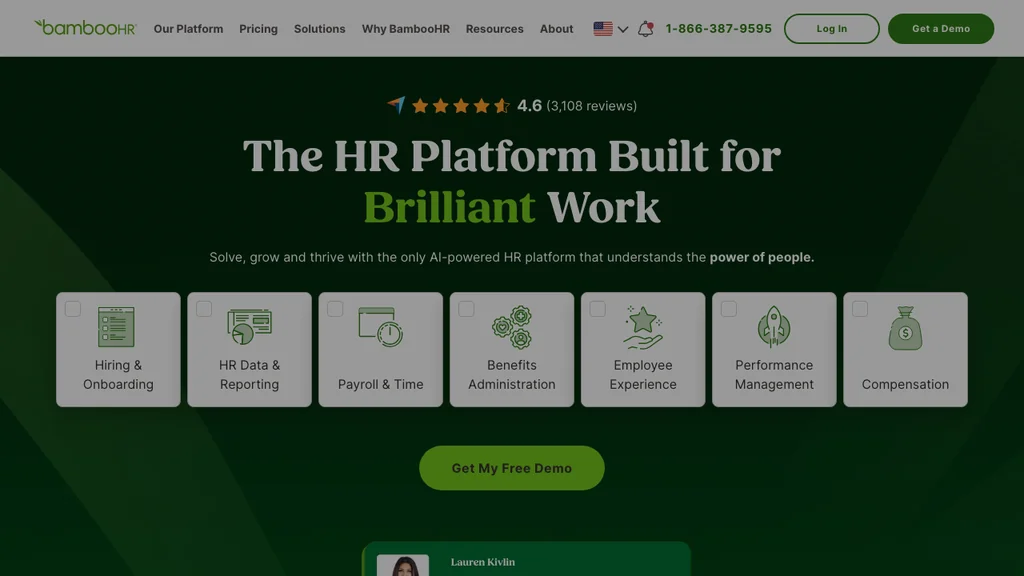
Best for: SMBs that already run BambooHR as their HRIS and want hiring bundled into the same login rather than buying a second system.
Who it's for: HR generalists who own both recruiting and post-hire records and value one system of record over best-in-class ATS depth.
Pros: Familiar interface if you already use BambooHR for records; offer letters and onboarding tasks connect directly once a candidate is hired; no separate vendor relationship to manage.
Cons: ATS-specific features — interview kits, sourcing, career site polish — are lighter than dedicated tools; rarely the reason a company chooses BambooHR in the first place.
Treat BambooHR's hiring module as a convenience layer, not a replacement for a purpose-built ATS if your hiring volume is meaningful. It earns its place by removing a data-transfer step between recruiting and HR records, which matters more for a 40-person company than for a 400-person one. Confirm which hiring features sit in your specific BambooHR plan before assuming parity with the standalone tools on this list.
Verdict: Sensible when hiring is secondary to HR administration and you want one vendor relationship, not two.
JazzHR
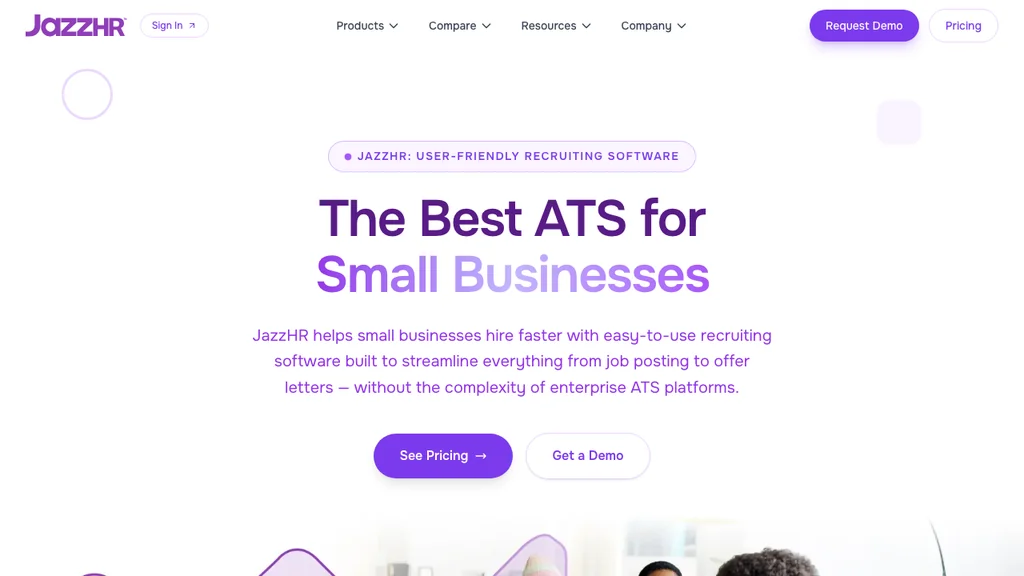
Best for: Budget-conscious SMB and staffing-adjacent teams that need multiposting and structured pipelines without enterprise pricing.
Who it's for: Lean HR teams and outsourced recruiters juggling several open roles at once — where price-to-feature ratio beats polish.
Pros: Competitive entry pricing relative to feature set; solid multiposting to major job boards; workflow automations for approvals reduce manual chasing.
Cons: Interface feels less modern than Greenhouse or Pinpoint; reporting and analytics are more basic than premium-tier competitors.
JazzHR earns its shortlist spot on price-to-feature ratio rather than polish. For a company running a handful of open roles at a time, the workflow automation (auto-advancing candidates who clear a screening question, for example) saves real coordinator hours. Push vendors on which plan tier actually includes structured scorecards — some JazzHR features are gated to higher plans. If you hire across staffing-adjacent or multi-requisition workflows, ask whether approvals and disposition reasons stay consistent when volume spikes; that is where cheaper tools often look fine in a demo and fray in week three.
Verdict: A pragmatic pick when budget matters as much as features and you can live without best-in-class analytics.
Zoho Recruit
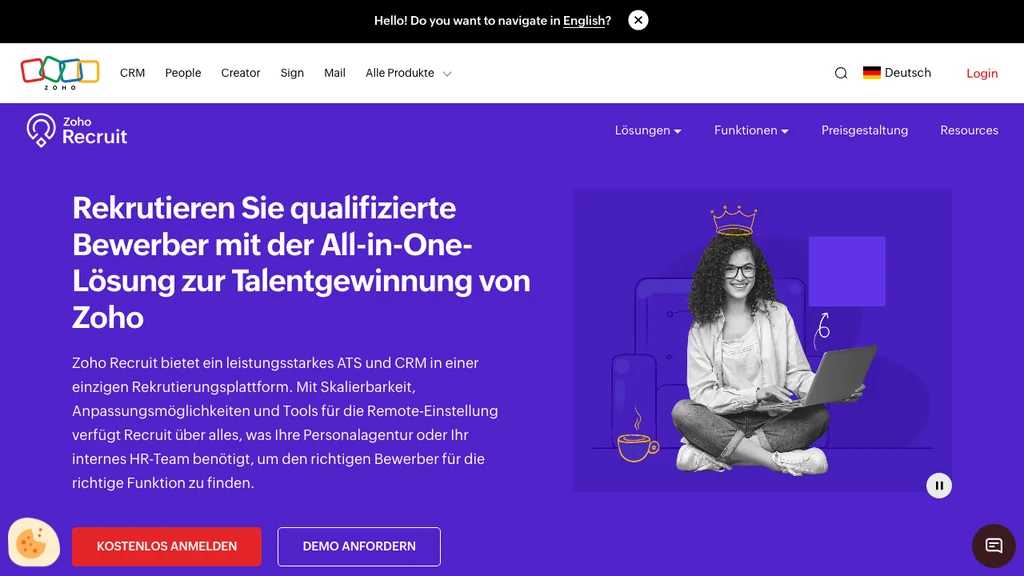
Best for: Startups, staffing agencies, and any team already living in the Zoho ecosystem (CRM, Books, Zoho People).
Who it's for: Cost-sensitive teams that want a free entry point and the option to scale into paid plans as hiring volume grows.
Pros: Genuine free tier for very small hiring volumes; dual corporate and staffing-agency modes; deep integration if you already use other Zoho products.
Cons: Career site templates are less polished than Recruitee or Pinpoint; integrations outside the Zoho ecosystem need extra setup and testing.
Zoho Recruit's dual personality — corporate ATS and staffing-agency CRM in one product — is unusual on this list and useful if you are not sure yet which model fits. The risk is staying on the free tier past the point it makes sense: retention limits and reporting caps bite once you are running real hiring volume, so plan the upgrade before data limits force it. If you are already on Zoho CRM or Zoho People, test the native handoff first — that ecosystem glue is often the real reason Zoho Recruit wins over a standalone ATS with a prettier career page.
Verdict: Strong low-cost entry point, especially for teams already inside Zoho or unsure between corporate and agency hiring models.
Breezy HR
Best for: Lean hiring teams that want a visual, drag-and-drop pipeline and built-in video interviewing without buying a separate tool for that.
Who it's for: Small hiring teams and founders running their own recruiting who want something intuitive on day one.
Pros: Kanban-style pipeline is genuinely easy to learn; native video interviewing reduces tool sprawl; a usable free tier for very small teams.
Cons: Free tier caps active job postings, which forces an upgrade sooner than expected for growing teams; advanced reporting sits behind higher-priced tiers.
Breezy HR's visual pipeline is its strongest differentiator — hiring managers who dislike spreadsheet-style ATS views tend to adopt it faster with less training. The trade-off is that the free tier is more of a trial than a permanent solution for anyone hiring at real volume. Confirm exactly how many active jobs and users your workflow needs before you build a process around the free plan.
Verdict: A good starting point for small teams that value ease of use over deep customization, with a clear upgrade path once volume grows.
Pinpoint
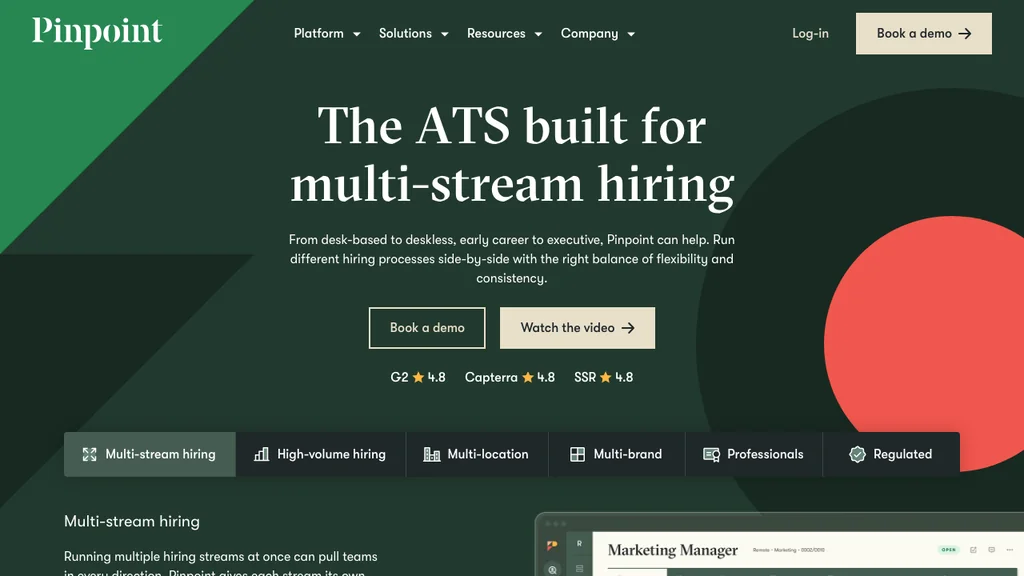
Best for: Mid-market teams that prioritize candidate experience, employer branding, and DEI-aware reporting alongside pipeline management.
Who it's for: Talent acquisition teams that treat the career site and application flow as part of the employer brand, not an afterthought.
Pros: Strong career site builder that looks custom-designed rather than templated; DEI-aware structured interview kits; dedicated implementation and support during onboarding.
Cons: Custom quote only, so budget comparison takes an extra sales conversation; less brand recognition in the US than Greenhouse or Workable.
Pinpoint tends to win deals where the hiring team has been burned by a career page that looks like a generic form and hurts conversion. If employer branding and application-to-interview conversion rates are a stated KPI for your recruiting function, this is worth a serious look even though it means skipping self-serve pricing. Ask for conversion benchmarks from similar-sized customers during the demo, not just feature lists — and confirm how DEI reporting exports for board or auditor reviews before you treat it as a compliance feature.
Verdict: Worth shortlisting when candidate experience and employer branding carry real weight in your hiring KPIs.
Greenhouse
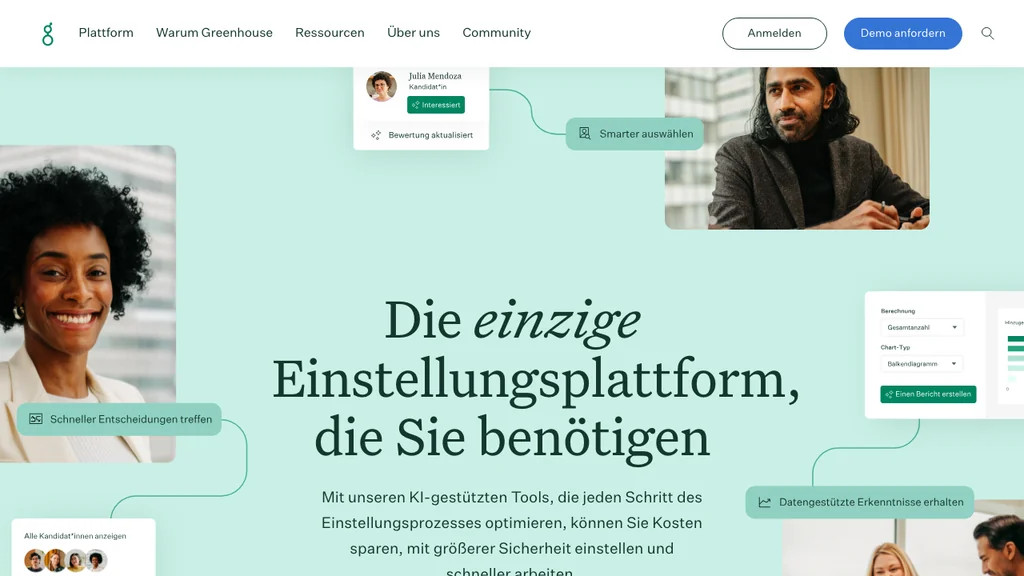
Best for: Structured, compliance-conscious hiring at scale — the benchmark many other ATS vendors are measured against.
Who it's for: Talent acquisition teams at scale-ups and larger companies that run a lot of salaried, professional-role hiring and want consistent, defensible interview data.
Pros: Deep interview kits and scorecards that genuinely reduce bias by forcing structured feedback; a large integrations marketplace; strong EEO/OFCCP-aware reporting for US compliance needs.
Cons: Custom pricing and implementation weight mean it can be overkill for teams under roughly 50 employees; built more for salaried, professional hiring than hourly or shift-based volume recruiting.
Greenhouse's structured-hiring philosophy is the reason it shows up in almost every enterprise ATS comparison — interview kits are not a bolt-on feature here, they are the product's core identity. That same rigor is why it is a poor fit for a hospitality group hiring 40 seasonal servers next month; the structure that helps engineering hiring can slow down high-volume, fast-turnaround recruiting. Match the tool to the hiring motion, not the brand recognition.
Verdict: The structured-hiring benchmark for salaried, compliance-heavy recruiting — often more than a lean hourly-hiring operation needs.
Recruitee
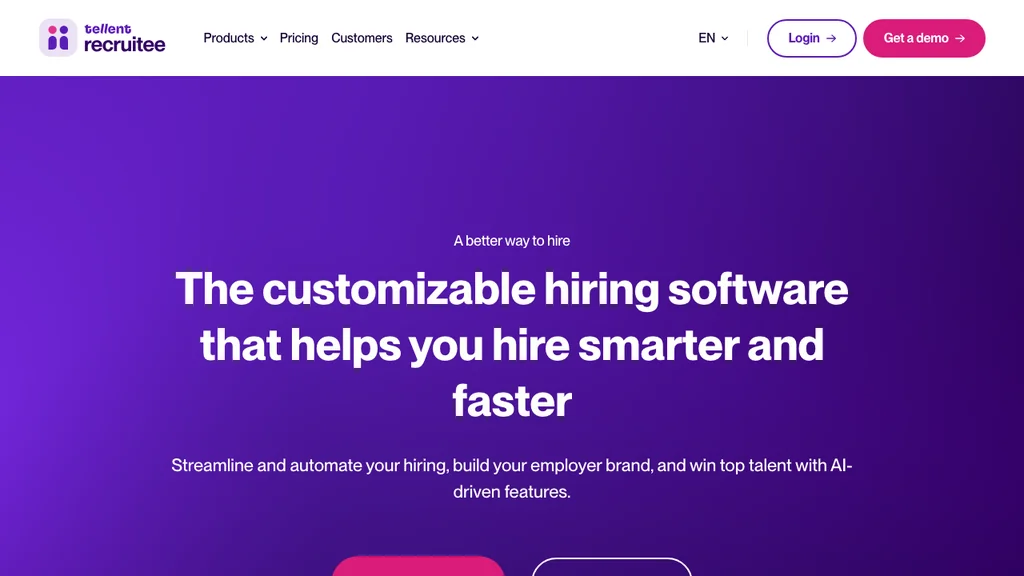
Best for: Growing teams that want strong hiring-manager collaboration plus a career page that does not look like a template.
Who it's for: Companies with multiple hiring managers across sites or departments who need to collaborate on candidates without a steep learning curve.
Pros: Genuinely easy for non-recruiters to use; strong multiposting and career site quality; scales well across multiple hiring managers and locations.
Cons: Custom quote pricing means no self-serve comparison; deep agency or staffing-CRM features are thinner than dedicated staffing platforms.
Recruitee (now part of Tellent) is a frequent shortlist entry for multi-site companies where store or department managers need to weigh in on candidates without living in an ATS daily. The collaboration layer — comments, ratings, and simple stage moves — is designed for occasional users, not full-time recruiters, which is exactly the gap many multi-location employers have. Ask specifically how permissions work across sites before rolling it out to a dozen hiring managers at once.
Verdict: A strong pick when multiple, occasional hiring managers need to collaborate cleanly across sites or departments.
Once you have two finalists, run one real requisition end to end — post, screen, interview, and offer — before you sign an annual contract. A polished demo rarely shows the friction a live pipeline exposes in a week.
ATS vs applicant tracking system vs recruitment software
ATS and applicant tracking system mean the same thing — one is the abbreviation of the other. Both name the pipeline-and-posting tool at the center of hiring. Recruitment software is a broader label that can include an ATS plus sourcing tools, assessments, employer-branding features, and sometimes CRM-style candidate relationship management for agencies.
In practice, most vendors on this list call themselves "recruitment software" or "hiring software" while the ATS is still the functional core. The distinction matters when marketing promises deep sourcing, agency CRM, or assessments that the actual pipeline and interview tooling do not deliver. Judge the product on pipeline quality, scorecards, and multiposting — not on which buzzword is on the homepage.
ATS vs CRM: A classic CRM tracks customer relationships after a sale. A recruiting CRM (or “talent CRM”) nurtures candidates between requisitions — silver-medal talent pools, newsletters, and outbound sequences. An ATS runs the active hire for a specific job. Some products (including Zoho Recruit’s agency mode) blend both; most SMB employer shortlists still start with ATS pipeline strength, then add CRM-style nurture only if you re-engage candidates across many open roles.
If you run a staffing agency or need CRM-style nurture between requisitions, add those needs as a separate filter on your shortlist. Employer teams comparing ATS tools still win by testing a live requisition, not by chasing the widest product category name.
ATS vs talent management software
An ATS manages hiring — job posting through offer. Talent management software covers what happens after someone joins: performance reviews, succession planning, learning and development, and career progression. Some vendors, including Greenhouse in certain packaging, sit near both categories, which creates real shortlist confusion.
Do not expect an ATS to run performance cycles, and do not expect a talent management suite to replace structured interview kits and multiposting. A practical buy test: if your pain is unfilled roles, source-of-hire reporting, or interview feedback stuck in email, stay on this ATS shortlist; if your pain is review cycles, succession maps, or learning paths for people already on payroll, shop talent management instead.
For the fuller people-development picture once hiring is done, see our talent management software comparison — that is a separate buying decision from the tools on this page.
ATS vs HRIS and HR software
HRIS and broader HR software manage employee records, time off, and often payroll and scheduling — starting the day someone is hired, not before. An ATS occasionally bundles a thin hiring module (as BambooHR does), but that is not the same as a dedicated applicant tracking system with real sourcing, scorecards, and multiposting depth.
Buy an ATS when your gap is filling roles; buy an HRIS when your gap is managing the people you already have. Bundled hiring is enough when you post a handful of roles a year and already live in that HRIS daily. Once seasonal spikes, multiposting, or structured interviews become the bottleneck, a dedicated ATS usually wins — even if you keep the HRIS for records.
Many mid-market employers eventually run both, connected by a clean handoff at the offer-accepted stage. For the broader people-systems comparison, see our guides to HR software and HRIS systems.
Employer ATS guides vs "beat the ATS" job-seeker intent
This guide is for employers and hiring teams choosing software — not for job seekers trying to format a resume so it survives automated keyword screening. If you landed here hoping to learn how to get a resume past an ATS, you will not find resume-keyword tips on this page; those belong in career-advice resources, not a vendor shortlist for recruiters.
"ATS" is ambiguous: the same three letters mean hiring software to one audience and a screening hurdle to another. If you are buying tools to hire people, use the eight platforms and evaluation criteria above. If you are applying for jobs, this comparison is the wrong resource.
ATS software by industry
Generic ATS comparisons often assume salaried, desk-based hiring. That assumption breaks down fast for employers who hire hourly, high-turnover, or credential-heavy roles across multiple locations. The notes below cover where industry context should change your shortlist.
Hospitality
Hotels and restaurants hire fast, hire often, and lose candidates to slow application flows — a five-minute mobile application beats a polished desktop career page that nobody opens on shift. Prioritize multiposting speed and mobile-first applications over deep interview-kit customization; most hospitality roles do not need six structured interview stages.
Texting candidates, same-day interview slots, and simple disposition reasons matter more than elaborate scorecards when you are filling evening shifts before the weekend. Ask demos to show a phone-first apply flow and how managers advance someone from "applied" to "offer" in under a minute.
The real bottleneck usually sits after "hired," not before: getting a new server or housekeeper onto a real shift fast. Pair whichever ATS you choose with clean hospitality scheduling so day one is not the first time anyone plans their week.
Retail
Multi-location retail hiring needs store managers who can move candidates through a pipeline without ATS training, plus central HR visibility across all locations. Seasonal hiring surges (holiday, back-to-school) make multiposting reach and time-to-fill reporting more important than granular scorecards.
Look for role-based permissions so store managers see only their own requisitions, and confirm the tool's mobile application flow actually works well for retail-typical candidates. Central HR should still see cross-store conversion and source-of-hire without exporting five CSVs.
See our retail resources for what happens once someone is hired across multiple stores — scheduling and hours are usually the next failure point after a successful ATS shortlist.
Healthcare
Credential and license verification, background checks, and compliance documentation matter more in healthcare hiring than in almost any other sector — an ATS that cannot track document status per candidate creates real risk. Structured interview kits still help with clinical-role consistency, but document tracking is the feature to test hardest in a demo.
Confirm how the ATS handles license expiry alerts, which roles require which attachments before an offer can be approved, and whether it integrates cleanly with the systems that manage certifications post-hire. Incomplete credential trails are expensive to reconstruct after someone has already started.
Our healthcare resources cover the operational side once credentialed staff are on shift.
Office SMB
Lower-volume, higher-stakes hiring — a handful of professional roles per quarter rather than dozens of shift roles per week — is where structured interview kits genuinely earn their keep. Candidate experience and employer branding also carry more relative weight when each hire is a bigger investment.
Office SMBs are usually well served by Workable, Recruitee, or Pinpoint rather than enterprise tools built for much higher requisition volume. Match the platform's complexity to your actual hiring cadence rather than the biggest feature list on the comparison table — unused interview stages become process theatre, not better hires.
If you hire a mix of office and hourly roles, prefer tools that let you run two pipeline templates rather than forcing every requisition through the same six-stage kit.
Pricing and total cost of ownership
How much does ATS software cost? Published entry prices in 2026 range from free (Zoho Recruit, Breezy HR limited tiers) to roughly $75–$160 per month for SMB-focused tools like JazzHR, Workable, and Breezy HR's paid plans. Mid-market and enterprise platforms — Greenhouse, Pinpoint, Recruitee, BambooHR's hiring module — are typically custom-quoted and scale with employee count, active job volume, or both.
Budget beyond the license line for:
- Implementation and data migration from your previous system or spreadsheets
- Job board and premium posting fees that sit outside the ATS subscription itself
- Training time for hiring managers who will use the tool occasionally, not daily
- Integration work to connect cleanly with your HRIS or payroll once someone is hired
- Add-on costs for background checks, assessments, or video interviewing if not bundled
The cheapest plan fails if hiring managers avoid it and go back to email. Weigh total cost against time-to-fill improvement and how much of your current process (multiple spreadsheets, shared inboxes) the tool genuinely replaces — not the sticker price alone.
Ask every shortlisted vendor for a 12-month all-in estimate at your expected active-job count, including expected job-board spend and whether interview video or assessments are add-ons. Compare that number to the cost of one unfilled role sitting open an extra month — for most employers, the ATS fee is not the expensive line item.
Common mistakes when buying ATS software
Most bad ATS purchases fail for process reasons, not missing features. Avoid these patterns before you sign:
- Buying for brand recognition alone — Greenhouse is excellent for structured salaried hiring and a poor fit for many hourly pipelines; match the hiring motion, not the logo.
- Skipping a live requisition pilot — demos hide friction that a real post-screen-interview-offer cycle exposes in a week.
- Ignoring the mobile apply flow — if you hire shift workers and the application takes ten minutes on a phone, you will lose candidates before they enter your pipeline.
- Assuming "free" means production-ready — free tiers cap jobs, seats, or multiposting; plan the paid upgrade before limits force a mid-season migration.
- Forgetting the post-offer handoff — an ATS that cannot export clean hired-candidate data into your HRIS, files, or scheduling stack creates a second operational mess on day one.
- Over-building interview stages — unused scorecards and six-stage kits for every role slow hiring managers and create process theatre instead of better decisions.
How to choose ATS software: a 5-step checklist
How do you choose ATS software? Follow this sequence so demos stay comparable and you do not buy on brand recognition alone.
- Map your hiring volume and mix — salaried professional roles, hourly high-volume roles, or both — before comparing feature lists
- Decide how much interview structure you need — Greenhouse-level scorecards help compliance-heavy salaried hiring but can slow down hourly recruiting
- Test the mobile application experience yourself — apply to a demo job on your phone; if it is clunky, hourly candidates will abandon it too
- Confirm the HRIS/payroll handoff — ask exactly what happens to candidate data the moment someone is marked "hired"
- Pilot two finalists on a real requisition — post, screen, interview, and offer with actual hiring managers before signing an annual contract
During the pilot, track two numbers: how long hiring managers take to leave structured feedback, and whether candidates abandon the mobile apply flow before submit. Those metrics beat feature checklists when you choose between two finalists.
Only after the ATS decision is settled should you plan the systems that take over once someone accepts an offer — employee records, scheduling, and time tracking. Buying those in the wrong order tends to produce disconnected tools that never talk to each other.
Ordio is not ATS software — and that is intentional
Ordio is not an ATS. We do not post jobs, manage candidate pipelines, or run interview scorecards. If your goal is filling roles faster, use one of the eight applicant tracking systems in the table above — they are built for exactly that job.
Where Ordio fits: the moment someone accepts an offer and needs to actually start working. That means organized employee files instead of scattered onboarding paperwork, structured onboarding so day-one tasks are not stuck in email, shift planning so a new hire has a real first schedule, and time tracking so hours are clean from day one. We deliberately stay out of the ATS category — pretending otherwise would help nobody evaluating this list.
Buy an ATS when: your bottleneck is sourcing, screening, or interviewing candidates. Buy Ordio when: your bottleneck starts after "hired" — onboarding, scheduling, and hours for multi-site or shift-based teams. See Ordio pricing for the post-hire operations layer.
Found your ATS shortlist? Once candidates start accepting offers, see how Ordio handles employee files, scheduling, and time tracking from day one — without claiming to be an applicant tracking system.
Conclusion
Pick ATS software for the hiring motion you actually run — not the brand that shows up most often in listicles. Workable, JazzHR, and Zoho Recruit fit fast, budget-conscious SMB hiring; Greenhouse and Pinpoint fit structured or brand-sensitive recruiting; Recruitee and Breezy HR fit collaborative or visually driven teams; BambooHR fits companies that want hiring inside an HRIS they already trust.
Shortlist two from the table, put the same live requisition through both, and decide with hiring-manager feedback speed and mobile-apply completion — not a feature checklist. Then plan the handoff to employee files, scheduling, and time tracking separately. An applicant tracking system's job ends where onboarding begins; the best hiring stacks treat that boundary on purpose.