Spreadsheets, paper timesheets, and a separate clock-in app that nobody opens on busy shifts — that is how payroll errors and compliance gaps start. This time tracking software guide compares seven established tools in one table, with honest fit notes and selection criteria for US shift teams, agencies, and hybrid workplaces — not another generic top-10 list built for solo freelancers.
You will see July 2026 pricing starting points, payroll integration paths, and when a pure timer is enough versus when you need scheduling and absence in one stack. If you run hospitality, retail, or healthcare sites, we flag shift-specific requirements below. Need rota tools without a full time-tracking focus? See our employee scheduling software comparison. For Ordio product depth, see time tracking and employee scheduling.
What is time tracking software?
What is time tracking software? It is a digital system — also called employee time tracking or timesheet software — that records when work starts and stops, captures breaks, and stores hours in an audit-friendly format for payroll, billing, or compliance. It replaces manual timesheets with apps, web timers, or kiosk clocks, and can link hours to projects, clients, or scheduled shifts.
Business-grade tools go beyond a phone stopwatch: they keep tamper-evident records, support manager approvals, and export clean data to payroll or invoicing. For shift-based teams, the strongest products connect planned hours on the schedule to actual clock-ins so you are not reconciling two systems every pay period.
Core capabilities buyers should expect:
- Clock-in/out capture — start, end, and break duration with timestamps
- Approvals and corrections — managers fix missed punches without breaking audit trails
- Reporting — hours by employee, project, site, or pay period
- Exports and integrations — payroll, accounting, or invoicing without re-keying
Why do you need time tracking software? Employers adopt it to cut payroll errors, document hours for overtime and audits, and replace spreadsheet timesheets that managers edit after the fact. Agencies add it to bill accurately; shift operators add it to see labor cost before payday closes.
Best time tracking software compared
What is the best time tracking software? There is no universal winner — the right tool depends on whether you bill clients by the hour, run restaurant shifts, or manage a distributed team under US overtime rules. The table below compares seven options plus a freemium caveat row; prices are starting points as of July 2026 — verify on each vendor site before purchase.
| Software | Core features | Price (from) | Best for | Integrations |
|---|---|---|---|---|
| Ordio | Time tracking + shift scheduling, absence, payroll-ready exports | from approx. €89/location/mo | Shift-based hospitality, retail, healthcare (EU/DACH expanding UK/IE) | Payroll prep, HR exports |
| Clockify | Timer, projects, reports, team dashboards | Free; paid from approx. $3.99/user/mo | Agencies and SMBs needing low-cost project time | QuickBooks, Xero, Asana, Trello |
| Toggl Track | One-click timers, project tags, profitability reports | Free; paid from approx. $9/user/mo | Consultancies and creative teams | QuickBooks, Xero, Jira, Asana |
| Harvest | Time + expenses, invoicing, budget alerts | from approx. $11/seat/mo | Professional services billing by the hour | QuickBooks, Xero, Stripe, PayPal |
| Hubstaff | Time, optional screenshots, GPS, productivity metrics | from approx. $7/user/mo | Remote and field teams with activity monitoring | PayPal, QuickBooks, Deel, Wise |
| Deputy | Scheduling + time, break compliance, labor cost | from approx. $5/user/mo | US/UK/AU shift operations with compliance templates | ADP, Gusto, QuickBooks, Xero |
| Connecteam | Mobile time clock, scheduling, forms, chat hub | Free ≤10 users; paid from approx. $29/mo | Deskless teams wanting ops + time in one app | QuickBooks, Gusto, Xero, ADP |
| Clockify / Toggl (freemium) | Basic timers and reports | Free tier | Freelancers and micro-teams — limited shift/payroll depth | Varies by plan; often no native payroll engine |
Prices approximate — as of July 2026. Source vendor pricing pages; confirm current plans before purchase.
Agencies billing clients often shortlist Harvest or Toggl Track; restaurants and retail groups lean toward Deputy, Connecteam, or Ordio when clock-ins must match published schedules. Pure timers work until you need break enforcement, multi-site roll-ups, or payroll-grade audit trails — then integrated shift tools usually win.
How we evaluated these tools
We scored each product on criteria that show up in real operations — not marketing feature counts or paid placement roundups:
- Capture methods — mobile app, kiosk, and browser without forcing separate products
- Payroll and accounting path — native connectors or exports your provider accepts
- Shift + time integration — planned versus actual hours in one workflow
- Compliance support — breaks, overtime visibility, audit-friendly records (US FLSA, UK Working Time Regulations, EU rules)
- Adoption on the floor — frontline staff can punch in during rushes, not only desk workers
- Total cost model — per-user, per-location, and module add-ons at July 2026 list prices
- Rollout friction — live in weeks with a two-week pilot, not a six-month integration project
Many comparison articles mix project timers, contact-center workforce tools, and shift platforms in one list. This guide focuses on employers who pay hourly staff, bill clients by the hour, or run hybrid desk-and-floor teams — and need hours you can defend at payroll close.
How to choose time tracking software
A structured shortlist beats scrolling sponsored roundups. Work through these criteria before you sign an annual contract:
- Define the primary job — client billing, internal payroll, or shift compliance (they need different features)
- Match capture method to the floor — mobile app for crews, kiosk for fixed sites, browser for office hybrid teams
- Check payroll and accounting path — native integrations or export formats your provider accepts
- Test approval workflows — managers must fix missed punches without breaking audit trails
- Run a two-week pilot — use real shifts, call-outs, and a full payroll export cycle
- Compare total cost — per-user, per-location, and add-ons (GPS, invoicing, scheduling modules)
If you already run employee scheduling, favor tools that share one database for planned versus actual hours. Splitting schedule and time across vendors creates weekly reconciliation work and hides overtime early.
US buyers should confirm FLSA-ready records; EU and UK teams may need rest-period documentation beyond US-first timers — validate exports with payroll before rollout.
Is free time tracking software enough for employers? Clockify and Toggl Track work for freelancers and micro-teams, but employer-grade needs — kiosk mode, break rules, payroll exports, and multi-site roll-ups — usually require paid tiers or shift-capable platforms. Treat freemium as a pilot, not a long-term HR system once you pay W-2 hourly staff.
When Ordio fits — and when a pure tracker is better
Ordio is a strong fit for many EU shift operations, but not every team comparing time tracking software should default to it. Use the lists below to stay honest before you shortlist.
Ordio fits well when:
- You operate shift-based sites in hospitality, retail, or healthcare
- You want time tracking alongside shift planning and absence management
- You need EU/DACH labor compliance depth and may expand into the UK or Ireland
- Location-based pricing beats per-seat math when many part-timers share one venue
A pure tracker is often better when:
- You are a five-person agency billing clients by project (Harvest, Toggl Track)
- You want a free solo workflow without schedule complexity (Clockify free tier)
- You need US payroll-native bundles like Gusto-first stacks rather than EU shift operations
- You only need desktop timers and invoices — no kiosk, breaks, or multi-site roll-ups
That split keeps your evaluation honest. Many teams start with Clockify or Toggl, then outgrow them when hourly staff need kiosk clocks, break rules, and payroll-ready exports — plan for that transition before you migrate hundreds of punch records.
Seven providers in detail
Below are concise profiles with July 2026 homepage screenshots, strengths, limitations, and who should shortlist each tool. Descriptions are based on publicly listed product information — verify features on vendor sites.
Ordio
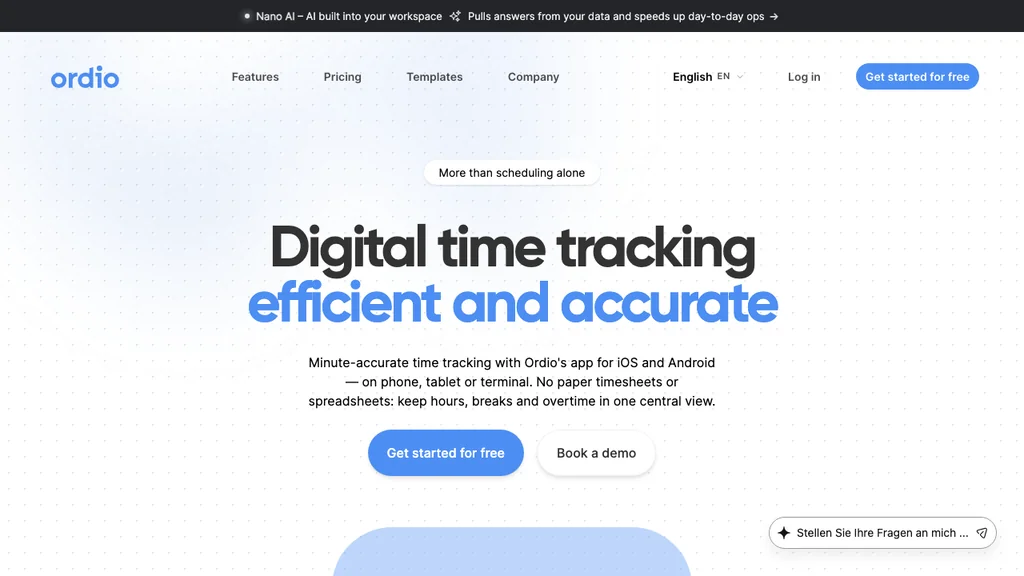
Ordio combines time tracking, shift planning, and absence workflows for multi-location teams — especially in hospitality, retail, and healthcare. Staff clock in via the employee app; managers see planned versus actual hours in one view.
Best for: Multi-location shift operators (often 10–200 hourly staff per site) that need EU/DACH compliance depth and may expand into the UK or Ireland.
Pros: Integrated shift + time + absence; location-based pricing; strong EU/DACH compliance narrative. Cons: Not a US-native payroll engine; overkill for solo freelancers who only need a project timer.
Verdict: Shortlist Ordio when shift operations and audit-ready hours matter more than lightweight agency billing.
Compare location-based pricing against per-seat rivals when one site runs 30+ part-timers — the crossover point often favors Ordio once seasonal headcount spikes, even if desk-only timers look cheaper on paper.
See shift planning and time tracking in one workflow:
Clockify
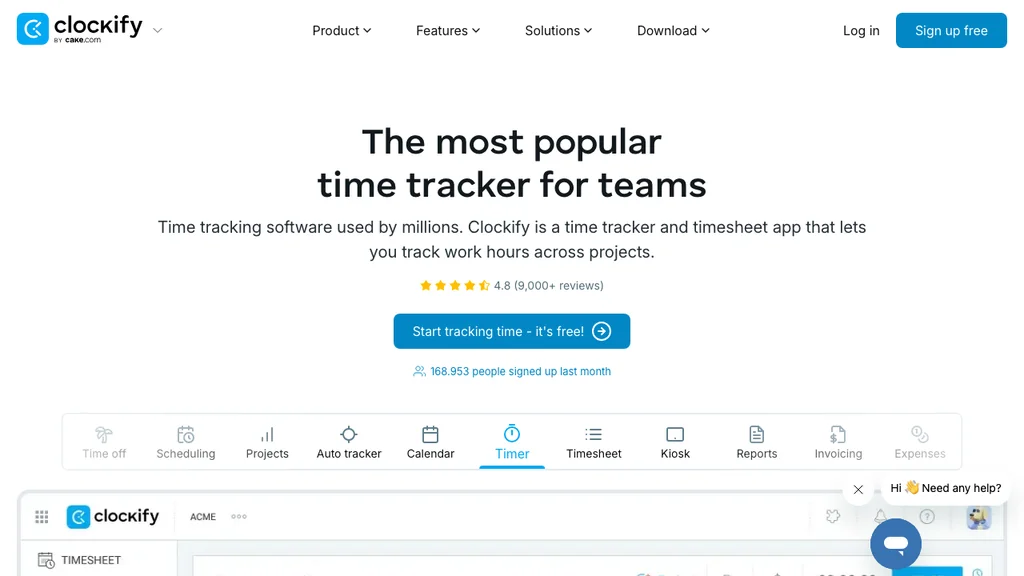
Clockify offers a generous free tier with timers, projects, and team reports — popular with agencies and growing consultancies watching seat costs.
Best for: Project-based agencies and consultancies that bill hours to clients and need low-cost reporting before shift compliance becomes critical.
Pros: Low entry price; solid project reporting; wide integration marketplace. Cons: Freemium plans lack depth for hourly shift compliance, kiosk deployment, and payroll-grade audit trails many US employers expect.
Verdict: Strong for project time on a budget; shift-heavy operators should validate break rules and payroll exports before relying on the free tier.
Shortlist Clockify when seat cost is the main constraint and your team logs hours at desks — not when a Saturday brunch rush needs kiosk punches and manager sign-off on the same day.
Toggl Track
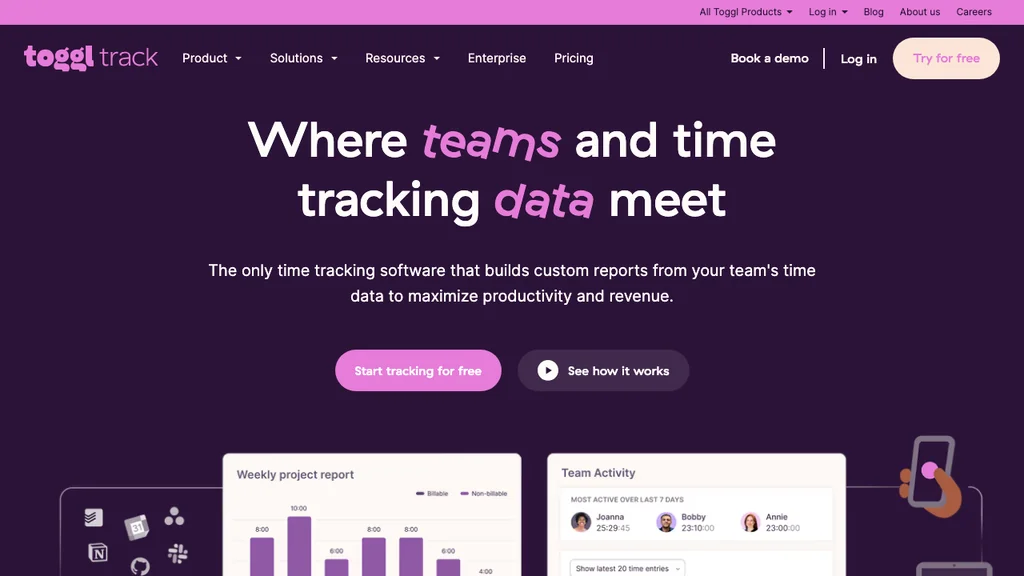
Toggl Track focuses on low-friction timers and profitability insights for consultancies, designers, and software teams.
Best for: Knowledge-work teams optimizing billable utilization — designers, developers, and agencies with desk-based workflows.
Pros: Excellent UX for knowledge workers; clear project profitability views. Cons: Built for desk-based billable hours — not kiosk clocks, tip pools, or multi-site shift surcharges.
Verdict: Ideal when your metric is billable utilization, not FLSA overtime on a restaurant floor.
Pair Toggl Track with clear project codes and client budgets — then revisit shift tools once you hire hourly coordinators who share the same payroll cycle as billable consultants.
Harvest
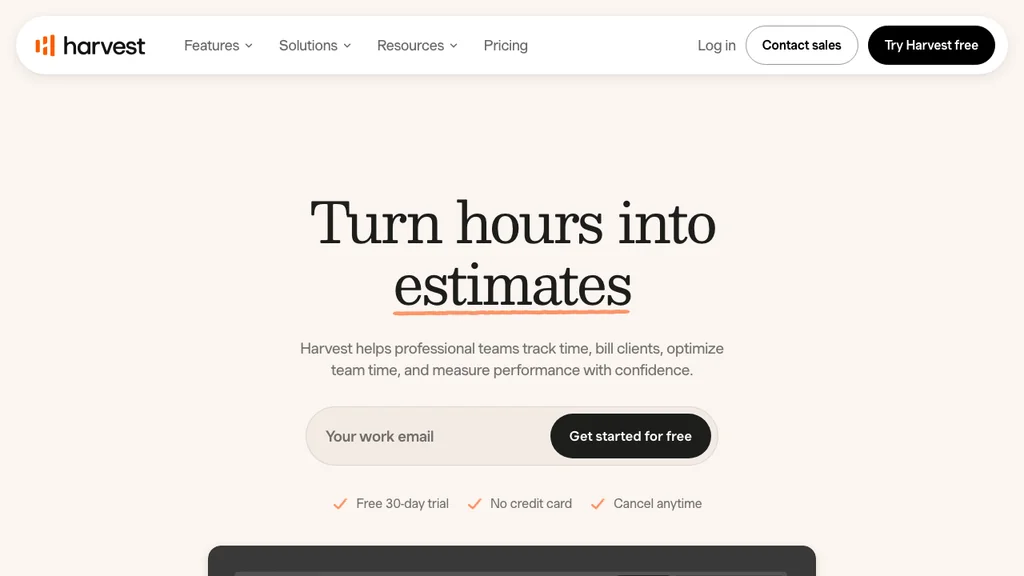
Harvest pairs time tracking with expenses and client invoicing — a long-standing choice for professional services firms.
Best for: Professional services firms that invoice clients monthly from tracked hours and expenses.
Pros: Mature invoicing workflow; budget alerts by project; accounting integrations. Cons: Per-seat pricing adds up; limited shift scheduling for hourly frontline teams.
Verdict: Harvest remains a sensible pick when client invoices — not shift schedules — are the output you need each month.
Run a test month with expenses, billable rates, and QuickBooks sync before you migrate historical projects — Harvest fits teams whose weekly rhythm centers on billing closure, not last-minute shift swaps.
Hubstaff
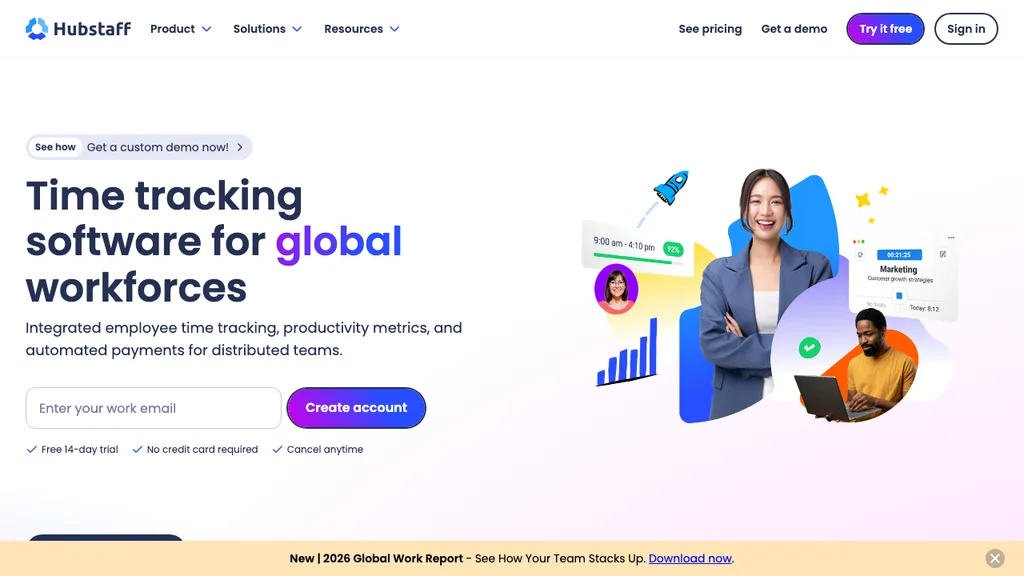
Hubstaff targets remote and field teams with time tracking plus optional activity monitoring, GPS, and productivity metrics.
Best for: Distributed teams that need proof-of-work visibility — field service, remote contractors, or hybrid desk staff with clear monitoring policies.
Pros: Strong visibility for distributed work; payroll partner integrations. Cons: Monitoring features require clear employee policies; less hospitality-specific shift logic than Deputy or Ordio.
Verdict: Consider Hubstaff when proof-of-work for remote staff is the buying trigger — not union-heavy shift rules on a factory floor.
Document monitoring policies before rollout — GPS trails and optional screenshots need employee consent and clear scope, or adoption collapses even when the dashboard looks comprehensive.
Deputy
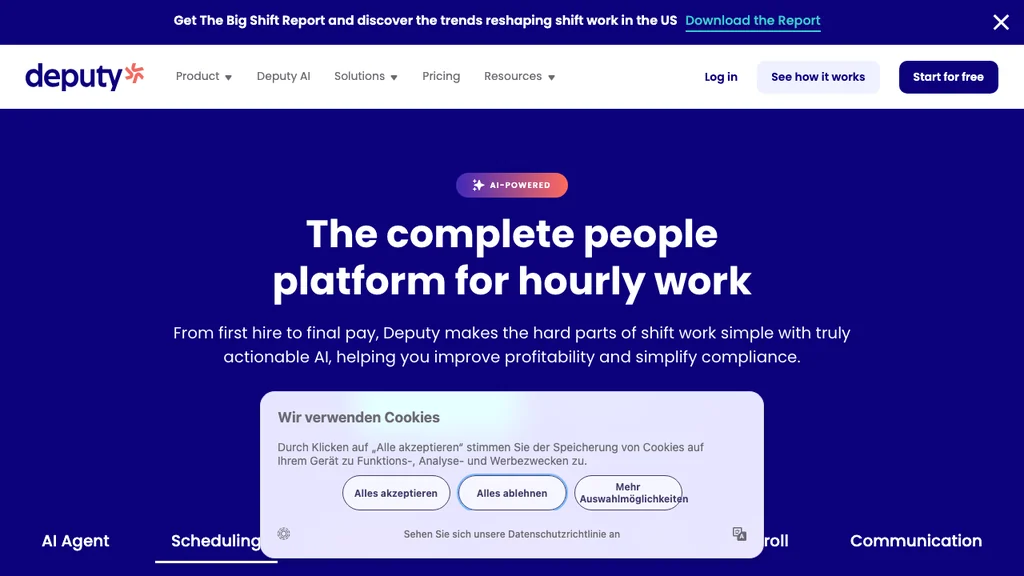
Deputy merges scheduling and time capture with regional compliance templates — common in US, UK, and Australian hourly businesses.
Best for: US/UK/AU shift operators that want demand-based scheduling templates and payroll partner connectors on day one.
Pros: Mature mobile apps; demand-based scheduling; payroll integrations (ADP, Gusto, QuickBooks). Cons: Per-user costs scale with headcount; less DACH-specific depth than Ordio for German labor documentation.
Verdict: Deputy belongs on US/UK shift shortlists when auto-scheduling and compliance templates matter.
Model per-user cost at peak summer headcount, not quiet January — Deputy scales with seats, so a 40-person seasonal spike can double your subscription overnight if you only priced the off-season roster.
Connecteam
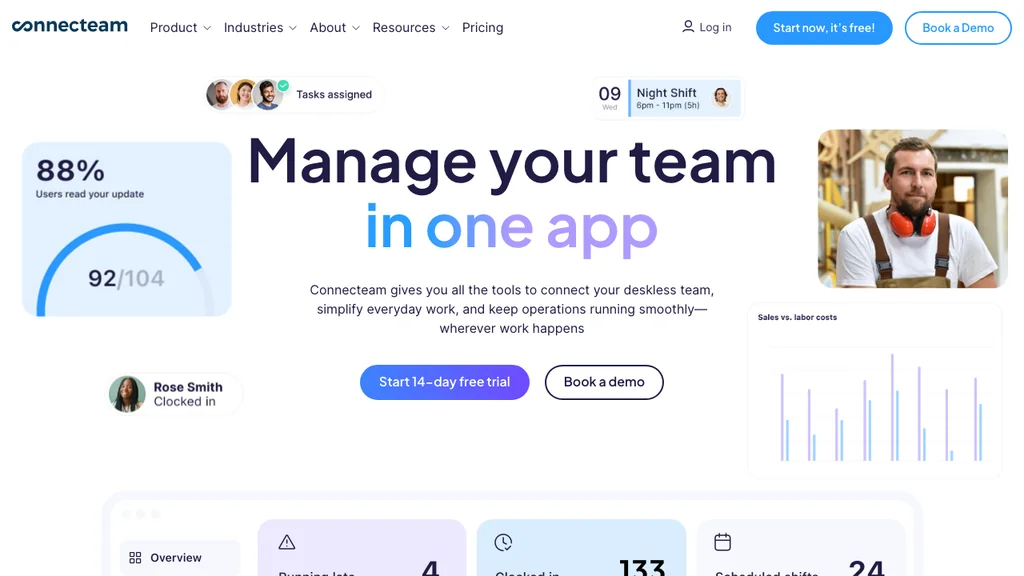
Connecteam bundles mobile time clocks with scheduling, chat, forms, and training in a deskless operations hub.
Best for: Deskless teams that want daily ops (chat, checklists, training) beside time capture — not a specialist billing stack.
Pros: Free tier for small teams; strong frontline UX; broad ops feature set. Cons: Hub pricing grows with modules; payroll-grade audit depth varies — validate exports early.
Verdict: Connecteam fits operators who want daily ops and time in one app, not a specialist billing tool.
Map which hub modules you actually need — chat, forms, and training add value, but each enabled bundle can push hub pricing past a focused time + schedule stack like Deputy or Ordio.
Time tracking for restaurants, shift teams, and agencies
Restaurants and hospitality
Restaurants and hospitality need fast clock-ins during rushes, break tracking that survives missed punches, and labor cost visibility against sales. Kiosk or mobile app capture beats browser timers when hands are wet or gloves are on. Shortlist Deputy, Connecteam, or Ordio when punches must match published shift schedules — not a standalone timer. Test busy weekend and call-out weeks in your pilot, not only quiet weekday lunches.
Shift-based retail and healthcare
Multi-site retail and healthcare teams share the same pain: last-minute swaps, overlapping shifts, and overtime you only see at payroll close. Integrated time tracking plus shift planning reduces duplicate entry. Location-based pricing (Ordio per site) can beat per-seat math when many part-timers share one store or clinic.
Healthcare adds credentialing and role-based access — confirm whether agency nurses and per-diem staff clock under the same rules as full-time employees. Retail peaks (Black Friday, flu season) need overtime alerts before payroll, not after managers export a CSV on Friday night.
Remote and hybrid teams
Remote and hybrid teams need browser or desktop timers with clear focus-time rules — not kiosk hardware at a fixed site. Hubstaff, Toggl Track, and Clockify lead here when proof-of-work or billable utilization is the goal. Offline mode and simple break capture matter when Wi-Fi drops; GPS and screenshot monitoring need written policies before rollout.
Hybrid operators often split stacks: Hubstaff or Toggl for HQ billers, Deputy or Ordio for store-floor hourly staff. If both groups share one payroll file, favor a platform that exports unified hours — or budget weekly reconciliation between two tools.
Agencies and professional services
Agencies optimize for billable hours, project budgets, and client invoices — Harvest and Toggl Track lead here. Clockify works when budget is tight and compliance needs are light. Once you hire hourly coordinators or run hybrid shift + desk work, revisit shift-capable tools so you are not running two time systems.
Run profitability reports by client and project manager in your pilot week — the winner should surface under-billed retainers before month-end, not only total hours logged.
How much does time tracking software cost?
How much does time tracking software cost? SMB teams typically pay $0–$15 per user per month for core timers and reports, or location-based plans when one site employs many hourly staff.
Illustrative July 2026 starting points:
- Freemium: Clockify and Toggl Track free tiers — paid upgrades from approx. $4–$9/user/mo
- Professional services: Harvest from approx. $11/seat/mo
- Shift + time: Deputy from approx. $5/user/mo; Connecteam hub from approx. $29/mo
- Location model: Ordio from approx. €89/location/mo — compare on Ordio pricing
A 25-person agency on Harvest at $11/seat pays roughly $275/month; the same headcount on Deputy at $5/user is about $125/month before add-ons. Budget onboarding and a two-week pilot before annual billing.
Hidden costs to model: implementation time, manager training, GPS or monitoring add-ons, invoicing modules, and payroll connector fees. Compare 12-month total cost of ownership — not only the list price on the pricing page.
App vs web vs kiosk
Which time tracking format fits your team? Most employers mix a time tracking app, browser timer, and kiosk — the mistake is buying a desk-only product for a floor-heavy workforce. Match format to where work actually happens:
Mobile app
Best for floor staff, drivers, and hybrid workers who clock in where they work. Offline mode and simple punch flows drive adoption; GPS and geofencing need clear policies.
Pros: no shared hardware, fast rollout for rotating crews. Cons: battery drain, personal-device friction, and privacy questions if location tracking is enabled without consent.
Web browser
Low IT overhead for office and remote teams already on laptops. Works well for salaried hybrid staff logging focused blocks; less ideal for high-turnover hourly crews without dedicated devices.
Pros: zero install, easy for distributed knowledge workers. Cons: easy to forget during back-to-back calls; weak fit for gloved or hands-busy shift work.
Kiosk / shared tablet
Common at restaurant entrances, warehouses, and care facilities. Reduces “forgot to clock in” on personal phones; pair with manager corrections for missed punches.
Pros: consistent punch point, shared device policy. Cons: hardware cost, queueing at shift change, and cleaning/maintenance on busy floors.
Many shift operators mix methods: kiosk at the site, app for catering runs, browser for HQ. Confirm your vendor supports all three without separate SKUs — and that exports unify the data for payroll.
Time tracking vs scheduling vs workforce management
Buyers often confuse three categories that appear in the same SERP:
- Time tracking software — records who worked, when, and for how long (this guide)
- Employee scheduling software — plans who should work which shifts; may lack compliant time capture (compare scheduling tools)
- Workforce management software — combines scheduling, time, absence, and labor reporting for shift teams
When time tracking alone is enough: desk agencies billing clients, or very small teams with infrequent schedule changes. When you need scheduling + time: hourly floors where planned versus actual hours must match every pay period. When WFM breadth helps: multi-site operators replacing Excel schedules plus a separate clock-in app — see our workforce management software comparison for a wider shift-tool shortlist.
Related Ordio modules: time tracking, shift planning, absence management, and pricing.
US overtime and record-keeping basics
Note: This section is operational guidance, not legal advice. Confirm FLSA, state, and industry rules with qualified counsel.
How does time tracking software help with US overtime compliance? Under the FLSA, employers need reliable records of hours worked to support overtime calculations. Business-grade trackers capture start, end, and break duration — not rounded eight-hour guesses.
State rules can add daily overtime, meal-break penalties, or reporting fields beyond federal minimums. Before rollout, export a pay period that includes overtime, unpaid breaks, and PTO — then ask your payroll provider whether the file imports cleanly. EU and UK teams may need rest-period documentation that US-first timers do not surface by default.
Payroll integrations
Can time tracking software integrate with payroll? Yes — but the right connector depends on whether you pay W-2 hourly staff or bill clients from tracked hours. Time tracking pays off when hours flow to payroll without re-keying.
Typical US integration paths by tool type (verify plan tier — July 2026):
- Shift + time platforms: Deputy, Connecteam — ADP, Gusto, QuickBooks, Xero
- Project + billing tools: Harvest, Clockify, Toggl Track — QuickBooks, Xero, Stripe (invoicing-first)
- Remote / field monitoring: Hubstaff — QuickBooks, Deel, Wise, PayPal
- EU shift operations: Ordio — payroll-ready exports for EU workflows; map US state rules explicitly if you operate cross-border
Before you buy, run one export with overtime, breaks, and PTO included — ask your payroll provider if they accept the file format. Integration lists change quarterly; confirm connectors on vendor sites and test a full pay period before go-live, not after the first live payday.
Excel vs time tracking software
Spreadsheets are flexible but fragile: formulas break, managers edit past weeks, and auditors see no tamper-evident history. A free time tracking Excel template can work for a three-person pilot — not for multi-site hourly payroll.
- Excel: zero license cost, familiar, error-prone, weak audit trail
- Software: automated totals, approvals, integrations, mobile capture
Move to software when you spend more than two hours per pay period fixing timesheets, when overtime surprises appear after payroll closes, or when you add a second location. Migration path: import staff, run two parallel pay cycles, then retire the sheet read-only.
During migration, keep the spreadsheet read-only as a reference — do not let managers maintain parallel “shadow” timesheets in Excel after go-live, or you will recreate the same reconciliation pain you tried to escape.
Common mistakes when choosing time tracking software
- Buying project timers for shift floors — Toggl and Clockify excel at desks, not kitchen rushes
- Staying on freemium too long — free tiers rarely include break compliance and payroll exports employers need
- Ignoring adoption — the best dashboard fails if crews still text hours to a manager
- Skipping the payroll export test — discover format mismatches before go-live, not after payday
- Monitoring without policy — Hubstaff-style screenshots need transparent rules and consent
- Splitting schedule and time — two apps mean weekly reconciliation and hidden overtime
Shortlist two tools from the table and pilot the same busy week in both — the winner should need fewer manual fixes on Friday payroll review.
Related guides
Still building your stack? Compare workforce management software and employee scheduling software, or start with our free time tracking Excel template before you commit to paid time tracking and shift planning tools.
If you publish workforce or HR software reviews, see our affiliate networks comparison for B2B partner programs — including Ordio Loop recurring commissions.
Conclusion
The best time tracking software in 2026 depends on whether you bill clients, run shifts, or manage remote teams — not a single sponsored pick for every buyer.
So go in three steps:
- Shortlist two tools from the table using job type (billing vs shift vs remote), compliance market, and payroll path
- Pilot two weeks with real punches, call-outs, and a full payroll export — not demo data alone
- Compare total cost (seats, sites, integrations, manager time) before annual contracts
For shift-based hospitality, retail, or healthcare with EU compliance depth, Ordio is a strong starting point — with Deputy or Connecteam as sensible regional alternatives to test side by side. Agencies billing by the hour should benchmark Harvest and Toggl Track on invoice workflow before adding shift modules you may never use.
Frequently asked questions about time tracking software
What is time tracking software?
Time tracking software is a digital system — also called employee time tracking or timesheet software — that records when work starts and stops, captures breaks, and stores hours for payroll, billing, or compliance. Business-grade tools keep tamper-evident records, support manager approvals, and export to payroll — unlike a phone stopwatch or spreadsheet.
What is the best time tracking software?
There is no single best tool for every team in 2026. Agencies billing clients often shortlist Harvest or Toggl Track; US shift operators lean toward Deputy or Connecteam; multi-site EU teams may prefer Ordio when scheduling and time must match. Compare two tools with a two-week pilot on real shifts — not demo data alone.
How much does time tracking software cost?
SMB teams typically pay $0–$15 per user per month for core timers, or location-based plans when one site employs many hourly staff. July 2026 starting points: Clockify/Toggl freemium, Harvest from approx. $11/seat, Deputy from approx. $5/user, Ordio from approx. €89/location — verify on vendor sites before purchase.
Is there free time tracking software?
Yes — Clockify and Toggl Track offer free tiers for basic timers and reports. Free plans typically lack kiosk mode, break rules, and payroll-grade exports many employers need once headcount grows. Treat freemium as a pilot, not a long-term HR system.
How to choose time tracking software?
Start with the primary job — client billing, payroll, or shift compliance — then match capture method (mobile app, kiosk, or browser) to where work happens. Shortlist two tools, test payroll exports with overtime and breaks, and measure frontline adoption in week one. If you already publish rotas, favor integrated scheduling and time over separate apps.
What is the best time tracking software for small business?
It depends on your workflow. For small agencies and consultancies, Clockify or Toggl Track offer fast setup and low cost. Shift-based small businesses — cafés, clinics, stores — usually need scheduling plus time (Ordio, Deputy, or Connecteam) so managers are not merging a schedule app with a separate clock-in tool every week.
What time tracking software works with QuickBooks?
Harvest, Hubstaff, Clockify, Deputy, and Connecteam list QuickBooks integrations on their sites — confirm your plan tier includes the connector you need. Always run a test export with overtime and breaks before your first live payroll sync.
Do restaurants need special time tracking software?
Restaurants and hospitality benefit from mobile or kiosk clock-ins, break tracking, and labor cost against sales — not desktop timers alone. Tools built for shift operations handle last-minute swaps and multi-role staff better than pure project trackers designed for agencies.
What is the difference between time tracking and employee scheduling software?
Scheduling software plans who should work when; time tracking records who actually worked. Combined products (Deputy, Connecteam, Ordio) reduce reconciliation errors. If you only need one today, pick based on whether payroll pain or schedule chaos is the bigger problem.
Is Excel enough for time tracking?
Only temporarily, for very small low-compliance teams. Excel lacks tamper-evident audit trails, mobile punch workflows, and payroll integrations most growing employers need. Use a time tracking Excel template for pilots; move to software before multi-site or hourly payroll complexity.
How does time tracking software help with US overtime compliance?
Under the FLSA, employers need reliable records of hours worked to support overtime calculations. Business-grade trackers capture start, end, and break duration — not rounded guesses. This article is operational guidance, not legal advice; confirm requirements for your state and industry.
Can time tracking software integrate with payroll?
Yes. Shift platforms (Deputy, Connecteam) typically connect to ADP, Gusto, and QuickBooks; project tools (Harvest, Clockify) lean invoicing-first; EU-focused stacks like Ordio emphasize payroll-ready exports. Run a test file with overtime, breaks, and PTO before your first live pay run.